
Butternut AI Blog
Bluehost vs GoDaddy vs Butternut AI
If you're looking to get a website up and running and you've been going back and forth between Bluehost and GoDaddy, you're at the right place. Both are well-established names, both have added AI to their builders, and both promise to make the process simple.
Introduction
We've tested both side by side, along with a third builder called Butternut AI, so you can see exactly how they compare before committing to any of them.
Bluehost vs GoDaddy Airo vs Butternut AI
| Feature | Bluehost | GoDaddy Airo | Butternut AI |
|---|---|---|---|
| Website generation speed | Generates 3 design options; takes a few minutes to set up and preview | Generates a full website in under a minute | Generates the first draft in under 20 seconds |
| First draft quality | Template-based designs with decent copy; outputs can feel generic | Generic-looking draft with basic copy and layout | Good animations, contextual copy, relevant images |
| User experience | Setup is guided but transitions into the WordPress dashboard, which has a learning curve | Simple and fast, but editor feels limited once you're inside | One-step process, easy to learn and use |
| Post-generation customization | Via WordPress block editor (drag and drop) | Via section-based editor and AI assistant | Via AI chat, tooltips, or custom HTML |
| Design | Template-based | Template-based, section-locked layout | Fully AI-generated, dynamic design and layout |
| SEO | Supported using an extension | AI suggestions, manual implementation | Fully automated (meta tags, sitemaps, alt text) |
| AI blog generation | ✅ (Including topic suggestions) | ||
| AI social media marketing | ✅ (Facebook, Instagram, LinkedIn) | ||
| AI chatbot for website | |||
| Custom HTML code | |||
| Email marketing | |||
| Analytics | ✅ (via WordPress plugins) | ✅ (basic built-in analytics) | ✅ (GA4 integration) |
| Mobile experience | Auto-responsive | Auto-responsive | Auto-responsive |
| Customer support | 24/7 live chat and phone | 24/7 live chat and phone | Email, 1-on-1 call and live chat |
| 1-year free domain | |||
| Hosting & SSL | Included | Included | Included |
| Pricing | Starter: $11.99/month Business: $15.99/month Ecommerce Essentials: $23.99/month | Starter: $14.99/month Professional: $36.99/month Ultimate: $149.99/month | Starter: $20/month Pro: $69/month |
Bluehost
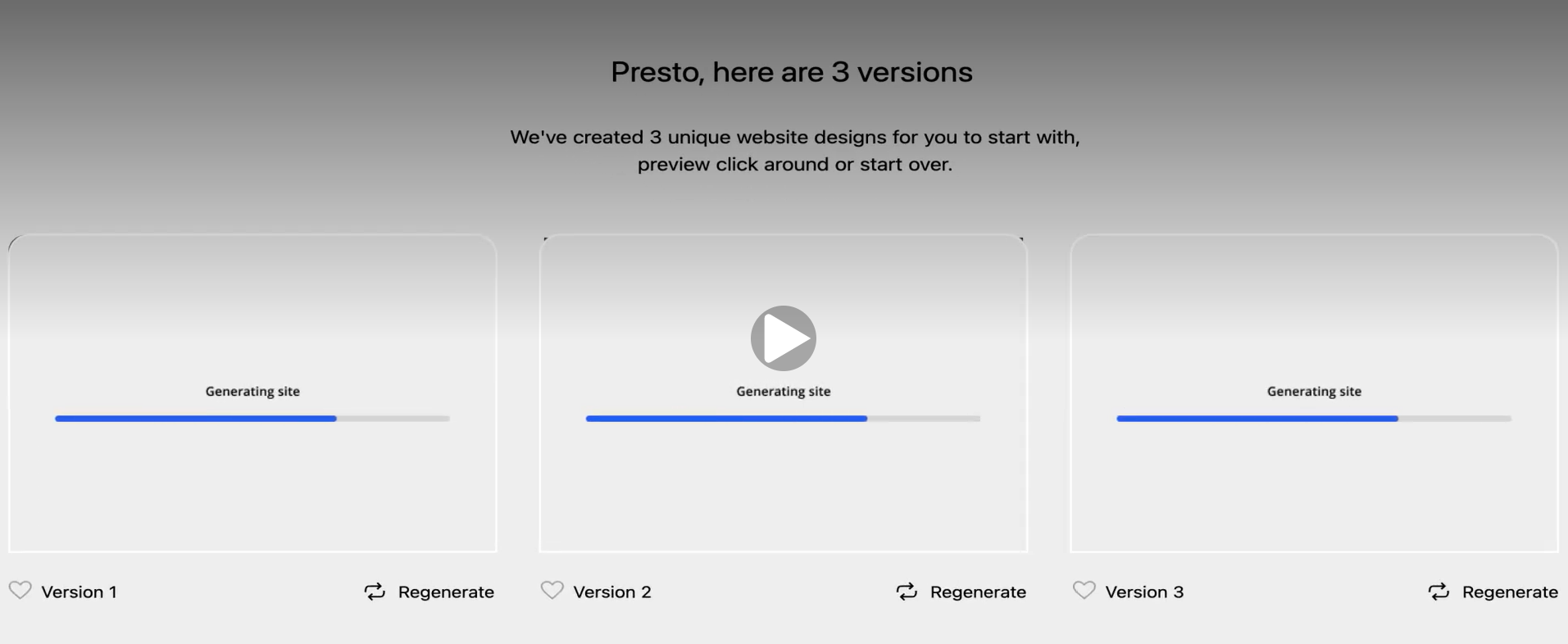
Bluehost is one of the few hosting providers officially recommended by WordPress.org. Its AI builder is built on top of WordPress rather than being a standalone platform. The setup starts with you describing your business, uploading a logo, and selecting your familiarity with WordPress. From there, the AI generates three different website designs at once, each one a full preview you can scroll through before choosing. Once you pick a design, you're taken into your WordPress dashboard.
First Draft & Customization
The three designs Bluehost generates give you options rather than a single output to accept or reject. That said, some users find the drafts rely heavily on generic templates with limited differentiation between the outputs. The copy is decent but doesn't always feel written for your specific business. Post-generation editing happens inside WordPress using Bluehost's block-based editor, which can feel like a lot for users who came to Bluehost to avoid WordPress complexity.
Features
- Yoast SEO comes pre-installed on all plans, giving you real-time on-page SEO scoring and keyword recommendations
- An AI brand discoverability feature helps optimize your site's presence so it surfaces more easily across AI-powered search tools
- An AI domain name generator lets you describe your business in a prompt and instantly see available domain options
- Site migration is available if you're moving an existing website over from another host
Limitations
- No native AI social media marketing tools
- No built-in AI chatbot for your website visitors
- No email marketing built into the platform
- The AI builder cannot be tested for free; a paid plan is required
- Post-generation editing requires working inside the WordPress dashboard, which carries a learning curve
Pricing
| Plan | Price |
|---|---|
| Starter | $11.99/month |
| Business | $15.99/month |
| Ecommerce Essentials | $23.99/month |
GoDaddy Airo
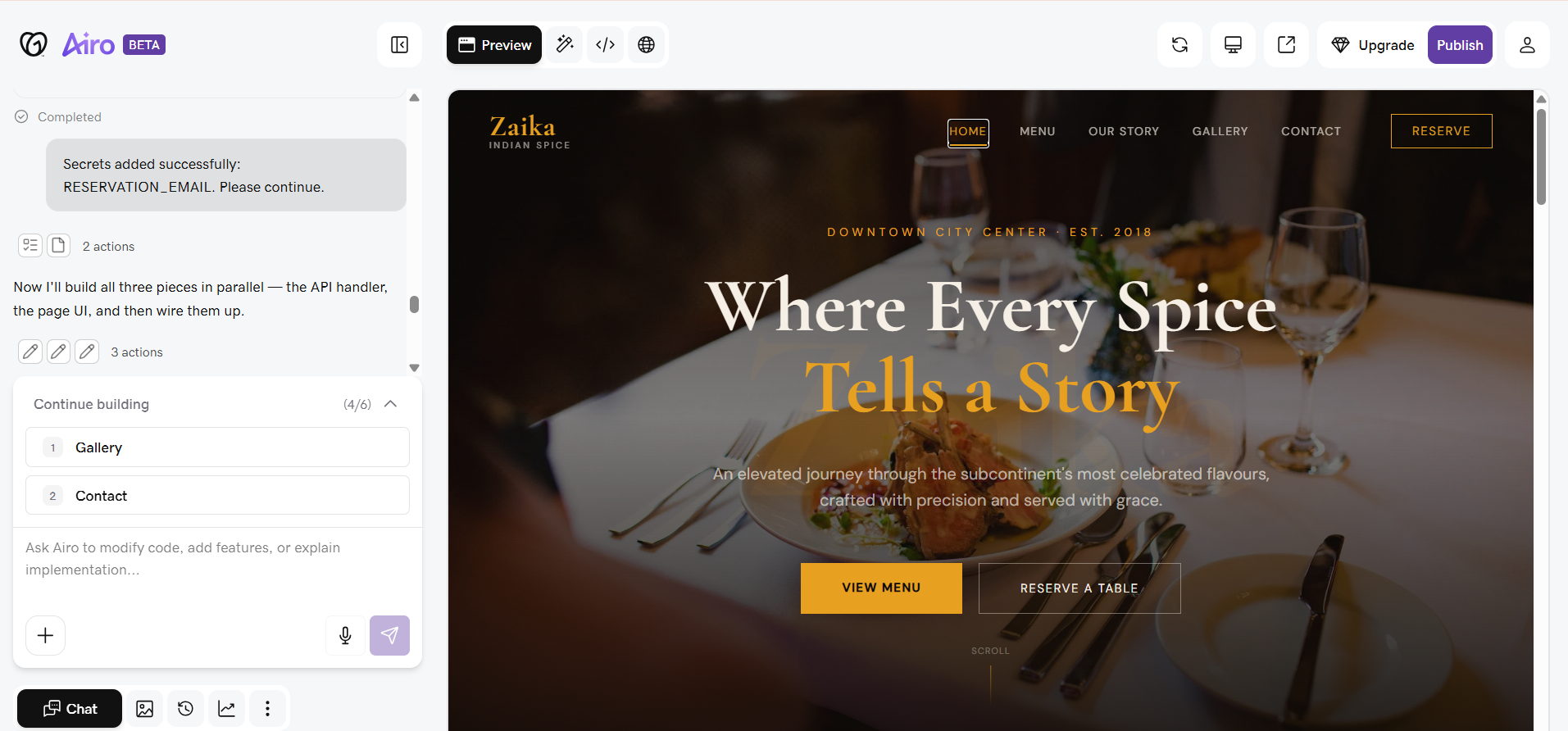
GoDaddy is one of the most recognizable names on the internet, primarily known as a domain registrar but long since expanded into website building. Its AI builder, called Airo, is designed to get you to a published website quickly. The problem is the pace. The chat sends messages at irregular intervals while the main screen stays blank until the entire website is done — the homepage alone took around 7 minutes to generate. And when you try to navigate to any other page after that, you find they haven't been built yet.
First Draft & Customization
The first draft, once it arrives, looks genuinely good. The copy is contextual and relevant to your business, the layout is clean, and the animations add a polished feel. Editing, however, is where things get frustrating. The editor is laggy, the tooltip system is misleading — hovering over a section shows a tooltip that looks like it should expand into options, but clicking it only selects the element. All actual edits have to go through the chat panel. GoDaddy's HTML editor gives you full access to the underlying code.
Features
- AI blog generation with content suggestions to help keep your site updated
- Email marketing built directly into the platform, including campaigns and contact management
- Social media marketing tools for creating and publishing content across platforms
- Automatic SSL, DDoS protection, and backups included across plans
Limitations
- No native AI chatbot for website visitors
- Some users find GoDaddy's section-based editor limiting for custom widgets beyond preset blocks
- Pricing starts low but increases significantly at renewal
- The editor includes technical options that can feel overwhelming for non-technical users
Pricing
| Plan | Price |
|---|---|
| Starter | $14.99/month |
| Professional | $36.99/month |
| Ultimate | $149.99/month |
Butternut AI
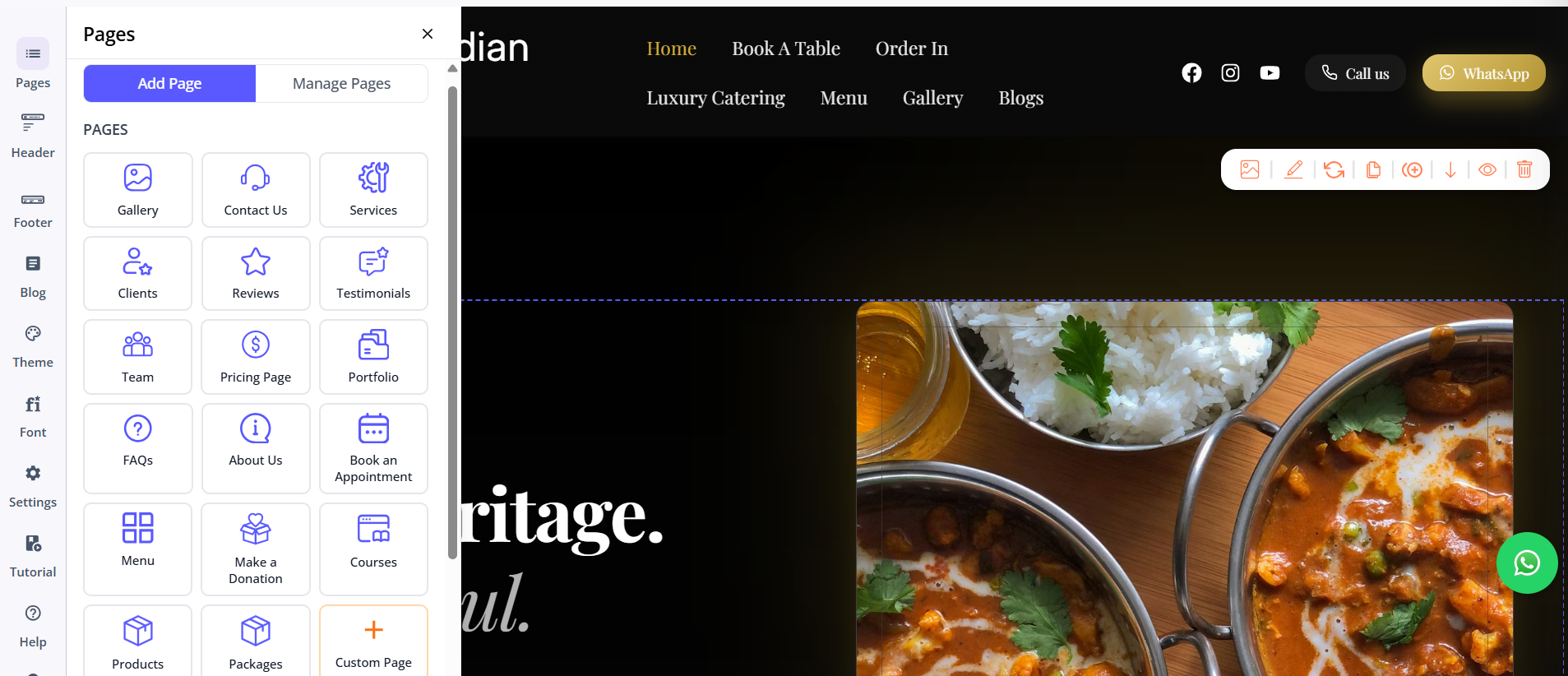
Butternut AI was built around AI from day one, and it shows in how the whole experience is put together. You don't pick a template, configure a dashboard, or work through a multi-step setup flow. You type your business name and a short description of what you do, and within 20 seconds, your website starts appearing on screen, section by section.
First Draft & Customization
The first draft is the strongest of the three out of the box. The copy is written for your specific business rather than adapted from a generic template, the CTAs make sense in context, and the images and animations feel intentional. Customization from there works through Butternut's AI chat, which handles everything from rewriting a section's copy to regenerating images or swapping out entire sections. You can also add pages with a single click and embed custom HTML.
Features
- AI blog writer with built-in topic suggestions based on your business and industry
- AI social media marketing agents for Facebook, Instagram, and LinkedIn that create and publish content automatically
- AI chatbot for your website that captures leads and answers visitor questions around the clock
- Fully automated SEO covering meta tags, sitemaps, and alt text without any manual input
- Free hosting, SSL, and a custom domain included for the first year
- Payment gateway integration to accept payments directly through your site
Limitations
- No native email marketing
- Smaller integrations ecosystem compared to Bluehost's WordPress plugin library
- Analytics rely on GA4 integration rather than a built-in analytics dashboard
Pricing
| Plan | Price |
|---|---|
| Starter | $20/month |
| Pro | $69/month |
Which One Should You Choose?
All three tools will get you a website. The question is really about what kind of experience you want while building it and what you need once it's live.
Bluehost makes the most sense if you're specifically set on a WordPress site and want AI to simplify the setup without giving up WordPress's plugin ecosystem and long-term flexibility. GoDaddy is worth considering if you already use it for your domain and want to keep everything under one roof, or if email marketing is a non-negotiable that needs to be built in from day one.
But if what you're after is the fastest path from idea to a website that actually looks and reads like it was built for your business, Butternut AI is the one to try first. The setup takes less than a minute, there's a free plan to get started, and the quality of the first draft means you're spending your time refining rather than rebuilding.