
Butternut AI Blog
Bluehost vs Squarespace vs Butternut AI
Bluehost and Squarespace are both popular choices for building a website, but they represent different philosophies. Bluehost is a WordPress-based hosting platform that has layered AI tools on top of a familiar CMS foundation. Squarespace is an all-in-one builder known for polished templates and a refined editing experience. Butternut AI builds the website for you from a single text prompt — no templates, no setup flows.
Introduction
We tested all three to give you an honest, practical comparison of what each one is actually like to use and which type of user each one is built for.
Bluehost vs Squarespace vs Butternut AI
| Feature | Bluehost | Squarespace | Butternut AI |
|---|---|---|---|
| Website generation speed | A few minutes to generate 3 template options | Blueprint AI generates a styled starting point | Under 20 seconds |
| First draft quality | Professional templates; copy and images need manual setup | Styled first draft; copy and images still need manual work | Strong animations, contextual copy, relevant images |
| User experience | WordPress-based; AI simplifies setup but editing has a learning curve | Refined editor, beginner-friendly | One prompt, no learning curve |
| Post-generation customization | Drag-and-drop WordPress block editor | Section-based editor with design panels | AI chat, tooltips, custom HTML |
| Design | Template-based | Template-based with Blueprint AI styling | Fully AI-generated, dynamic layout |
| SEO | Yoast SEO pre-installed | Per-page SEO with Blueprint AI setup | Fully automated (meta tags, sitemaps, alt text) |
| AI blog generation | ✅ (with topic suggestions) | ||
| AI social media marketing | ✅ (via Blueprint AI) | ✅ (Facebook, Instagram, LinkedIn) | |
| AI chatbot for website | |||
| Custom HTML/code | ✅ (Business+ plans) | ||
| Ecommerce | ✅ (WooCommerce) | ✅ (built-in) | ✅ (payment gateway) |
| Analytics | ✅ (via WordPress plugins) | ✅ (built-in + GA integration) | ✅ (GA4 integration) |
| Mobile experience | Auto-responsive | Auto-responsive | Auto-responsive |
| Customer support | 24/7 live chat and phone | 24/7 email + live chat | Email, 1-on-1 call & live chat |
| 1-year free domain | ✅ (on annual plans) | ||
| Hosting & SSL | Included | Included | Included |
| Pricing | Starter: $3.99/month Choice Plus: $5.99/month Business: $6.99/month | Basic: $16/month Core: $23/month Plus: $39/month Advanced: $99/month | Starter: $20/month Pro: $69/month |
Bluehost
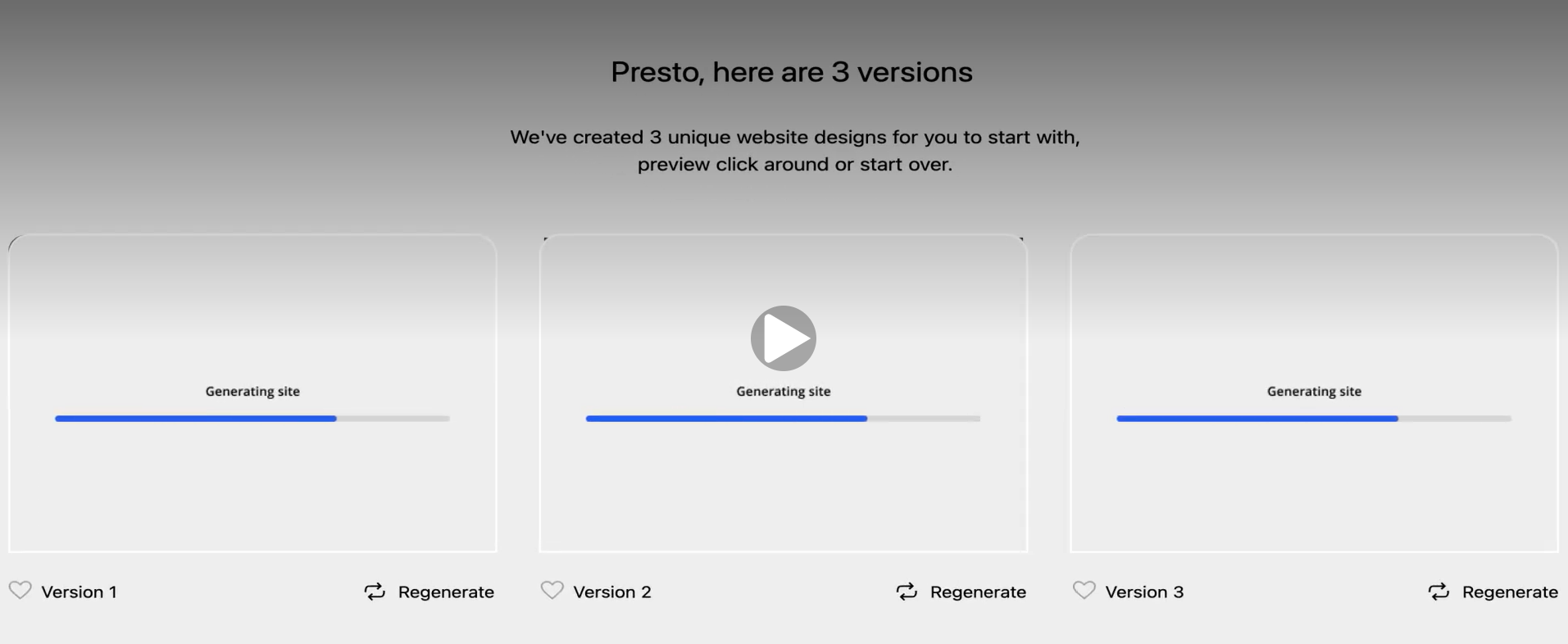
Bluehost has been a leading WordPress hosting provider since 2003 and is one of only a few hosts officially recommended by WordPress.org. Its AI toolkit, WonderSuite, layers an assisted experience onto WordPress: WonderStart guides you through the initial setup, WonderTheme applies a design, and WonderBlocks populates your pages with content sections. The AI generates three distinct designs for you to choose from, which is more useful than the single-output approach most other tools use.
First Draft & Customization
The three designs Bluehost generates look professionally designed. The issue is that they're template-based — the copy is placeholder text and the images are generic stock photos that aren't related to your specific business. Before your site looks like it belongs to you, there's meaningful manual work to be done. Post-generation editing happens inside the WordPress block editor, which is capable but has a learning curve that can catch users off guard after a relatively smooth setup experience.
Features
- Access to 50,000+ WordPress plugins, covering almost every use case imaginable
- Yoast SEO pre-installed for real-time on-page optimization scoring
- AI domain name generator that turns a business description into available domain suggestions
- AI brand discoverability tool to help your site get found across search and AI platforms
- WooCommerce integration for ecommerce with PayPal, Google Pay, and Apple Pay
- 24/7 live chat and phone support
Limitations
- No AI social media marketing tools
- No native AI chatbot for website visitors
- AI-generated first drafts require significant content work before launch
- Default images are generic and need to be manually replaced
- Editing requires WordPress familiarity to use effectively
Pricing
| Plan | Price |
|---|---|
| Starter | $3.99/month |
| Choice Plus | $5.99/month |
| Business | $6.99/month |
Squarespace
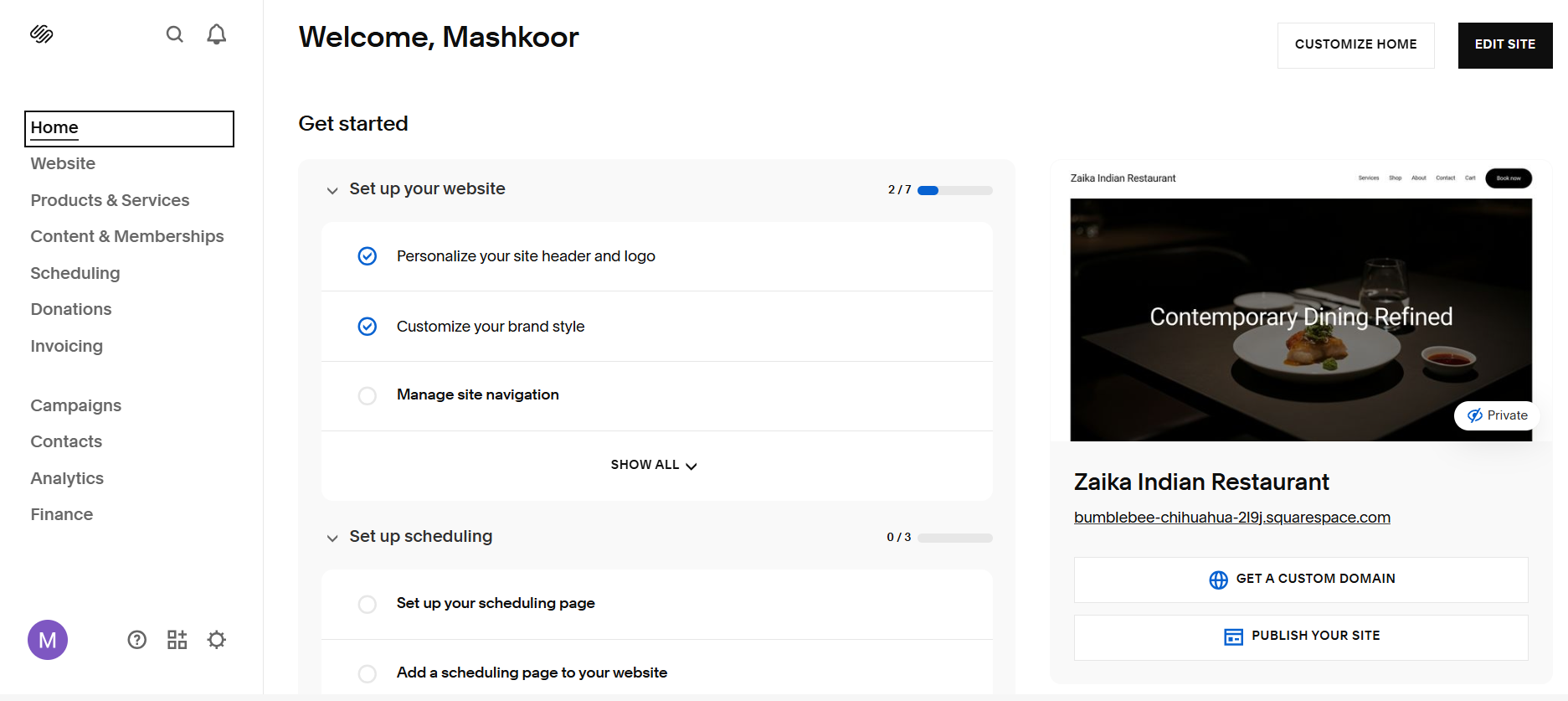
Squarespace has built a strong reputation for design quality and a polished user experience. Its Blueprint AI setup flow asks you a series of questions about your site and uses your answers to generate a starting design with fonts, colors, and layout already applied. The result is more styled than what most AI builders produce at the draft stage. The editor is section-based and well organized, making it one of the more intuitive platforms for non-technical users.
First Draft & Customization
Blueprint AI gives you a well-styled starting point, but it's still a template with placeholder content — the actual copy and images need to be replaced with material about your business. That said, the quality of the design system means less visual cleanup than you'd need on most other platforms. Editing is handled through Squarespace's section editor and design panels, which are clean and responsive. Rearranging sections and changing styling is intuitive.
Features
- Blueprint AI for styled first draft generation based on your site's goals and aesthetic
- AI blog generation for writing and publishing content directly in the platform
- Social media marketing tools via Blueprint AI for creating posts across platforms
- Built-in ecommerce with inventory management, subscriptions, and abandoned cart recovery
- Per-page SEO checklist with AI-assisted suggestions
- 24/7 email and live chat support
Limitations
- No AI chatbot for website visitors
- AI-generated copy and images are still placeholders that require manual replacement
- Custom code injection is only available on Business and higher plans
- Some users find Squarespace's section system limiting for highly custom layouts
Pricing
| Plan | Price |
|---|---|
| Basic | $16/month |
| Core | $23/month |
| Plus | $39/month |
| Advanced | $99/month |
Butternut AI
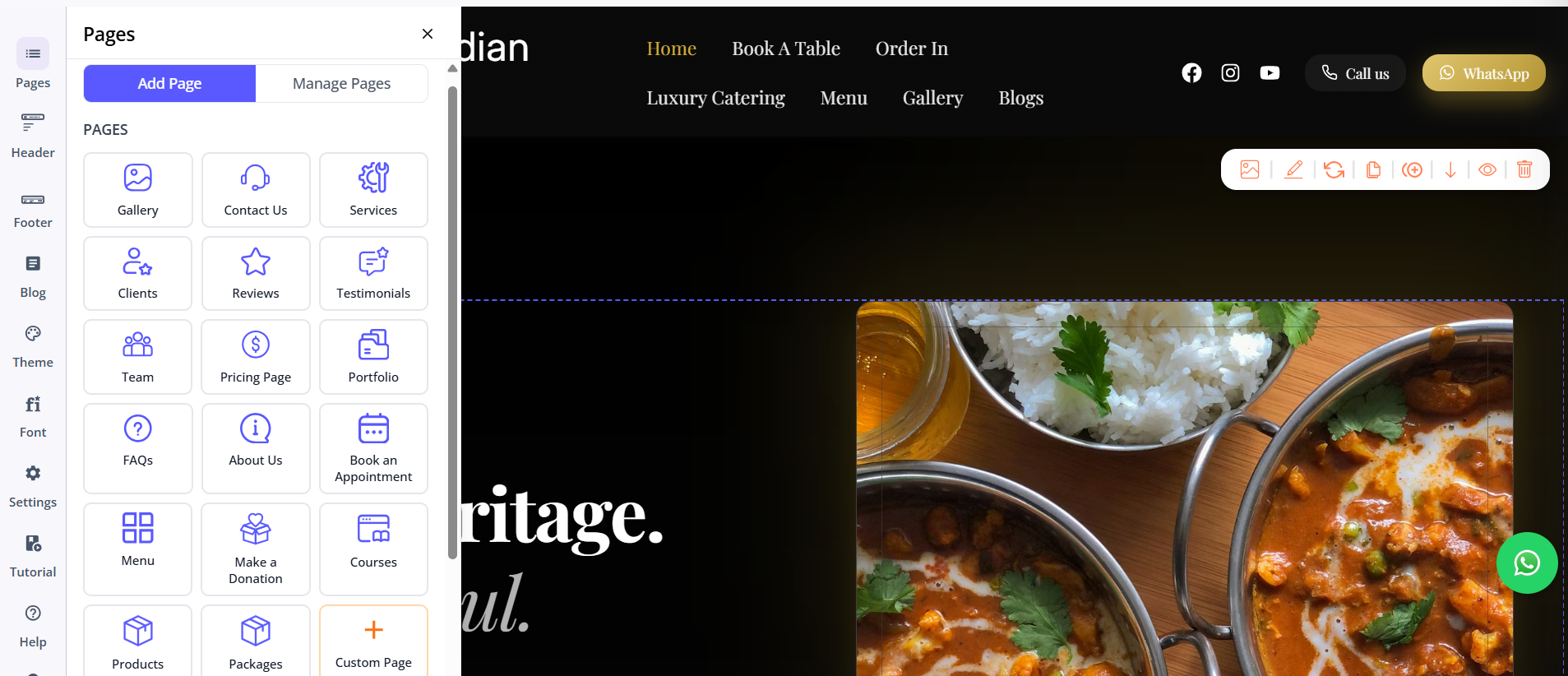
Butternut AI doesn't give you a styled template to fill in. It builds your website — with content written for your business, images that match the context, and a layout that reflects what type of site you're building. You type your business name and a short description of what you do, and within 20 seconds your website starts appearing on screen, section by section. Nothing is a placeholder and nothing is generic.
First Draft & Customization
The first draft quality is the strongest of the three. Where Bluehost and Squarespace both deliver styled starting points that need content work, Butternut AI delivers a site that already reads like it belongs to your business. The gap between draft and publish-ready is the smallest. Customization happens through the AI chat for changes large and small, tooltips for direct edits, and custom HTML for technical requirements.
Features
- AI blog writer with keyword and topic suggestions tailored to your business
- AI social media agents for Facebook, Instagram, and LinkedIn that create and publish content automatically
- AI chatbot for your website that captures leads and answers visitor questions around the clock
- Fully automated SEO handling meta tags, sitemaps, and alt text without manual configuration
- AI image generation built directly into the editor
- Free hosting, SSL, and a custom domain for the first year
- Payment gateway integration to accept payments directly through your site
Limitations
- No native email marketing
- No plugin marketplace like Bluehost/WordPress offers
- Less granular design control than Squarespace's section editor
Pricing
| Plan | Price |
|---|---|
| Starter | $20/month |
| Pro | $69/month |
Which One Should You Choose?
All three tools will get you a live, professional website. The right choice depends on what you need it to do and how much time you want to spend building it.
Bluehost is worth choosing if you want a WordPress-powered site with access to the full plugin ecosystem. It's particularly strong for sites that need WooCommerce, or for users who want Yoast SEO managed from day one. The trade-off is that editing inside WordPress requires some learning.
Squarespace is the right call if design quality is a priority and you want a refined editing experience without touching WordPress. Blueprint AI gives you a polished starting point, the ecommerce tools are built-in, and the support is strong.
Butternut AI is the best starting point if speed and quality out of the box matter most. The first draft is better than what either Bluehost or Squarespace produces at that stage, the built-in AI tools go further than both, and there's a free plan to get started with zero commitment.