
Butternut AI Blog
Bluehost vs Wix vs Butternut AI
Bluehost and Wix both have large user bases and have added AI to their website building workflows, but they come from different directions. Bluehost is primarily a hosting provider that uses WordPress as its building foundation, with AI tools to simplify the setup. Wix is a dedicated website builder with its own editor, an AI setup flow, and a large app marketplace. Butternut AI takes a different approach entirely — it generates the website for you from a single prompt.
Introduction
We tested all three to give you an honest picture of what each one is actually like to use and which type of user each one is best suited for.
Bluehost vs Wix vs Butternut AI
| Feature | Bluehost | Wix | Butternut AI |
|---|---|---|---|
| Website generation speed | A few minutes to generate 3 template options | 12+ minutes including AI chatbot setup flow | Under 20 seconds |
| First draft quality | Professional templates; generic default images | No animations, generic copy and images | Strong animations, contextual copy, relevant images |
| User experience | WordPress-based; AI simplifies setup but editor has a learning curve | Long AI setup flow; chatbot-driven editing experience | One prompt, no learning curve |
| Post-generation customization | Drag-and-drop WordPress block editor | Tooltips and AI chatbot | AI chat, tooltips, custom HTML |
| Design | Template-based | Template-based | Fully AI-generated, dynamic layout |
| SEO | Yoast SEO pre-installed | Per-page SEO checklist with AI suggestions | Fully automated (meta tags, sitemaps, alt text) |
| AI blog generation | ✅ (with topic suggestions) | ||
| AI social media marketing | ✅ (Facebook, Instagram, LinkedIn) | ||
| AI chatbot for website | |||
| Custom HTML/code | |||
| App/plugin ecosystem | ✅ (50,000+ WordPress plugins) | ✅ (hundreds of apps) | Limited |
| Analytics | ✅ (via WordPress plugins) | ✅ (AI-assisted dashboard) | ✅ (GA4 integration) |
| Mobile experience | Auto-responsive | Manual mobile adjustments needed | Auto-responsive |
| Customer support | 24/7 live chat and phone | AI chatbot support | Email, 1-on-1 call & live chat |
| 1-year free domain | |||
| Hosting & SSL | Included | Included | Included |
| Pricing | Starter: $3.99/month Choice Plus: $5.99/month Business: $6.99/month | Light: $17/month Core: $29/month Business: $39/month Business Elite: $159/month | Starter: $20/month Pro: $69/month |
Bluehost
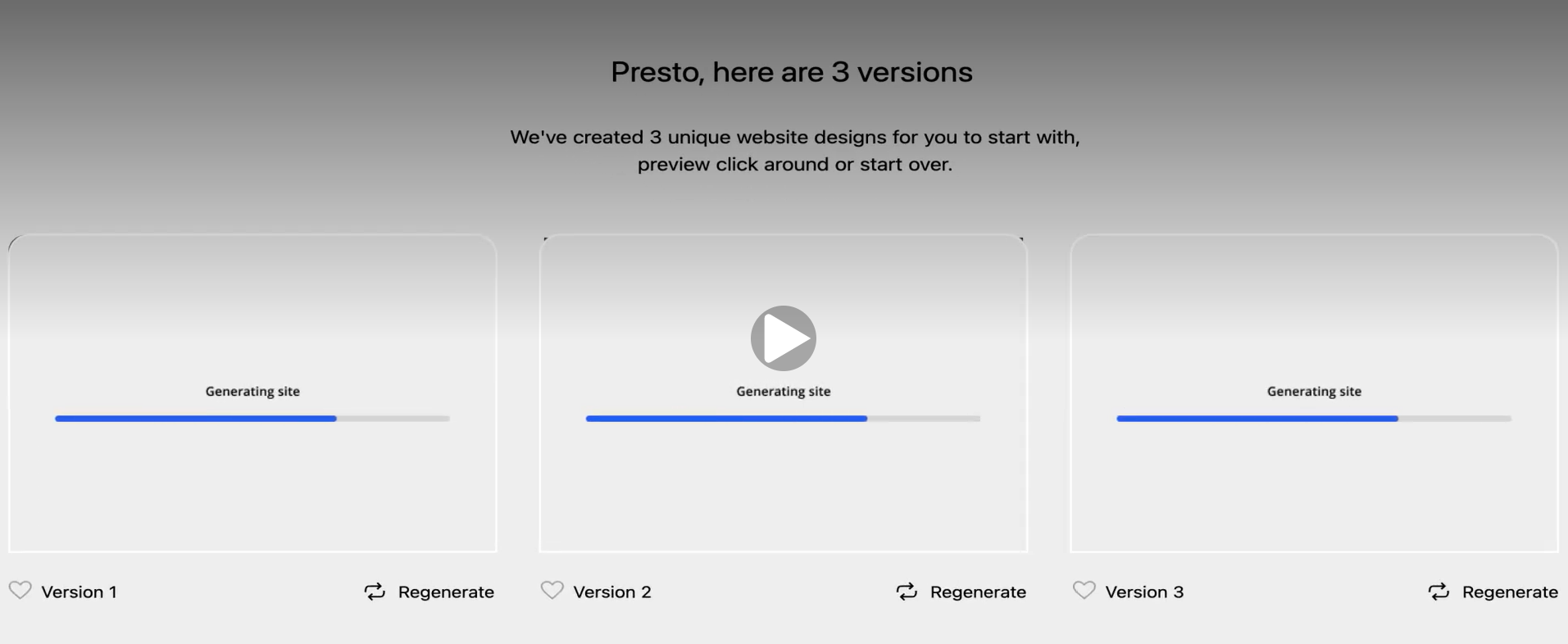
Bluehost is one of the most established names in web hosting — officially recommended by WordPress.org — and its AI website builder layers an assisted setup process on top of WordPress. WonderSuite, its AI toolkit, walks you through the initial questions and generates three distinct website designs for you to choose from. This three-design approach is genuinely useful: rather than accepting or rejecting a single output, you're choosing between real options before committing to one.
First Draft & Customization
The three versions Bluehost generates are professionally designed and represent genuine variation. The downside is that they're template-based rather than content-specific — the copy and images are placeholders that need to be replaced with information about your actual business. Post-generation editing happens inside the WordPress block editor, which can feel complex for users who were expecting a simpler experience. For users already comfortable with WordPress, it's familiar territory.
Features
- Access to 50,000+ WordPress plugins through the full WordPress plugin repository
- Yoast SEO pre-installed on all plans for real-time on-page optimization
- AI brand discoverability tool to help your site surface across AI-powered search
- AI domain name generator that turns a business description into available domain suggestions
- WooCommerce integration for ecommerce with support for PayPal, Google Pay, and Apple Pay
- 24/7 live chat and phone support
Limitations
- No AI social media marketing tools
- No native AI chatbot for website visitors
- Default images in generated drafts are generic and require manual replacement
- Post-generation editing requires working inside the WordPress dashboard, which has a learning curve
Pricing
| Plan | Price |
|---|---|
| Starter | $3.99/month |
| Choice Plus | $5.99/month |
| Business | $6.99/month |
Wix
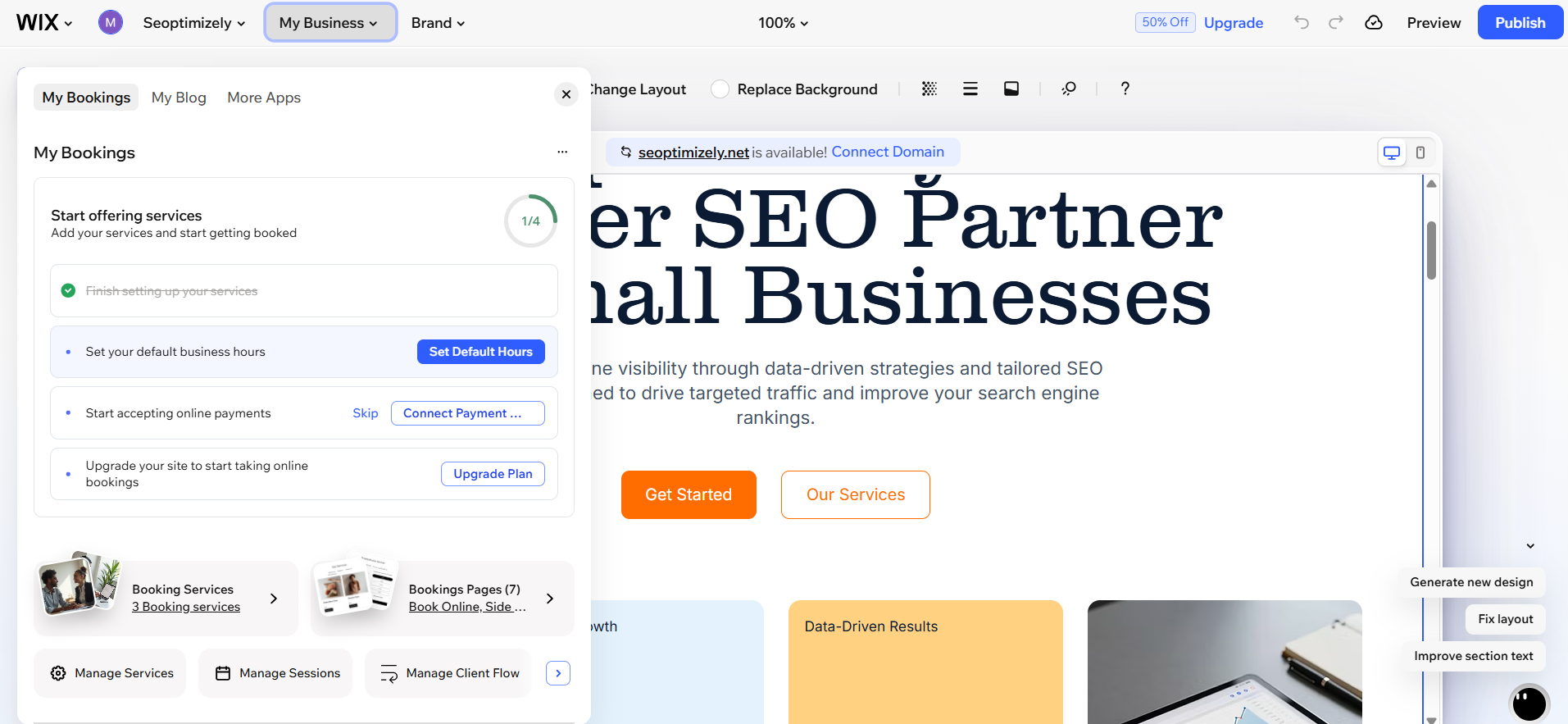
Wix is one of the most feature-rich website builders on the market. Its AI setup flow starts with a multi-step chatbot that asks about your website before beginning generation. The full process — chatbot conversation plus generation time — can run to more than twelve minutes, during which the interface is locked. Once generation completes, you're in a capable editor with a large app marketplace behind it.
First Draft & Customization
The first draft Wix produces doesn't include animations, the copy is generic rather than business-specific, and the images are stock photos with limited contextual relevance. That said, the editor is capable once you're in it — tooltips allow direct edits and the AI chatbot can handle more complex requests, though it's slow and occasionally unhelpful. Mobile formatting requires separate manual attention, which adds to the setup time.
Features
- Hundreds of apps in the Wix marketplace for extending functionality
- AI blog generation for creating and publishing written content
- Kleo, Wix's marketing AI, manages social media content, SEO, and email campaigns from one dashboard
- Built-in accessibility scanner and per-page SEO checklist
- AI-assisted analytics dashboard for plain-language performance insights
- AI chatbot for website visitors to handle questions and capture leads
Limitations
- Slowest AI setup flow of the three tools — over twelve minutes to first draft
- First draft quality is below what purpose-built AI builders produce
- Mobile formatting requires manual work separate from the main editor
- AI chatbot for editing can be slow and sometimes explains changes rather than making them
Pricing
| Plan | Price |
|---|---|
| Light | $17/month |
| Core | $29/month |
| Business | $39/month |
| Business Elite | $159/month |
Butternut AI
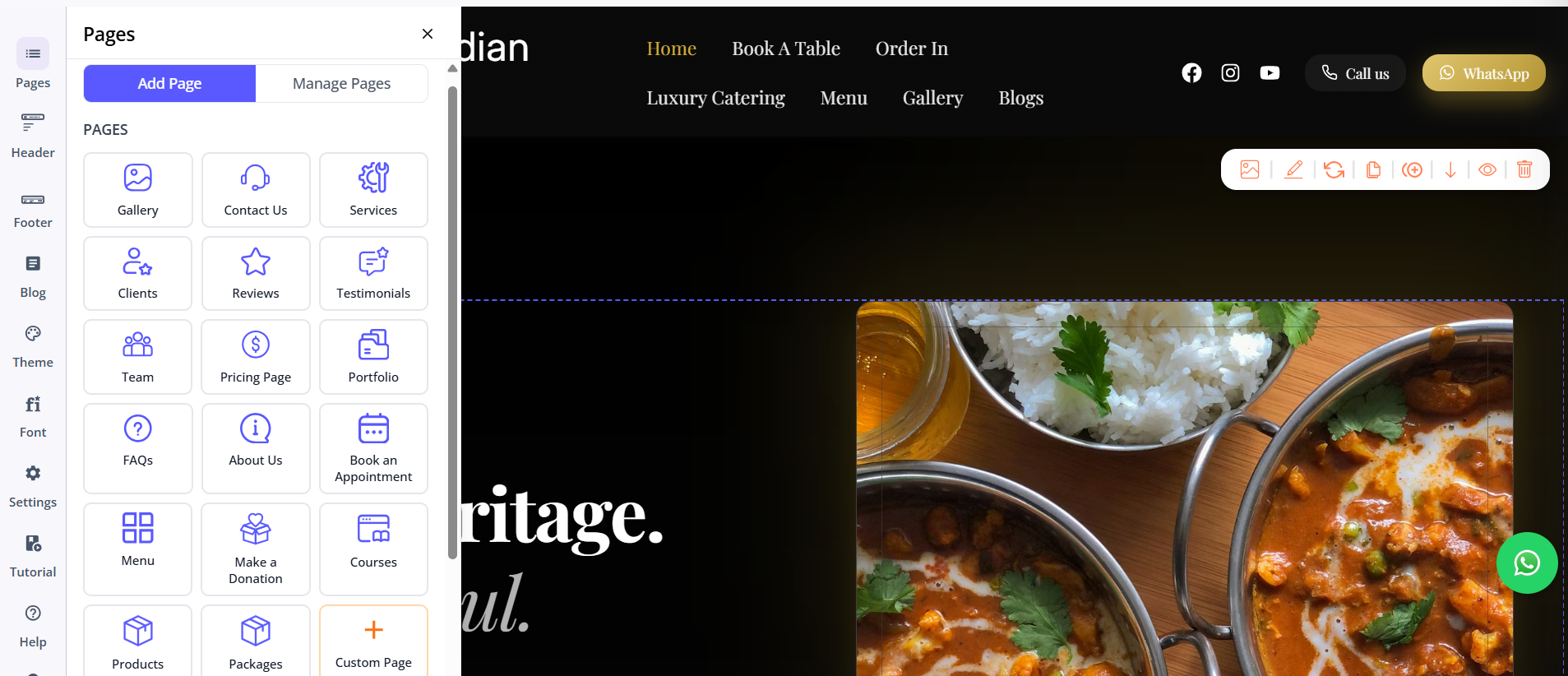
Butternut AI was built around AI from the start. There's no template to pick, no chatbot to sit through, and no setup wizard to complete before you see a website. You type your business name and a short description of what you do, and within 20 seconds your site starts appearing section by section — with copy that reads like it was written for your specific business, images that match the context, and animations that look like intentional design decisions.
First Draft & Customization
The first draft from Butternut AI is more complete and contextual than anything Bluehost or Wix generates. You're not replacing placeholder content — you're refining something that already reflects your business. Customization happens through the AI chat for bigger changes and tooltips for targeted edits. Custom HTML and custom scripts are also available for technical requirements.
Features
- AI blog writer with keyword and topic suggestions based on your business
- AI social media agents for Facebook, Instagram, and LinkedIn that create and publish content automatically
- AI chatbot for your website that captures leads and handles visitor questions
- Fully automated SEO: meta tags, sitemaps, alt text — no manual configuration required
- AI image generation built directly into the editor
- Payment gateway integration to accept payments directly through your site
- Free hosting, SSL, and a custom domain included for the first year
Limitations
- No native email marketing
- No plugin marketplace comparable to WordPress or Wix
- Basic GA4 analytics integration rather than a built-in analytics dashboard
Pricing
| Plan | Price |
|---|---|
| Starter | $20/month |
| Pro | $69/month |
Which One Should You Choose?
All three tools will get you a live website. The question is what trade-offs you're comfortable making.
Bluehost makes sense if you're committed to WordPress and want to benefit from its enormous plugin ecosystem. The pricing is very competitive and Yoast SEO being pre-installed is a genuine plus. The trade-off is that post-generation editing is inside WordPress, which takes time to learn.
Wix is worth considering if you need a large app marketplace and want social media marketing tools built in. Once you're past the slow setup process, the editor is capable and the feature depth is significant.
Butternut AI is the right starting point if your goal is to get a professional website live as fast as possible. The setup is faster, the first draft is better, and the AI tools built in — chatbot, social agents, blog writer — are more integrated than what either Bluehost or Wix offers. There's a free plan, so the cost of trying is just 20 seconds.