
Butternut AI Blog
8 Best Bolt Alternatives to Try in 2026
Looking for a Bolt alternative? We've compared 8 tools on features, pricing, and use cases so you can find the right fit for yourself.
Introduction
Bolt (formerly Bolt.new) has carved out a real following since launching in late 2024. It went from zero to $4 million in ARR in just 30 days, and that kind of traction speaks for itself. The ability to describe what you want in plain language and get a working full-stack web app in minutes genuinely impressed a lot of developers, founders, and non-technical builders.
That said, Bolt isn't a perfect fit for everyone. The token-based pricing model catches users off guard as projects grow, and what works smoothly for a simple prototype can get expensive and unstable fast when complexity increases. If you've run into those walls, or you're just evaluating your options before committing, this guide breaks down 8 alternatives to Bolt in 2026 so you can make a clear, informed decision.
TL;DR
- Best overall alternative: Butternut AI
- Best for budget-conscious builders: Hostinger
- Best for design-focused sites: Framer
- Best for full-stack web apps: Lovable
- Best for design-to-code workflows: Webflow
Why You Might Be Looking for a Bolt Alternative
Bolt is strong for fast prototyping, but users consistently run into the same friction points once they try to build anything beyond a basic app.
- Tokens burn faster than expected: The free plan caps you at 150,000 tokens per day. Even on the Pro plan, users report burning through 1.3 million tokens in a single day on standard app projects. Every AI interaction, including fixing AI-introduced errors, consumes tokens.
- Costs can spiral on complex builds: Multiple users report spending over $1,000 on tokens trying to fix authentication and state management issues that Bolt's AI introduced in the first place. This doesn't happen on flat-rate platforms.
- Context degradation on larger projects: Once a project exceeds around 15 to 20 components, Bolt's AI starts losing track of the overall structure. It creates duplicate components, drops pattern consistency, and generates code that needs significant manual cleanup before it's production-ready.
- Deployment isn't always smooth: Bolt connects to Netlify for publishing, but users report occasional blank screens, missing files, and partial deployments on complex projects.
- Not built for marketing websites: Bolt is designed for web apps, not business websites. If you need a clean landing page, a blog, or a content-driven site, Bolt is significantly over-engineered for that use case and lacking in the features that actually matter for it, like built-in SEO tools, blog generation, and social media integrations.
8 Best Bolt Alternatives in 2026
| Tool | SEO | Custom Code | Blog Gen | Hosting | Copy Gen | AI Social | Price |
|---|---|---|---|---|---|---|---|
| Butternut AI | $20/mo | ||||||
| Hostinger | $9.99/mo | ||||||
| Durable | $25/mo | ||||||
| Emergent | $20/mo | ||||||
| Lovable | $25/mo | ||||||
| Framer | $15/mo | ||||||
| Squarespace | $16/mo | ||||||
| Webflow | $18/mo |
Butternut AI
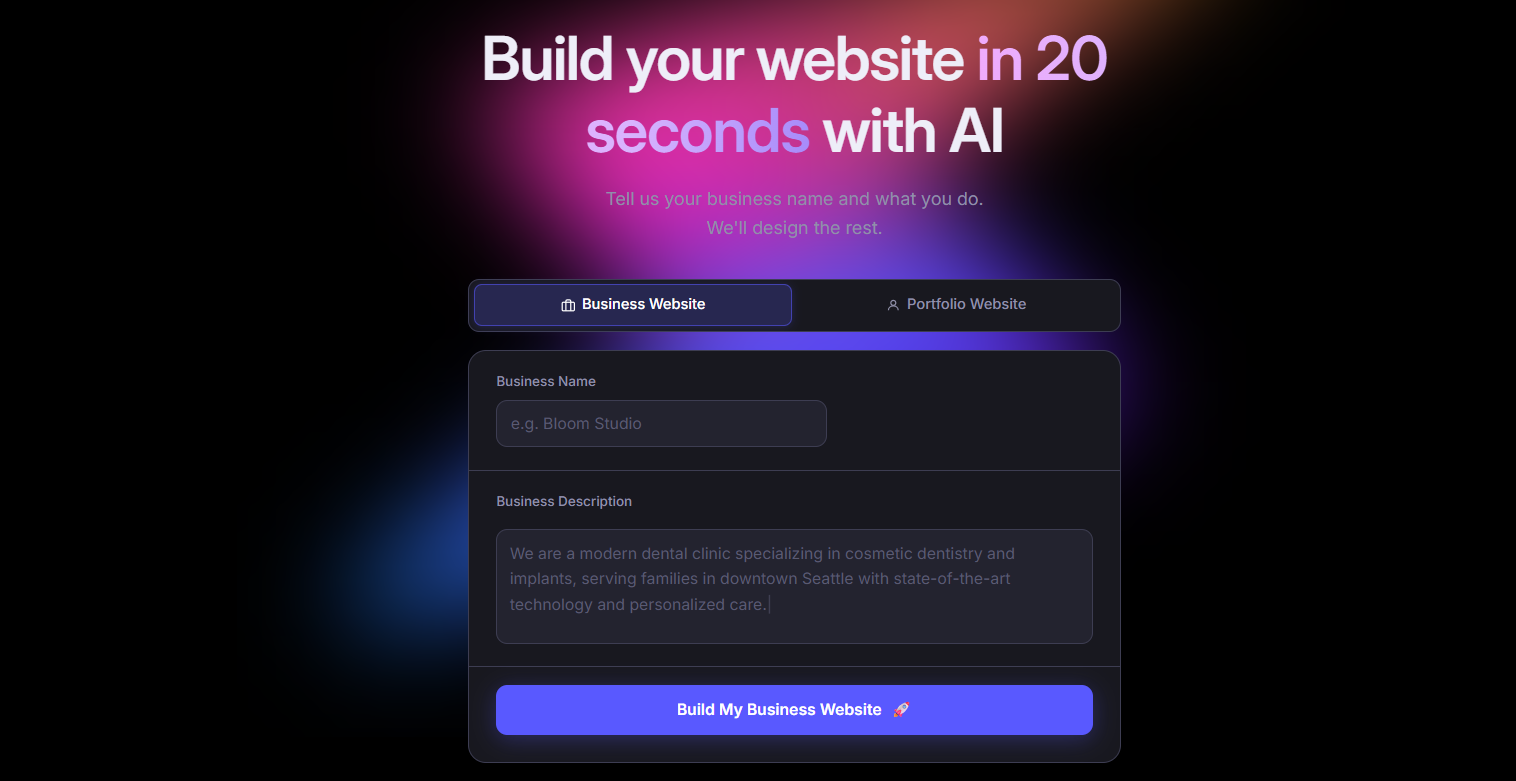
Butternut AI is an AI website builder that takes a short description of your business and generates a complete website, with structure, layout, and copy, in about 20 seconds. Where Bolt is built around web app development and requires token-heavy back-and-forth to produce something publishable, Butternut AI is built specifically for getting a business online fast. The starting point is already tailored to your context, and editing happens directly on the page, so you're refining rather than iterating from scratch.
For founders or marketers who need a live website rather than a functional web app, Butternut AI is a considerably faster and more straightforward path than Bolt.
Key Features
- It generates a fully structured website from a short business description, including layout, copy, and page sections.
- It includes built-in hosting with one-click publishing, so there's no external setup needed to go live.
- It has a built-in AI blog writer that generates complete articles from scratch, useful for building out SEO content without a separate tool.
- It offers AI agents that handle social media marketing across Facebook, LinkedIn, and Instagram.
- It allows HTML editing for cases where you need precise control over specific elements.
- It connects with GA4 for traffic tracking and supports Stripe, PayPal, and Razorpay for payments.
Best For
Founders, solopreneurs, and marketers who need a complete business website up and running quickly, without managing tokens, debugging loops, or dealing with a tool that's really designed for app developers.
Pricing
| Plan | Price |
|---|---|
| Starter | $20/month |
| Pro | $69/month |
Hostinger
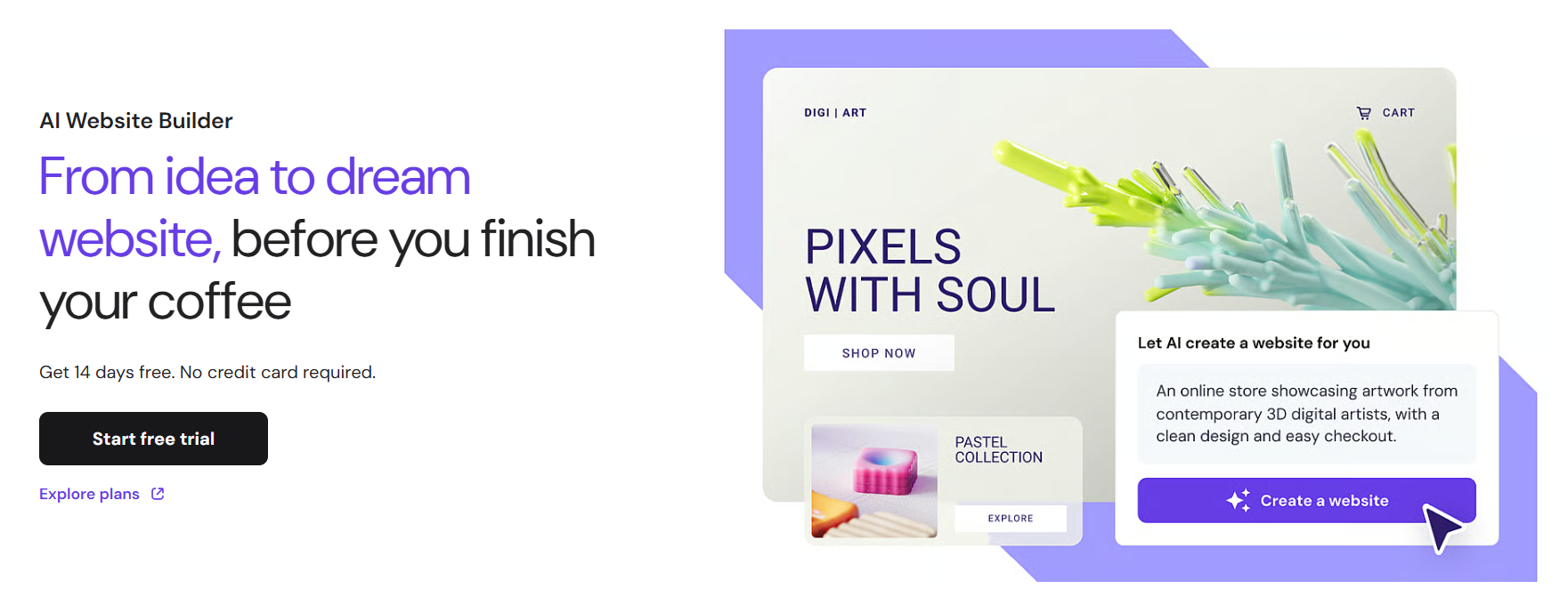
Hostinger Horizons is a no-code AI builder launched in March 2025 that lets you build a fully functional website or web app by describing what you want in plain text, or even by voice or image input. It generates React and Vite applications in real time and bundles hosting, SSL, CDN, custom domain, and deployment all into one plan. Compared to Bolt, Hostinger is more accessible for non-technical users who want a complete setup without managing infrastructure separately, and it comes in at a significantly lower price point.
Key Features
- It supports conversational building through text, voice, and image prompts.
- It includes built-in hosting, SSL, CDN, and a free custom domain on annual plans, all in one plan rather than requiring separate services.
- It has a built-in eCommerce engine with Stripe support on the Starter plan and above.
- It auto-generates sitemap.xml, robots.txt, and LLMs.txt for SEO.
- It integrates with Supabase for database and authentication needs.
- It gives access to a code editor on Hobbyist plans and above for manual tweaks.
Best For
Entrepreneurs and small business owners who want AI-assisted site building at a budget price, without managing separate hosting, domains, or deployment workflows.
Pricing
| Plan | Price |
|---|---|
| Explorer | $9.99/month |
| Starter | $19.99/month |
| Hobbyist | $55.99/month |
| Hustler | $99.99/month |
Durable
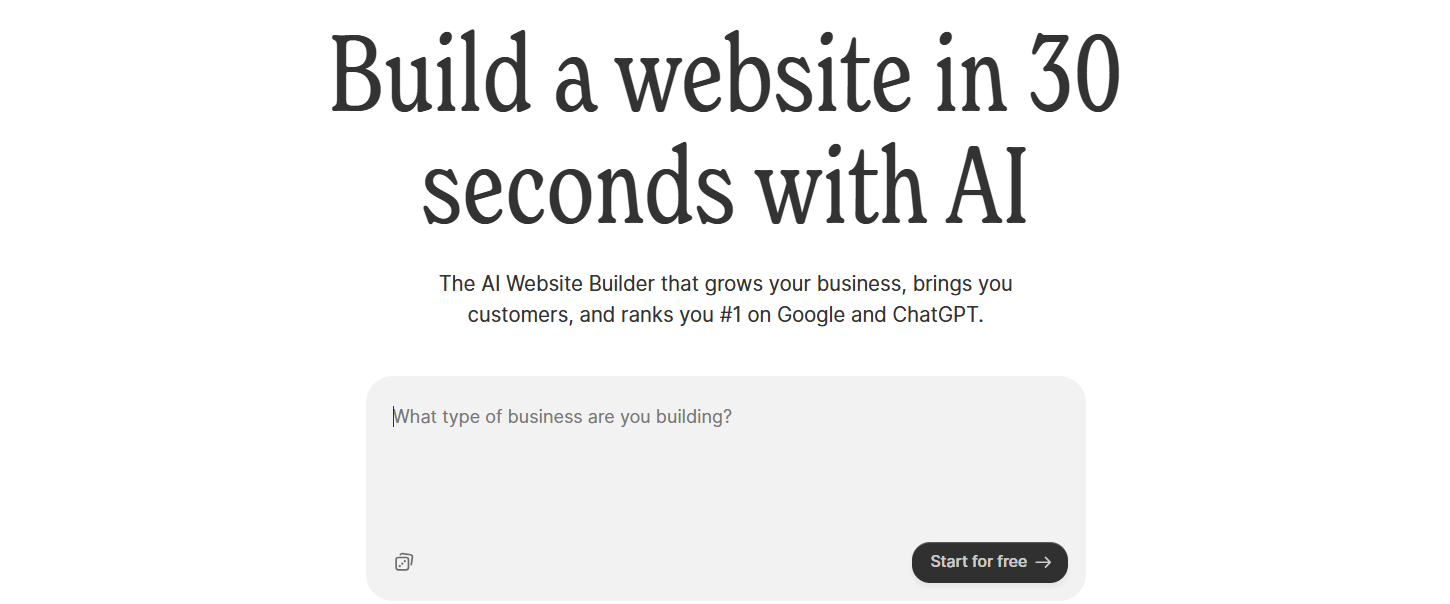
Durable is an AI website builder built specifically for small service businesses. It generates a complete website in under 30 seconds and includes a CRM, invoicing tools, and lead management features directly inside the platform. Bolt is built around code generation and app development; Durable is built around running a service business. If you're a consultant, plumber, therapist, or contractor who needs a web presence plus basic client management tools in one place, Durable is a more purpose-built option than Bolt by a significant margin.
Key Features
- It includes a built-in CRM for managing leads and client data, connected directly to the website's contact forms.
- It supports invoice creation and payment tracking without needing a separate tool.
- It offers AI social media marketing tools for promoting across multiple channels.
- It includes an analytics dashboard that tracks both website activity and customer interactions together.
Best For
Solopreneurs and local service businesses who want a website and basic business operations like CRM and invoicing handled in one subscription, without stitching together multiple tools.
Pricing
| Plan | Price |
|---|---|
| Launch | $25/month |
| Grow | $99/month |
Emergent
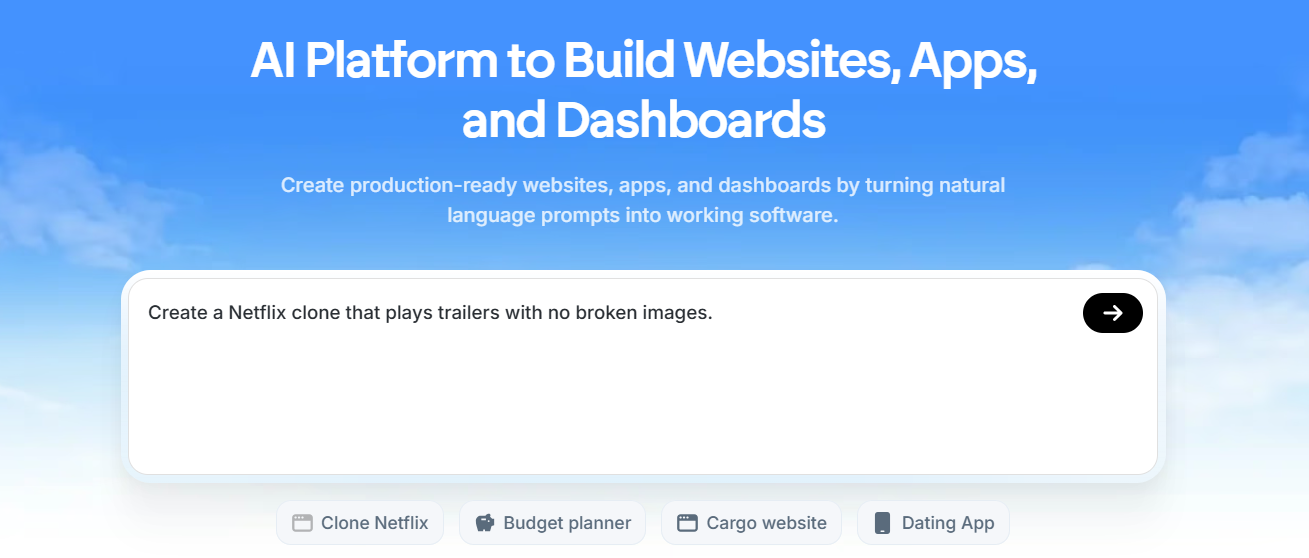
Emergent is an AI-powered full-stack builder that uses autonomous agents to handle planning, coding, debugging, and deployment from natural language prompts. It raised a $70M Series B at a $300M valuation, which reflects the level of engineering behind it. The core difference from Bolt is the approach. Emergent deploys agents that reason and plan iteratively rather than just generating code in response to prompts. For complex backend requirements like authentication, databases, and Stripe payments, this agentic approach handles more of the heavy lifting without requiring users to manage token budgets mid-build.
Key Features
- It uses autonomous agents that plan, write, debug, and deploy rather than just responding to individual prompts.
- It handles full-stack generation including frontend, backend, authentication, and database in a single workflow.
- It includes a rollback feature to undo AI-made changes when something goes wrong.
- It supports GitHub integration for code export and version control.
- It offers Google Sheets and Airtable integrations and Stripe payments on higher plans.
- It supports a 1M token context window on the Pro plan, which helps maintain coherence on larger codebases.
Best For
Founders and startup teams who need more backend complexity than Bolt handles reliably, and want an AI that reasons through builds rather than just responding prompt by prompt.
Pricing
| Plan | Price |
|---|---|
| Free | $0/month |
| Standard | $20/month |
| Pro | $200/month |
| Team | $300/month |
Lovable
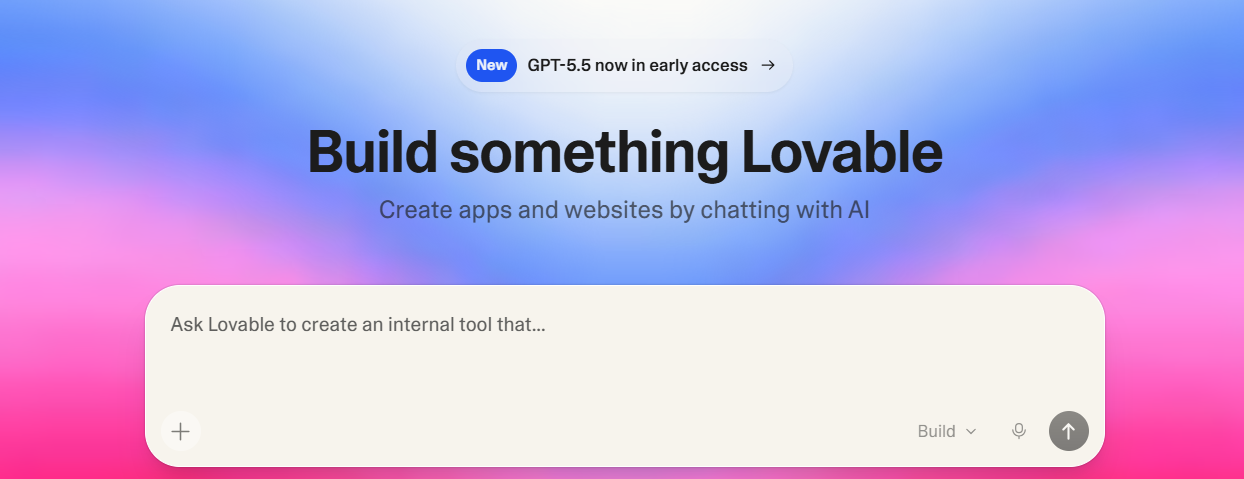
Lovable is an AI full-stack web app builder that converts natural language prompts into working React and TypeScript applications with a Supabase backend, authentication, and Stripe payments. One thing that sets it apart from Bolt is the GitHub two-way sync on all plans, which means you always own your code and can take it out of the platform entirely. The visual editor also lets you manipulate the UI directly without going through the AI chat, which speeds up iteration considerably compared to Bolt's prompt-only workflow.
Key Features
- It generates complete full-stack applications including frontend, backend, auth, and database from a single prompt.
- It includes GitHub two-way sync so you own your code with no vendor lock-in.
- It has a Figma-like visual editor for directly adjusting the UI without needing to prompt the AI.
- It includes Stripe integration for payments and subscriptions.
- It supports real-time team collaboration.
Best For
Non-technical founders and early-stage product teams who want to build and validate web app MVPs quickly, and need full code ownership from the start.
Pricing
| Plan | Price |
|---|---|
| Pro | $25/month |
| Business | $50/month |
| Enterprise | Custom |
Framer

Framer is a design-first website builder that gives you precise control over how your site looks and behaves. Its AI (called Wireframer) generates complete multi-page sites from a text prompt, and the visual editor works like a Figma canvas, giving you pixel-level control over layouts, animations, and responsive behavior. Where Bolt focuses on functional app generation, Framer focuses on visual quality and design precision. If your priority is a fast-loading, polished marketing site rather than a functioning app, Framer is closer to what you need.
Key Features
- It uses a Figma-like freeform canvas with a component-based design system, so elements built once stay consistent across pages.
- It includes advanced animation and scroll interaction tools built directly into the editor.
- It provides granular responsive design controls for fine-tuning layouts across every breakpoint.
- It has a built-in CMS for managing blogs, portfolios, and other dynamic content.
- Sites are served via a global CDN and regularly score 90+ on Lighthouse performance tests.
- It supports real-time team collaboration.
Best For
Designers, creative teams, and marketing teams at startups or agencies who need maximum control over visual quality and site performance without writing code.
Pricing
| Plan | Price |
|---|---|
| Basic | $15/month |
| Pro | $45/month |
| Scale | $100/month |
Squarespace

Squarespace is a polished website builder best known for the quality of its templates and its clean, structured editing experience. Its Blueprint AI guides you through a five-step site generation process that covers layout, typography, and brand identity together. Unlike Bolt, which generates functional web apps, Squarespace is purpose-built for content-heavy business websites and is a better fit if what you need is a professional presence with a blog, a portfolio, or a store rather than an interactive application. The trade-off is less flexibility, but for most standard business websites, you won't hit those walls.
Key Features
- It includes 190+ professionally designed templates that maintain visual consistency across devices automatically.
- It provides built-in blogging tools with scheduling, category management, and SEO controls.
- It supports eCommerce on all plans with product catalogs, inventory management, and checkout.
- It has built-in email marketing tools available as an add-on for campaigns and newsletters.
- It offers detailed analytics for tracking traffic, engagement, and sales in one dashboard.
Best For
Creatives, photographers, consultants, restaurants, and small businesses where brand presentation and polished content are the priority over app functionality.
Pricing
| Plan | Price |
|---|---|
| Basic | $16/month |
| Core | $23/month |
| Plus | $39/month |
| Advanced | $99/month |
Webflow
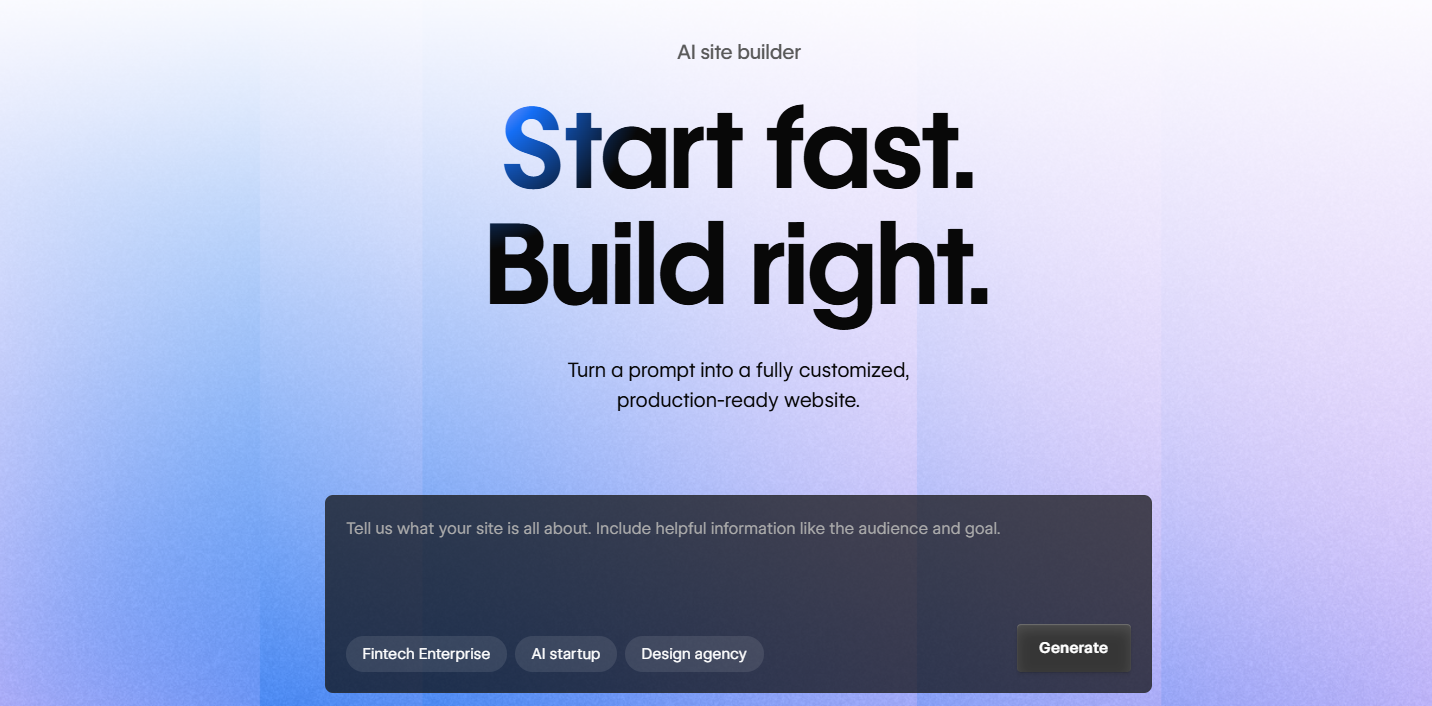
Webflow is a visual development platform that gives you the kind of layout control that normally requires writing code. Its interface maps directly to CSS concepts like box model, flexbox, and grid, which means what you design in the editor is what gets rendered in the browser. Bolt generates code that you then need to deploy and maintain; Webflow handles all of that and also gives you a powerful CMS for managing content at scale. It's the better choice when you need a high-performance marketing site or content hub that non-developers on your team can update without touching code.
Key Features
- It provides CSS-level layout control through a visual interface, giving you precise design output without writing code.
- It includes a powerful CMS with collections, filtering, and dynamic pages for managing structured content at scale.
- It supports advanced scroll animations and custom interactions triggered by user actions.
- It allows clean HTML, CSS, and JavaScript export if you ever need to take the code outside the platform.
- It provides granular responsive design controls for every screen size breakpoint.
Best For
Professional designers, growth-stage marketing teams, and agencies that need full design control, a scalable content architecture, and a platform that won't hit a ceiling as their site grows.
Pricing
| Plan | Price |
|---|---|
| Basic | $18/month |
| CMS | $29/month |
| Business | $49/month |
How to Make the Right Choice
The right Bolt alternative depends entirely on what you're actually trying to build and where Bolt is falling short for you.
- What are you building? This matters more than anything else. If you need a business website, a blog, or a marketing page, most of the tools on this list are better suited to that than Bolt. If you need a full-stack web app, Lovable and Emergent are the closest comparisons. Get clear on this before evaluating anything else.
- How much does predictable pricing matter? Bolt's token model works well when usage is low, but costs can climb fast once debugging loops or complex builds kick in. Tools with flat monthly pricing give you a clearer picture of what you're actually paying each month.
- Do you need to own your code? Platforms like Lovable offer GitHub sync so your codebase lives outside the tool. Others like Butternut AI or Squarespace are closed ecosystems. If portability matters to your business, check this before you commit.
- Who else needs to use the site? Some platforms are built for developers comfortable with code concepts. Others are designed for marketers, founders, or designers who need to make updates without technical knowledge. Match the tool to the people who will actually be using it day to day.
- What's your long-term plan? A platform that works for your current site might become a bottleneck in 12 months. Think about adding pages, a blog, a store, or more complex functionality. The right platform should grow with you rather than force a rebuild later.
Our Suggestion
If what you need is a fast, clean way to get a business website live without dealing with token limits, debugging overhead, or a tool built for developers, Butternut AI is worth a serious look.
Butternut AI generates a complete website from a short business description in about 20 seconds. The structure, copy, and layout are all built around the context you give it, so you're starting from something relevant rather than a blank slate or a generic template. The editing experience is direct and works on the page itself, so iterations are fast and you're not managing a chat interface.
There's also a free plan, so you can build and edit without paying anything upfront. You only upgrade when you're ready to go live.