
Butternut AI Blog
8 CodeDesign AI Portfolio Builder Alternatives to Try
8 CodeDesign AI Portfolio Builder Alternatives to Try
Introduction
CodeDesign.ai has built a solid reputation as an AI website builder, and for good reason. It generates clean, responsive websites from a prompt in seconds, supports full HTML/CSS code export, and even lets you publish directly to WordPress.
That said, it's not the perfect tool for everyone. Users coming specifically for portfolio-building often find the experience falls short. There's no dedicated portfolio mode, the design variety is limited, and the free plan hands out very few AI tokens before nudging you toward a paid upgrade. If you've hit one of those walls, the tools below are worth a closer look.
TL;DR
- Best overall alternative: Butternut AI
- Best for design-first workflows: Figma Make
- Best for creatives on a budget: Gamma
- Best for full design control: Canva Portfolio Builder
- Best for autonomous app generation: Manus
Why You Might Be Looking For a CodeDesign.ai Alternative
- No portfolio-specific templates or layouts: CodeDesign.ai is built as a general website builder. If you need structured case study pages, project process sections, or a dedicated work gallery, you'll have to build those from scratch.
- Limited design variety: AI-generated designs tend to look generic and templated. For portfolios where visual differentiation matters, this is a real limitation.
- The free plan is genuinely restrictive: You get a very limited number of AI tokens before hitting a wall. For anyone trying to properly test the platform before committing, it's not enough.
- Fewer integrations than larger platforms: Compared to more established builders, CodeDesign.ai's integration options are thin.
8 Best CodeDesign.ai Alternatives in 2026
| Tool | Resume Parsing | AI Content Gen | Hosting | Custom Domain | SEO Tools | Lead Capture | Starting Price |
|---|---|---|---|---|---|---|---|
| Butternut AI | Free (1 yr, paid) | $5/mo | |||||
| Manus | Yes (paid) | $20/mo | |||||
| Gamma | Pro+ ($25/month) | $12/mo | |||||
| Canva Portfolio Builder | Pro+ ($15/month) | Basic | $15/mo | ||||
| Visme | Pro ($59/month) | Basic | $29/mo | ||||
| Wix AI Portfolio Generator | Free (1 yr, paid) | $17/mo | |||||
| Lovable | Pro+ ($25/month) | Basic only | $25/mo | ||||
| Figma Make | Yes (paid) | Partial | $20/mo |
1. Butternut AI
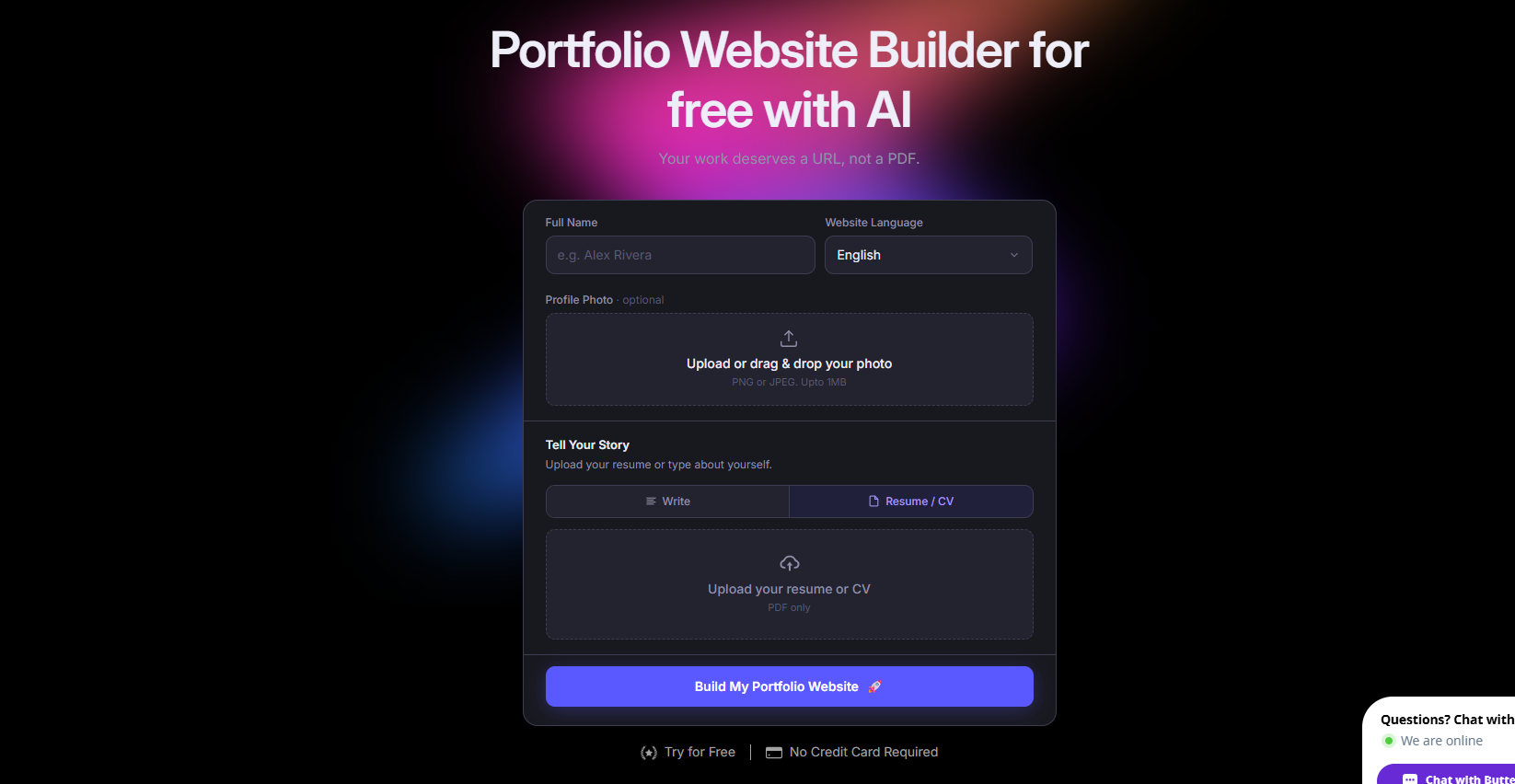
Butternut AI is an AI-native website and portfolio builder that takes a short description of your work and turns it into a complete, structured site in roughly 20 seconds. Where CodeDesign.ai generates a generic site from a prompt, Butternut AI has a dedicated portfolio builder. It understands the difference between a freelancer's portfolio and a SaaS landing page, and builds accordingly. It also includes a resume import feature that auto-populates your portfolio with your actual work history, which is something CodeDesign.ai doesn't offer.
Editing is done directly on the page, so changes are fast and visual. If you need deeper control, HTML editing is also available. And if you want to grow your audience beyond the site itself, built-in AI agents handle social media publishing across Facebook, LinkedIn, and Instagram.
- Resume import to auto-generate your portfolio content from existing work history.
- Built-in AI blog writer for creating SEO content without leaving the platform.
- Automated SEO with meta tags, sitemaps, and keyword guidance included.
- Easy integration with payment apps like Stripe and Raorpay.
Best For: Freelancers, designers, photographers, and creatives who want a portfolio built from the ground up for their work, not adapted from a generic site template.
Pricing:
| Plan | Price |
|---|---|
| Free | Available (build and test, no custom domain) |
| Starter | $5/mo |
| Pro | $12/mo |
2. Manus
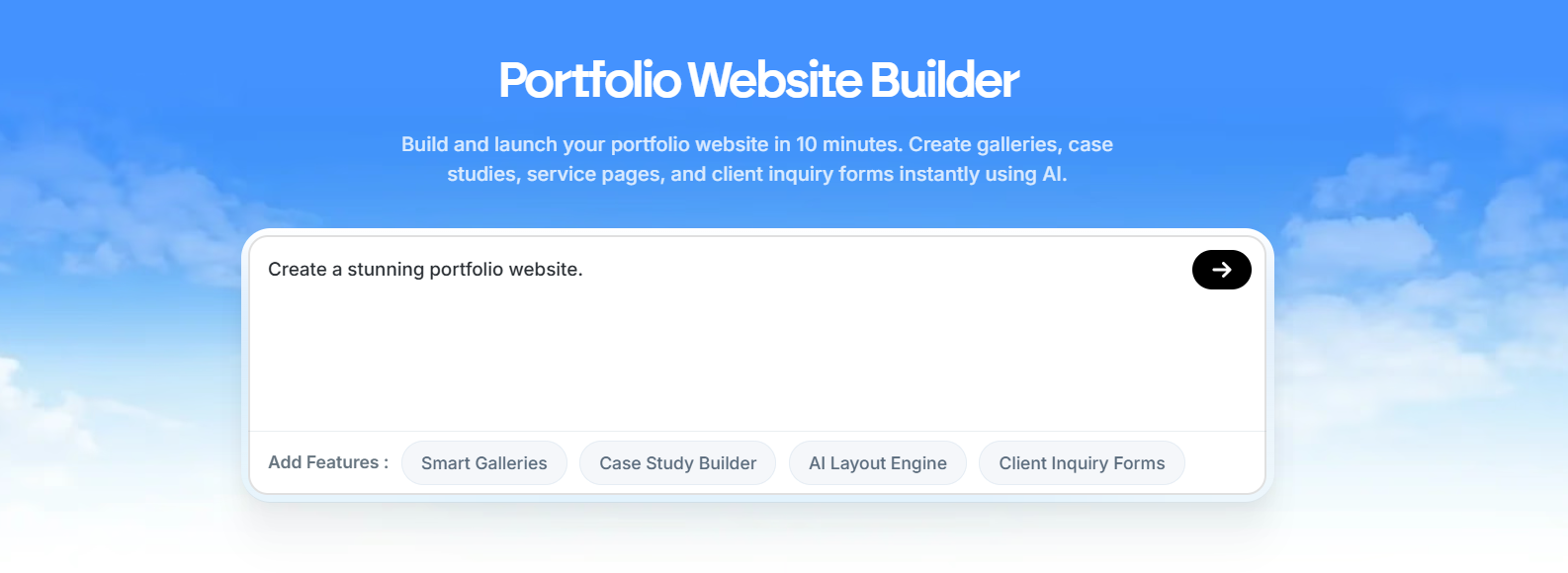
Manus is an autonomous AI agent that builds full-stack portfolio websites from conversational prompts. Unlike CodeDesign.ai, which gives you a drag-and-drop editor to refine an AI-generated layout, Manus handles everything from the frontend, backend, database, authentication, to deployment, without you needing to touch any of it. It also researches current design trends before building, which tends to produce more current-looking output than template-based generators.
- Full-stack portfolio generation where frontend, backend, database, and authentication are all handled automatically.
- Conversational AI that researches design principles and trends before generating your site.
- Figma-to-site integration for designers who already have mockups.
- Stripe payment integration built in.
- Integrations with Slack, Gmail, GitHub, and Google Calendar.
Best For: Developers, technical founders, and users who want a fully functional web application, not just a portfolio page, generated and deployed without writing a single line of code.
Pricing:
| Plan | Price |
|---|---|
| Free | $0 (300 daily refresh credits, 1 concurrent task) |
| Standard | $20/mo |
| Customizable | $40/mo |
| Extended | $200/mo |
3. Gamma
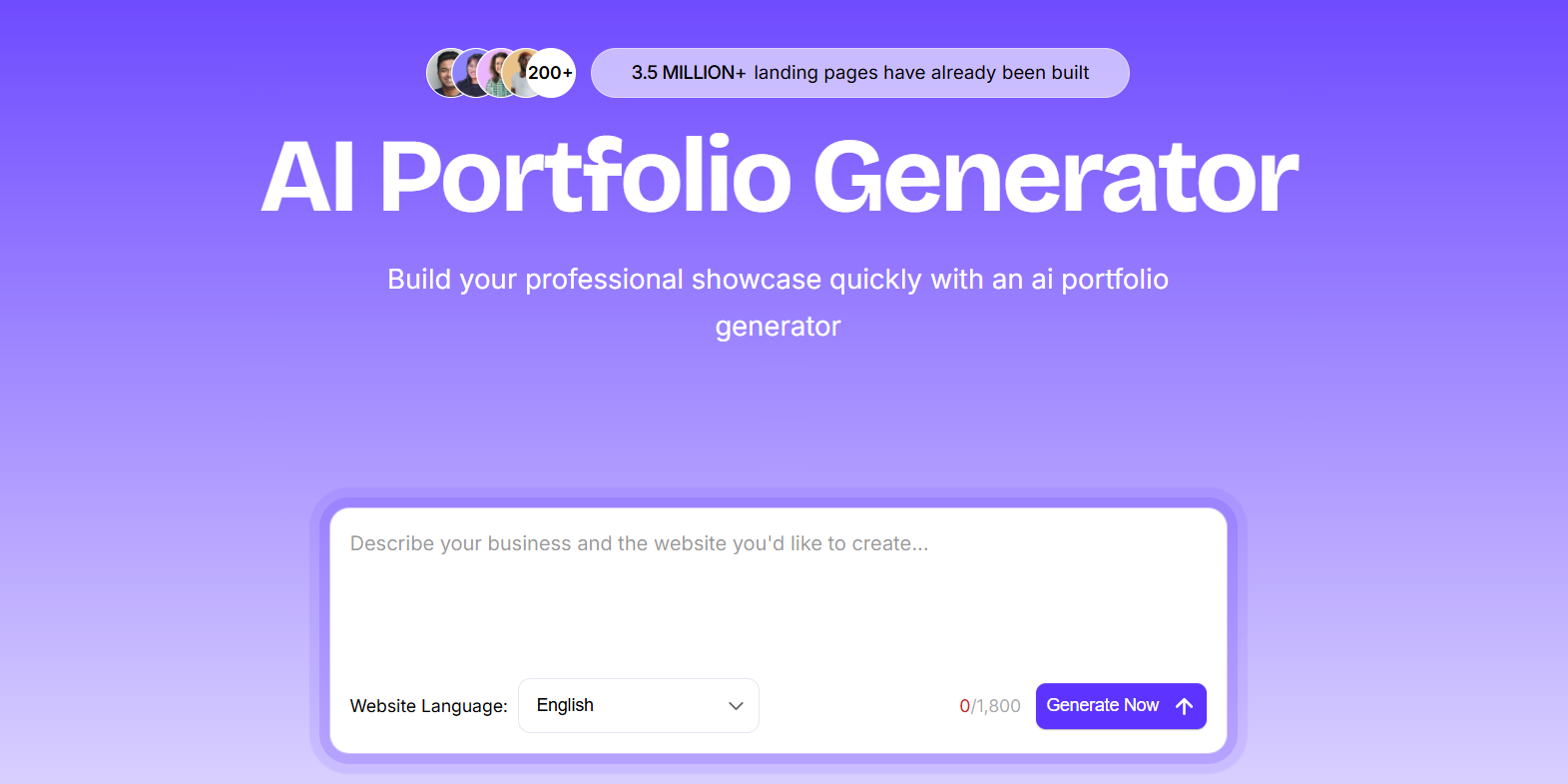
Gamma is a prompt-to-published platform for creating presentations, documents, and websites. For portfolio use, it generates web-native portfolio pages, landing pages, and case study sites in under 60 seconds. CodeDesign.ai requires you to manually configure pages and sections after generation; Gamma publishes immediately, with Google Indexing available so your work starts getting crawled right away.
- Import from PDF, PPTX, Word, or URL to create a portfolio from existing materials.
- Google Indexing available on published sites for organic discoverability.
- Analytics integration with Meta Pixel and Google Analytics.
Best For: Consultants, students, and content creators who need a portfolio or case study site up fast, without committing time to design or configuration.
Pricing:
| Plan | Price |
|---|---|
| Free | $0 (400 AI credits, Gamma branding) |
| Plus | $12/mo |
| Pro | $25/mo |
| Ultra | $100/mo |
4. Canva Portfolio Builder
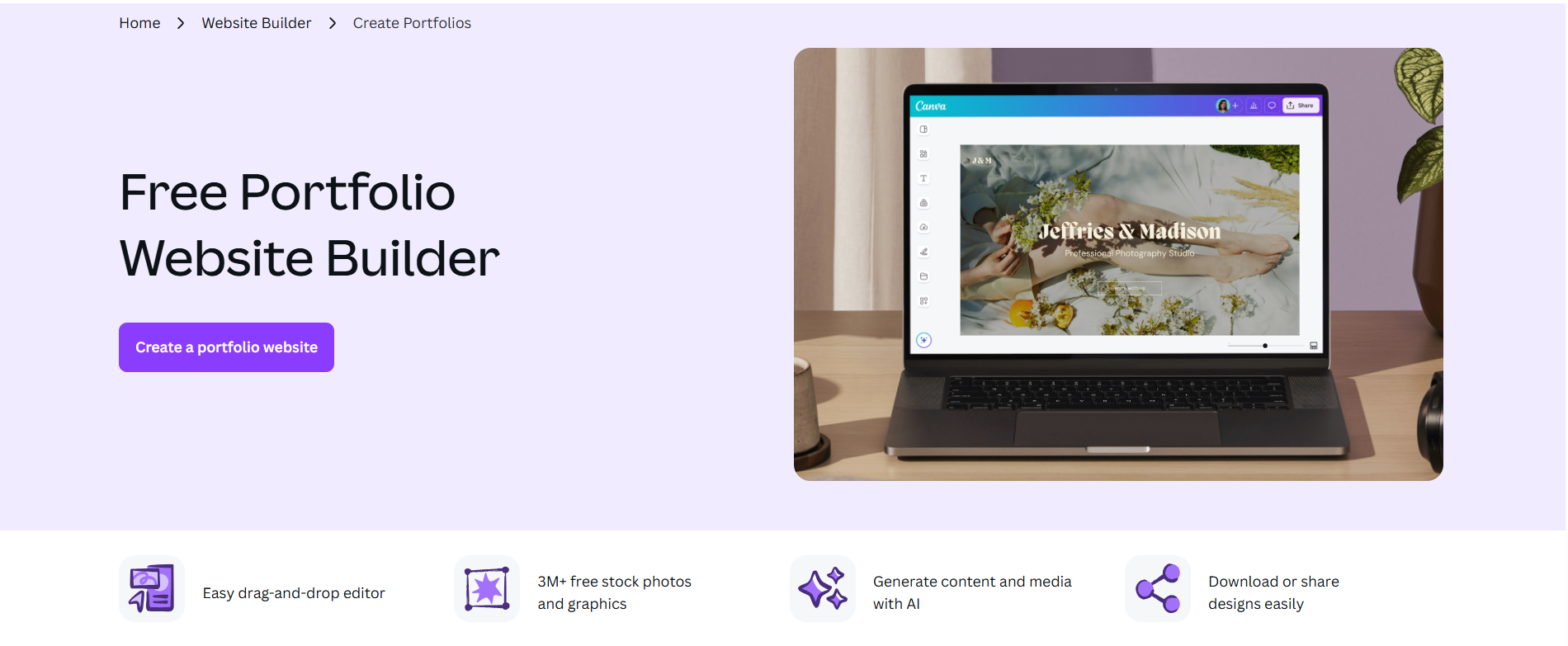
Canva is a widely used design platform, and its Websites feature lets you build and publish a portfolio directly from the same tool you already use for social graphics, presentations, and documents. The 250,000+ template library includes portfolio-specific layouts, and the Magic Studio AI suite handles image generation, copywriting, background removal, and image expansion, all from within Canva. CodeDesign.ai focuses primarily on generating the site structure; Canva gives you far more control over how individual elements look, and its Brand Kit ensures visual consistency across every page.
- 250,000+ design templates including portfolio-specific layouts.
- Magic Studio AI suite covering Dream Lab for text-to-image, Magic Write for copy, Magic Eraser, and Background Remover.
- Brand Kit for applying consistent fonts, colors, and logos across all pages.
- Access to 100M+ stock photos, illustrations, and videos.
Best For: Graphic designers, photographers, marketing professionals, and visual artists who already use Canva for other work and want their portfolio to live in the same ecosystem.
Pricing:
| Plan | Price |
|---|---|
| Free | $0 (basic templates, limited AI tools) |
| Pro | $15/mo |
| Teams | $21/user/month (billed monthly) |
| Enterprise | Custom pricing |
5. Visme
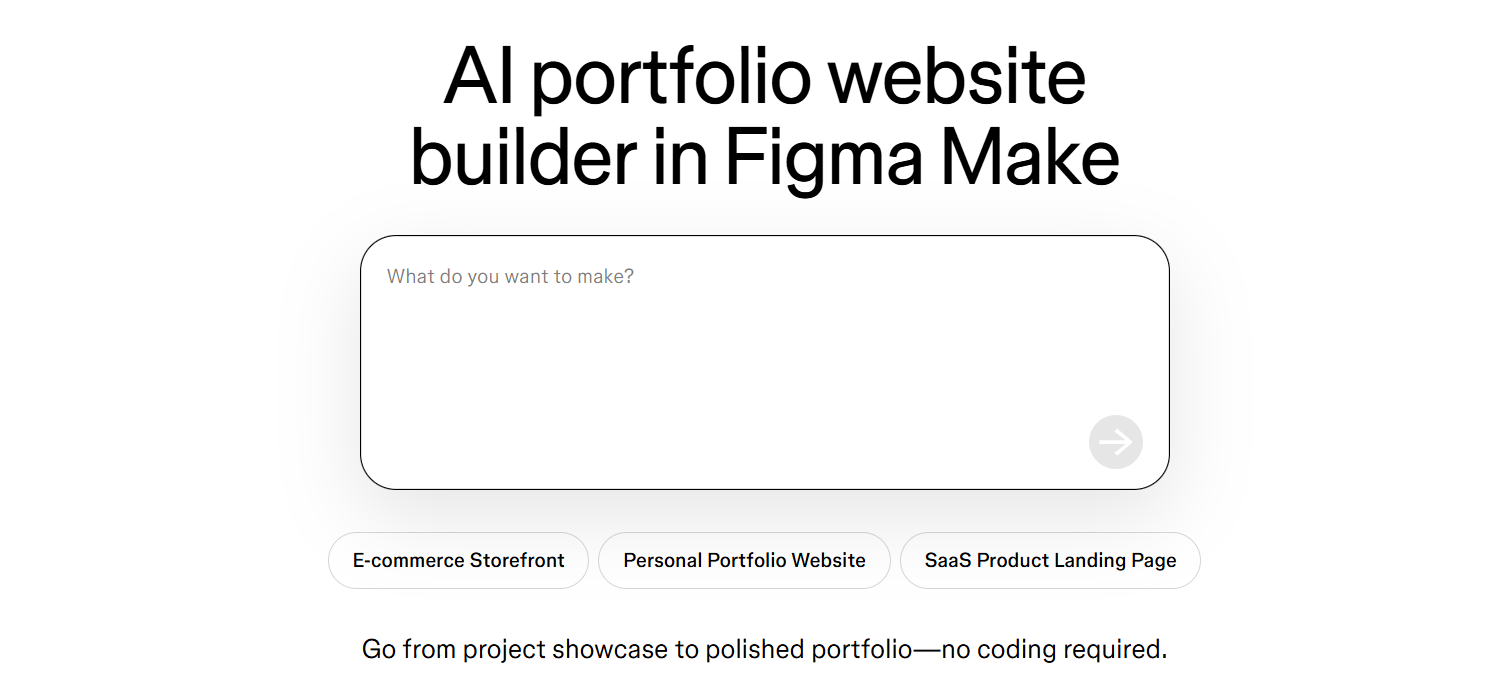
Visme covers presentations, infographics, reports, social graphics, and portfolio-style websites, all from one place. The AI Design Generator creates complete designs from prompts in under two minutes, and the live data integration feature is unique. You can connect your portfolio's case study metrics directly to Google Sheets, Salesforce, or HubSpot so the numbers update automatically without you touching the site. CodeDesign.ai has no equivalent of this. For anyone whose portfolio includes quantitative results such as conversion rates, revenue impact, or project metrics, it's a genuinely useful differentiator.
- AI Design Generator creates multiple project types from prompts in under two minutes.
- Live data integration with Google Sheets, Salesforce, and HubSpot so metrics in your portfolio update automatically.
- Brand Wizard extracts your brand colors, fonts, and logo from any website URL.
- 16+ chart types for data-heavy case studies, including Mekko, waterfall, and Gantt.
- Presenter Studio for recording screen and voiceover walkthroughs within the platform.
- Interactive and animated content with embedded video, audio, and forms.
Best For: Marketing professionals, UX designers, data analysts, and business consultants whose portfolio work centers around measurable outcomes and data-rich case studies.
Pricing:
| Plan | Price |
|---|---|
| Free | $0 (limited projects, watermark, JPG export only) |
| Starter | $29/mo |
| Pro | $59/mo |
| Enterprise | Custom pricing |
6. Wix AI Portfolio Generator
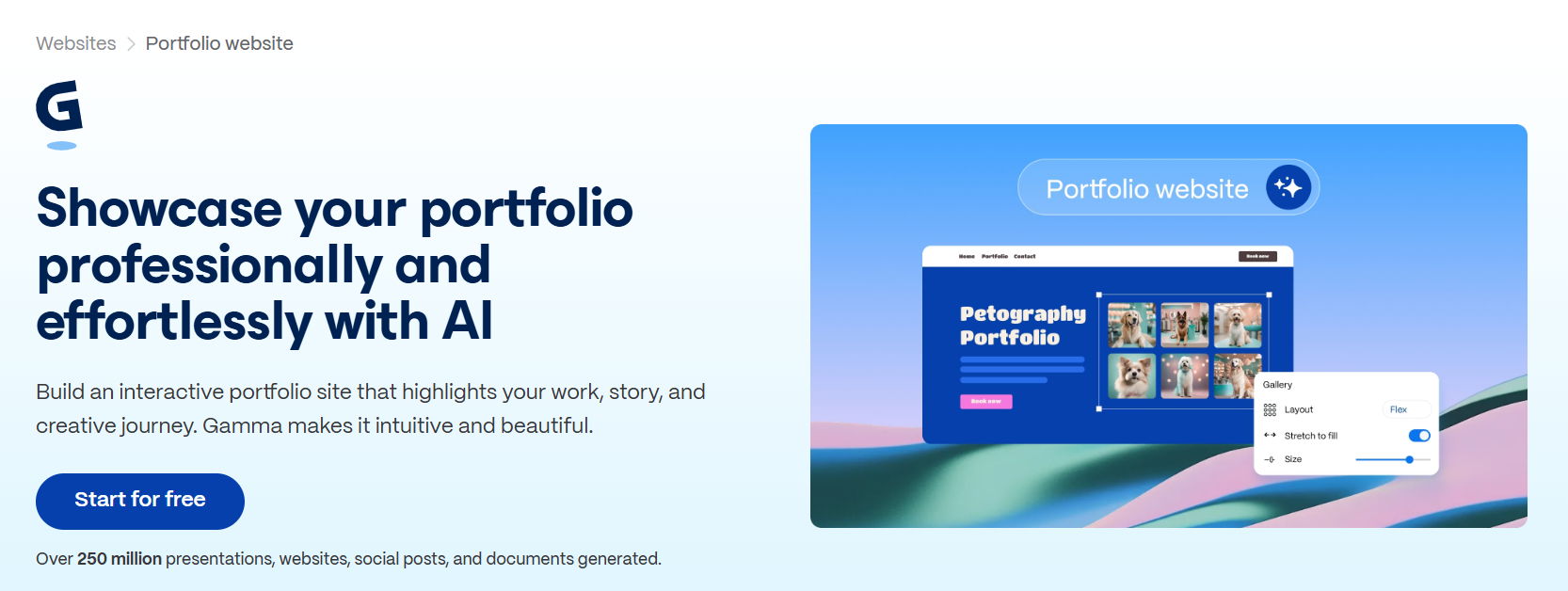
Wix's dedicated AI Portfolio Generator, powered by Aria, goes beyond what CodeDesign.ai offers in terms of portfolio-specific functionality. Aria can generate pages, sections, copy, and images from prompts, and the image-clustering feature automatically organizes uploaded media into titled project galleries with AI-written descriptions. The thing that genuinely sets Wix apart is its AI search visibility tracking. It shows you how your portfolio appears not just in Google, but in ChatGPT, Perplexity, and Claude, a level of SEO visibility no other builder on this list offers.
- AI image-clustering to auto-organize work into projects with titles and descriptions.
- AI search visibility tracking that shows how your portfolio appears in ChatGPT, Perplexity, and Claude alongside Google.
- Built-in email marketing, social media scheduling, and Google Analytics.
- 900+ templates with a centralized media dashboard.
- Mobile app for managing and updating your site on the go.
Best For: Photographers, illustrators, architects, and other visual creatives who want a polished portfolio with strong SEO, including visibility in AI-powered search tools.
Pricing:
| Plan | Price |
|---|---|
| Free | $0 (Wix branding, subdomain) |
| Light | $17/mo |
| Core | $29/mo |
| Business | $36/mo |
| Business Elite | $159/mo |
7. Lovable
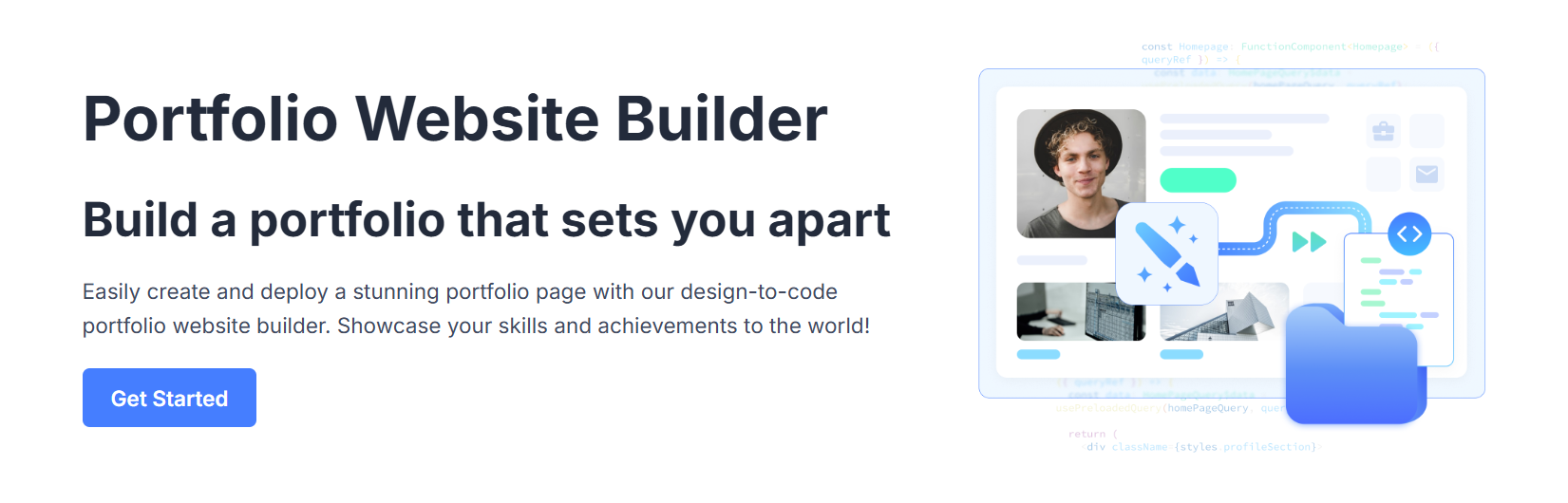
Lovable is a full-stack app builder that generates React and TypeScript applications from natural language prompts, with Supabase handling the database and authentication layer. For portfolio use specifically, Lovable's 3D viewer for product and portfolio showcases is a standout feature. If your work involves 3D modeling, product design, or interactive prototypes, you can display them directly in your portfolio without needing a separate tool. CodeDesign.ai has no equivalent.
- 3D viewer for displaying product designs, models, and interactive portfolio work.
- Figma design import that turns your existing mockups into working components.
- GitHub sync included on all plans so your code is always exportable.
- Visual editor for no-code adjustments after the AI generates your site.
Best For: Product designers, UX/UI designers, 3D artists, and early-stage founders who want a portfolio that functions as a full web application, not just a static showcase.
Pricing:
| Plan | Price |
|---|---|
| Free | $0 (5 credits/day, public projects only) |
| Pro | $25/mo |
| Business | $50/mo |
| Enterprise | Custom pricing |
8. Figma Make
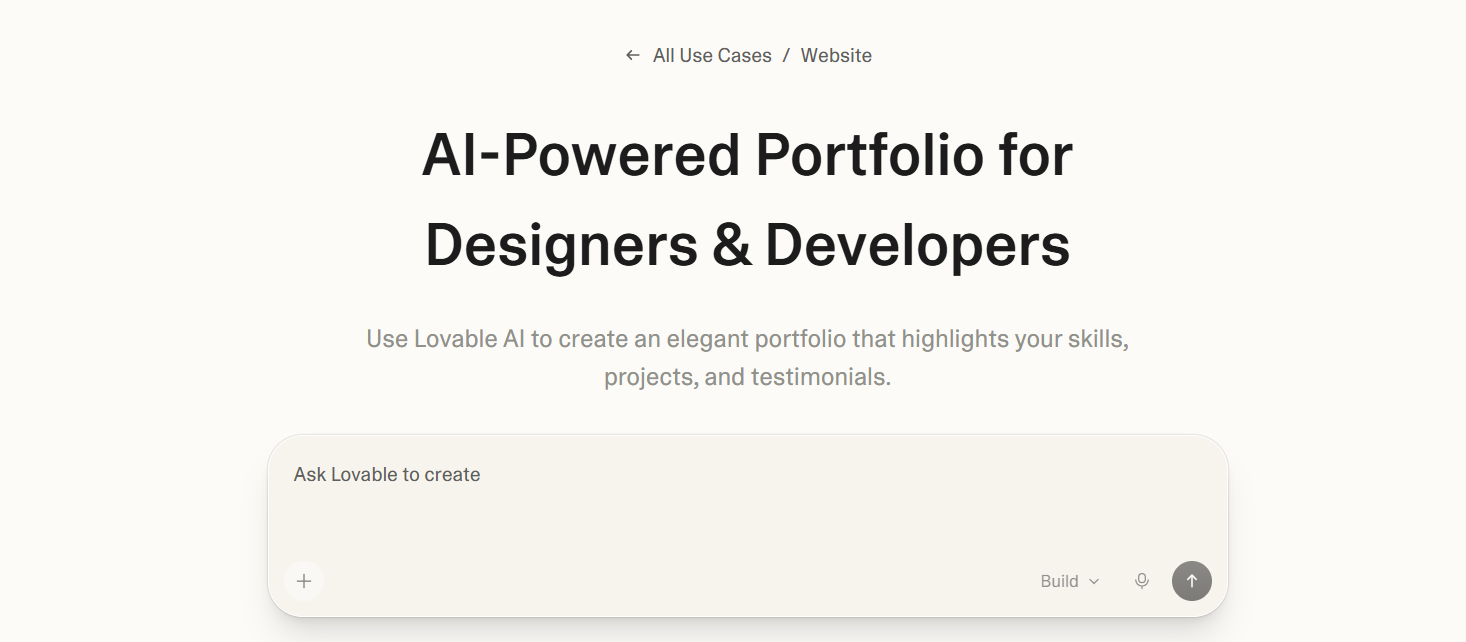
Figma Make is an AI portfolio and website builder built natively into Figma. It generates UI screens and live portfolio sites from text prompts using your existing Figma component libraries, meaning every generated element is already on-brand if your design system is set up. With Figma Sites, you can publish your design as a live website without leaving the Figma environment.
Compared to CodeDesign.ai, Figma Make is purpose-built for designers who are already working in Figma and don't want to export or rebuild their work in a separate tool. It's not for everyone. If you're not comfortable in Figma, the learning curve is steep.
- AI prompt-to-UI generation using your existing Figma component libraries for on-brand output.
- Figma Sites that lets you publish any design as a live portfolio directly from the Figma canvas.
- Interactive prototype creation with clickable elements before you publish.
- Real-time collaboration within the same Figma file, useful for design teams.
Best For: UI/UX designers and product teams who already work in Figma and want to publish a portfolio or case study site without leaving their existing design workflow.
Pricing:
| Plan | Price |
|---|---|
| Starter | Free (150 AI credits/day) |
| Professional (Full seat) | $20/mo |
| Dev seat | $12/mo |
| Organization | $55/month per seat (annual only) |
| Enterprise | $90/month per seat (annual only) |
How to Make the Right Choice
The right tool depends on what you actually need from a portfolio. A few things worth thinking through before you commit:
- Who's your audience? A portfolio for creative clients has different requirements than one built to attract technical recruiters. Match the visual and structural approach of the tool to what your audience actually needs to see.
- How hands-on do you want to be? Some tools get you to a live site with minimal effort. Others give you more control but require more input, such as a clean Figma file or a detailed prompt with clear specifications.
- Do you need the site to do more than showcase work? If you want lead capture, contact forms, or client booking, make sure those features are included at the plan level you're considering, not locked behind a higher tier.
- What does SEO look like? If organic search matters to you, check whether the tool gives you proper meta tag control, custom URLs, and a sitemap. Several tools on this list have basic or limited SEO at lower plan levels.
Our Suggestion
If you want a portfolio built specifically for you, not generated from a generic template and then tweaked, Butternut AI is the strongest option here. It's a tool with a dedicated AI portfolio builder, which means the output understands what a portfolio is supposed to do, and makes it easy for someone to get in touch.
The resume import feature is especially useful if you're starting from scratch. Instead of manually writing every section, Butternut AI pulls your work history in and builds the structure around it. From there, the on-page editor makes iteration fast, with no navigating through nested menus or rebuilding sections from scratch every time you want to make a change.
You can build your portfolio for free and see exactly what you're getting before you pay for anything.