
Butternut AI Blog
8 Best Figma Make Alternatives in 2026
We've curated a list of 8 of the best Figma Make alternatives to build your website, comparing them on features, pricing, and who they're best suited for.
Introduction
Figma is the tool most designers live in. Its AI feature, Figma Make (previously called Make Designs), lets you generate editable website designs directly inside the Figma canvas, which is genuinely useful if you're already working there every day. It eliminates the back-and-forth between your design tool and a builder, and produces real Figma files you can hand off or iterate on with your team.
That said, Figma Make has a fundamental ceiling: it generates designs, not live websites. Once you're happy with what it's produced, you still need to take that design somewhere else to actually publish it. There's no hosting, no CMS, no SEO controls, and no domain support. It's a design tool, not an end-to-end website builder. If you need to go from idea to live site without bouncing between platforms, you'll need something else.
TL;DR
- Best overall alternative: Butternut AI
- Best for brand identity: Design.com
- Best for service businesses: Durable
- Best for WordPress users: 10Web
- Best for design-first teams: Framer
- Best for full control and scalability: Webflow
Why You Might Be Looking For a Figma Make Alternative
Figma Make works well within Figma's ecosystem, but it runs into limitations depending on what you're trying to accomplish:
- You can't publish directly from it: Figma Make outputs a design file, not a live website. You still need Framer, Webflow, or another platform to actually host and publish your site.
- There's no built-in SEO: If organic search matters to you, Figma Make can't help with that.
- It's not beginner-friendly: Figma's canvas is built for professional designers. If you're a founder or marketer who doesn't use Figma day-to-day, the learning curve is steep.
- No content management: There's no CMS or blogging tools, and no way to manage structured content.
- Per-editor pricing adds up: Figma's Professional plan costs $16/editor/month. For a team of three or four, you're at $48–$64/month just for the design tool.
8 Best Figma Make Alternatives in 2026
| Tool | SEO | Custom Code | Blog Gen | Hosting | Copy Gen | AI Social | Price |
|---|---|---|---|---|---|---|---|
| Butternut AI | $20/mo | ||||||
| Design.com | $15/mo | ||||||
| Durable | $25/mo | ||||||
| 10Web | $20/mo | ||||||
| Hostinger | $9.99/mo | ||||||
| Squarespace | $16/mo | ||||||
| Framer | $15/mo | ||||||
| Webflow | $18/mo |
Butternut AI
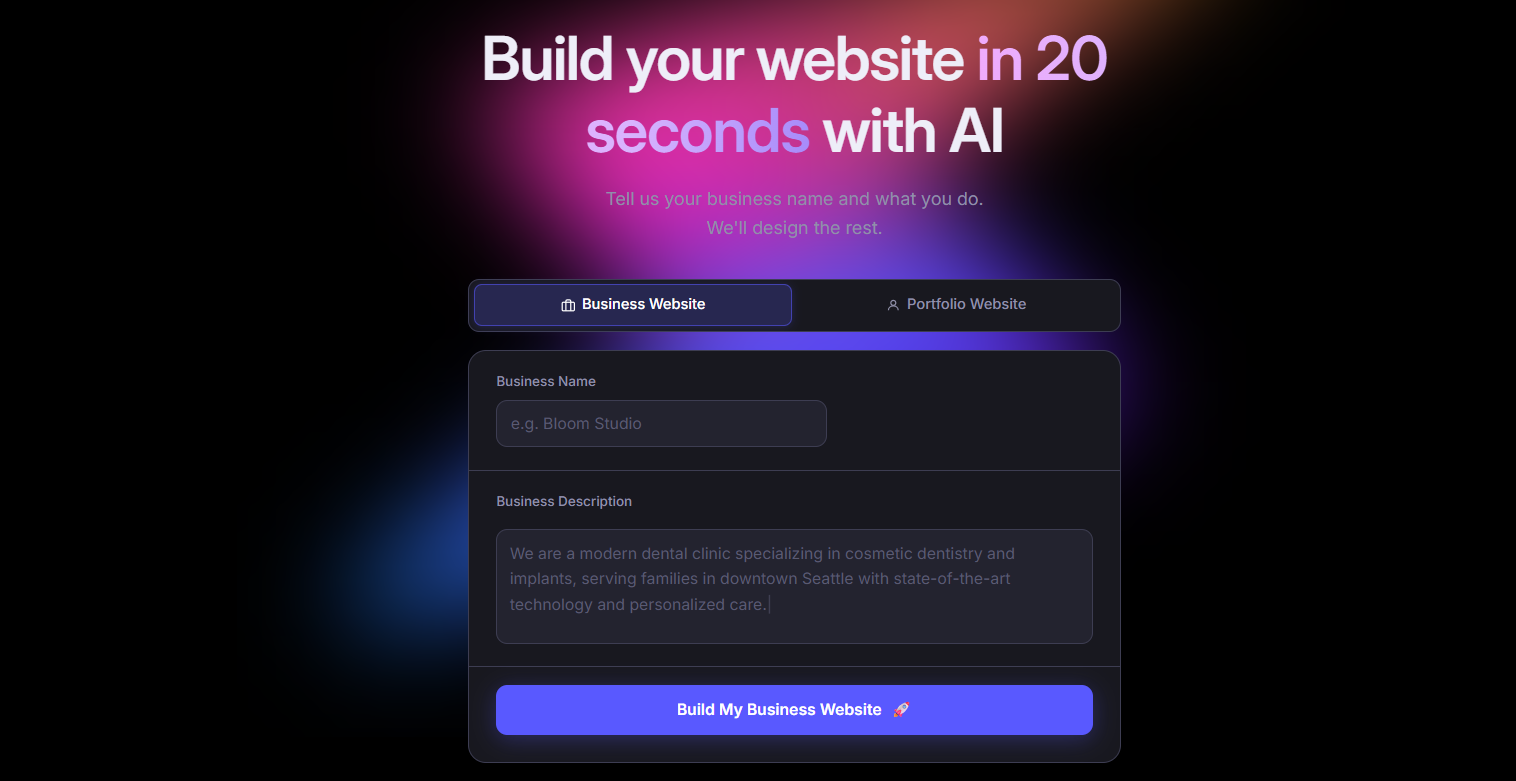
Butternut AI takes a completely different approach to website creation. Describe your business in a sentence or two, and it generates a complete site, including structure, layout, and copy, that too, in under 20 seconds. Everything is editable directly on the page, and publishing happens in a single click. Where Figma Make gives you a design file you still need to do something with, Butternut AI gives you a live website you can share immediately.
For non-designers especially, the difference is significant. It also covers ground that Figma Make doesn't touch at all, like built-in blog generation for SEO, social media marketing agents, and payment integrations for Stripe, PayPal, and Razorpay.
Key Features
- Built-in hosting with one-click publishing, so there's no separate platform to set up.
- AI blog writer that creates full articles from scratch for building out SEO content over time.
- AI social media marketing agents for Facebook, LinkedIn, and Instagram.
- HTML editing for when you need to make very specific tweaks.
Best For: Founders, solopreneurs, and marketers who want to go from idea to a published website as quickly as possible, without needing a design background or a separate hosting setup.
Pricing
| Plan | Price |
|---|---|
| Starter | $20/mo |
| Pro | $69/mo |
Design.com
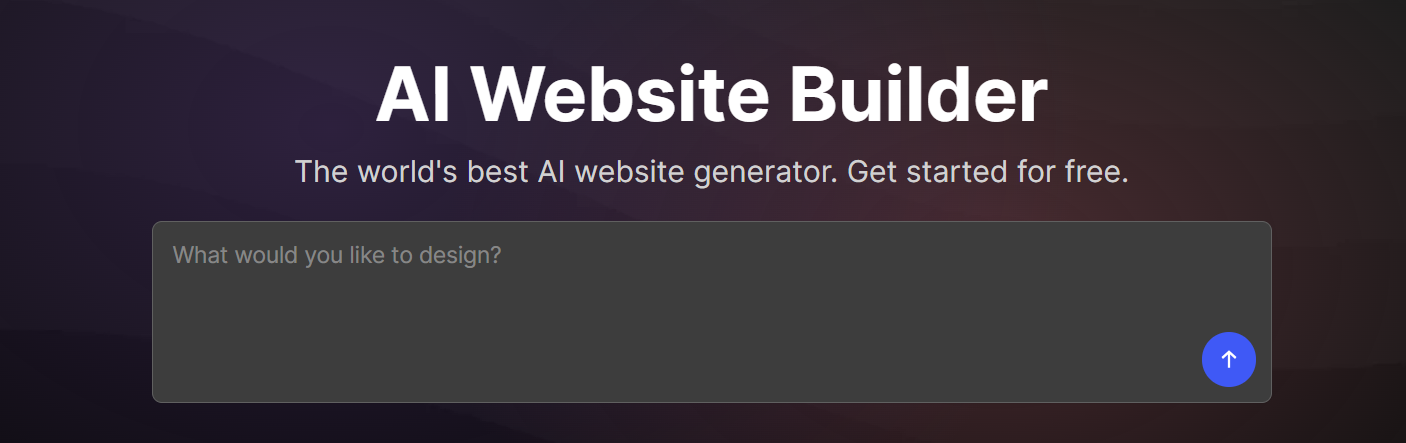
Design.com is an AI-powered brand and website builder that generates your full brand identity alongside your website in a single pass. Enter your business name and a short description, and it produces hundreds of unique website concepts complete with a matching logo, color palette, typography, business cards, social media templates, and email signatures.
Compared to Figma Make, Design.com is far more accessible for non-designers. You don't need to know how to work within a design tool's canvas. You just answer a few prompts and pick what you like. It doesn't produce the same level of design precision as Figma, but for small businesses that need a complete brand presence quickly, it works.
Key Features
- Generates multiple website and brand concepts simultaneously from a single prompt.
- It has an AI logo generator with customization options for color, typography, and layout.
- It offers 50+ design tools including curved text, decorative elements, and an AI background remover.
- It has an AI presentation maker for decks and pitch materials.
Best For: Small business owners, freelancers, and entrepreneurs who need a complete brand identity and a professional website at the same time, without hiring a designer or using multiple tools.
Pricing
| Plan | Price |
|---|---|
| Starter | $15/mo |
| Value (includes website) | $24/mo |
| Premium | $29/mo |
Durable
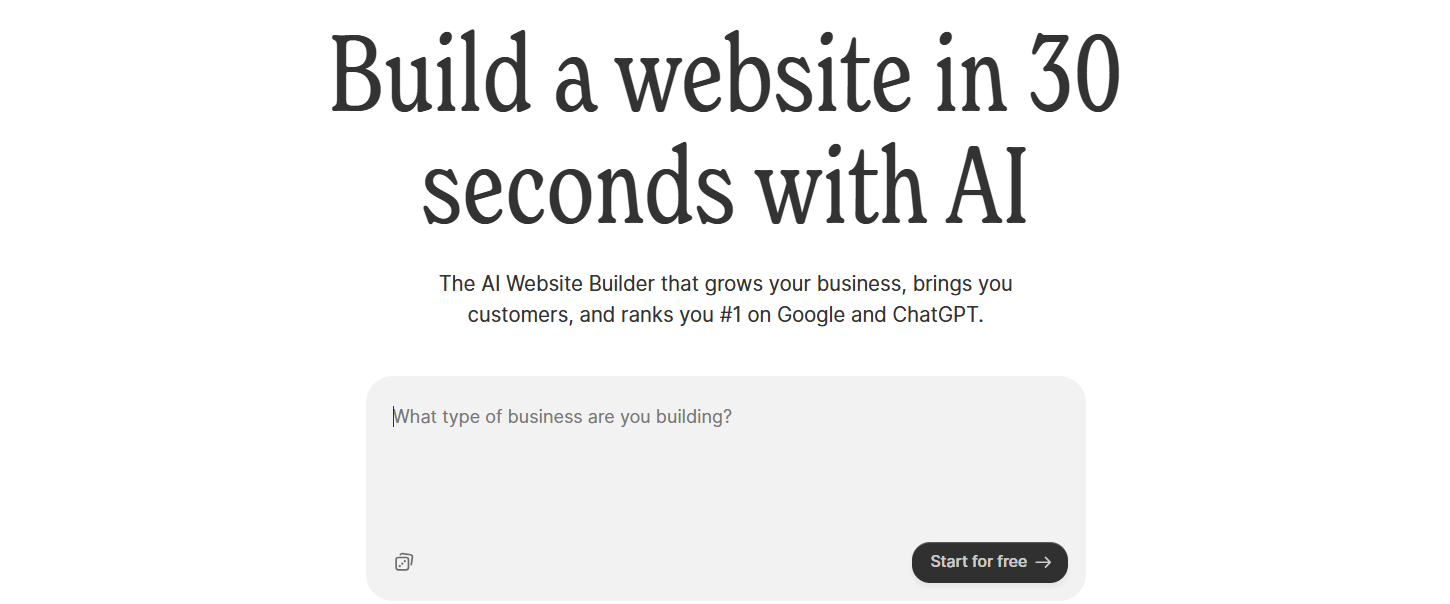
Durable is an AI website builder built specifically for service-based businesses. It generates a website in under 30 seconds and bundles in a CRM, invoicing tools, and client management features, so the platform handles more than just the website side of things.
Where Figma Make requires you to take a design file and publish it elsewhere, Durable goes live instantly. The design flexibility is limited compared to Figma, but that's not really the point here. It's built for speed and utility, not creative control.
Key Features
- Built-in CRM for managing leads and customer data without a separate tool.
- Invoice creation and payment tracking directly within the platform.
- Lead capture forms that automatically sync with the CRM.
- AI social media marketing tools for promoting across multiple channels.
- Analytics dashboard for monitoring website activity and customer interactions.
Best For: Solopreneurs and local service businesses like plumbers, consultants, therapists, contractors, who want a single platform that handles their website and basic business operations without stitching together separate tools.
Pricing
| Plan | Price |
|---|---|
| Launch | $25/mo |
| Grow | $99/mo |
10Web
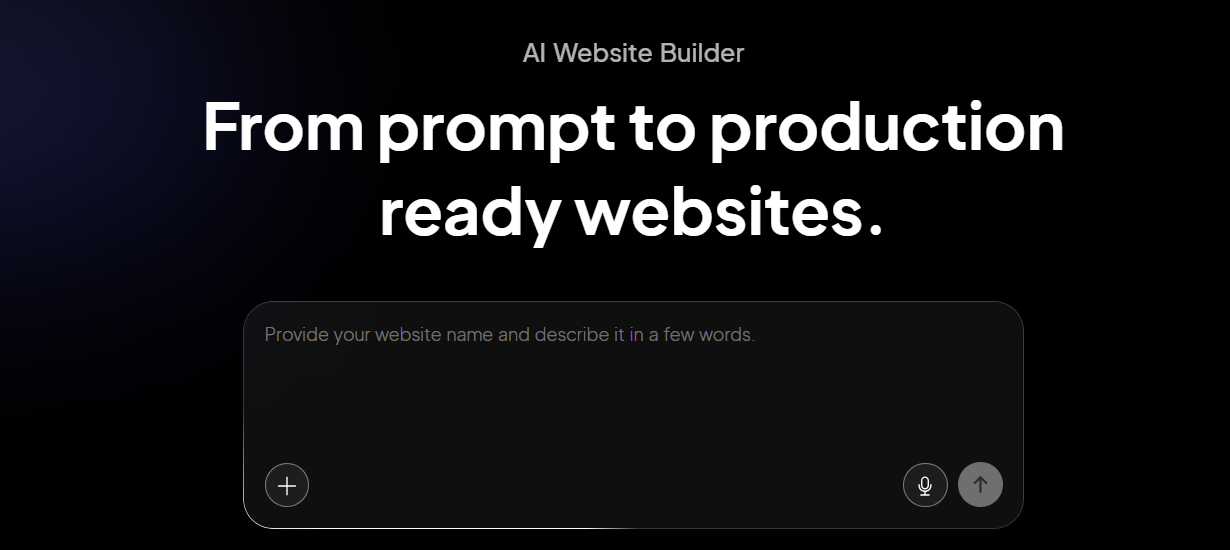
10Web is an AI website builder that sits on top of WordPress and Google Cloud hosting. Its Agentic AI Builder generates complete WordPress sites from a text prompt and it can also clone any existing website by URL, which is a feature you won't find in most builders. After generation, you get full access to the WordPress ecosystem.
10Web generates and publishes a complete, hosted WordPress site in one workflow, with guaranteed 90+ PageSpeed scores backed by Google Cloud infrastructure. For teams already invested in WordPress, it's a meaningful upgrade in speed without giving anything up.
Key Features
- Website cloning allows you to enter any site's URL and it replicates the layout as a starting point.
- Google Cloud hosting with a 90+ PageSpeed score guaranteed.
- Elementor-based visual editor for post-generation customization.
- Access to 60,000+ WordPress plugins and full WooCommerce support.
Best For: WordPress users, agencies, and businesses that want AI-powered site generation without leaving the WordPress ecosystem. Particularly useful for teams that need plugin flexibility, SEO scalability, or data portability.
Pricing
| Plan | Price |
|---|---|
| AI Starter (1 site) | $20/mo |
| AI Premium (1 site) | $30/mo |
| Agency Starter (3 sites) | $48/mo |
| Agency Premium (10 sites) | $120/mo |
Hostinger
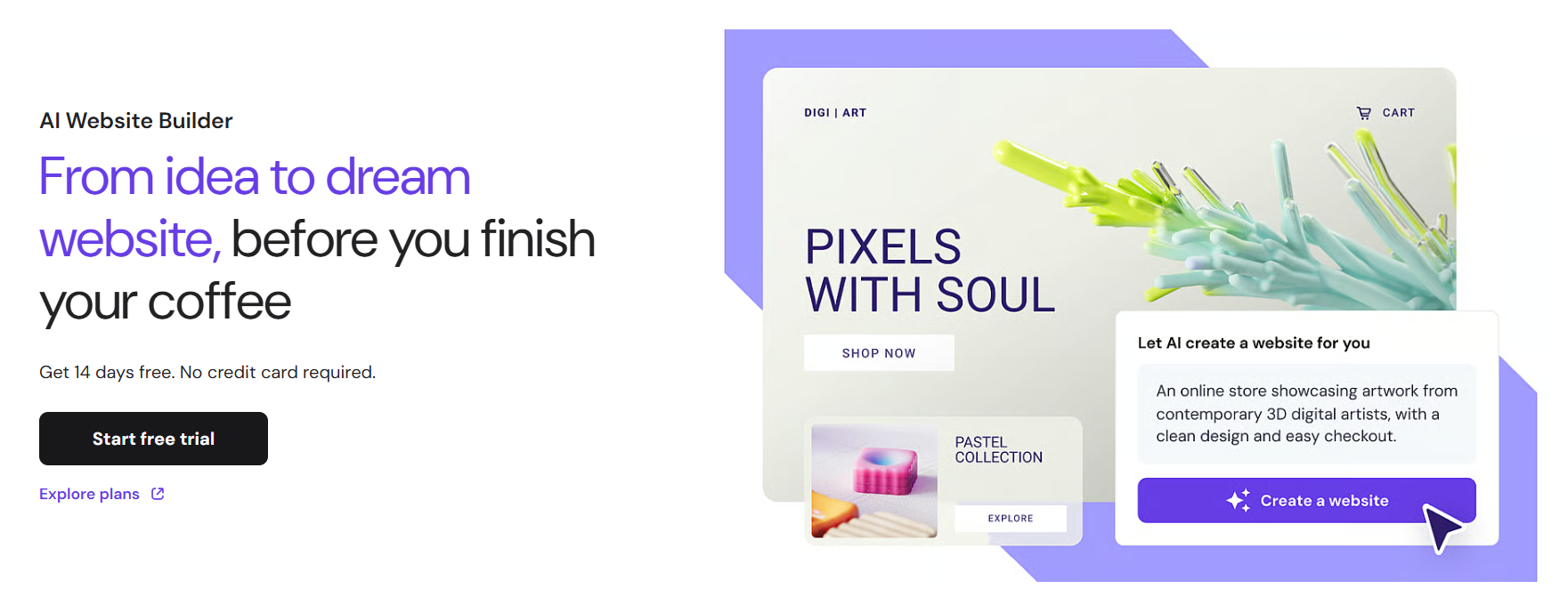
Hostinger Horizons is a relatively new AI builder that lets you generate a fully functional React web app or website from a text prompt, a voice note or uploaded image. It bundles in hosting, SSL, CDN, a custom domain, and one-click deployment in a single subscription, which keeps the setup process genuinely minimal.
For users who've outgrown Figma Make's design-only output, Horizons is a practical jump. You get a live, deployed site. The tradeoff is that all editing runs through an AI chat interface, which works well for initial builds but can feel slow when you just want to tweak a button color.
Key Features
- Conversational AI builder that accepts text, voice, and image prompts to generate React + Vite apps.
- Built-in hosting, SSL, CDN, and a free custom domain on annual plans.
- One-click deployment without any server configuration needed.
- Built-in eCommerce with Stripe on Starter plan and above.
- Supabase integration for database and authentication.
- Automated SEO including sitemap.xml, robots.txt, and LLMs.txt.
Best For: Budget-conscious entrepreneurs, non-technical founders, and small businesses who want to build and launch a functional website or web app quickly, without managing infrastructure or paying Wix-level prices.
Pricing
| Plan | Price |
|---|---|
| Explorer | $9.99/mo |
| Starter | $19.99/mo |
| Hobbyist | $55.99/mo |
| Hustler | $99.99/mo |
Squarespace

Squarespace is a website builder known for its design quality. Its AI, Blueprint, walks you through a five-step collaborative setup process. It asks about your goals, style preferences, and content and uses those answers to generate a site that already looks and feels like a real brand. Templates are polished and consistent in a way that most builders don't match, and the structured editor keeps things looking professional as you update them over time.
Unlike Figma Make, Squarespace takes you all the way to a live, published website. Squarespace's editor is more opinionated than Figma's canvas, and you can't manually adjust mobile layouts. But if a clean, professional result is the goal and you're not a designer, Squarespace gets you there reliably.
Key Features
- Design Intelligence suite with AI layout suggestions, typography recommendations, and brand identity tools.
- Beacon AI, a 24/7 assistant accessible from the dashboard for ongoing site help.
- 190+ professionally designed templates with automatic mobile optimization.
- Built-in blogging with scheduling, categories, and content management.
- Integrated eCommerce on all plans, plus detailed analytics for traffic and sales.
Best For: Creatives, photographers, consultants, and small businesses where visual presentation is the top priority. A good fit for anyone who wants a polished, brand-ready site without having to think too hard about design decisions.
Pricing
| Plan | Price |
|---|---|
| Basic | $16/mo |
| Core | $23/mo |
| Plus | $39/mo |
| Advanced | $99/mo |
Framer

Framer is arguably the closest alternative to Figma Make for designers who don't want to give up design control. Its AI, Wireframer, generates full multi-page websites from a text prompt. From there, you edit in a freeform visual canvas that behaves like Figma, component-based, pixel-precise, with real animation tools. Sites are served via a global CDN and typically score 90+ on Lighthouse, so the design quality comes without a performance penalty.
The key difference from Figma Make is that Framer takes you all the way to a live, hosted, published website. You're not exporting a design file to hand off somewhere else, you're building and publishing in the same tool.
Key Features
- AI Wireframer generates complete multi-page sites from a prompt, with a consistent design system applied throughout.
- Freeform visual editor with Figma-like canvas control and pixel-perfect layout precision.
- Built-in animation tools including scroll effects, hover transitions, and entrance animations.
- Component-based system so elements built once can be reused and updated across every page.
- Built-in CMS for managing blogs, portfolios, and other dynamic content.
Best For: Designers, creative teams, and startup marketing teams who want Figma-level design precision combined with direct publishing. Particularly strong for landing pages, SaaS marketing sites, portfolios, and brand websites.
Pricing
| Plan | Price |
|---|---|
| Basic | $15/mo |
| Pro | $45/mo |
| Scale | $100/mo |
| Enterprise | Custom |
Webflow
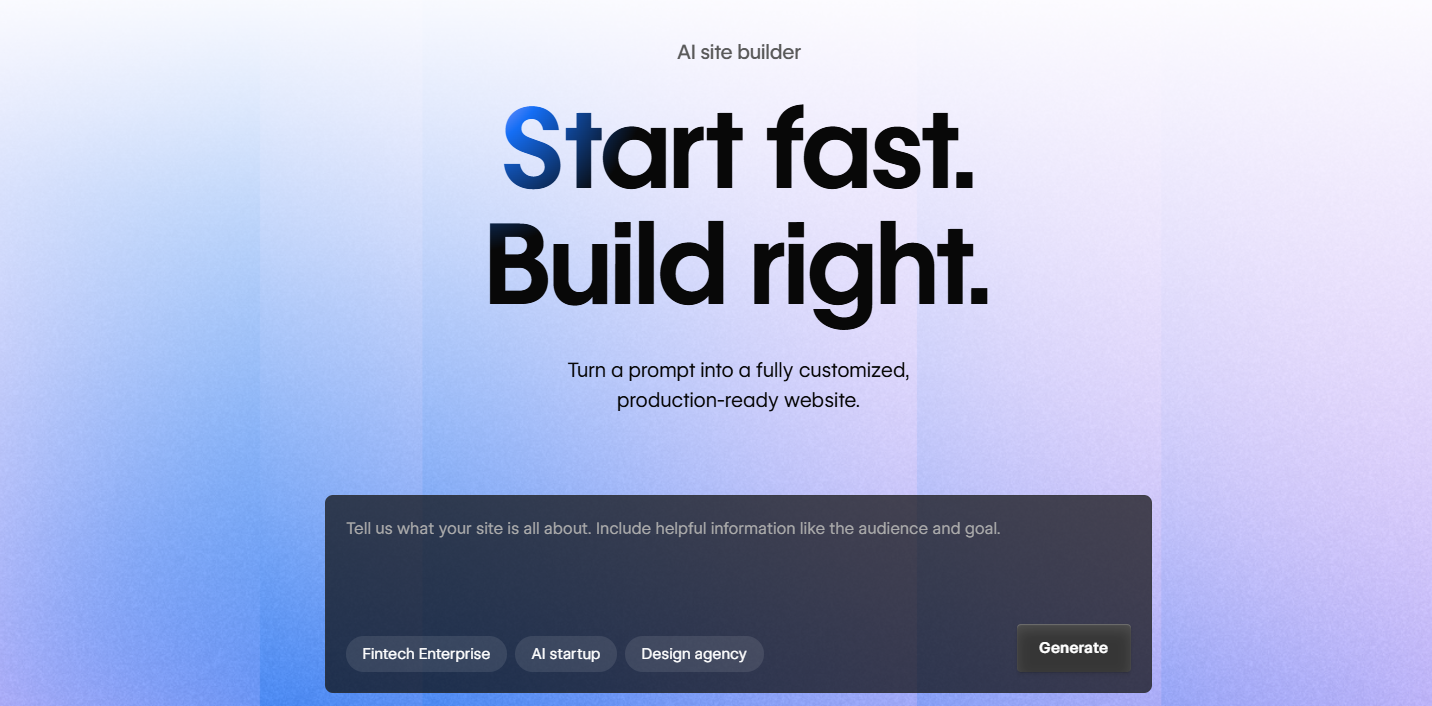
Webflow is a visual development platform that gives you CSS-level control through a visual interface. Its AI Site Builder generates complete multi-page sites from natural language, and the result is clean, semantic HTML and CSS that you can export if you ever need to move off the platform. It also integrates directly with Claude (Anthropic's Claude Connector) for AI-assisted site management post-launch.
For teams that outgrow Figma Make, Webflow is where many end up. It's more complex to learn than most builders, but the ceiling is significantly higher.
Key Features
- CSS box-model visual editor with flexbox and grid support for precise layout control.
- AI Site Builder generates complete multi-page sites from natural language prompts.
- Claude Connector (Anthropic integration) for AI-assisted content updates and site management.
- Powerful built-in CMS with collections, filtering, and dynamic pages for content-heavy sites.
- Clean, exportable HTML, CSS, and JavaScript for full data portability.
Best For: Professional designers, agencies, and growth-stage marketing teams that need full design control, a scalable CMS, and the ability to build complex, high-performance websites without hitting a ceiling.
Pricing
| Plan | Price |
|---|---|
| Basic (Site) | $18/mo |
| CMS (Site) | $29/mo |
| Business (Site) | $49/mo |
How to Make the Right Choice
The best Figma Make alternative depends entirely on where Figma is letting you down. Here are the questions worth asking before you commit to something new:
- Do you need a live website, not just a design?
- How much design control do you actually need?
- Is content management part of the picture?
- What's your technical comfort level?
- What's the real monthly cost?
Our Suggestion
If your main frustration with Figma Make is that it produces designs but not live websites, the simplest fix is a tool that covers the full journey from idea to published site in one place.
Butternut AI does that well. You describe your business, and it generates a complete site, structure, copy, and layout, in about 20 seconds. There's no canvas to learn, no platform to configure afterward, and no separate hosting to set up. Editing is done directly on the page, which keeps the iteration cycle short. It also includes an AI blog writer for SEO content, social media agents for Facebook, LinkedIn, and Instagram, and payment integrations if you need them.
You can build your website for free. You only pay when you're ready to take it live.