
Butternut AI Blog
9 Figma Make Alternatives for Building AI Portfolios
If you're looking for a Figma Make alternative to build your portfolio using AI, we've compared 9 tools so you can find the right one for yourself.
Introduction
Figma Make is a genuinely impressive tool. It sits inside the world's most popular design environment, lets you go from prompt to live site without switching tools, and uses your existing component libraries to keep everything on-brand. For designers who already live in Figma, it removes a real bottleneck in getting portfolio work published. That said, it comes with some hard limits. It's not built for non-designers, published sites through Figma Sites are still maturing in terms of SEO and CMS functionality, and it genuinely requires you to have a clean, well-organized Figma file before any of the AI generation is useful. If you're running into any of those walls, we've discussed 9 alternatives worth looking at.
TL;DR
- Best overall alternative: Butternut AI
- Best for fastest publish: Gamma
- Best for design-to-code: Locofy
- Best for full-stack apps: Lovable
- Best for visual branding: Canva Portfolio Builder
- Best for all-in-one design teams: Manus
Why You Might Be Looking for a Figma Make Alternative
- You don't use Figma: Figma Make is only useful if you already have a Figma workflow. Without one, you're learning an entire design tool just to build a portfolio.
- Figma Sites has real SEO gaps: Published portfolios through Figma Sites offer limited control over metadata, sitemaps, and indexing, which is a problem if search visibility matters to you.
- Code export needs cleanup: Most users on Reddit and G2 report that exported code from Figma Make requires significant manual cleanup before it's production-ready.
- Large files run slow: Performance degrades noticeably once a Figma file gets complex, which makes the generation process frustrating on bigger portfolio projects.
- It's not built for non-creatives: Founders, marketers, and freelancers without a design background will find the learning curve steep compared to purpose-built AI builders.
9 Best Figma Make Alternatives in 2026
| Tool | Resume Parsing | AI Article Gen | Automated SEO | Lead Capture | Hosting Included | Starting Paid Plan |
|---|---|---|---|---|---|---|
| Butternut AI | $5/month | |||||
| Manus | $20/month | |||||
| Wix AI Portfolio Generator | $17/month | |||||
| Lovable | $25/month | |||||
| Gamma | $12/month | |||||
| Canva Portfolio Builder | $15/month | |||||
| Emergent | $20/month | |||||
| Visme | $29/month | |||||
| Locofy | $40/month |
1. Butternut AI
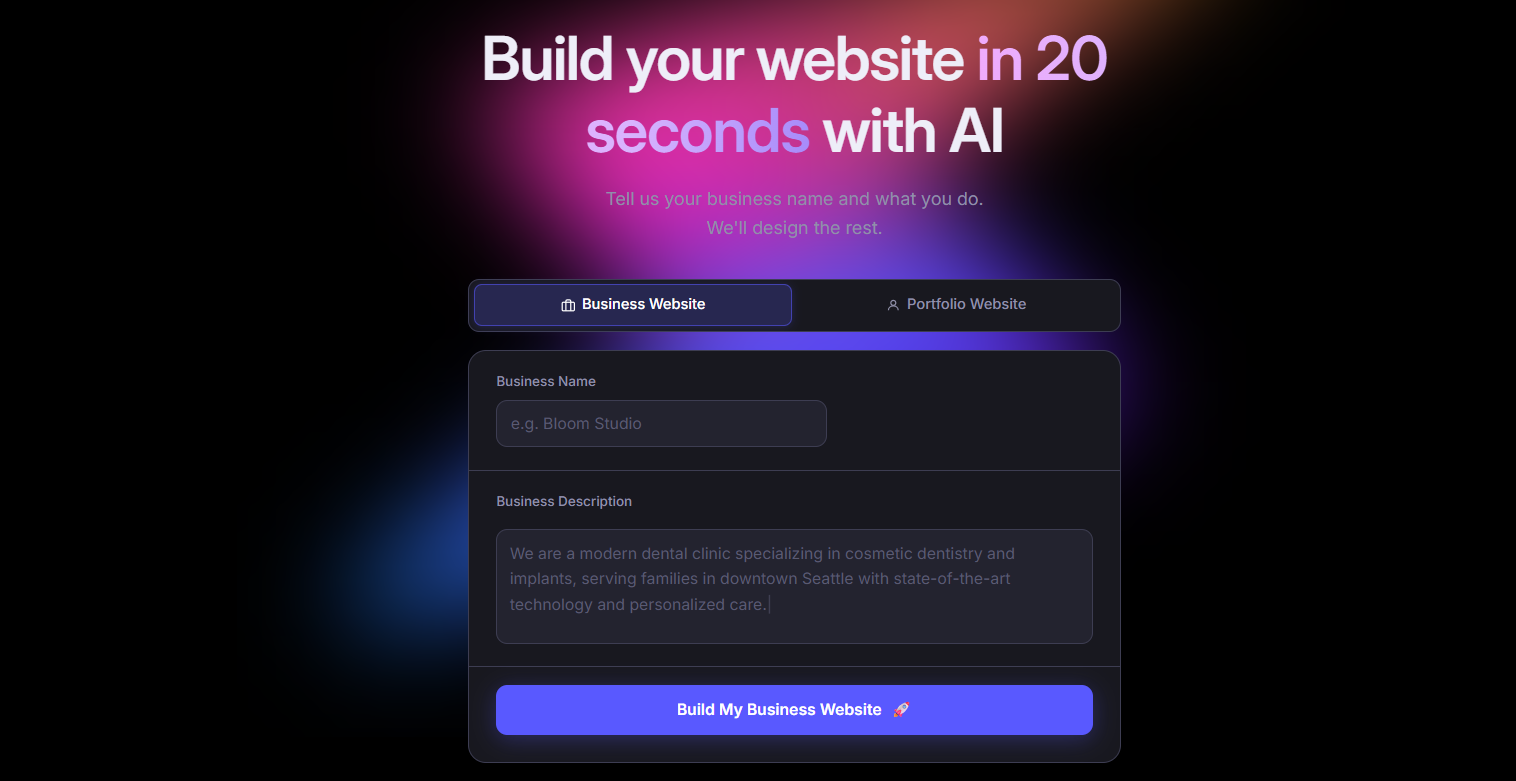
Butternut AI is a purpose-built AI portfolio and website builder that generates a full portfolio from a short text description. You get structure, layout, copy, and SEO setup done for you from the start. There's no Figma file to prepare, no template to customize, and no design tool to learn. It has a dedicated portfolio builder mode for creatives, plus the ability to import from a resume to pre-populate your work history and projects automatically.
Where Figma Make requires a fully designed Figma file and design-tool familiarity before anything useful happens, Butternut AI requires just a description of who you are and what you do. That makes it a faster path to a live, indexed, professional portfolio for anyone who isn't already deep in Figma.
- Resume import to auto-populate your portfolio content without writing everything from scratch.
- Built-in AI blog writer for generating SEO articles, which helps your portfolio rank over time.
- AI chatbot agent trained on your site data so visitors can ask questions and get answers pulled from your portfolio.
- Automated SEO across meta tags, sitemaps, and keyword guidance, plus a Facebook growth agent for social promotion.
**Best For:** Freelancers, designers, marketers, and founders who want a portfolio that's live, indexed, and professional without needing to touch a design tool.
| Plan | Price |
|---|---|
| Starter | $5/month |
| Pro | $12/month |
2. Manus
Manus builds complete portfolio websites from conversational prompts. For portfolio use, it goes beyond generating a UI. It configures the backend, database, and authentication automatically and researches design trends before building, which tends to produce more considered output than most prompt-to-site tools. You don't need a pre-designed file or any design tool knowledge. Everything is handled from a single conversation.
The catch is that it's a credit-based platform and portfolio building is not its primary use case. But the quality of the output is high when you use it for that purpose, particularly for portfolios that need backend functionality like authentication or database-backed project showcases.
- Full-stack portfolio generation including backend, database, and authentication, all configured automatically from a single prompt.
- Figma-to-site integration if you have an existing Figma file you want to build from.
- Stripe payment integration built in, useful if your portfolio includes paid services or products.
- Integrations with Slack, Gmail, GitHub, and Google Calendar for connecting your portfolio to your work tools.
**Best For:** Developers and technical creatives who want a full-stack portfolio with backend functionality and don't mind a credit-based pricing model.
| Plan | Price |
|---|---|
| Free | $0 (300 daily refresh credits, 1 concurrent task) |
| Standard | $20/month |
| Customizable | $40/month |
| Extended | $200/month |
3. Wix AI Portfolio Generator
Wix's dedicated AI portfolio generator uses its Aria AI agent and image-clustering technology to build a portfolio from uploaded media and a text prompt. It automatically organizes your uploaded work into titled projects with AI-written descriptions, cutting down on manual setup significantly.
Where Figma Make is limited in SEO tools and CMS controls, Wix has a full suite available. Keyword suggestions, meta optimization, AI search visibility tracking across ChatGPT, Perplexity, and Claude, email marketing, and social media tools are all accessible from the same dashboard.
- AI image-clustering that auto-organizes uploaded work into titled projects with generated descriptions.
- Aria AI agent for generating pages, sections, and copy across your portfolio.
- AI SEO assistant with keyword suggestions, meta optimization, and AI search visibility tracking across ChatGPT, Perplexity, and Claude.
- 900+ templates as starting points if you prefer more hands-on control over layout.
- Mobile app for making portfolio updates on the go without needing to open a desktop editor.
**Best For:** Freelancers, photographers, and creative professionals who want strong built-in SEO and discoverability tools alongside their portfolio builder.
| Plan | Price |
|---|---|
| Free | $0 (Wix subdomain, Wix branding) |
| Light | $17/month |
| Core | $29/month |
| Business | $36/month |
| Business Elite | $159/month |
4. Lovable
Lovable is an AI-powered full-stack web app builder that generates React and TypeScript applications from natural language. It connects natively with Supabase for database and authentication, syncs with GitHub so you always own the code, and deploys with one click. For portfolio building, this means you can create something genuinely custom. It could be a 3D product viewer, a project showcase with real backend filtering, or a contact form with a proper database behind it, without writing the code yourself.
Figma Make is a good fit for designers who want to stay in their design workflow. Lovable is a better option if you want more technical depth in the final product and want code you can inspect, modify, and take with you.
- Generates full-stack React and TypeScript portfolio apps from prompts, not just static pages.
- Native Supabase integration for database, authentication, and file storage.
- GitHub sync on all plans so the code is yours to export and modify at any time.
- 3D viewer support for product and portfolio showcases.
- Visual editor for making no-code adjustments to the generated UI after the initial build.
- Real-time collaboration on public projects with up to 20 collaborators on the free plan.
**Best For:** Developers, UX engineers, and technically-minded creatives who want a fully functional, code-backed portfolio they can customize and own.
| Plan | Price |
|---|---|
| Free | $0 (5 credits/day, unlimited public projects) |
| Pro | $25/month |
| Business | $50/month |
| Enterprise | Custom pricing |
5. Gamma
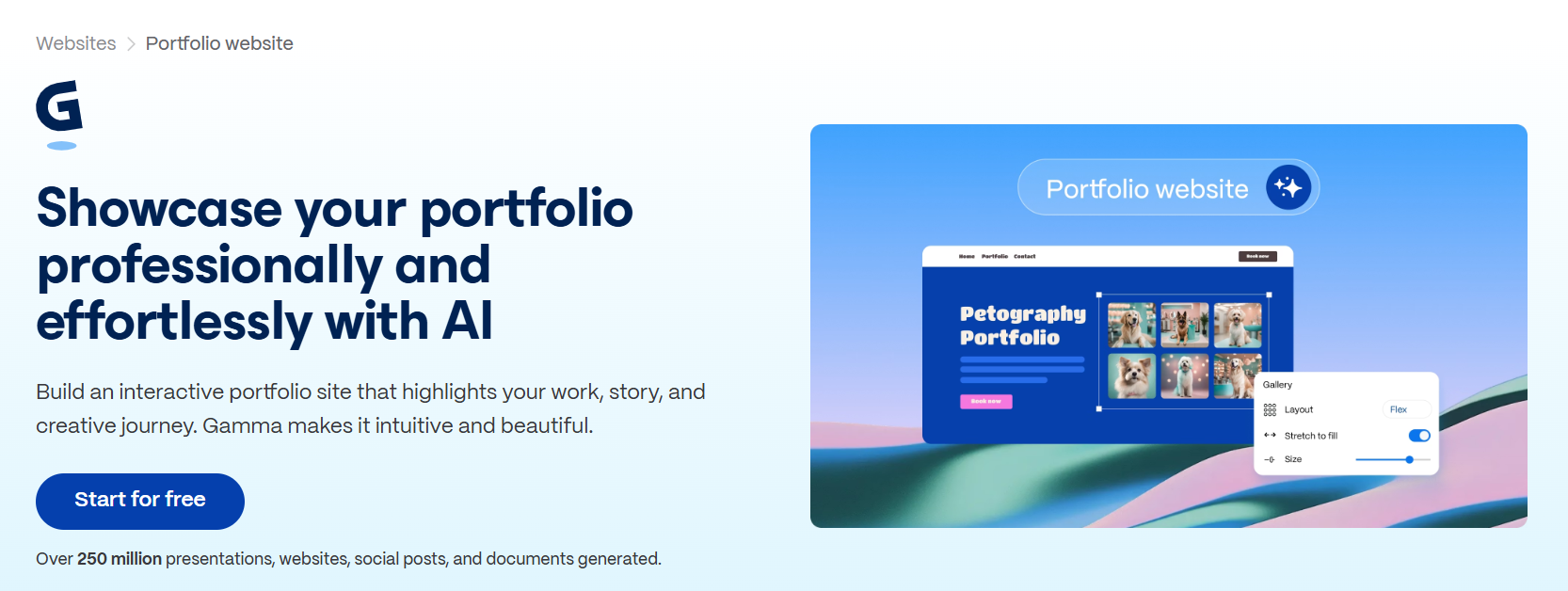
Gamma is an AI platform that generates presentations, documents, and web-native portfolio pages from text prompts in under 60 seconds. For portfolio building, it works particularly well for case study pages, project landing pages, and visual showcases. You paste in a prompt or upload a document and it builds a formatted, publishable portfolio page immediately.
The key difference from Figma Make is speed and simplicity. There's no design canvas to navigate and no file to prepare in Gamma. The Google Indexing opt-in means your published portfolio is findable without additional SEO work.
- Import from PDF, PPTX, Word, or URL to create a portfolio from existing work documents.
- Google Indexing opt-in for published sites so your portfolio gets picked up by search engines automatically.
- Custom domains on Pro and above, with Meta Pixel and Google Analytics integration.
- Real-time collaboration and export to PDF, PowerPoint, PNG, and Google Slides.
**Best For:** Consultants, researchers, academics, and content creators who need a polished portfolio or case study page live quickly, without a design or development background.
| Plan | Price |
|---|---|
| Free | $0 (400 AI credits, Gamma branding) |
| Plus | $12/month |
| Pro | $25/month |
| Ultra | $100/month |
6. Canva Portfolio Builder
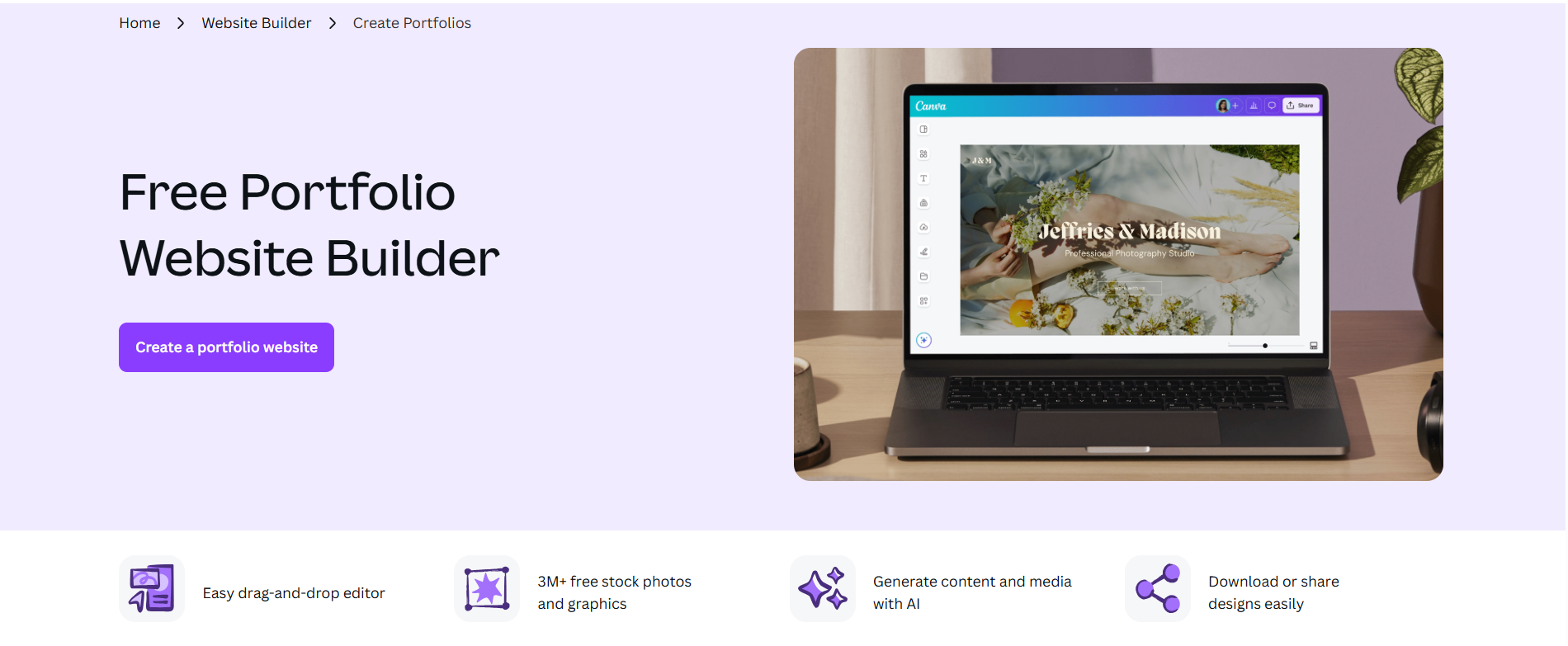
Canva is the world's most popular design platform and its Canva Websites feature lets you build and publish a portfolio directly from the same tool you'd use for social media graphics, pitch decks, or client presentations. For portfolio use, the Brand Kit is the most useful feature. You set your fonts, colors, and logo once and they apply consistently across every page you create. The Magic Studio AI suite handles image generation, copywriting, and background removal within the same workspace.
Figma Make has more design precision, but Canva is far more accessible for people who aren't professional designers.
- 250,000+ templates across portfolios, presentations, and branded materials, all in the same design environment.
- Magic Studio AI suite including Dream Lab for text-to-image, Magic Write for copy, Magic Eraser, and Background Remover.
- Brand Kit for applying consistent fonts, colors, and logos across all your designs automatically.
- Publish directly as a live website via Canva Websites without exporting or switching tools.
**Best For:** Marketers, educators, content creators, and freelancers who are already using Canva for other work and want a portfolio that stays visually consistent with their existing brand materials.
| Plan | Price |
|---|---|
| Free | $0 (basic AI tools, 5GB storage) |
| Pro | $15/month |
| Teams | $21/user/month (billed monthly) |
| Enterprise | Custom pricing |
7. Emergent

Emergent is an autonomous AI app builder that generates full-stack web and mobile apps from simple prompts. For portfolio use, the standout feature is mobile app generation. You build a portfolio that works as both a web app and a native mobile app from a single prompt.
Like Lovable, this is a developer-leaning tool. It's not purpose-built for portfolio creation and lacks portfolio-specific templates or case study structures.
- Full-stack web and mobile app generation from a single prompt.
- GitHub integration with private repository support on paid plans.
- Built-in database, authentication, and Stripe payment integration.
- Task forking so you can branch your work before making risky changes and roll back easily.
**Best For:** Developers and engineers who want a portfolio that also functions as a deployable web or mobile app, with full backend capabilities.
| Plan | Price |
|---|---|
| Free | $0 (10 credits/month) |
| Standard | $20/month |
| Pro | $200/month |
| Team | $300/month |
8. Visme
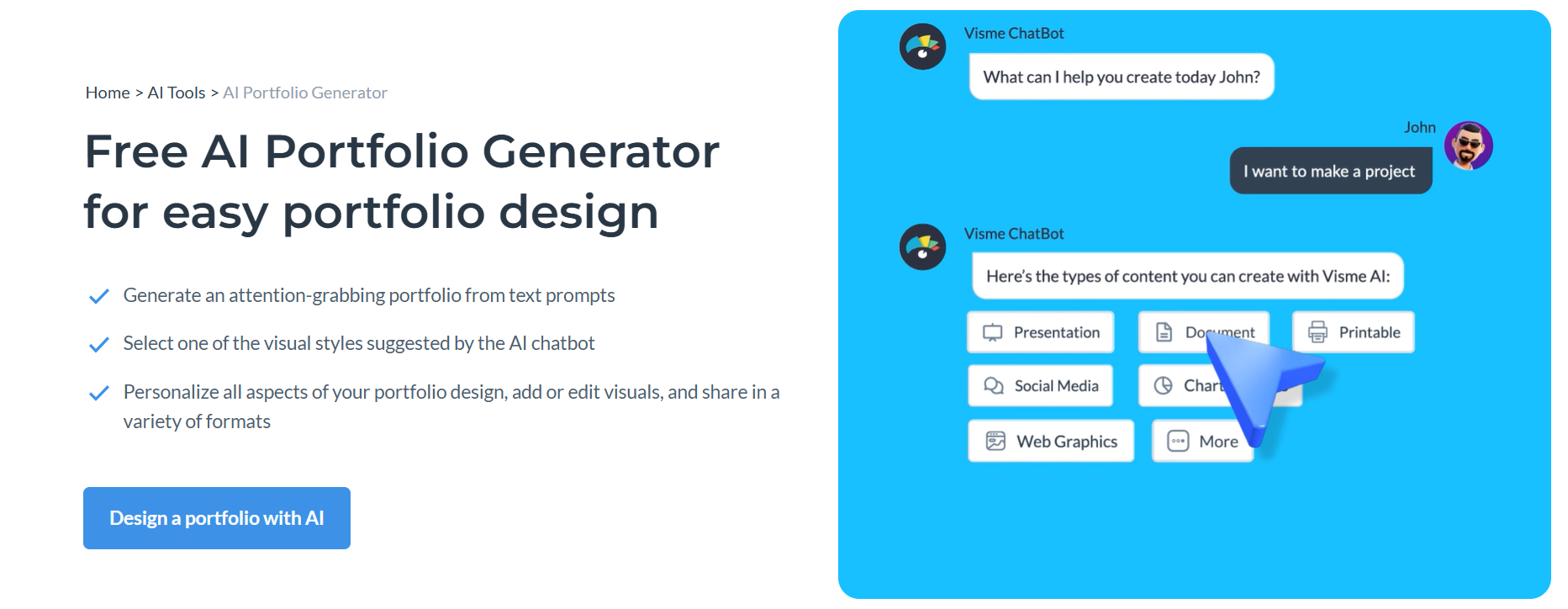
Visme is a visual content platform. For portfolio building, its AI Design Generator creates complete portfolio layouts from prompts in under 2 minutes. The feature that sets it apart from every other tool on this list is live data integration. Portfolio case studies and performance metrics can pull directly from Google Sheets, Salesforce, or HubSpot and update automatically, with no manual refreshes needed.
Where Figma Make is built for static, design-led portfolios, Visme is a better fit when your portfolio needs to show live data such as campaign results, sales performance, or project metrics that changes over time. For people in data-heavy roles, that's a meaningful advantage.
- Live data integration with Google Sheets, Google Analytics, Salesforce, and HubSpot so charts and metrics update automatically.
- Brand Wizard that automatically extracts brand colors, fonts, and logos from any website URL.
- 16+ chart types including Mekko, waterfall, and Gantt for data-heavy case studies.
- Presenter Studio for recording screen and voiceover within the platform.
- Interactive and animated content with embedded video, audio, and forms.
**Best For:** Data analysts, marketers, and business professionals whose portfolios need to showcase live metrics and auto-updating performance data alongside visual case studies.
| Plan | Price |
|---|---|
| Free | $0 (limited downloads, Visme watermark) |
| Starter | $29/month |
| Pro | $59/month |
| Enterprise | Custom pricing |
9. Locofy
Locofy is a design-to-code conversion tool. For portfolio building, the workflow includes designing your portfolio in Figma or Penpot the way you want it, then use Locofy to convert it to clean, production-ready frontend code automatically, skipping the manual development handoff entirely. It supports React, Next.js, Vue, Angular, HTML/CSS, Flutter, and React Native.
Locofy is an extension of Figma workflow rather than a replacement for it. Where Figma Make generates a portfolio from a prompt, Locofy takes a completed Figma design and converts it to developer-ready code.
- Figma and Penpot design-to-code conversion using Large Design Models, a proprietary approach trained on design-to-code pairs.
- Supports React, React Native, Next.js, Gatsby, Vue, Angular, HTML/CSS, and Flutter from a single design file.
- Component mapping to reuse design elements as code components across your portfolio.
- Locofy Lightning for one-click conversion of simpler, well-structured designs.
- SOC2 and ISO certified, relevant if your portfolio is being deployed for enterprise clients.
- On-premise or cloud deployment options.
**Best For:** Designers and frontend developers who have a polished Figma portfolio design and want to export it as clean, framework-specific code without rebuilding it from scratch.
| Plan | Price |
|---|---|
| Pay-As-You-Go | $0.40/LDM token |
| Hobby | $40/month |
| Pro | $80/month |
| Enterprise | Custom pricing |
How to Make the Right Choice
The best tool here depends entirely on what's actually blocking you in Figma Make. A few things worth thinking through before you commit:
- Design familiarity: If you're not a Figma user, don't start with a tool that requires one.
- SEO and discoverability: If organic search matters for your portfolio, look for built-in SEO tools.
- Speed to publish: Look at how fast you’re able to create and publish.
Our Suggestion
For most people moving away from Figma Make, Butternut AI is the most practical starting point. It doesn't require a design tool, a template selection process, or any configuration upfront. You describe what you do, and it generates a live, SEO-ready portfolio with copy, structure, and layout already in place.
The resume import means you're not starting from a blank page. Your work history and projects get pulled in automatically. The AI blog writer and automated SEO tools mean your portfolio keeps working for you after it goes live, not just on launch day. And unlike Figma Sites, the SEO controls are actually usable.