
Butternut AI Blog
Framer vs Webflow vs Butternut AI
Framer and Webflow have become two of the most talked-about tools among designers building websites, and both are frequently compared to each other. They share a similar audience — people who care about design craft and want more control than a standard builder offers — but they take different approaches to getting there. Butternut AI enters the picture from a different angle entirely, focused on speed and accessibility over design control.
Introduction
We tested all three to give you an accurate picture of what each tool is actually like to use, who benefits most from each, and where each one falls short.
Framer vs Webflow vs Butternut AI
| Feature | Framer | Webflow | Butternut AI |
|---|---|---|---|
| Website generation speed | AI can generate a starting point from a prompt | Manual build; no AI generation | Under 20 seconds |
| First draft quality | AI draft gives a basic starting point; needs significant refinement | Blank canvas or template; full designer control from start | Strong animations, contextual copy, relevant images |
| User experience | Design-tool feel; steeper curve than traditional builders | Steep learning curve; built for experienced designers | One prompt, no learning curve |
| Post-generation customization | Full visual design control, React-based components | Full visual control, no code needed | AI chat, tooltips, custom HTML |
| Design flexibility | Very high; React components and custom interactions | Very high; clean CSS and interaction controls | AI-generated layout |
| SEO | Built-in SEO controls | Built-in SEO controls, clean code output | Fully automated (meta tags, sitemaps, alt text) |
| AI features | AI site generation from prompt | No AI features | Full AI suite: blog, social, chatbot |
| AI blog generation | ✅ (with topic suggestions) | ||
| AI social media marketing | ✅ (Facebook, Instagram, LinkedIn) | ||
| AI chatbot for website | |||
| Custom code | ✅ (React components) | ✅ (HTML embeds) | |
| CMS / dynamic content | ✅ (CMS on paid plans) | ✅ (CMS plan) | Blog and page generation |
| Analytics | ✅ (via integrations) | ✅ (via integrations) | ✅ (GA4 integration) |
| Mobile experience | Full responsive control | Full responsive control | Auto-responsive |
| Customer support | Help docs, community | Help docs, community forums | Email, 1-on-1 call & live chat |
| 1-year free domain | ✅ (on paid plans) | ✅ (on paid plans) | |
| Hosting & SSL | Included | Included | Included |
| Pricing | Basic: $10/month Pro: $30/month Scale: $100/month | Basic: $14/month CMS: $23/month Business: $39/month | Starter: $20/month Pro: $69/month |
Framer

Framer started as a prototyping tool and evolved into a full website builder with a design-centric editor and React-powered components. It raised $100M at a $2 billion valuation in August 2025, signalling significant investor confidence in its trajectory. The platform has an AI feature that can generate a starting website from a prompt, which gives it a leg up on Webflow in terms of speed to first draft. The design tools are sophisticated — interactions, animations, and component reuse are all first-class in the Framer editor.
First Draft & Customization
Framer's AI generation produces a basic starting point, but it's a starting point in the truest sense — the structure is there, but the copy is generic and the design needs significant refinement before it represents your actual business. The editing experience is powerful but has a steeper learning curve than conventional website builders. Users familiar with Figma or other design tools will feel at home; those coming from simpler builders may find the interface initially disorienting.
Features
- AI site generation from a text prompt for a quick starting structure
- React-based components for building sophisticated, interactive UI patterns
- Full design control over layouts, typography, and custom interactions
- CMS available on paid plans for managing dynamic content
- Framer Motion integration for advanced animation capabilities
Limitations
- AI generation produces a rough starting draft that requires meaningful manual work
- No AI blog generation, social media agents, or chatbot
- Steeper learning curve than traditional website builders
- CMS is locked behind paid plans
- Not designed for users who want a fast path to a finished website
Pricing
| Plan | Price |
|---|---|
| Basic | $10/month |
| Pro | $30/month |
| Scale | $100/month |
Webflow
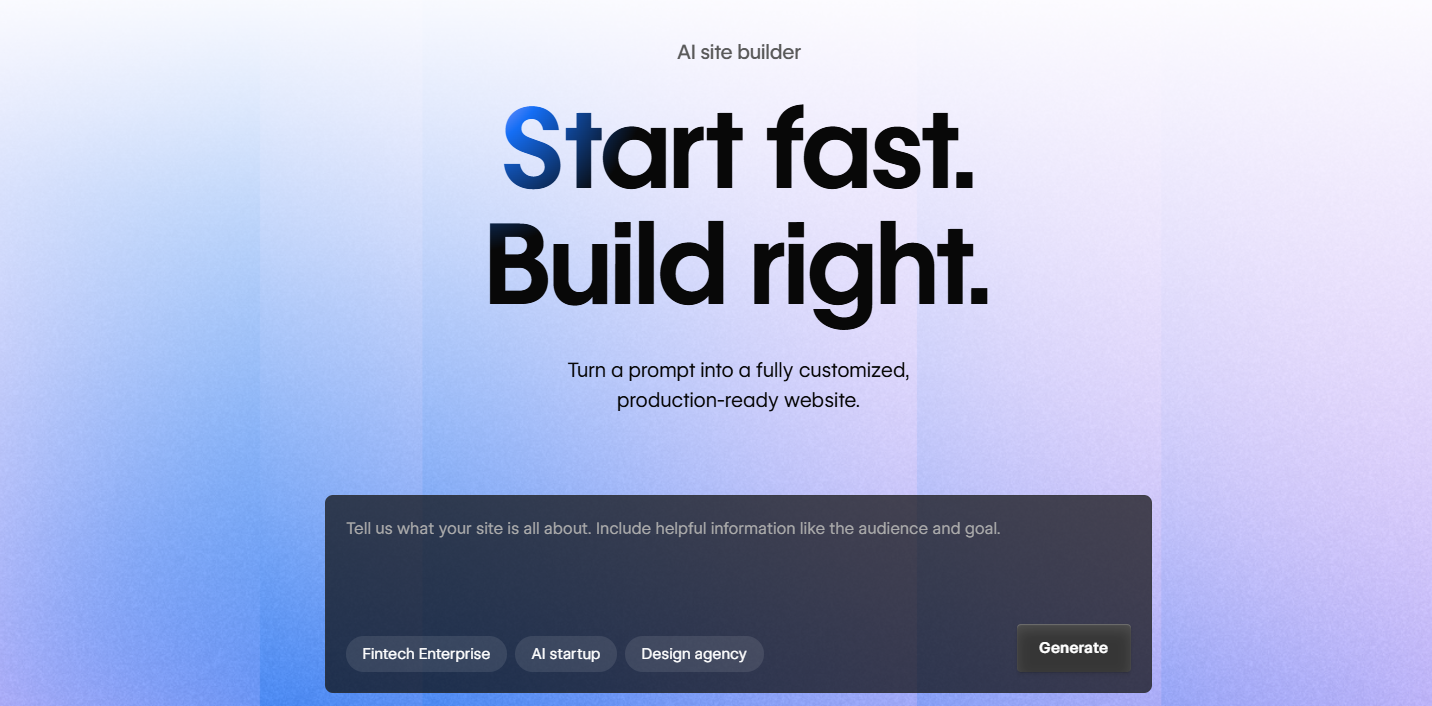
Webflow is the established leader in visual website building for designers. Its core proposition is simple: build any website you can imagine without writing a single line of CSS. Every spacing, layout, and animation decision is made visually, and Webflow outputs clean, production-ready HTML and CSS. It has a mature ecosystem, a large community, and a rich template library to start from.
First Draft & Customization
There's no AI in Webflow — you start from a blank canvas or a template. For designers, this is actually a feature: nothing is predetermined, so nothing needs to be undone. For users who need a complete website quickly, it's a significant time commitment. The editor is powerful but requires investment to master. Webflow University is a real resource that most new users end up relying on to get up to speed.
Features
- Full visual design control without writing CSS — the most capable no-code design environment available
- CMS for managing structured, dynamic content like blog posts, portfolio items, or staff directories
- Interaction and animation tools for scroll-triggered effects, hover states, and page transitions
- Logic feature for building custom no-code automations connected to external services
- Clean semantic code output that performs well in SEO and accessibility audits
Limitations
- No AI website generation or content tools of any kind
- High learning curve — not suitable for non-designers or users who want fast setup
- CMS plan required to use CMS features
- Pricing is higher than comparable visual builders
Pricing
| Plan | Price |
|---|---|
| Basic | $14/month |
| CMS | $23/month |
| Business | $39/month |
Butternut AI
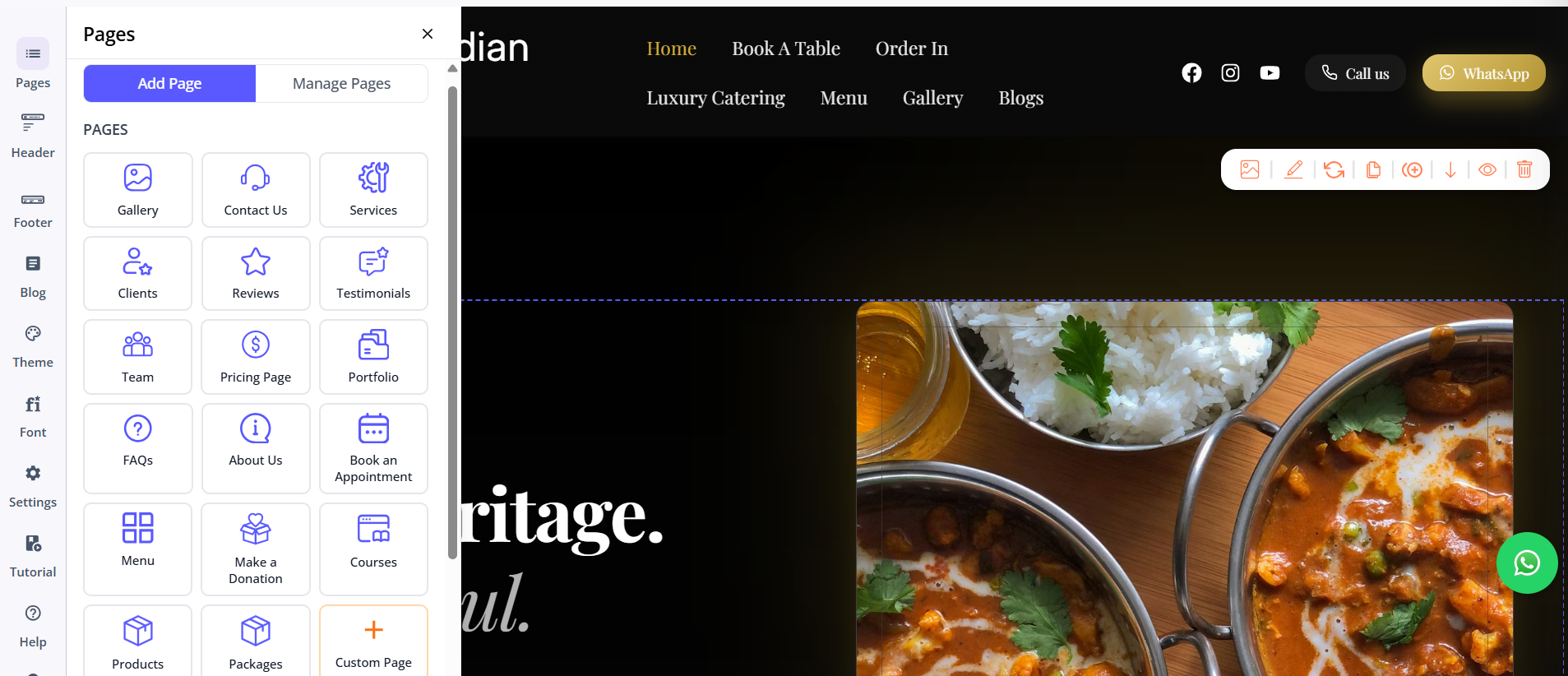
Butternut AI was built around the premise that most people who need a website aren't designers and shouldn't have to become one to get a professional result. You type your business name and a short description of what you do, and within 20 seconds your website starts appearing on screen — section by section — with copy written for your business, contextually relevant images, animations, and CTAs.
First Draft & Customization
Unlike Framer's AI draft, Butternut AI's first draft is complete and contextual rather than generic and skeletal. The copy is written for your business, the images match the content, and the design is finished rather than placeholder. Customization happens through the AI chat — describe any change and it applies quickly. For edits that need precision, tooltips and custom HTML are both available.
Features
- AI blog writer with topic and keyword suggestions built in
- AI social media agents for Facebook, Instagram, and LinkedIn that create and publish content automatically
- AI chatbot for your website that handles visitor questions and captures leads
- Fully automated SEO: meta tags, sitemaps, and alt text with no manual setup
- AI image generation built into the builder
- Free hosting, SSL, and a custom domain included for the first year
Limitations
- Less granular design control than Framer or Webflow
- Not designed for custom React components or complex interactive UI patterns
- No native email marketing
Pricing
| Plan | Price |
|---|---|
| Starter | $20/month |
| Pro | $69/month |
Which One Should You Choose?
These three tools serve clearly different users.
Framer is for designers who want a modern, React-native environment with strong animation capabilities and are comfortable investing time in learning a sophisticated tool. If you've outgrown simpler builders and want design-level control with a more contemporary feel than Webflow, Framer is worth the investment.
Webflow is for designers and agencies who want the most mature, fully-featured visual builder available. Its ecosystem, template library, and CMS capabilities make it the better long-term platform for complex projects.
Butternut AI is for founders, small businesses, and anyone who needs a professional website without the learning curve. The first draft is better out of the box than anything Framer's AI or Webflow's templates produce for non-designers, and the built-in AI tools — blog writer, social agents, chatbot — extend the platform well beyond the initial site. If you need a website this week and not next month, Butternut AI is the place to start.