
Butternut AI Blog
9 Gamma Alternatives for Building Your Portfolio with AI
If you're looking for a Gamma alternative to build your portfolio using AI, we've compared the 9 best AI portfolio builders so you can pick the right one.
Introduction
Gamma has made a name for itself as a fast, AI-powered way to turn a text prompt into a polished-looking page. Whether you need a quick portfolio page, a case study, or a landing page, Gamma gets you from blank canvas to something presentable in under 60 seconds. That's genuinely useful.
But if you've spent any real time with it, you've probably run into cracks. The card-based format works well for presentations. It's not quite built for the kind of portfolio a designer, developer, or freelancer actually needs. Case study layouts, project-specific pages, SEO controls, and custom domain support all require workarounds or an upgrade. If Gamma isn't quite cutting it for your portfolio goals, here's a breakdown of the best alternatives worth your time in 2026.
TL;DR
- Best overall alternative: Butternut AI
- Best for designers already in Figma: Figma Make
- Best for visual branding and presentations: Canva Portfolio Builder
- Best for live data and client work: Visme
- Best for developers who want code ownership: Lovable
- Best for eCommerce and advanced SEO: Wix AI Portfolio Generator
Why You Might Be Looking For A Gamma Alternative
- The card-based format doesn't map to standard portfolio layouts: Gamma's structure is built for decks and documents, not for case study pages, multi-project showcases, or the kind of navigation a proper portfolio needs.
- AI credits run out faster than expected on Plus plan: Heavy users report hitting limits mid-project, which disrupts workflow at the worst time.
- No resume import: If you want your portfolio to reflect your actual work history, you'll have to populate everything manually. There's no way to pull in existing profile data.
- AI output gets generic on technical or specialized topics: Gamma's AI works well for broad prompts but struggles with niche industries or specific portfolio content, and output often needs significant rewriting.
9 Best Gamma Alternatives in 2026
| Tool | Custom Domain | Hosting | Resume Parsing | AI Article Gen | Automated SEO | Starting Price |
|---|---|---|---|---|---|---|
| Butternut AI | $5/month | |||||
| Manus | $20/month | |||||
| Figma Make | Yes (paid) | Partial | $20/month | |||
| Canva Portfolio Builder | Yes (Pro) | Basic | $15/month | |||
| Visme | Yes (Pro) | Basic | $29/month | |||
| Codedesign.ai | Yes (all plans) | $15/month | ||||
| Wix AI Portfolio Generator | Yes (paid) | $17/month | ||||
| Lovable | Yes (Pro) | Basic | $25/month | |||
| Emergent | Yes (paid) | $20/month |
1. Butternut AI
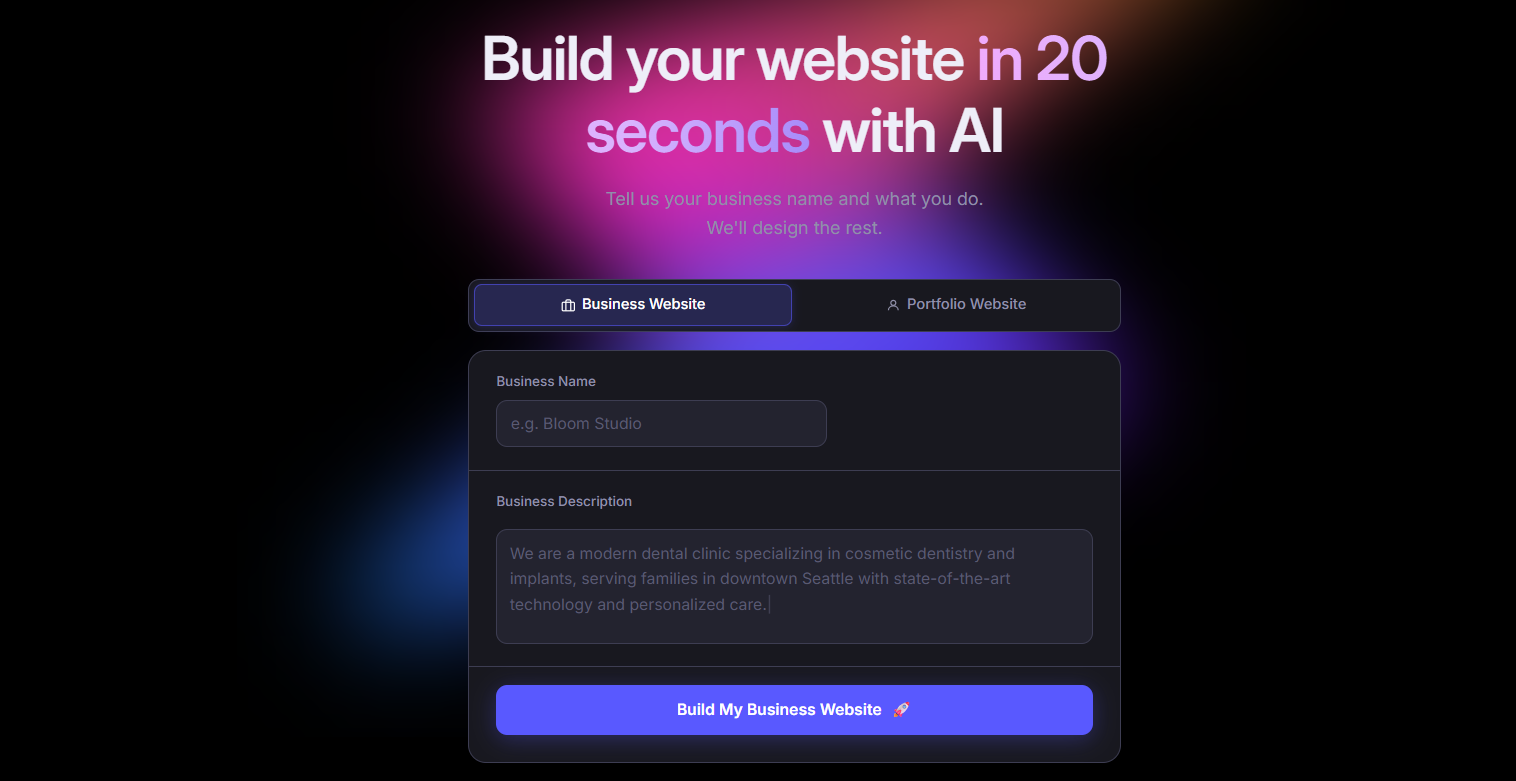
Butternut AI is purpose-built for getting from idea to live site as fast as possible, and for portfolio building specifically, it has a dedicated mode that makes the process even more direct. You describe your work, and it generates a complete, structured portfolio including layout, copy, and SEO basics in about 20 seconds. What sets it apart from Gamma for portfolio use is that it actually understands portfolio context. It pulls from your resume, auto-populates your projects, and gives you a site that's structured around your work rather than a generic deck-style page.
Beyond the initial build, Butternut AI lets you edit directly on the page, connect GA4, take payments via Stripe or PayPal, and manage your SEO without touching a settings panel.
- Dedicated AI portfolio builder mode that generates a complete portfolio from a short description of your work.
- Resume import to auto-fill your experience, projects, and skills with no manual data entry.
- Built-in AI blog writer for generating SEO content, useful if you want to drive organic traffic to your portfolio.
- Automated SEO with meta tags, sitemaps, and keyword guidance included out of the box.
- Free custom domain for the first year on paid plans.
Best For: Designers, developers, freelancers, and creative professionals who want a portfolio that's built specifically for showcasing work, not adapted from a presentation tool.
| Plan | Price |
|---|---|
| Free | Available (build and test, no custom domain) |
| Starter | $5/month |
| Pro | $12/month |
2. Manus
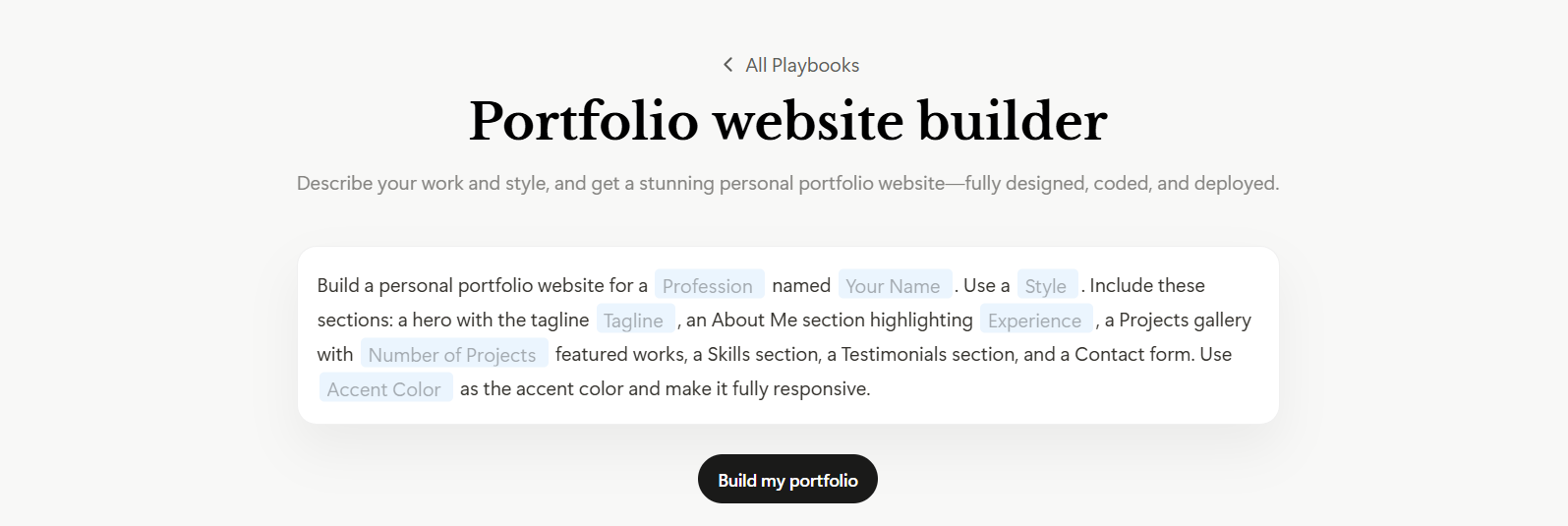
Manus is an autonomous AI agent that builds full-stack portfolio websites from conversational prompts. Unlike Gamma, which gives you a card-based page, Manus generates a proper multi-page portfolio with backend, database, authentication, and hosting all configured automatically. It doesn't work from templates. Instead, it researches design principles and current trends before generating, which typically produces cleaner output than what you'd get from a standard prompt-to-template approach.
- Research-first generation where AI analyzes design trends before building, resulting in higher-quality output.
- Figma-to-site integration for designers who already have their layouts defined.
- Stripe payment integration built in, useful if your portfolio also sells services or products.
- Connections to Slack, Gmail, GitHub, and Google Calendar for professionals who need integrations.
Best For: Technical users and developers who want a premium, full-stack portfolio and are comfortable with a credit-based platform.
| Plan | Price |
|---|---|
| Free | 300 daily refresh credits, 1 concurrent task |
| Standard | $20/month |
| Customizable | $40/month |
| Extended | $200/month |
3. Figma Make
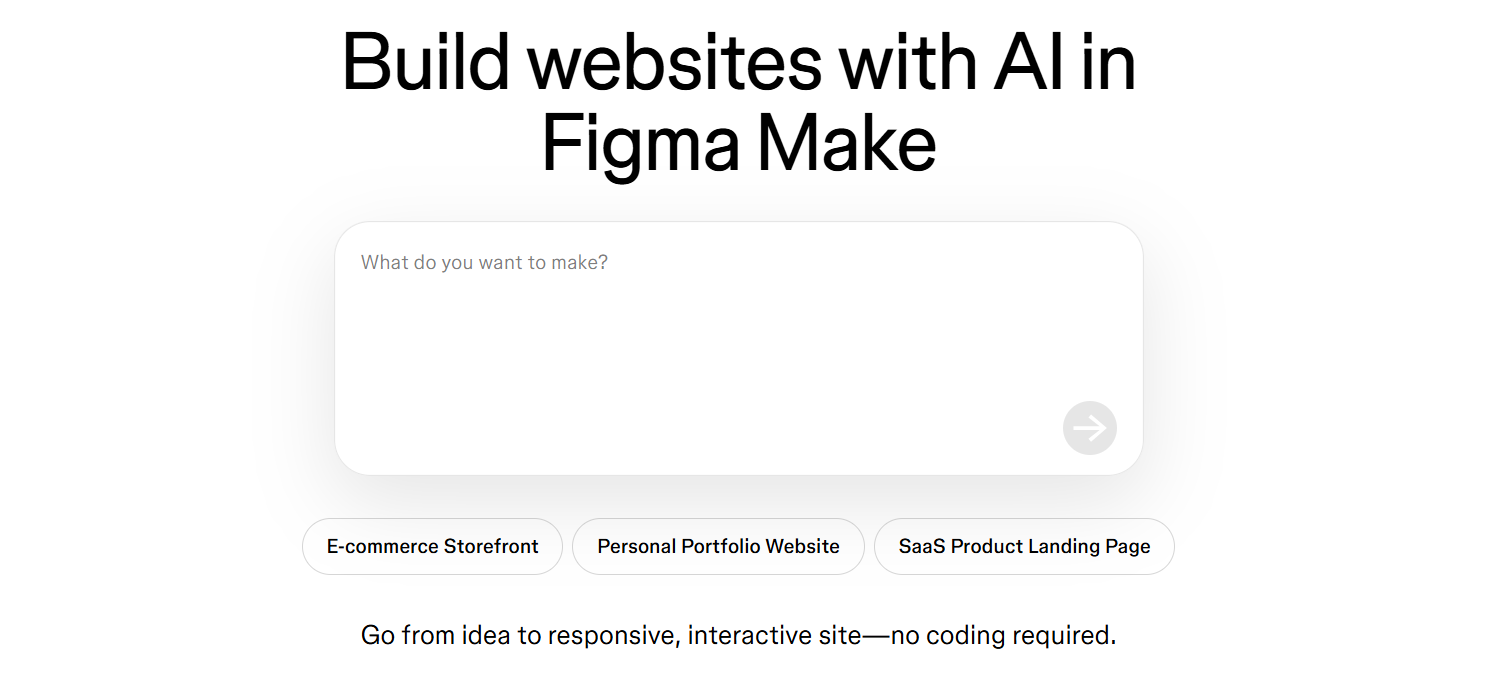
Figma Make is an AI builder built directly into Figma, the design tool that most professional designers already work in. If you've built your portfolio design in Figma, Make can turn it into a live published website through Figma Sites without any extra tool or platform switch. The AI generates UI screens and copy from text prompts and works directly with your existing Figma component libraries, so what gets generated actually matches your brand and design system rather than defaulting to generic layouts.
Compared to Gamma, Figma Make gives designers far more control over how the final portfolio looks and functions. That said, it's not a tool for non-designers. If you don't already know Figma, you'll face a steep learning curve before you can build anything.
- Prompt-to-UI generation using your own Figma component libraries, so output stays on-brand.
- Figma Sites lets you publish your Figma design as a live portfolio directly, with no export or third-party tool needed.
- MCP server integration lets AI coding tools read your Figma layouts and generate code from them.
- Real-time collaboration within the same Figma file, useful for teams building a portfolio together.
Best For: Professional designers and design teams who are already working in Figma and want to go directly from design to live portfolio site.
| Plan | Price |
|---|---|
| Starter | Free (150 AI credits/day) |
| Professional (Full seat) | $20/month |
| Dev seat | $12/month |
| Organization | $55/month per seat (annual only) |
| Enterprise | $90/month per seat (annual only) |
4. Canva Portfolio Builder
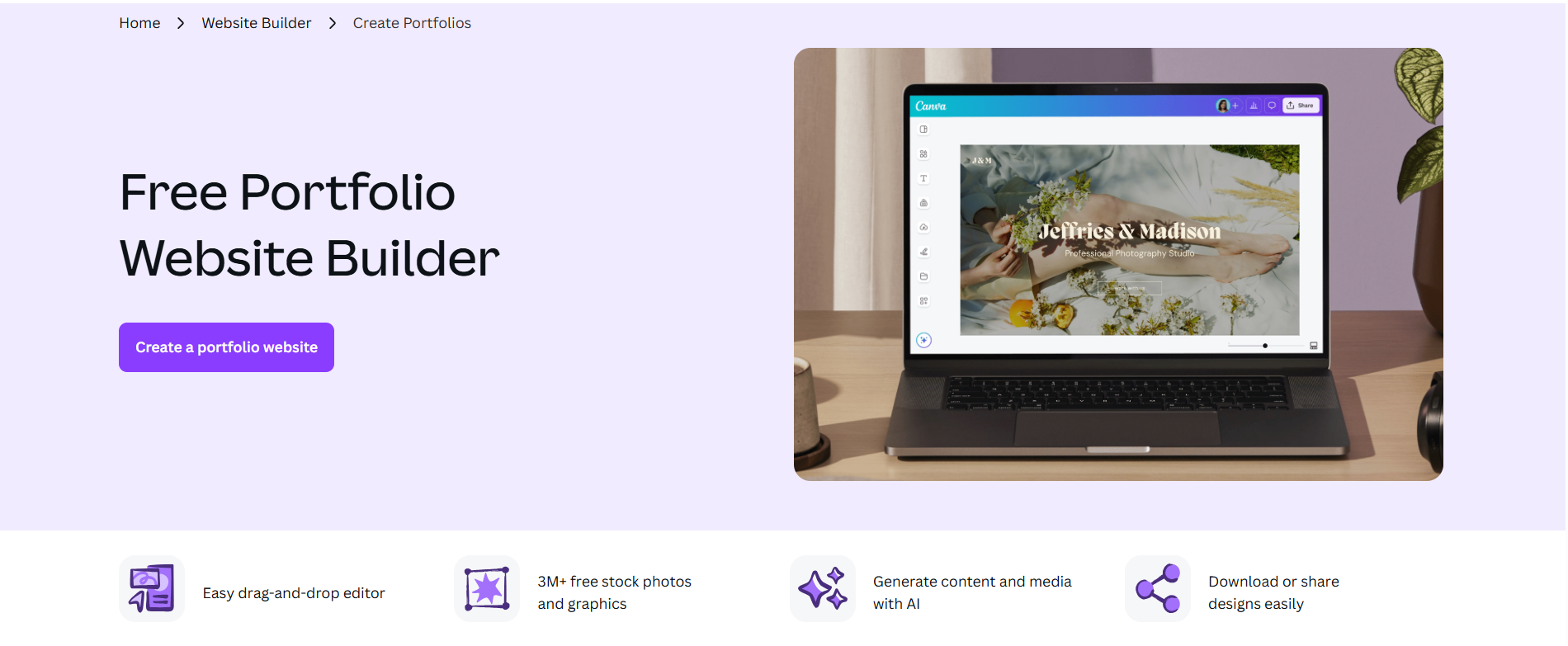
Canva is a widely used design platform that most people have used at some point, whether for social posts, presentations, or a quick graphic. Canva Websites extends that same drag-and-drop experience to portfolio sites, and Magic Studio AI suite handles image generation, copywriting, background removal, and more from within the same tool. The big advantage over Gamma is that everything, including your social content, your presentation slides, and your portfolio site, lives under one subscription.
- 250,000+ templates covering portfolios, presentations, social media, and documents, all accessible under one subscription.
- Magic Studio AI suite including Dream Lab for text-to-image, Magic Write for copy, Background Remover, and Magic Eraser.
- Brand Kit that applies your custom fonts, colors, and logo consistently across every design you create.
- Publish your portfolio as a live website directly from Canva, with no separate hosting setup required.
- 100M+ stock photos, illustrations, and video clips available within the platform.
Best For: Creatives, social media managers, and small business owners who are already using Canva and want their portfolio to live in the same ecosystem.
| Plan | Price |
|---|---|
| Free | $0 (basic AI tools, 5GB storage, Canva branding on site) |
| Pro | $15/month |
| Teams | $21/user/month (billed monthly) |
| Enterprise | Custom pricing |
5. Visme
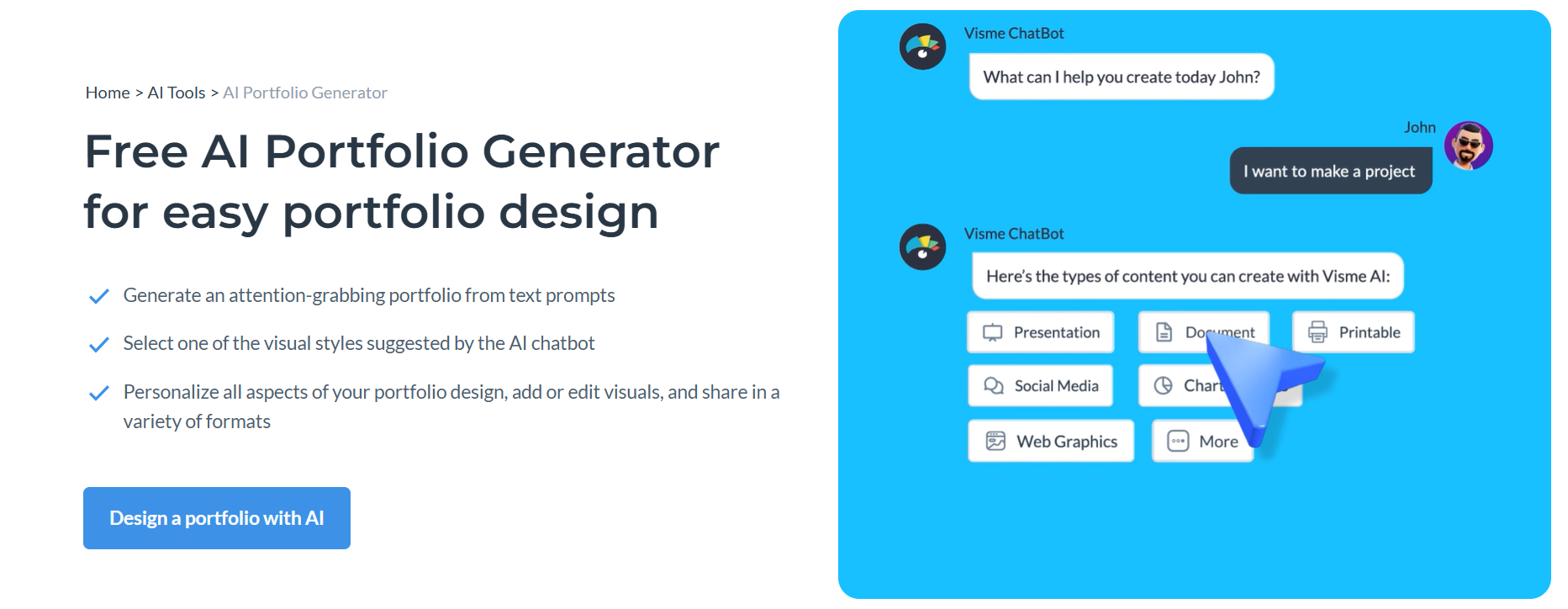
Visme handles presentations, infographics, reports, and portfolio-style pages, all from a single AI generator that produces designs in under two minutes. The feature that genuinely sets it apart from everything else on this list, including Gamma, is live data integration. Your portfolio case studies can pull metrics directly from Google Sheets, Salesforce, or HubSpot and update automatically when the underlying data changes.
The downside is that Visme isn't a dedicated portfolio builder, and setting up proper case study layouts requires more manual configuration than tools built specifically for portfolios.
- AI Design Generator that creates complete portfolio pages, case studies, and reports from prompts in under two minutes.
- Live data integration with Google Sheets, Salesforce, HubSpot, and Google Analytics so portfolio metrics update automatically.
- Brand Wizard that extracts your colors, fonts, and logo from any website and applies them across all your Visme projects.
- 16+ chart types including Mekko, waterfall, and Gantt charts for data-heavy portfolios.
- Presenter Studio that lets you record screen and voiceover within the platform for walkthrough-style case studies.
Best For: Consultants, data analysts, business professionals, and marketers whose portfolio content includes metrics, reports, and data visualizations.
| Plan | Price |
|---|---|
| Free | $0 (limited projects, JPG download only, Visme watermark) |
| Starter | $29/month |
| Pro | $59/month |
| Enterprise | Custom pricing |
6. Codedesign.ai
Codedesign.ai is an AI website and portfolio builder that takes a different approach to publishing flexibility. When your portfolio is ready, you can publish it to Codedesign's cloud hosting, export it as clean HTML/CSS and React code, or push it directly to WordPress via their plugin, all from the same tool. That triple-deployment option is unique on this list and useful if your needs change over time.
Compared to Gamma, Codedesign.ai gives you far more control over where your portfolio lives and how you can access the underlying code.
- Publish to Codedesign cloud, your own custom domain, or WordPress, all from a single click.
- AI Magic feature that rewrites and generates portfolio copy within the builder itself.
- Built-in SEO tools on all plans including meta tag management and sitemap generation.
- Form data collection with Zapier integration for connecting portfolio leads to your CRM.
Best For: Developers, freelancers, and agencies who want code ownership and flexibility to host or export their portfolio anywhere.
| Plan | Price |
|---|---|
| Free | Available (2-3 websites, subdomain hosting, 1 custom domain) |
| Individual | $15/month |
| Growth | $29/month |
| Agency | $99/month |
7. Wix AI Portfolio Generator

Wix's dedicated AI portfolio generator uses its Aria AI agent alongside image-clustering technology to build a structured portfolio from uploaded media and a text prompt. It auto-categorizes your uploaded work into titled projects with AI-written descriptions, a workflow that's genuinely faster than building case study pages from scratch. What makes it stand out from every other tool on this list, including Gamma, is its AI search visibility tracking. You can see how your portfolio appears on ChatGPT, Perplexity, and Claude alongside traditional Google rankings.
- AI search visibility tracking that shows how your portfolio appears on ChatGPT, Perplexity, and Claude.
- AI SEO assistant with keyword suggestions, meta optimization, and traditional search visibility tools.
- 900+ templates with a centralized media dashboard and mobile app for managing your portfolio on the go.
- Built-in email marketing and social media tools for promoting your work directly from the platform.
Best For: Freelancers and creative professionals who want strong SEO, AI search visibility, and a polished portfolio backed by a mature, well-supported platform.
| Plan | Price |
|---|---|
| Free | Full editor + AI tools, Wix branding and subdomain |
| Light | $17/month |
| Core | $29/month |
| Business | $36/month |
| Business Elite | $159/month |
8. Lovable
Lovable is an AI-powered full-stack app builder that generates React and TypeScript applications from natural language prompts. For portfolio use, that means you end up with a proper web application, not a page builder output, complete with Supabase backend, GitHub sync, and one-click deployment. It generates a fully functional UI in under 10 minutes, and because your code is always synced to GitHub, you actually own what gets built.
- Full-stack portfolio generation using React, TypeScript, and Supabase from a single text prompt.
- Figma design import that turns your existing mockups into working React components.
- GitHub sync that keeps your code in a repository you control so you can export or modify it anytime.
- 3D viewer for product and portfolio showcases, useful for designers and product teams.
- Visual editor for making no-code UI adjustments after the initial generation.
Best For: Developers, product designers, and technical professionals who want a fully functional portfolio application with a real codebase they control.
| Plan | Price |
|---|---|
| Free | $0 (5 credits/day, unlimited public projects) |
| Pro | $25/month |
| Business | $50/month |
| Enterprise | Custom pricing |
9. Emergent

Emergent's main edge over most portfolio builders is that it generates both web and mobile apps from a single prompt, so if you want your portfolio to function as a native mobile app in addition to a website, Emergent handles that. SOC2-certified infrastructure, GitHub integration, and built-in Stripe payment support add up to a platform that's enterprise-ready.
The limitation for portfolio use is that Emergent has no dedicated portfolio templates or case study structures. It's a general app builder applied to portfolios, not a tool designed for them.
- Generates both web and mobile app versions of your portfolio from a single prompt, unique on this list.
- GitHub integration with private repository support on paid plans.
- Built-in database, authentication, and Stripe payment integration out of the box.
- Task forking so you can branch your work before making major changes and roll back if needed.
Best For: Developers and technical professionals who want their portfolio to work as both a web app and a native mobile app.
| Plan | Price |
|---|---|
| Free | $0 (10 credits/month) |
| Standard | $20/month |
| Pro | $200/month |
| Team | $300/month |
How to Make the Right Choice
- Portfolio structure vs. presentation format: If you need proper case study pages, project breakdowns, or multi-section portfolio layouts, look for tools with portfolio-specific templates rather than adapted presentation tools.
- SEO and discoverability: If your portfolio needs to show up in search results, or increasingly in AI search tools, make sure the platform has proper meta controls, sitemap support, and ideally AI search visibility tracking.
- Code ownership: Some tools lock your content into their platform. If portability matters, prioritize tools with code export, GitHub sync, or self-hosting options.
- Design control vs. speed: Fast AI generators get you live quickly but offer less granular control. Tools built around design workflows give you more precision but require more time and skill.
Our Suggestion
If the main reason you're looking away from Gamma is that it doesn't feel like a real portfolio builder, and you want something that's actually designed for showcasing creative or professional work, Butternut AI is worth starting with.
It generates a structured, multi-page portfolio from a short description of your work in about 20 seconds. You can import your resume to skip manual data entry, and the editing experience is direct enough that updating your portfolio as your work evolves doesn't become a project in itself. SEO, hosting, and a free custom domain for the first year are all included on paid plans.
You can build your portfolio on Butternut AI for free and only pay when you're ready to go live with a custom domain.