
Butternut AI Blog
9 Best Hostinger Alternatives to Try in 2026
Looking for a Hostinger alternative? We compared the 9 best website builders on features, design control, and pricing to help you choose the right one.
Introduction
Hostinger's Horizons has gained traction quickly as one of the more affordable AI website builders out there. It's tied to Hostinger's broader hosting ecosystem, lets you describe your idea in plain language, and bundles in hosting, SSL, and a free domain on most plans. For a lot of users looking to launch something quickly without paying premium prices, that combination is appealing.
That said, the experience can break down soon. The credit-based system burns through prompts faster than you would expect, there's no real visual editor to fall back on when the AI gets things wrong, and complex projects can rack up unpredictable costs. If any of that sounds familiar, we've put together a clear breakdown of the best Hostinger alternatives in 2026, what each one does well, where it falls short, and who it's actually built for.
TL;DR
- Best overall alternative: Butternut AI
- Best for service-based businesses: Durable
- Best for brand-first builds: Design.com
- Best design-focused builder: Framer
- Best for full control and scalability: Webflow
Why You Might Be Looking For A Hostinger Alternative
Hostinger Horizons works as a quick, low-cost entry point, but here are some issues that users have been flagging once they try to do real work in it.
- The credit system runs out faster than expected: Even a simple landing page can take 15 to 25 prompts, and the 30 credits on the Explorer plan disappear quickly.
- There's no real visual editor: All editing happens through AI chat or a basic text editor. There's no drag-and-drop, which is frustrating when you want precise control over a specific element.
- Debugging the AI also costs credits: Every prompt counts, including the ones you spend trying to fix mistakes the AI made. That can feel like paying twice for the same outcome.
- There's no proper free plan: You only get a 7-day trial with 5 prompts a day, which isn't enough to evaluate whether the platform fits before committing.
- SEO capabilities are basic: Compared to dedicated builders like Wix or Squarespace, the SEO controls in Horizons are limited and feel underdeveloped.
- It's not built for design-led sites: If you care about pixel-level design control or animations, Horizons isn't the right tool.
9 Best Hostinger Alternatives in 2026
| Tool | SEO | Custom Code / HTML | Blog Generation | Hosting & Domain | Website Copy Gen | AI Social Media | Starting Plan |
|---|---|---|---|---|---|---|---|
| Butternut AI | $20/mo | ||||||
| Durable | $25/mo | ||||||
| Design.com | $15/mo | ||||||
| 10Web | $20/mo | ||||||
| GoDaddy | $9.99/mo | ||||||
| Framer | $15/mo | ||||||
| Squarespace | $16/mo | ||||||
| Webflow | $18/mo | ||||||
| Wix | $17/mo |
Butternut AI
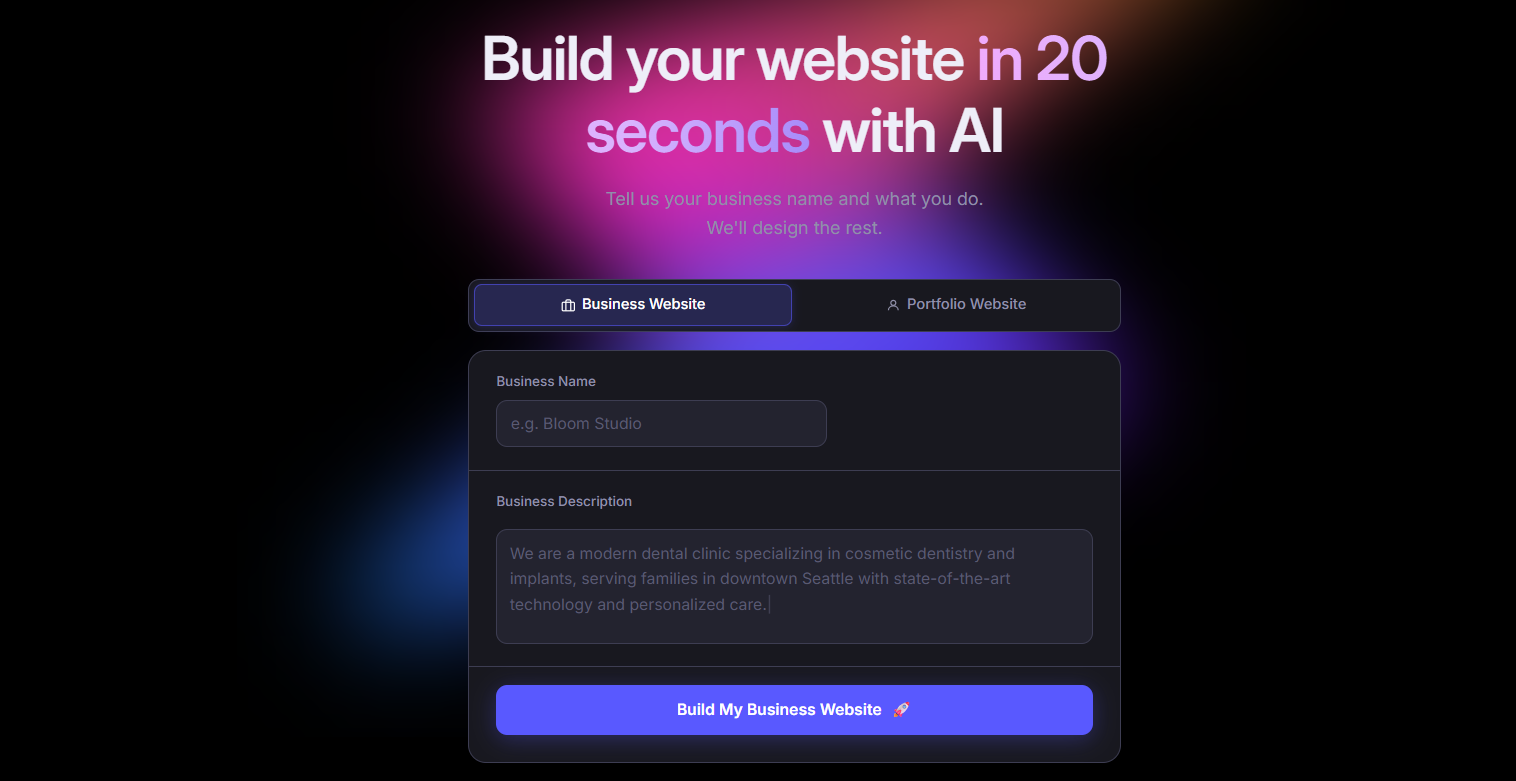
Butternut AI is an AI website builder that takes a short description of your business and turns it into a complete website, along with copy, layout and images in 20 seconds. Where Hostinger Horizons asks you to keep iterating through prompts to shape your site, Butternut hands you a fully formed starting point and lets you refine it visually on the page. The combination of speed at the start and a proper visual editor along with the option to ask AI to do it makes it a much smoother experience for non-technical users who want a finished site without burning through credits.
Key Features
- It comes with built-in hosting and one-click publishing, so you don't need to set anything up separately to take your site live.
- It supports easy connection with GA4 for traffic tracking and supports payment integrations like Stripe, PayPal, and Razorpay.
- Its AI blog writer can put together full articles from scratch, which is helpful if you're trying to build out SEO content over time.
- It allows HTML editing for the parts of your site where you want more granular control.
- It includes AI agents that handle social media marketing across Facebook, LinkedIn, and Instagram.
Best For: Founders, solopreneurs, and marketers who want to skip the prompt-by-prompt grind and get to a finished, editable website fast.
Pricing
| Plan | Price |
|---|---|
| Starter | $20/mo |
| Pro | $69/mo |
Durable
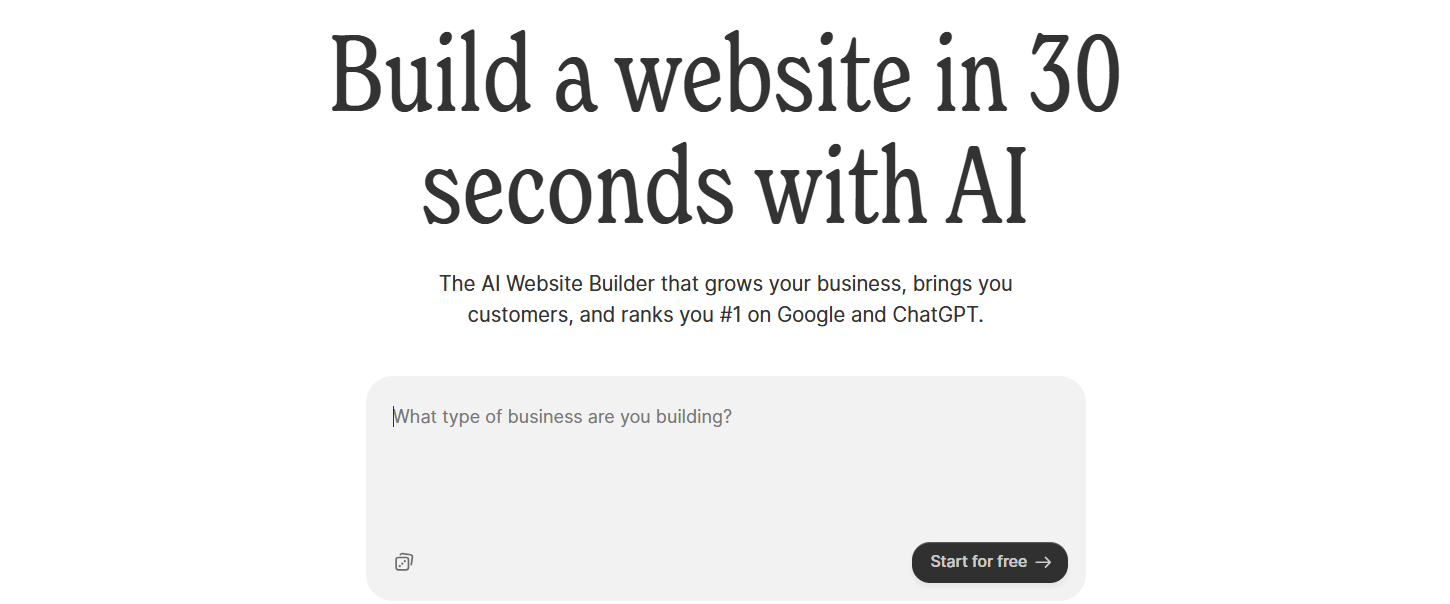
Durable is an AI website builder built specifically for small service-based businesses. It generates a website in about 30 seconds, but the real difference is what comes packaged with it. It has a CRM, invoicing, and lead management tools inside the same platform. Compared to Hostinger Horizons, which is essentially a builder with hosting attached, Durable replaces the need for several separate business tools, which is genuinely useful if you're running a one-person operation.
Key Features
- It includes a built-in CRM for keeping track of leads and customer details.
- It supports invoice creation and basic payment tracking inside the platform.
- It has lead capture forms that automatically push entries into the CRM.
- It comes with analytics dashboards covering both website traffic and customer activity.
- It offers AI tools for social media posting to help promote your business.
Best For: Service-based solopreneurs and small businesses, like consultants, contractors, or therapists, who want their website and basic business operations under one roof.
Pricing
| Plan | Price |
|---|---|
| Launch | $25/mo |
| Grow | $99/mo |
Design.com
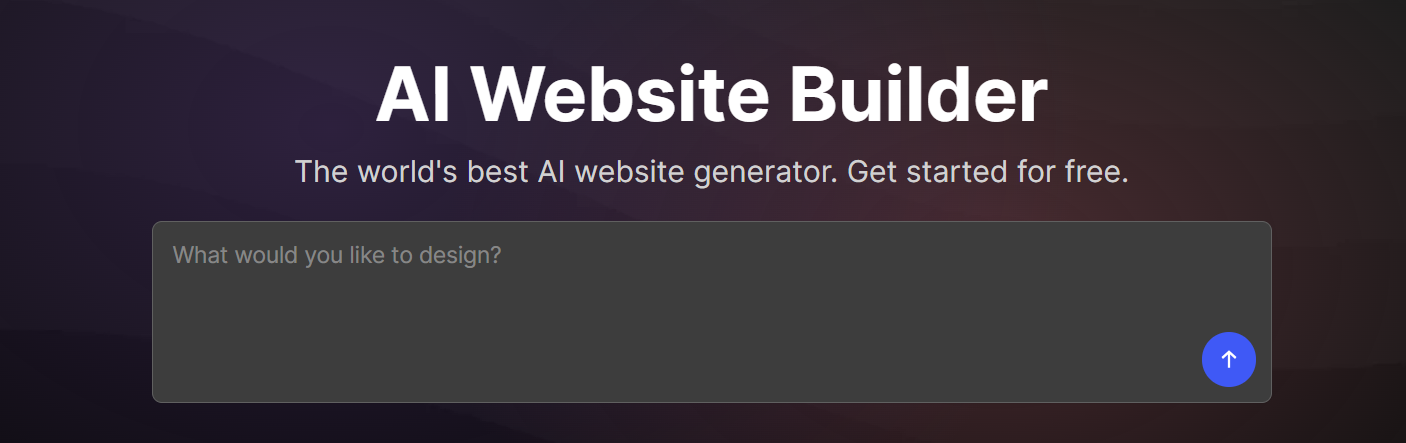
Design.com is an AI builder that approaches things from a brand-first angle. Instead of just spinning up a website, it generates a full visual identity, logo, color palette, typography, business cards, social graphics, and a website to match, all from a short description of your business. Where Hostinger Horizons gives you a functional site but leaves brand identity entirely up to you, Design.com bundles both, which is helpful if you're starting from scratch and don't want to make brand decisions in isolation from your website.
Key Features
- It generates multiple websites and brand concepts at once from a single prompt.
- It includes an AI logo generator with options for further customization.
- It comes with a matching brand kit covering business cards, social media templates, and email signatures.
- It has an AI background remover for cleaning up product images and photos.
- It offers one-click publishing.
Best For: Small business owners, freelancers, and early-stage entrepreneurs who need both a website and a brand identity but aren't in a position to hire a designer.
Pricing
| Plan | Price |
|---|---|
| Starter | $15/mo |
| Value (includes website) | $24/mo |
| Premium | $29/mo |
10Web
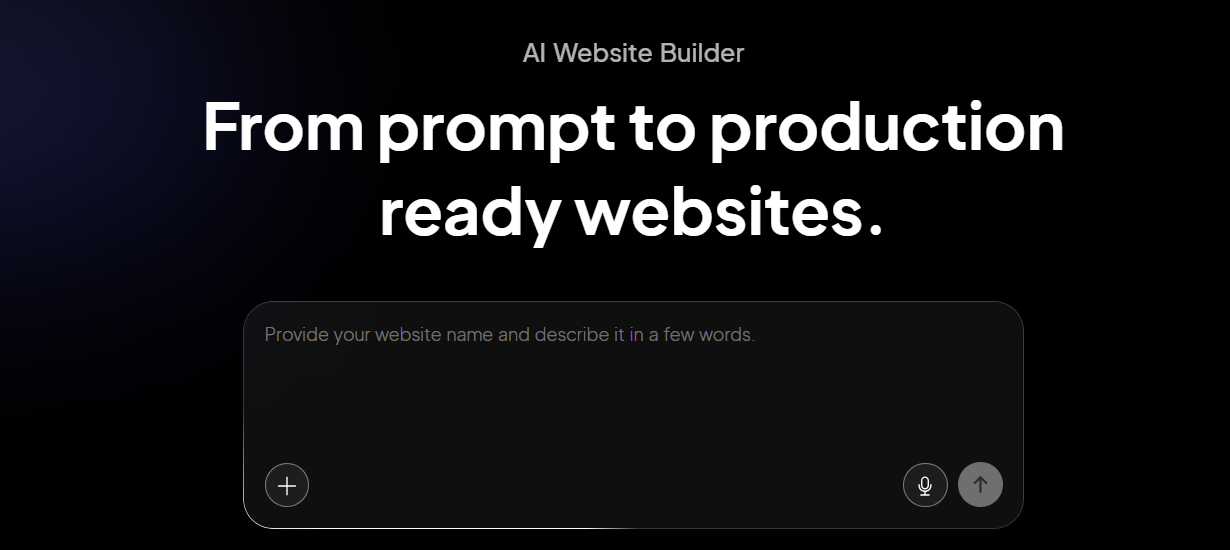
10Web is an AI website builder that runs on top of WordPress and Google Cloud hosting. You describe your site or paste in a URL to clone, and it generates a complete WordPress site you can edit further inside Elementor. Compared to Hostinger Horizons, which keeps everything inside its own ecosystem, 10Web gives you the speed of AI generation while preserving access to the entire WordPress plugin library and full data portability, which matters a lot if you ever decide to move hosts.
Key Features
- It generates complete WordPress sites from a prompt or by cloning an existing URL.
- It runs on Google Cloud and aims for a 90+ PageSpeed score out of the box.
- It uses the Elementor visual editor for post-generation customization.
- It gives you access to the full library of 60,000+ WordPress plugins.
- It supports WooCommerce if you need to add an online store.
Best For: WordPress users, agencies, and businesses that want AI-powered site generation without giving up the flexibility and portability of the WordPress ecosystem.
Pricing
| Plan | Price |
|---|---|
| AI Starter (1 site) | $20/mo |
| AI Premium (1 site) | $30/mo |
| Agency Starter (3 sites) | $48/mo |
| Agency Premium (10 sites) | $120/mo |
GoDaddy
GoDaddy is best known as a domain registrar, but its AI builder, Airo, has grown into a fast way to get a basic website online. Tell it about your business and it generates a site, logo suggestions, and even initial marketing assets in under a minute. Where Hostinger Horizons leans heavily on a credit-based prompt system, GoDaddy keeps things simpler with a more traditional editor, which is friendlier for users who'd rather not think in terms of prompts and want their domain, hosting, email, and site all managed in one account.
Key Features
- It generates a website along with logo and branded asset suggestions in under 30 seconds.
- It comes with a built-in marketing dashboard for email campaigns and social posts.
- It offers a library of around 100 mobile-friendly templates.
- It includes basic SEO tools and Google My Business integration for local search.
Best For: Beginners and small business owners who want the fastest possible setup and prefer to keep their domain, email, and website with the same provider.
Pricing
| Plan | Price |
|---|---|
| Basic | $9.99/mo |
| Premium | $14.99/mo |
| Commerce | $20.99/mo |
Framer

Framer is a design-first website builder that started as a prototyping tool and grew into a full fledged publishing platform. Its visual editor feels closer to Figma than to a traditional website builder, with pixel-level layout control, advanced animations, and a strong component system. Compared to Hostinger Horizons, which is built around chat-based AI generation, Framer is the better choice when how the site looks and behaves matters more, especially for landing pages, portfolios, and design-heavy marketing sites.
Key Features
- It uses a Figma-like canvas with precise control over layout, spacing, and typography.
- It includes built-in animation tools for scroll effects, transitions, and micro-interactions.
- It has a component-based design system, so elements you build once can be reused across pages.
- It comes with a CMS for managing structured content like blog posts and case studies.
Best For: Designers, product teams, and marketing teams that want maximum creative control over visual design without writing code.
Pricing
| Plan | Price |
|---|---|
| Basic | $15/mo |
| Pro | $45/mo |
| Scale | $100/mo |
Squarespace

Squarespace is a website builder that has long been known for the quality of its templates and the polish of its editing experience. Its AI tool walks you through the process to put together a site with consistent design, typography, and branding from the start. Compared to Hostinger Horizons, which prioritizes speed and low cost, Squarespace prioritizes the look and feel of the finished product, which makes it a better fit when visual presentation is non-negotiable.
Key Features
- It comes with a curated library of high-quality templates that work well across devices.
- It has built-in blogging tools with scheduling and category management.
- It supports eCommerce on every plan with product catalogs, inventory, and checkout.
- It has built-in email marketing tools for running campaigns from inside the platform.
- It provides detailed analytics covering traffic, engagement, and sales performance.
Best For: Creators, photographers, consultants, and small businesses where strong visual branding is central to how the business is perceived.
Pricing
| Plan | Price |
|---|---|
| Basic | $16/mo |
| Core | $23/mo |
| Plus | $39/mo |
| Advanced | $99/mo |
Webflow
Webflow is a visual development platform that gives you the kind of control over a website that used to require writing custom code. Its editor maps directly onto HTML and CSS concepts, which means you can build complex, structured sites with the precision of a developer environment but without actually writing code. Compared to Hostinger Horizons, Webflow operates at a different level entirely. It's the right choice when you've outgrown simpler builders and need a platform that scales with your business rather than capping out as your needs grow.
Key Features
- It uses a visual editor based on the CSS box model, so layouts behave exactly as a developer would expect.
- It includes a powerful CMS for managing structured content like blogs, case studies, and portfolios.
- It supports custom interactions and animations triggered by scrolls, clicks, and hovers.
- It allows clean export of HTML, CSS, and JavaScript if you ever want to take the code elsewhere.
Best For: Designers, developers, and growth-stage teams that need full design control and the ability to build complex, high-performance websites.
Pricing
| Plan | Price |
|---|---|
| Basic | $18/mo |
| CMS | $29/mo |
| Business | $49/mo |
Wix

Wix is one of the most widely used website builders in the world, with over 200 million users. Its AI builder, Wix Harmony, generates a complete website through a chat interface, and the platform itself has the largest app marketplace in the category, with 800+ integrations. Compared to Hostinger Horizons, which leans into a credit-based, app-style workflow, Wix offers a more traditional all-in-one website builder with a much wider feature set, though that comes at a higher price point.
Key Features
- It offers 15+ built-in AI tools covering site generation, copy, images, blog posts, and ad creative.
- It has a library of 900+ customizable templates across industries.
- It supports built-in eCommerce, bookings, events, and scheduling out of the box.
Best For: Small businesses, entrepreneurs, and beginners who want a single platform with the broadest possible feature set and a deep ecosystem of apps and integrations.
Pricing
| Plan | Price |
|---|---|
| Light | $17/mo |
| Core | $29/mo |
| Business | $39/mo |
| Business Elite | $159/mo |
How to Make the Right Choice
Picking the right Hostinger alternative comes down to understanding what's actually limiting you and what you want to be able to do six or twelve months from now. Here are the things worth weighing up before you commit.
- Editing experience: If chat-based editing isn't working for you, prioritize platforms that give you a proper visual editor. The day-to-day experience of making updates matters more than how fast the initial build is.
- Pricing model: Credit-based pricing rewards short, simple builds and punishes iteration. Flat monthly pricing is easier to plan around if you expect to keep refining your site.
- Design control: Decide how much precision and control you need. Some tools give you pixel-level control; others trade that off for simplicity and speed.
- Scalability: Pick a platform that can grow with you. Adding pages, a blog, or an online store later shouldn't feel like you're fighting with the tool.
- SEO and content tools: If organic search is part of your strategy, look for solid metadata controls, custom URL structures, and content creation features built into the platform.
- Total cost over time: The advertised starting price almost never reflects what you'll actually pay. Account for renewal rates, plan upgrades, and any features locked behind higher tiers.
Our Suggestion
If the credit-based workflow and missing visual editor are what's pushing you to look elsewhere, Butternut AI is worth a serious look. It generates a complete site, structure, copy, and basic SEO included, in about 20 seconds, so you start with something finished rather than something you have to keep prompting into shape.
From there, the editing experience is direct and visual, which means iterating on your site doesn't slow you down or eat into a credit balance. You can build your website today for free and only pay when you're happy with the result and ready to take it live.