
Butternut AI Blog
Hostinger vs Wix vs Butternut AI
If you've been looking into website builders and keep coming across Hostinger and Wix, it's not surprising. Both are popular, both have AI-powered builders, and both have enough going on that comparing them on paper is genuinely confusing.
Introduction
So we took up the task. We tested Hostinger Horizons and Wix side by side and threw a third builder, Butternut AI, into the mix. The table below gives you a quick look at how they stack up, and the sections after it break down what it actually felt like to use each one.
Hostinger Horizons vs Wix vs Butternut AI
| Feature | Hostinger Horizons | Wix | Butternut AI |
|---|---|---|---|
| Website generation speed | Around 5 minutes to generate the first draft | Takes 3 minutes just to answer the setup questions, then 12+ more minutes to generate | Generates the first draft in under 20 seconds |
| First draft quality | Simple but complete with animations, contextual copy, and relevant images | No animations, generic copy, somewhat relevant images | Strongest out of the box with animations, contextual copy, relevant images, and CTAs |
| User experience | Simple prompt-based setup | Lengthy, multi-step chatbot flow that disconnects setup from the actual design | One prompt, one step, no learning curve |
| Post-generation customization | Via tooltip or AI chat | Via tooltip or AI chatbot | Via AI chat or tooltip |
| Design | AI-generated from your prompt | Template-based | Fully AI-generated, dynamic layout and design |
| SEO support | SEO tools included | Per-page SEO checklist with AI suggestions, manual implementation | Fully automated meta tags, sitemaps, alt text |
| AI blog generation | ✅ (with keyword suggestions) | ||
| AI social media marketing | ✅ (Facebook, Instagram, LinkedIn) | ||
| AI chatbot for website | |||
| Custom HTML code | |||
| Analytics | ✅ (AI-assisted) | ✅ (GA4 integration) | |
| Mobile experience | Auto-responsive | Manual adjustments needed | Auto-responsive |
| Customer support | Help center and chat | AI chatbot | Email, live chat, and 1-on-1 call |
| 1-year free domain | |||
| Hosting & SSL | Included | Included | Included |
| Pricing | Explorer: $9.99/month Starter: $19.99/month Hobbyist: $55.99/month Hustler: $99.99/month | Light: $17/month Core: $29/month Business: $39/month Business Elite: $159/month | Starter: $20/month Pro: $69/month |
Hostinger Horizons
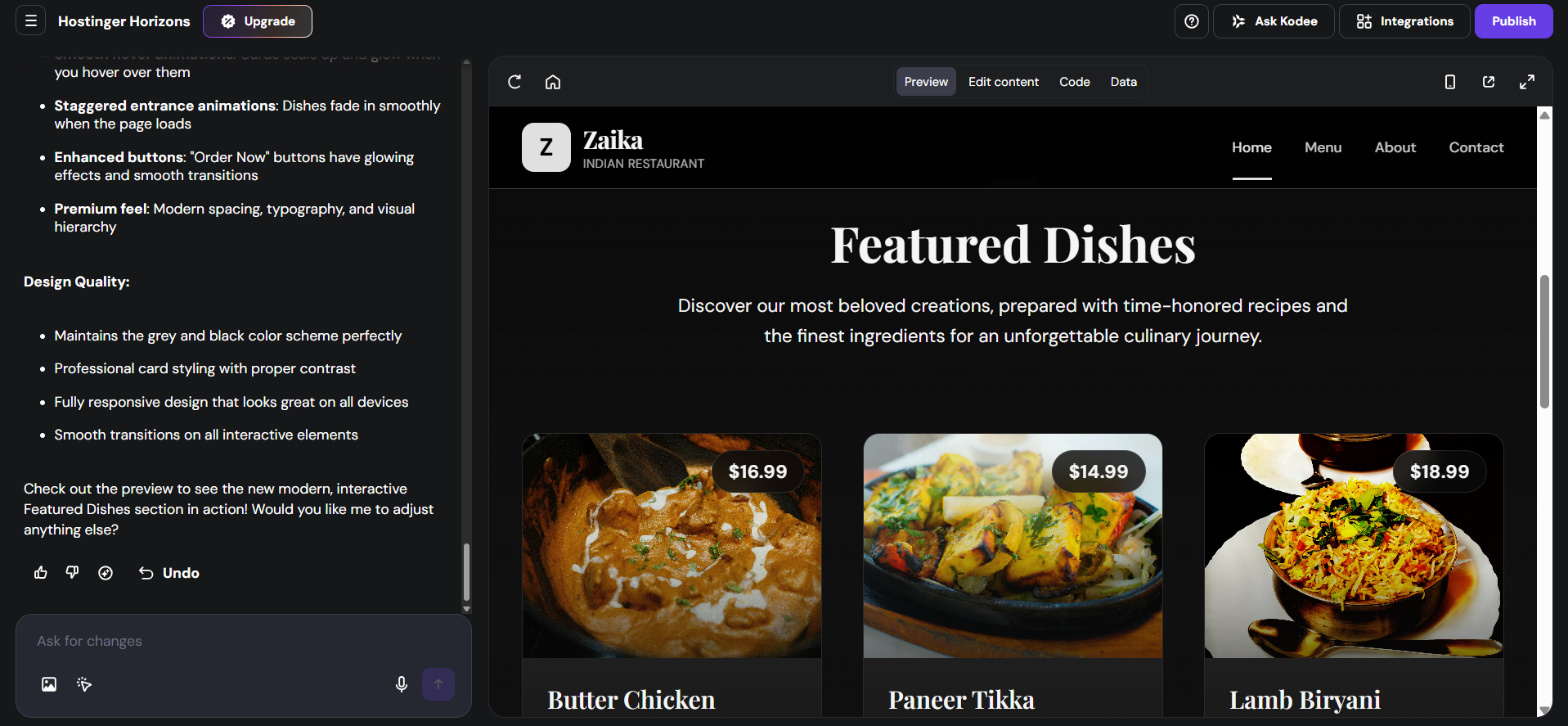
Hostinger is best known as a web hosting provider, but Horizons is its attempt at an AI-first website builder and it's a notably different experience. The setup is straightforward — you type a prompt describing your business and Horizons gets to work. While your site is being built, you can watch the code being written in real time. The generation itself took around five minutes during testing.
First Draft & Customization
The first draft Horizons delivers is clean. It comes with animations, copy that's relevant to your business, and images that make sense. Editing works through tooltips for on-page tweaks and an AI chat interface for more specific requests. Changes take time to apply — a tweak can take well over a minute to render, which disrupts the editing flow. Some images can only be changed through the AI chat, not through any on-page control.
Features
- Add a chatbot to your website directly through Horizons to handle visitor questions without a third-party tool
- The code editor is accessible at any point, so developers can make custom changes directly in the underlying code
- Publish your project as a remixable template and earn a commission when someone purchases Horizons through it
- The Hostinger dashboard includes email marketing tools and AI agents for customer support and lead generation
Limitations
- No AI blog generation
- No AI social media marketing tools
- Color and layout changes have to go through the AI chat rather than tooltips
- Each edit takes well over a minute to apply, making iteration slow
- Some users find renewal pricing unexpectedly high
Pricing
| Plan | Price |
|---|---|
| Explorer | $9.99/month |
| Starter | $19.99/month |
| Hobbyist | $55.99/month |
| Hustler | $99.99/month |
Wix
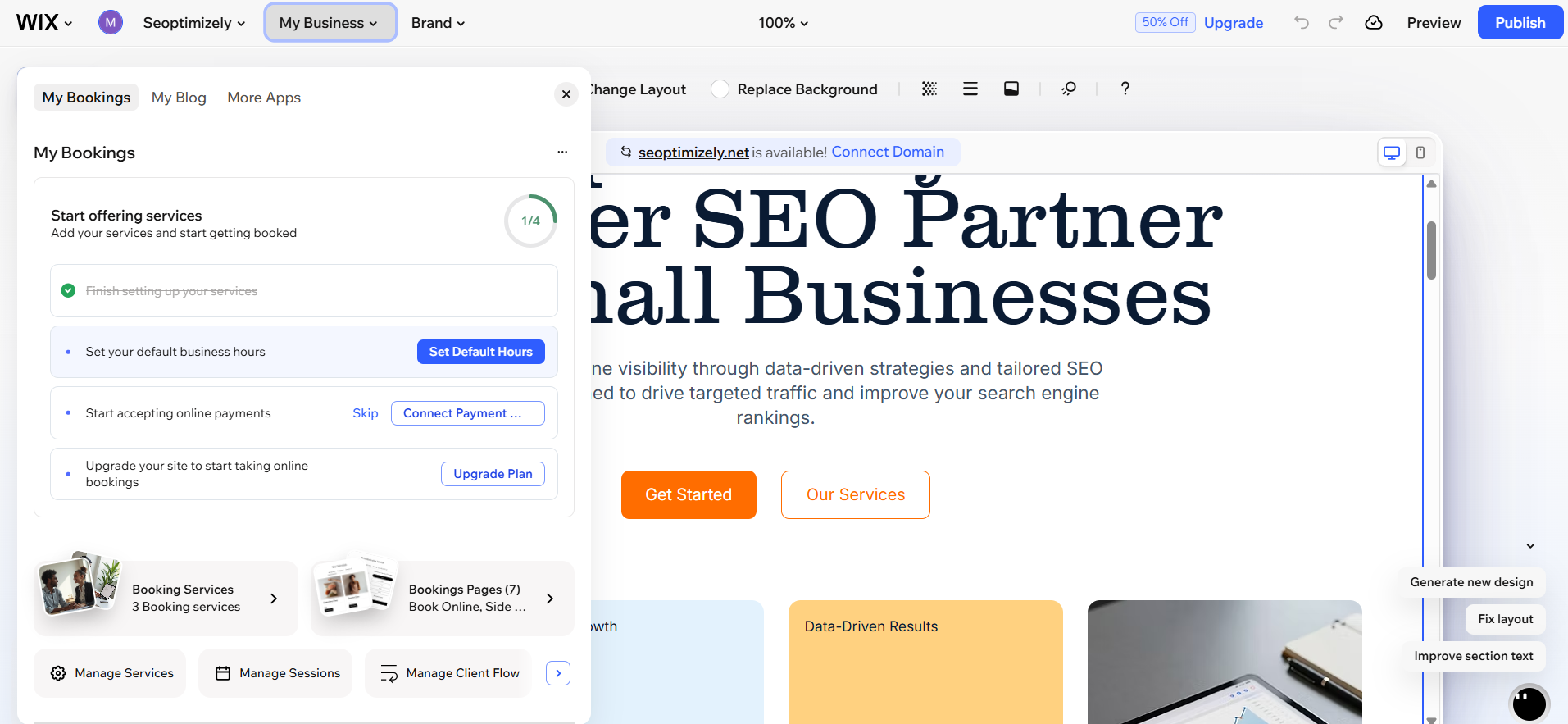
When you start building with Wix, you're greeted by an AI chatbot that walks you through your website one question at a time. I spent close to three minutes in the setup flow before a website had even started generating. After that, the entire interface locks during generation — the AI chat won't accept prompts, buttons don't respond, and you're left waiting. This lasted over twelve minutes during testing.
First Draft & Customization
After all that waiting, the first draft is underwhelming. There are no animations, the copy reads like it was pulled from a generic template, and while the images are somewhat relevant, they don't feel intentional. Post-generation editing works through tooltips or Wix's AI chatbot, but in practice the chatbot is slow and sometimes responds by explaining how you can make the change yourself rather than just making it. Mobile formatting needs to be handled separately.
Features
- A per-page SEO checklist that tells you exactly what to fix, combined with AI suggestions for implementation
- A built-in accessibility scanner that flags issues page by page
- Coupons, gift cards, and abandoned cart email automation built directly into the platform
- An AI-assisted analytics dashboard that lets you ask questions about your site's performance in plain language
- Kleo, Wix's AI marketing assistant, handles SEO, social media, and email campaigns from a single dashboard
Limitations
- The setup process is the longest of the three by a significant margin
- The AI chatbot for editing is slow and sometimes unhelpful
- Mobile formatting requires separate manual adjustments
- Some users find the platform can become expensive over time as additional features are needed
Pricing
| Plan | Price |
|---|---|
| Light | $17/month |
| Core | $29/month |
| Business | $39/month |
| Business Elite | $159/month |
Butternut AI
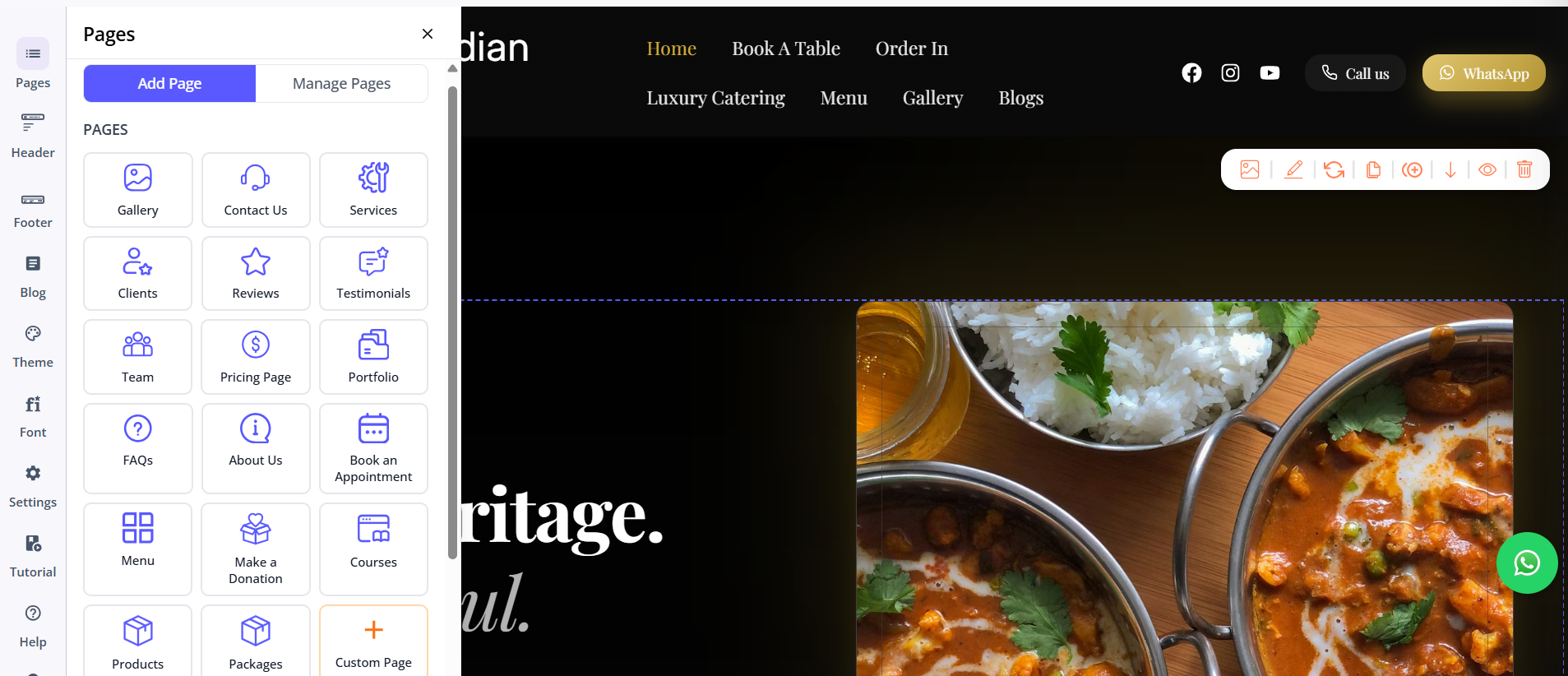
Where Hostinger added AI to a hosting product and Wix layered AI onto an existing builder, Butternut AI was built around AI from the ground up. You type your business name and a short description of what you do. Within 20 seconds, your website starts appearing on screen, section by section.
First Draft & Customization
The first draft quality is the strongest of the three. The copy reads like it was actually written for your business. The CTAs are in the right places, the images match your content, and the animations look like deliberate design choices. Customization works through the AI chat or tooltips directly in the editor. Adding new pages is as simple as picking the type of page you want and clicking generate.
Features
- An AI blog writer with built-in keyword and topic suggestions based on your specific business and industry
- AI social media agents for Facebook, Instagram, and LinkedIn that create and publish content automatically
- An AI chatbot for your website that answers visitor questions and captures leads
- Fully automated SEO setup covering meta tags, sitemaps, and alt text without any manual configuration
- AI image generation built directly into the builder
Limitations
- No native email marketing
- Smaller integrations ecosystem compared to Wix's app market
- Basic GA4 integration
Pricing
| Plan | Price |
|---|---|
| Starter | $20/month |
| Pro | $69/month |
Which One Should You Choose?
All three tools will get you a website. But the experience of getting there, and what you end up with, is quite different.
Hostinger Horizons is worth a look if you're comfortable with a slower editing loop and want access to the underlying code without switching platforms. The prompt-based setup is genuinely simple, and the first draft gives you a reasonable starting point.
Wix makes sense if you need a large app ecosystem and want granular control over your site's features, especially for ecommerce.
But if your goal is to get a professional website live without spending a lot of time learning a new tool, Butternut AI is the one worth starting with. The setup takes under a minute, the first draft is genuinely good, and customization doesn't feel like a chore. There's also a free plan, so the cost of trying it is just 20 seconds of your time.