
Butternut AI Blog
7 Best Lovable Alternatives to Try in 2026
Lovable is one of the more popular AI website builders used by founders, creators, and small businesses to quickly generate websites using AI. But if you're here, you're probably wondering if there's something better out there, and that's a fair question to ask. We've spent the time testing a range of similar tools to see how they actually compare, so you don't have to.
Introduction
Lovable is one of the more popular AI website builders used by founders, creators, and small businesses to quickly generate websites using AI.
But if you're here, you're probably wondering if there's something better out there, and that's a fair question to ask.
We've spent the time testing a range of similar tools to see how they actually compare, so you don't have to.
TL;DR
- Best overall alternative: Butternut AI (fastest way to go live)
- Best for advanced customization: Webflow
- Best design-focused builder: Framer
- Best beginner-friendly option: Wix
In this article, you'll find a clear breakdown of the best Lovable alternatives. We've discussed what works well, what becomes limiting, and who each tool is really built for, so you can make the right choice for your needs.
Why You Might Be Looking to Switch from Lovable
Lovable works well when you want to generate a website quickly. But once you start editing or growing the site, some common issues show up:
- Limited control after generation: You get a ready-made site, but adjusting layouts, spacing, or structure can feel restrictive.
- Designs can look similar: Many generated sites follow a similar pattern, which makes it harder to build a distinct brand or stand out from the crowd.
- Hard to scale for larger needs: Adding more pages, improving SEO structure, or building content-heavy sites is not always smooth and you can feel that if you want to build pages at scale.
- Fewer integrations: If you rely on marketing tools, analytics, or CRM systems, the integration options can feel limited and you end up spending more on other tools.
Best Lovable Alternatives in 2026
| Tool | SEO | Custom Code / HTML | Blog Generation | Hosting & Domain | Website Copy | AI Social Agents | Starting Paid Plan |
|---|---|---|---|---|---|---|---|
| Butternut AI | $20/mo | ||||||
| Durable | $22/mo | ||||||
| Squarespace | $25/mo | ||||||
| Typedream | $20/mo | ||||||
| Webflow | $14/mo | ||||||
| Wix | $17/mo | ||||||
| Framer | $15/mo |
1. Butternut AI
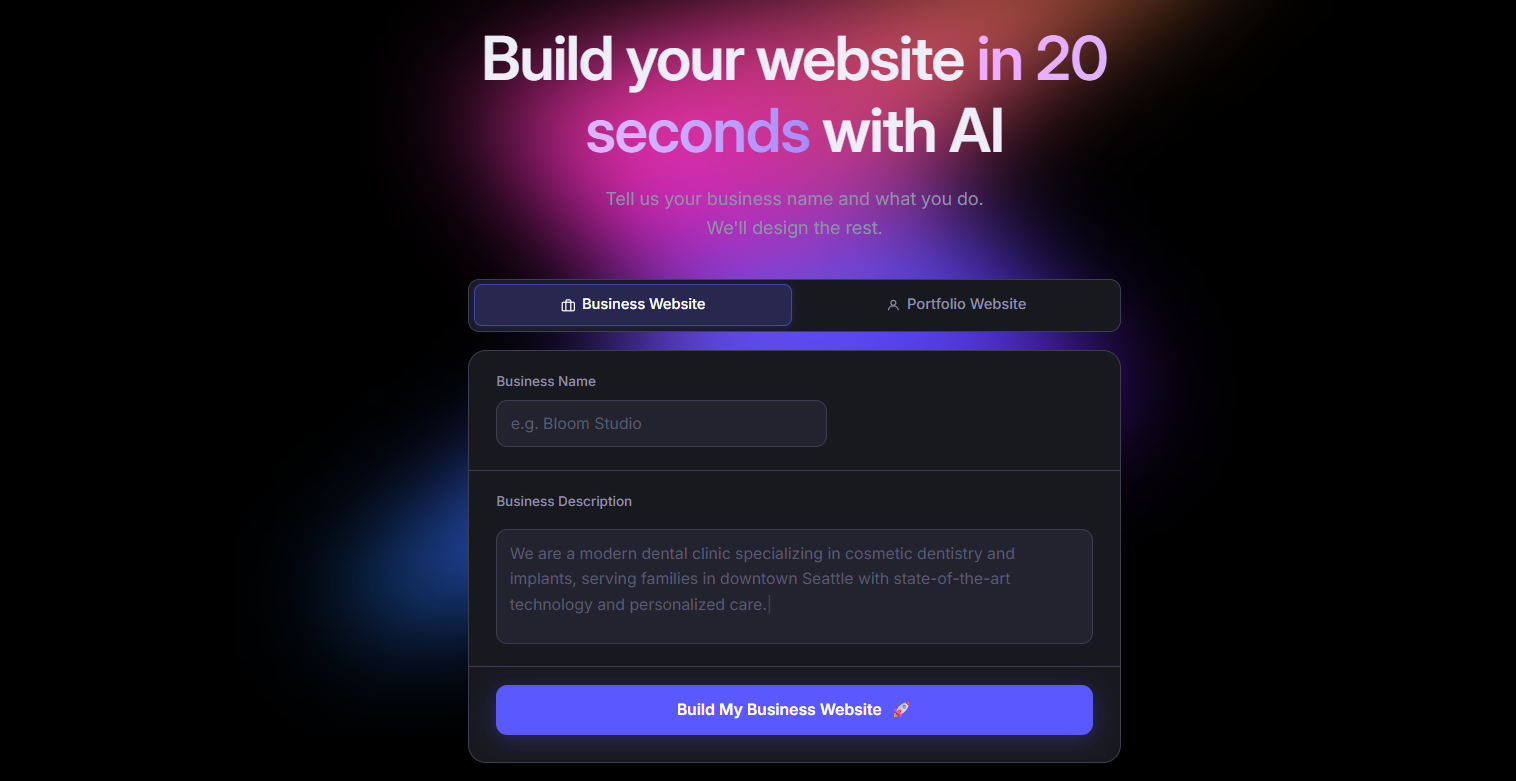
Butternut AI is an AI website builder that creates a complete website based on a simple description of your business or idea in 20 seconds. Instead of relying on fixed templates, it generates the structure, content, and the layout in one go, and lets you edit everything directly on the page. Compared to Lovable, it focuses more on ease of editing and faster iteration, which makes it easier to refine and update your site.
Best for: Founders, marketers, and creators who want to launch quickly.
Key Features
- It includes built-in hosting and lets you publish in one click, so you can go live without any external setup.
- It generates the website copy that aligns with the business context you provide, and most of the time, they're on point.
- It lets you connect your website with GA4 for easy traffic tracking.
- It can generate complete articles from scratch so you can scale your SEO efforts.
- It allows HTML editing when you need deeper control over customization or editing of elements on your website.
- It offers AI agents for automating social media marketing on Facebook, LinkedIn and Instagram.
| Plan | Price |
|---|---|
| Starter | $20/mo |
| Pro | $69/mo |
2. Durable
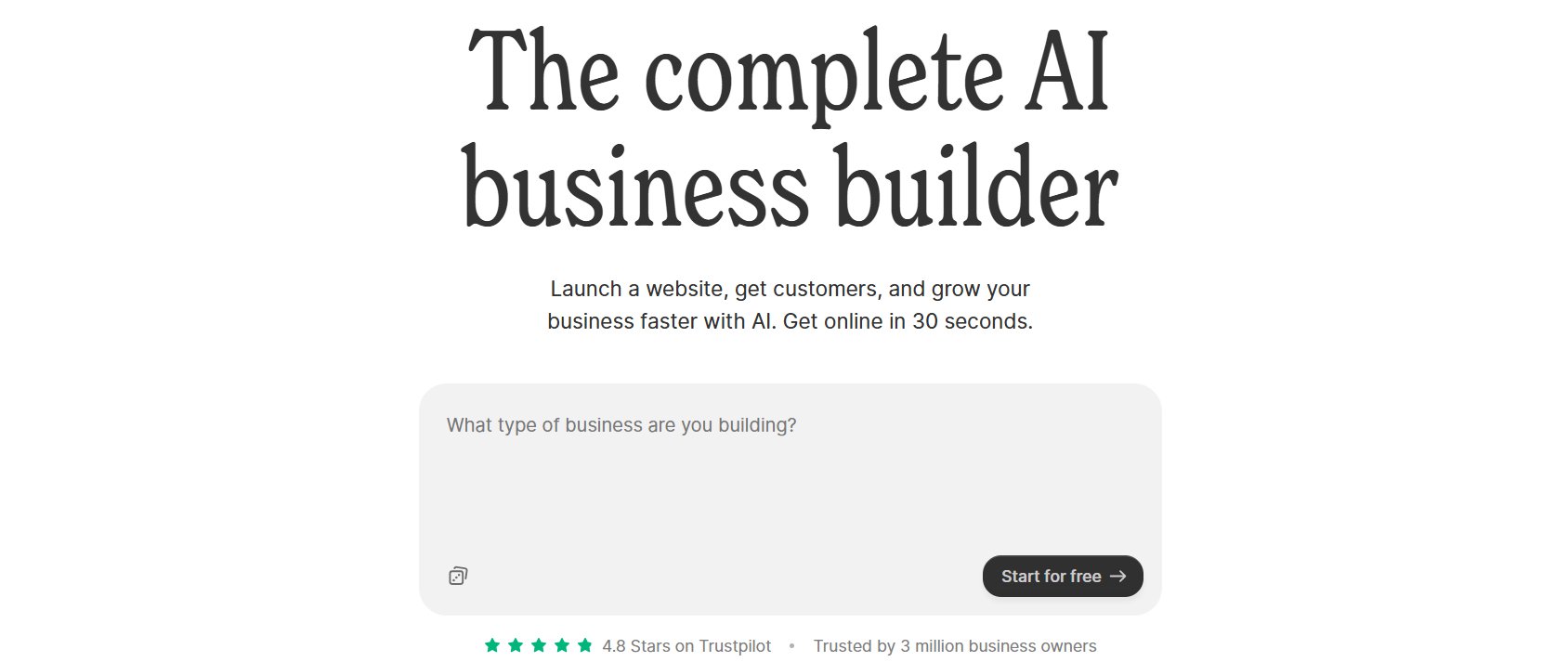
Durable is an AI-powered website builder designed for small businesses that want to manage both their website and operations in one place. It works by combining website creation with tools like CRM and invoicing. Compared to Lovable, it offers more built-in business functionality.
Best for: Service-based businesses.
Key Features
- It includes a built-in CRM that allows you to manage leads and customer data.
- It supports invoice creation and payment tracking within the platform.
- It provides lead capture forms that automatically sync with the CRM.
- It includes analytics dashboards to monitor website activity and customer interactions.
| Plan | Price |
|---|---|
| Launch | $25/mo |
| Grow | $99/mo |
3. Squarespace

Squarespace is a website builder that focuses on design quality and content presentation and offers structured templates. It works through a section-based editor that keeps layouts consistent. Compared to Lovable, it provides more polished templates and stronger built-in tools for content and eCommerce.
Best for: Creators and businesses focused on branding.
Key Features
- It provides built-in blogging tools with post scheduling, category management, and content management.
- It supports eCommerce features including product catalogs, inventory management, and checkout systems.
- It includes built-in email marketing tools for creating and managing campaigns.
- It offers detailed analytics dashboards for tracking traffic, engagement, and sales.
| Plan | Price |
|---|---|
| Basic | $25/mo |
| Core | $36/mo |
| Plus | $56/mo |
| Advanced | $139/mo |
4. Typedream
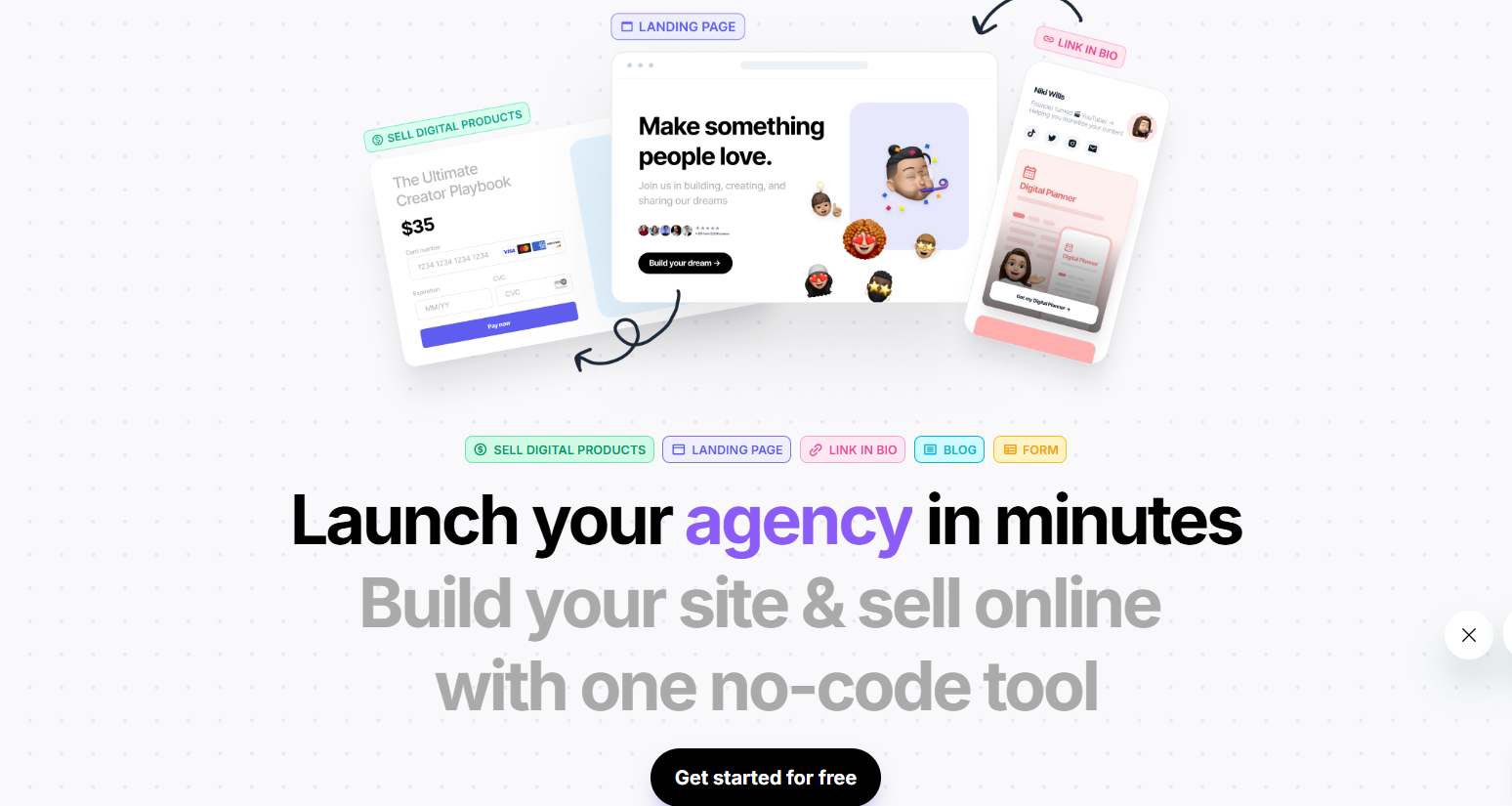
Typedream is a fast and minimal website builder that works well for people who want to launch quickly without dealing with complex editing tools. It is built around a block-based interface, similar to Notion, which makes it easy for beginners to understand. Compared to Lovable, it offers more manual control over layout and structure, but less AI-driven generation depth.
Best for: Lightweight websites and landing pages.
Key Features
- It provides a simple drag-and-drop editor that feels similar to Notion.
- It supports basic SEO settings including metadata and clean URLs.
- It includes templates optimized for landing pages and simple business sites.
- It offers a fast publishing workflow with hosting included.
| Plan | Price |
|---|---|
| Launch | $20/mo |
| Grow | $49/mo |
5. Webflow
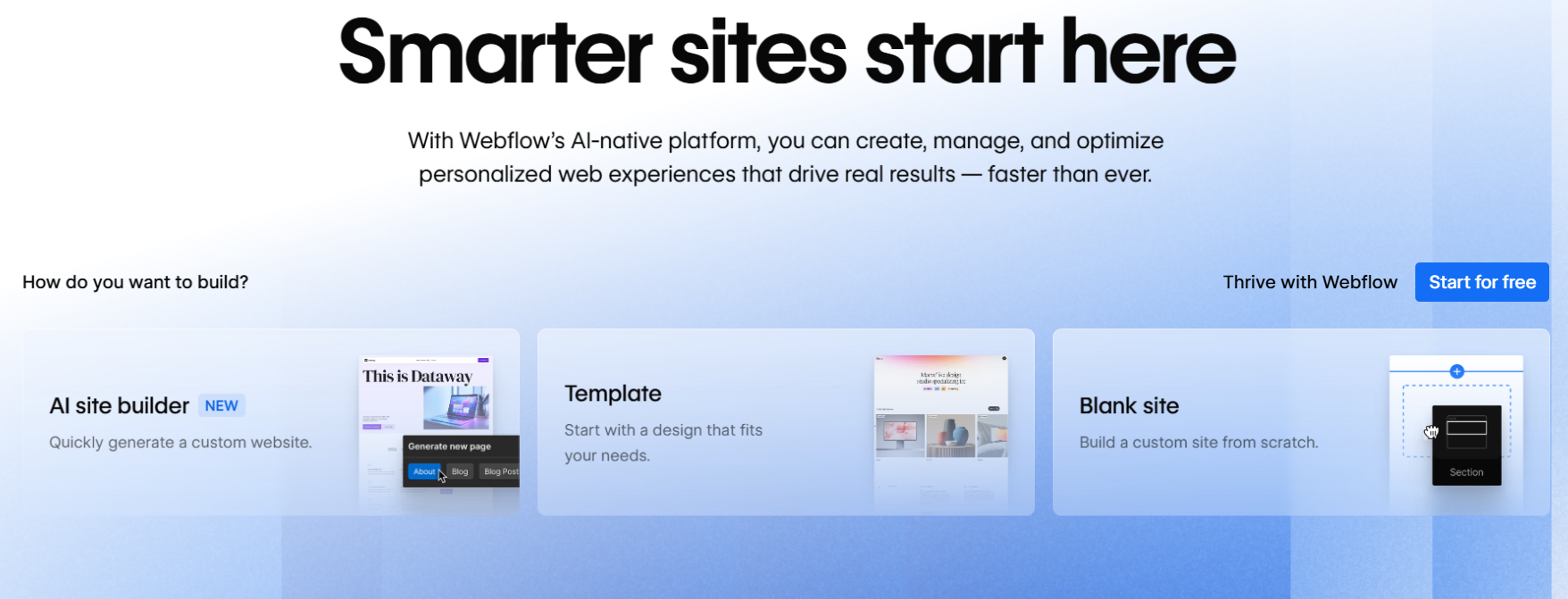
Webflow is a professional-grade website builder designed for people who want maximum control over layout, structure, and responsiveness. It works through a visual editor that closely maps to HTML and CSS, allowing you to design at a much deeper level than most builders. Compared to Lovable, it offers far more customization and scalability.
Best for: Designers and teams who want full control.
Key Features
- It gives full control over layout and styling through a visual editor that maps closely to code.
- It supports CMS features for managing content-heavy sites and blogs.
- It provides advanced SEO settings and structured content capabilities.
- It supports clean code export for teams who want to host externally.
| Plan | Price |
|---|---|
| Basic | $14/mo |
| CMS | $23/mo |
| Business | $39/mo |
6. Wix
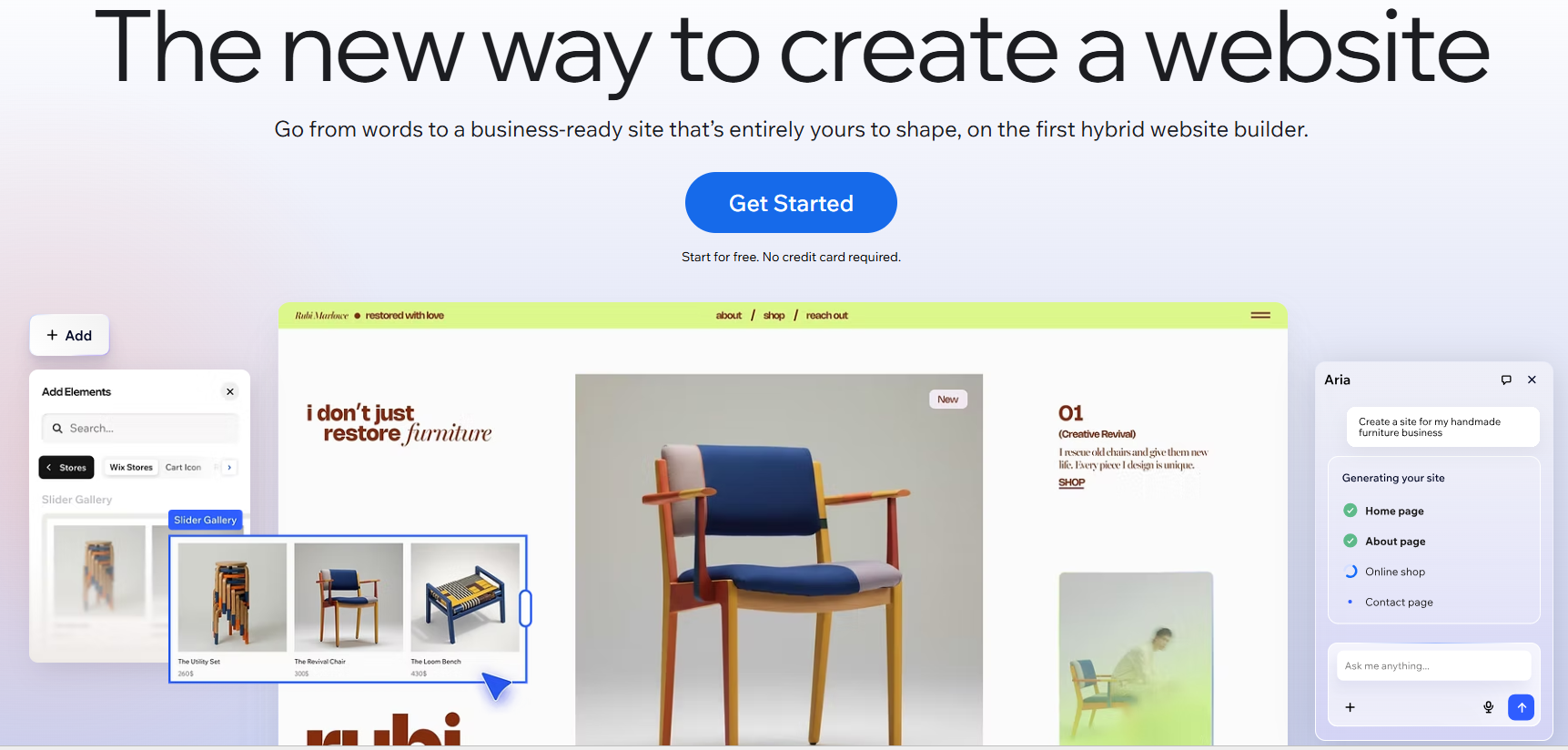
Wix is one of the most widely used website builders and offers a strong mix of AI-assisted generation and manual customization. Its AI flow helps generate the initial layout and copy, and then you can customize everything through a drag-and-drop editor. Compared to Lovable, Wix offers more established tooling and integrations.
Best for: Beginners who want flexibility.
Key Features
- It includes a large library of templates and a beginner-friendly drag-and-drop editor.
- It offers built-in SEO tools like metadata, structured data, and redirects.
- It provides an app marketplace for adding integrations like booking, payments, and forms.
- It supports blogs and eCommerce features with strong CMS support.
| Plan | Price |
|---|---|
| Light | $17/mo |
| Core | $29/mo |
| Business | $39/mo |
7. Framer
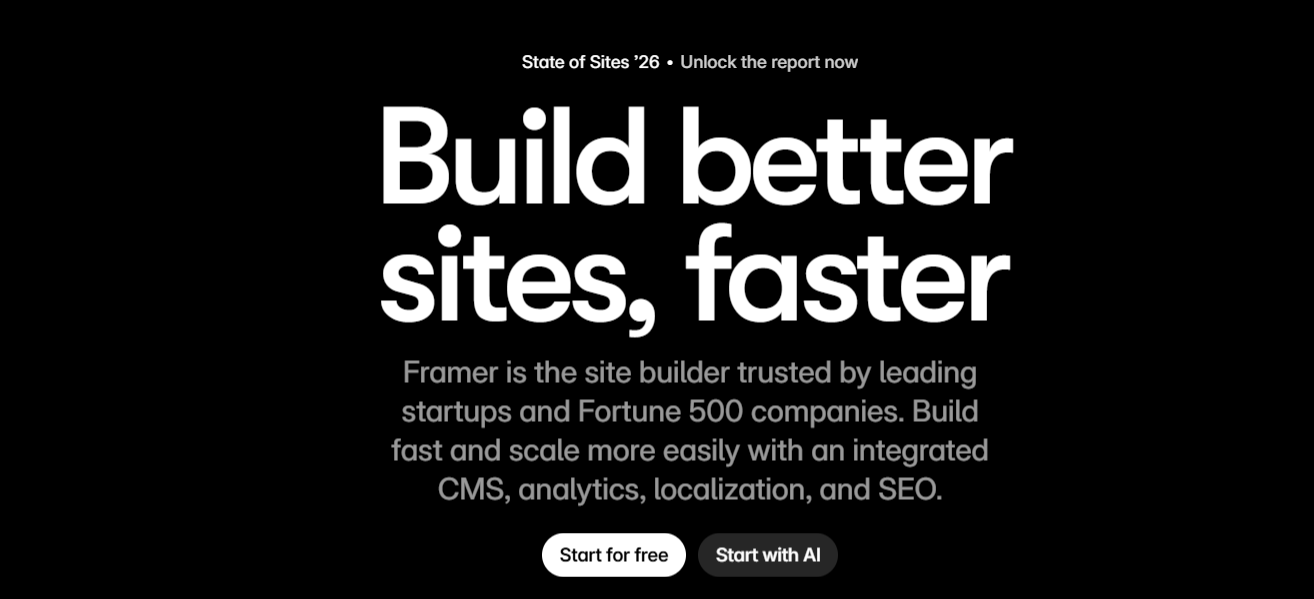
Framer is a website builder that focuses on modern design and performance, allowing users to create visually polished sites with responsive layouts. It works through a design-first interface with built-in styling and animation tools. Compared to Lovable, it offers stronger control over visual design and interactions.
Best for: Design-focused users.
Key Features
- It uses a component-based design system that lets you reuse elements across multiple pages.
- It includes built-in animation tools such as scroll effects and transitions.
- It provides advanced controls for optimizing layouts across devices.
- It includes a CMS for managing content like blogs and other collections.
| Plan | Price |
|---|---|
| Basic | $15/mo |
| Pro | $45/mo |
| Scale | $100/mo |
How to Make the Right Choice
Choosing the right website builder comes down to understanding what you actually need from the tool. Here are the key factors you should consider before making a decision:
- Ease of editing and workflow: Look at how easy it is to not just create but update content, change layouts, and make ongoing edits. Some tools are fast at setup but slow when it comes to iteration.
- Level of customization: Consider how much control you need over design and structure. If you want flexibility, make sure the tool does not limit layout, styling, or functionality.
- Scalability: Think about how your needs might grow over time. Adding more pages, managing blogs, or expanding your site should not become difficult over time.
- SEO capabilities: Check whether the tool supports proper page structure, metadata, indexing controls, and content creation for search visibility.
- Built-in features and integrations: Some tools include features like analytics, payments, and CRM, while others rely on integrations. Choose based on which exact features you're looking for.
- Hosting: Make sure the platform offers reliable hosting, fast loading speeds, and minimal technical setup to make the experience seamless.
- Pricing and long-term cost: Look beyond the starting price and understand what features are included in each plan instead of looking at the cost of the most basic plan.
The right choice depends on how these factors align with your priorities. Take your time to evaluate them and consider all the factors before you take a final call.
Our Suggestion
If you want a website builder that helps you go from idea to live site without spending time on setup or figuring out complex tools, Butternut AI is a strong option to consider.
It handles the heavy lifting upfront, including structure, content, and SEO basics, so you can focus on refining your website instead of building everything from scratch. The editing experience is also straightforward, which makes it easier to keep improving your site without slowing down.
You can build your own website today for free. You only pay when you're happy with the result and want to take the website live.