
Butternut AI Blog
9 Best Namecheap Alternatives to Try in 2026
Namecheap built its reputation as a domain registrar. It was affordable, reliable, and easy to use for buying and managing domains. Over the years, the company expanded into hosting and added a basic website builder to its suite. For users who just need a simple online presence and already have their domain with Namecheap, the builder does the job. But that's about as far as it goes.
Introduction
If you're here, you've probably run into its limits. The builder has no AI capabilities, limited customization, weak SEO features, and it hasn't kept pace with what other dedicated website builders offer in 2026. For anyone serious about growing their online presence, it starts feeling like a placeholder rather than a platform.
TL;DR
- Best overall alternative: Butternut AI
- Best for budget-conscious users: GoDaddy
- Best for design-focused sites: Framer
- Best for eCommerce: Shopify
- Best for WordPress users: 10Web
- Best for full design control: Webflow
Why You Might Be Looking For a Namecheap Website Builder Alternative
- No AI capabilities whatsoever: Unlike virtually every competing platform, Namecheap's builder has not added AI site generation, AI copywriting, or any AI-assisted features. You're building manually, from scratch, every time.
- Limited customization: The drag-and-drop editor covers the basics, but users on G2 and Findstack repeatedly flag that complex design changes are either not possible or frustrating to implement.
- Weak SEO capabilities: The builder offers minimal SEO controls. No built-in content generation, no advanced metadata management, and no structured tools for improving search visibility.
9 Best Namecheap Website Builder Alternatives in 2026
| Tool | SEO | Custom Code / HTML | Blog Generation | Hosting & Domain Support | Website Copy Generation | AI Social Media Marketing Agents | Starting Paid Plan |
|---|---|---|---|---|---|---|---|
| Butternut AI | $20/month | ||||||
| GoDaddy | $9.99/month | ||||||
| Hostinger | $9.99/month | ||||||
| Durable | $25/month | ||||||
| 10Web | $20/month | ||||||
| Squarespace | $16/month | ||||||
| Framer | $15/month | ||||||
| Webflow | $18/month | ||||||
| Shopify | $39/month |
1. Butternut AI
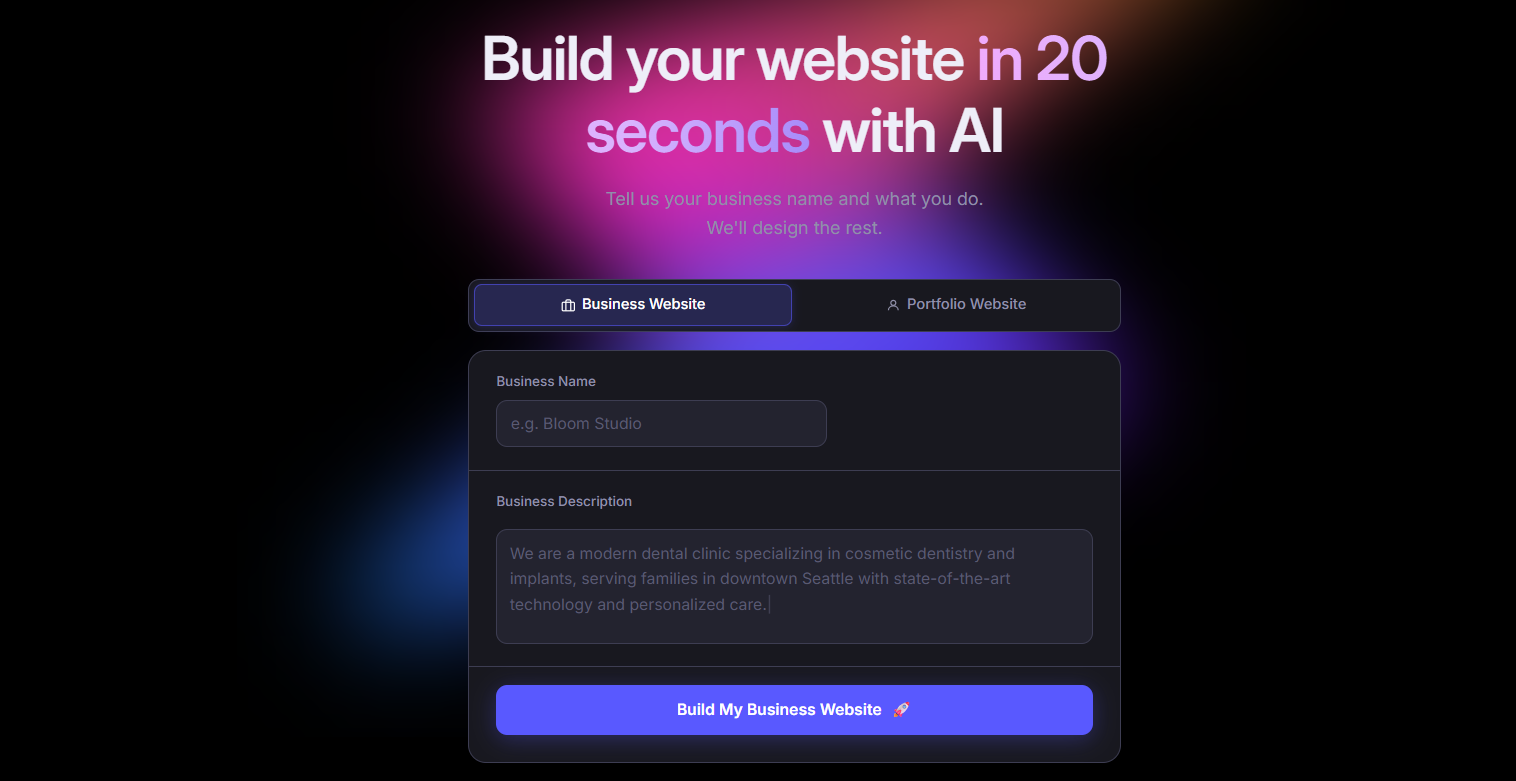
Butternut AI generates a complete website, including layout, structure, and copy, from a short description of your business in about 20 seconds. There's no template to fill in and no blank canvas to stare at. The AI builds around your context, so what you get at the start is already tailored to your business rather than a generic starting point.
Where Namecheap's builder requires you to do all the heavy lifting manually, Butternut AI flips that around. You describe what you do, and it handles the rest. Editing is done directly on the page, which keeps iteration fast. It also ships with AI tools for blog generation and social media marketing, features Namecheap doesn't offer at all.
Key Features
- It builds a complete website from a short prompt in around 20 seconds, including structure, layout, and copy.
- It includes built-in hosting and one-click publishing, so there's no external setup required.
- It generates full blog posts from scratch, which is useful if you want to build out SEO content over time.
- It supports payments through Stripe, PayPal, and Razorpay.
- It offers AI agents that automate social media posting across Facebook, LinkedIn, and Instagram.
- It allows HTML editing for cases where you need more control over specific elements.
Best For
Founders, solopreneurs, and marketers who want to go from idea to a live, published site quickly, without spending time on configuration or running into platform limitations later on.
Pricing
| Plan | Price |
|---|---|
| Starter | $20/month |
| Pro | $69/month |
2. GoDaddy
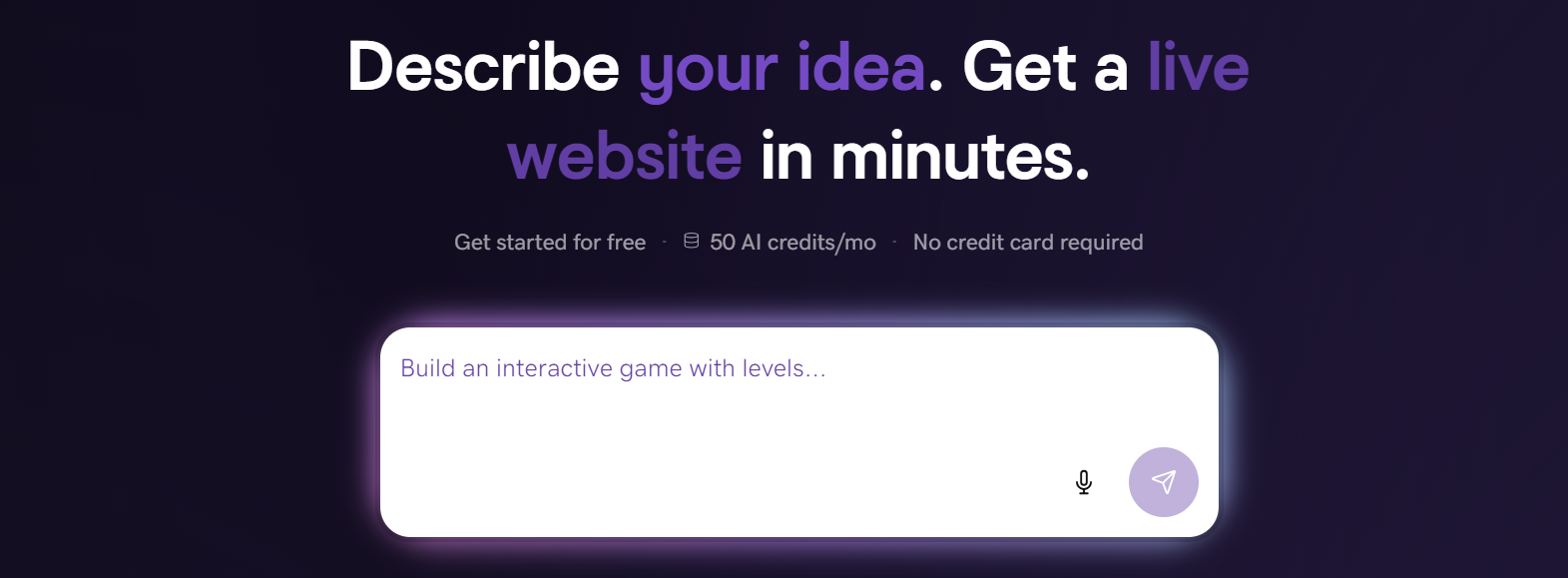
GoDaddy is one of the most recognized names in the domain and hosting space, and its Airo website builder has evolved into a capable tool for getting a site live fast. The AI generates a full website, logo, domain suggestions, and even initial social and email content from a short prompt, all in under 30 seconds.
Compared to Namecheap, GoDaddy offers a fundamentally more complete product. You get AI tools, a built-in marketing dashboard, and social media management, none of which exist in Namecheap's builder. If you're already using GoDaddy for your domain, the transition is seamless. And if you're comparing entry-level pricing, GoDaddy is in a similar range while offering considerably more.
Key Features
- GoDaddy Airo generates a website, logo, email campaign, and social content from a single short prompt.
- It includes a built-in marketing dashboard for tracking email and social media performance in one place.
- It has a library of 100+ mobile-friendly templates.
- It supports AI-powered social media scheduling and post generation.
- It integrates SEO tools with Google My Business, which helps local businesses manage their search presence.
Best For
Small business owners and beginners who want the fastest possible path to a live website, especially those already managing their domain with GoDaddy.
Pricing
| Plan | Price |
|---|---|
| Basic | $9.99/month |
| Premium | $14.99/month |
| Commerce | $20.99/month |
3. Hostinger
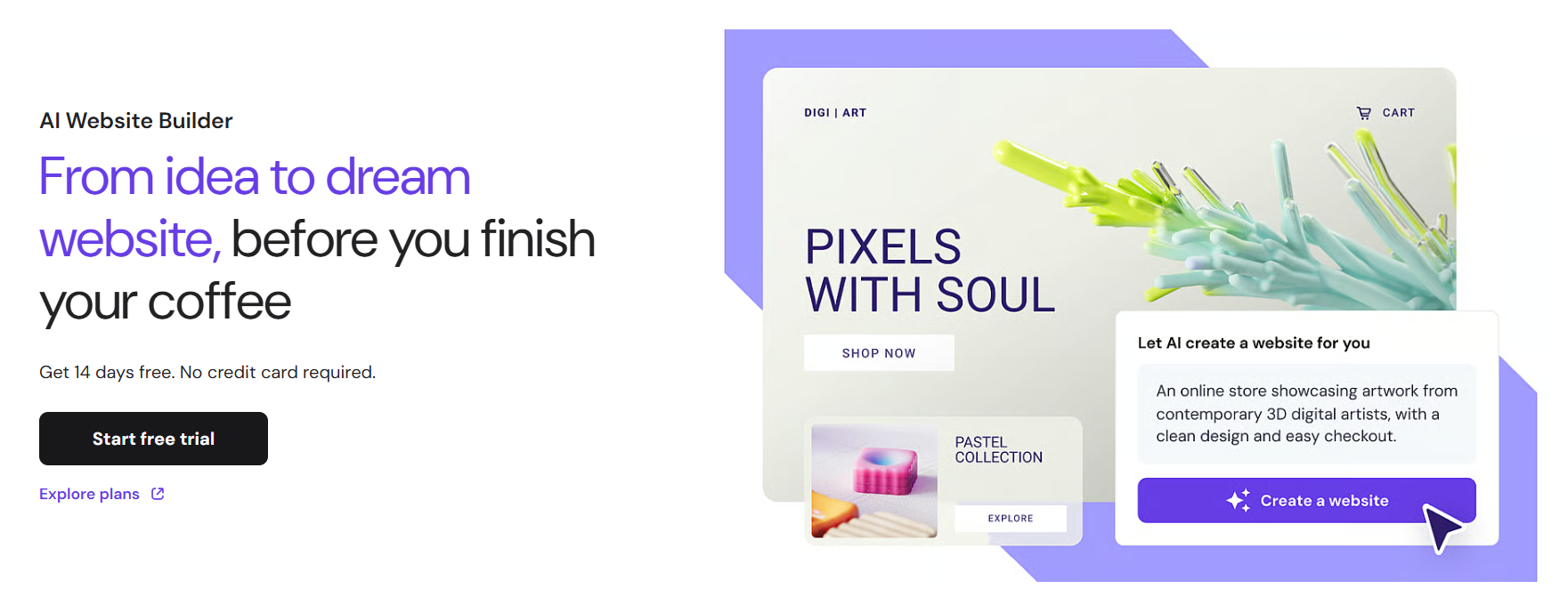
Hostinger is primarily known as a hosting provider, but Horizons, its AI website builder, has become a genuinely capable product in its own right. You describe your idea in plain language, and the AI builds a functional React + Vite application in real time. It's one of the few builders that can handle both simple websites and lightweight web apps from the same interface.
Against Namecheap, the gap is significant. Horizons includes AI generation, built-in eCommerce with Stripe, SEO auto-generation, and a code editor for those who want to go deeper. The Explorer plan starts at the same $9.99/month price point as Namecheap's basic hosting, but delivers a considerably more modern toolset.
Key Features
- It accepts text, voice, and image prompts to generate websites and basic web apps.
- Built-in hosting, SSL, CDN, and a free custom domain are included from the Starter plan onward.
- It auto-generates sitemap.xml, robots.txt, and LLMs.txt for SEO out of the box.
- It supports eCommerce with Stripe integration on paid plans.
- It uses Supabase for database and authentication, which is useful for more complex projects.
- A code editor is available on the Hobbyist plan and above for manual customization.
Best For
Entrepreneurs, non-technical founders, and small businesses who want a more capable builder at a budget-friendly price point, without needing to manage hosting separately.
Pricing
| Plan | Price |
|---|---|
| Explorer | $9.99/month |
| Starter | $19.99/month |
| Hobbyist | $55.99/month |
| Hustler | $99.99/month |
4. Durable
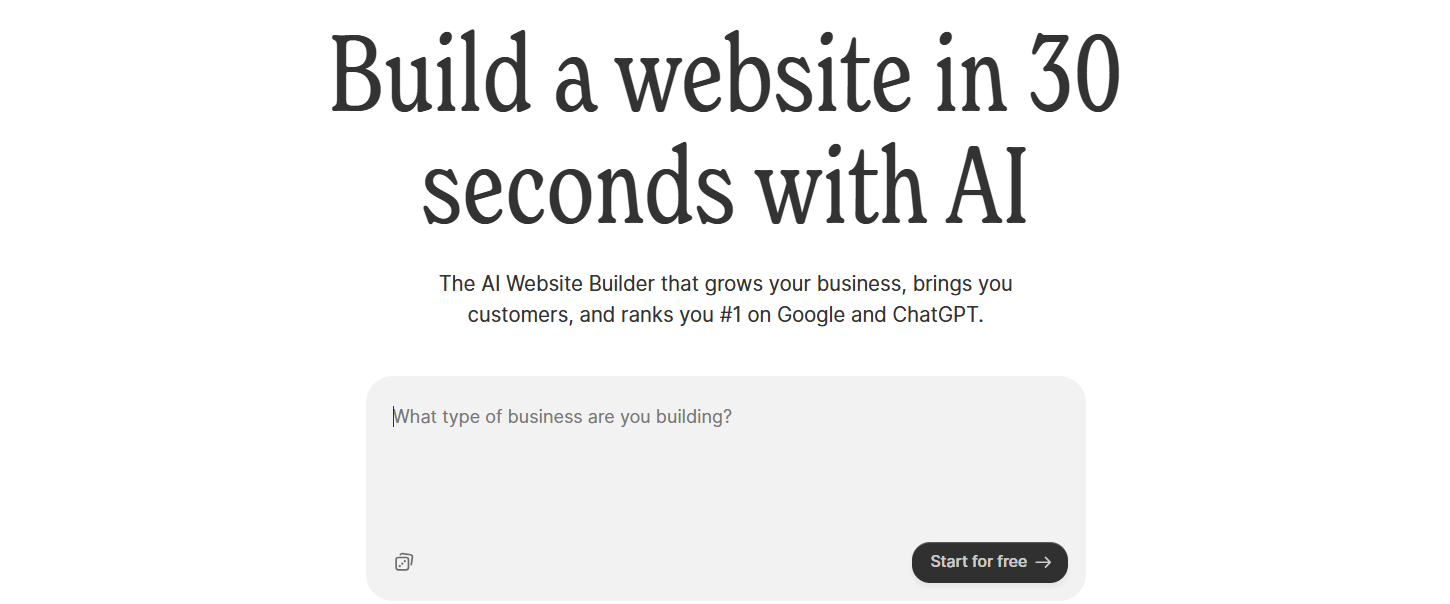
Durable is an AI website builder built specifically for small service businesses. It generates a website in about 30 seconds and bundles in business tools like a CRM, invoicing, and lead capture directly into the platform. The idea is to reduce the number of separate tools a small business owner needs to run their operations.
This is a fundamentally different approach from what Namecheap offers. Where Namecheap is just a website builder with minimal features, Durable is closer to a lightweight business management platform with a website attached. If you're a service provider and you want your website and client workflow in one place rather than two or three separate tools, Durable is worth a look.
Key Features
- It generates a complete website in around 30 seconds from a business description.
- It includes a built-in CRM for managing leads and customer contact information.
- It supports invoice creation and payment tracking directly within the platform.
- Lead capture forms auto-sync with the CRM, so nothing falls through the cracks.
- It includes AI social media marketing tools for promoting across multiple channels.
- Analytics dashboards let you track website activity and customer data side by side.
Best For
Solopreneurs and local service businesses like consultants, contractors, therapists, tradespeople, who want a website and basic business operations managed from a single platform.
Pricing
| Plan | Price |
|---|---|
| Launch | $25/month |
| Grow | $99/month |
5. 10Web
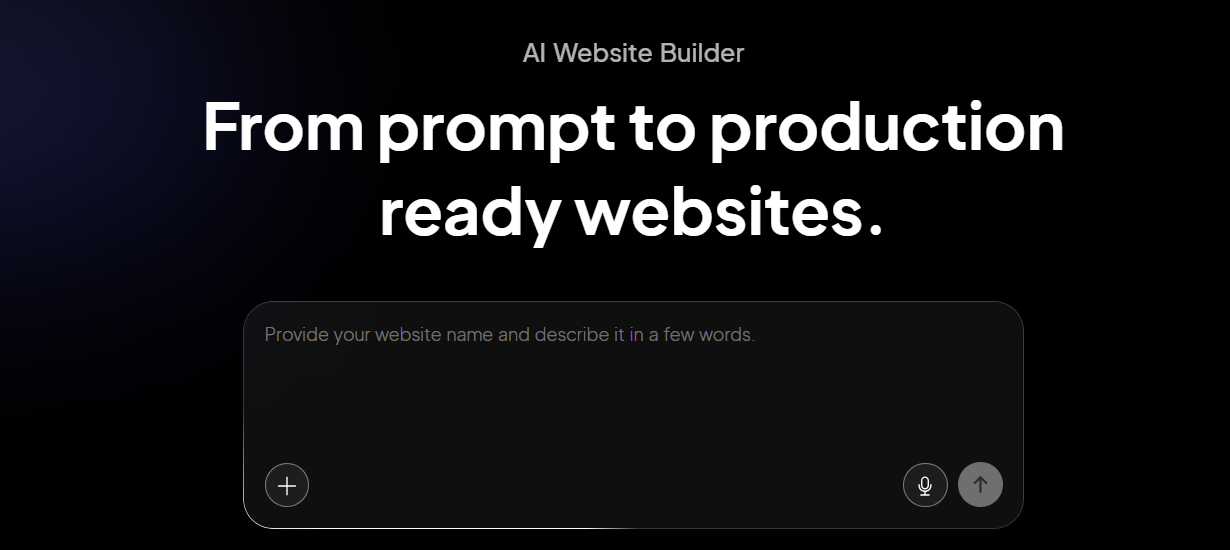
10Web is an AI website builder that runs entirely on WordPress. You describe your site, and the AI generates a complete WordPress setup which you can then customize using Elementor. Everything is hosted on Google Cloud infrastructure, and 10Web guarantees a 90+ PageSpeed score.
If you've been using Namecheap for WordPress hosting and want to step up to something with more AI assistance and better performance, 10Web is a natural upgrade path. You stay in the WordPress ecosystem, keeping access to 60,000+ plugins and full WooCommerce support, but you get the build speed and optimization tools that Namecheap's hosting simply doesn't provide.
Key Features
- Its AI builder generates complete WordPress sites from a text prompt, including layout and copy.
- It can clone any existing website's layout just by entering its URL, which is useful for replication or competitor research.
- Google Cloud hosting comes with a 90+ PageSpeed score guarantee.
- You get access to the full WordPress plugin ecosystem.
- It supports WooCommerce for eCommerce out of the box.
- Daily automated backups and staging environments are included on paid plans.
- Agencies get a multi-site dashboard with white-label branding options.
Best For
WordPress users, agencies, and businesses that want AI-powered site generation without leaving the WordPress ecosystem. Also a strong option for teams managing multiple client sites.
Pricing
| Plan | Price |
|---|---|
| AI Starter (1 site) | $20/month |
| AI Premium (1 site) | $30/month |
| Agency Starter (3 sites) | $48/month |
| Agency Premium (10 sites) | $120/month |
6. Squarespace

Squarespace is a premium website builder with a strong reputation for design quality. Its Blueprint AI walks you through a structured, five-step site generation process that factors in your business type, visual preferences, and content, resulting in a starting point that looks considerably more polished than what most builders produce.
If design presentation matters to your business, Squarespace is a significant step up from Namecheap's basic builder. The templates are genuinely well-crafted, the editor keeps layouts consistent, and the platform handles eCommerce, blogging, and email marketing from a single dashboard. It costs more than Namecheap's builder, but you're getting a full-featured platform rather than a basic site creator.
Key Features
- Blueprint AI guides you through a five-step site generation process tailored to your business and style preferences.
- It includes 190+ professionally designed templates that maintain visual consistency across pages.
- Beacon AI is a 24/7 in-dashboard assistant that helps with site management and business tasks.
- Built-in blogging tools include post scheduling, category management, and content organization.
- eCommerce is available on all plans, covering products, inventory, and checkout.
- Detailed analytics track traffic, sales, and audience engagement.
Best For
Creatives, photographers, consultants, and small businesses where brand presentation is a priority. Also a solid choice for bloggers and digital product sellers who want everything in one place.
Pricing
| Plan | Price |
|---|---|
| Basic | $16/month |
| Core | $23/month |
| Plus | $39/month |
| Advanced | $99/month |
7. Framer

Framer started as a design prototyping tool and grew into a full website publishing platform. Its AI Wireframer can generate complete multi-page sites from a prompt, and its visual editor gives you Figma-level precision over every element. Sites built on Framer are served as static files via a global CDN, which is why they consistently hit 90+ Lighthouse scores.
Where Namecheap's builder gives you a functional but design-constrained starting point, Framer gives you an almost unlimited design canvas. If you've ever been frustrated by a builder's inability to execute a specific layout or interaction, Framer removes most of those constraints. It's not the right tool for beginners, but for designers and product teams, it's one of the best options available.
Key Features
- AI Wireframer generates full multi-page sites from a text prompt.
- The freeform visual editor provides pixel-level control over layout, spacing, and typography.
- It includes advanced animation and interaction tools: scroll effects, hover states, and page transitions.
- A component-based design system lets you build elements once and reuse them consistently across all pages.
- Built-in CMS handles blogs, portfolios, and dynamic content.
- SEO controls include meta tags, Open Graph settings, and auto-generated sitemaps.
Best For
Designers, creative teams, and startup founders who want precise visual control and high-performance sites without writing code. Best for landing pages, portfolios, and SaaS marketing sites.
Pricing
| Plan | Price |
|---|---|
| Basic | $15/month |
| Pro | $45/month |
| Scale | $100/month |
| Enterprise | Custom |
8. Webflow
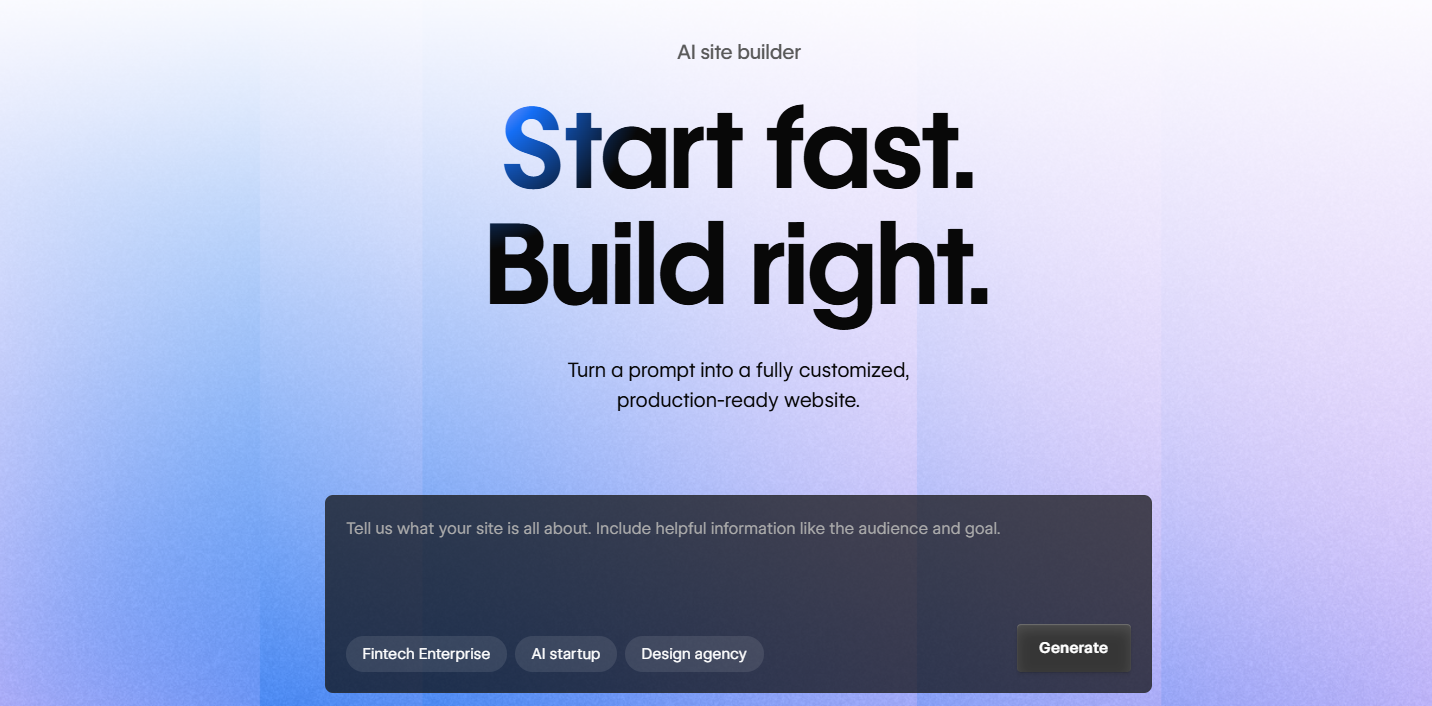
Webflow is a visual development platform that maps its interface directly to HTML and CSS concepts. You build with a visual editor, but the underlying logic follows the same rules a developer would use. The result is a level of layout control that no simplified drag-and-drop builder, including Namecheap's, can come close to matching.
It's not a tool for beginners. The learning curve is real, and Webflow is upfront about that. But if you've outgrown basic builders and need a platform that can support complex sites, custom animations, and scalable content architecture without hitting a ceiling, Webflow is built for that. It also includes a powerful CMS, granular responsive controls, and the ability to export clean, production-ready HTML/CSS/JavaScript.
Key Features
- Its visual editor uses a CSS box model system, giving you pixel-level precision over every element.
- An AI Site Builder can generate complete multi-page sites from natural language.
- Custom animations and scroll-triggered interactions are built in, with no plugins needed.
- You can export clean HTML, CSS, and JavaScript to host the site anywhere.
- Cloudflare-backed infrastructure handles global delivery and performance.
Best For
Professional designers, agencies, and growth-stage marketing teams who need full design control, a scalable content system, and complex site functionality. Not the right choice for first-time site builders.
Pricing
| Plan | Price |
|---|---|
| Basic (Site) | $18/month |
| CMS (Site) | $29/month |
| Business (Site) | $49/month |
| Workspace Freelancer | $16/month |
| Workspace Growth | $49/month |
9. Shopify
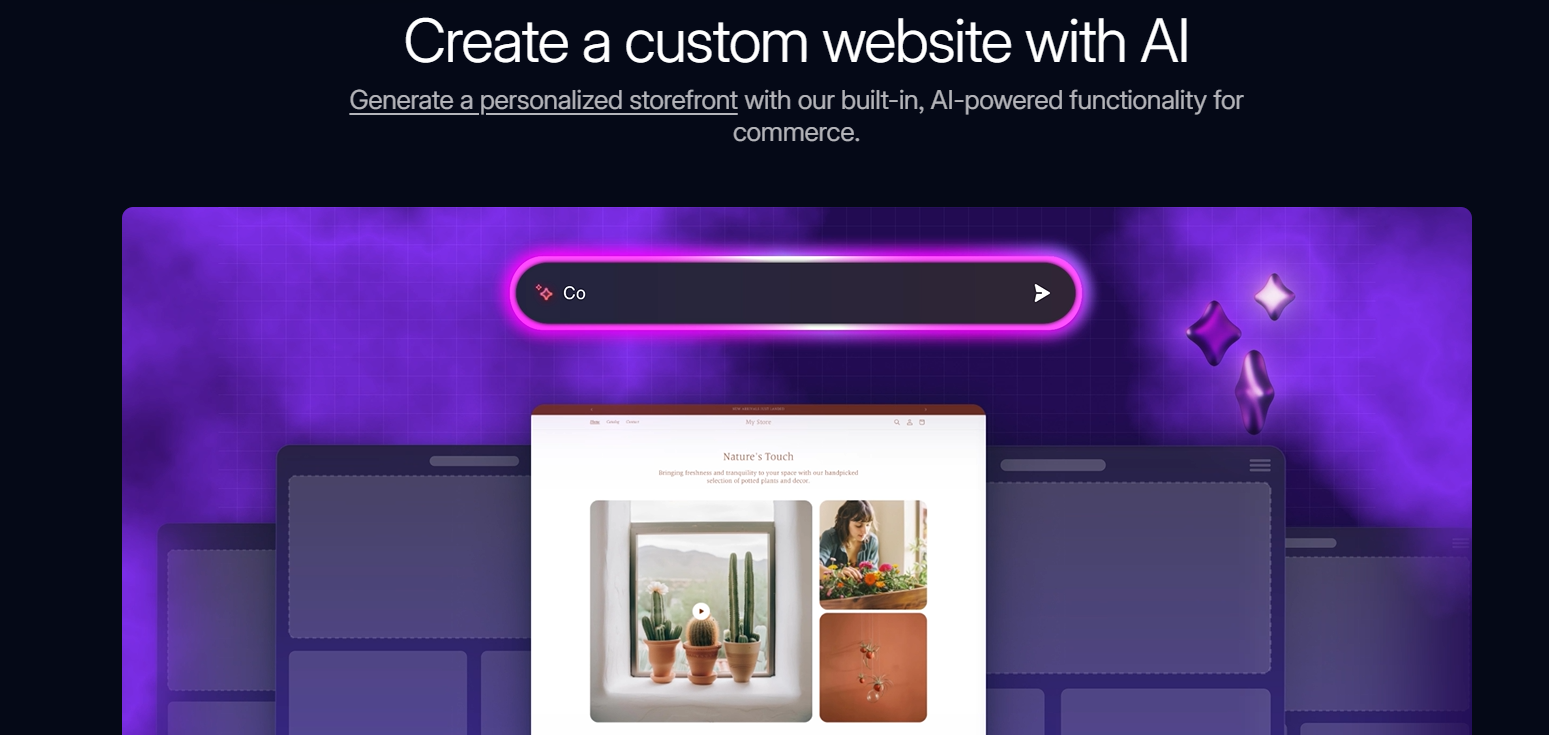
Shopify is the world's most widely used eCommerce platform, powering over 4.6 million stores. It was built from the ground up for selling, not as an add-on to a general website builder. If your primary goal is selling products online, Shopify gives you the infrastructure for that: inventory management, payment processing, multi-channel selling, and a 13,000+ app marketplace.
Namecheap's builder has minimal eCommerce support and no real pathway for growth. Shopify is the opposite. It's designed to scale with your business from your first sale to high-volume operations. The tradeoff is that it's not a general-purpose website builder, so if you're running a content-focused site or a service business with minimal sales volume, it may be more than you need.
Key Features
- Multi-channel selling works across social media platforms, marketplaces, and in-person point-of-sale.
- The app marketplace has 13,000+ extensions covering email marketing, loyalty programs, reviews, and more.
- Abandoned cart recovery, discount codes, and advanced analytics are included on all plans.
Best For
Online stores of any size, from early-stage product businesses to established brands scaling at volume. Not the right fit for service businesses or content-only sites.
Pricing
| Plan | Price |
|---|---|
| Basic | $39/month |
| Grow | $105/month |
| Advanced | $399/month |
| Plus | $2,300/month |
How to Make the Right Choice
Switching website builders isn't a decision you want to revisit every year, so it's worth being sure about it. Here are the most important things to think through before committing to a platform.
- What you actually need from a builder: Start with your specific use case. A portfolio site, a service business, an eCommerce store, and a content blog all have different requirements. Pick a platform built for your use case, not the most feature-rich one available.
- AI capabilities: Most modern builders now include AI tools for site generation, content creation, and SEO. If you're moving away from Namecheap specifically because of its lack of AI features, make sure the platform you choose has them natively, not as a paid add-on.
- Design flexibility: Decide how much control you actually need. Some builders give you pixel-level precision; others keep things simple with constrained templates.
- SEO support: If organic traffic matters, don't treat SEO tools as an afterthought. Check for metadata controls, custom URL structures, sitemap generation, and whether the platform supports content creation workflows.
- Pricing transparency: Look at renewal rates, not just introductory prices. Factor in what's included on the base plan versus what's locked behind higher tiers or paid add-ons.
- Room to grow: A builder that works now but can't support your needs in two years will cost you more in migration time than any monthly savings. Think about where you want to take your site, and pick a platform that can get you there.
Our Suggestion
If you're moving away from Namecheap's builder because it's too limited, the gap between what it offers and what modern AI-powered builders provide is significant. Most alternatives on this list will be a noticeable upgrade.
That said, if you want the most straightforward path from domain to live site, without the learning curve of a design-first tool, without the complexity of a development platform, and without the overhead of an eCommerce-first system, Butternut AI is worth starting with.
It generates your site from a business description, handles hosting, and includes SEO tools, blog generation, and social media automation in one place. The free plan lets you build and iterate without paying anything. You only pay when you're ready to publish.