
Butternut AI Blog
10 Best Squarespace Alternatives in 2026
Explore the 10 best Squarespace alternatives worth trying today. We've compared them on features and pricing, so you can pick the right website builder for your needs.
Introduction
Squarespace has earned its reputation as the go-to for anyone who prioritizes design. Its curated templates, polished interface, and focus on visual quality make it especially popular with creatives, photographers, and small businesses that want a high-end look without needing to hire a designer.
But visual polish often comes at a cost. Squarespace can feel rigid once you want to move outside its pre-defined layouts, its page speed performance isn't always top-tier, and its eCommerce and marketing tools can feel lightweight compared to dedicated platforms. If you've hit those limitations, you're likely looking for an alternative that offers more flexibility or faster performance.
We've put together a clear breakdown of the best Squarespace alternatives in 2026, covering what each tool does well, where it falls short, and who it's actually built for.
TL;DR
- Best overall alternative: Butternut AI
- Best for budget-conscious builders: Hostinger
- Best for service businesses: Durable
- Best design-focused builder: Framer
- Best for full design and code control: Webflow

Squarespace has built a strong reputation as a website builder for creatives, photographers, and small businesses that care about polished design. Its templates look great out of the box, and the structured editor keeps things consistent. But the same things that make Squarespace appealing can also become limitations once you start pushing beyond simple use cases.
If you're here, you've likely run into one of those limits. We've put together a clear breakdown of the best Squarespace alternatives in 2026. For each tool, we've covered what it does well, where it falls short, and who it's actually built for, so you can make the right call for your needs.
Why You Might Be Looking For A Squarespace Alternative
Squarespace is a solid platform for design-led websites, but users repeatedly point to the same set of frustrations once they try to do more.
- Limited design flexibility once you go beyond templates: Squarespace's structured editor keeps things tidy, but implementing custom styles or non-standard layouts is often described as difficult and sometimes buggy.
- No manual control over the mobile view: Squarespace auto-optimizes pages for mobile, but you can't manually adjust how things look on smaller screens. For brands that care about pixel-level mobile presentation, this is a real constraint.
- Multilingual sites are painful to build: Setting up a properly translated, multi-language website on Squarespace is widely described as nearly impossible without workarounds.
- The real monthly cost is higher than it looks: Email marketing, scheduling (Acuity), and advanced eCommerce features are paid add-ons, so the listed plan price rarely reflects what you'll actually pay.
10 Best Squarespace Alternatives in 2026
| Tool | SEO | Custom Code | Blog Generation | Hosting & Domain | Copy Generation | AI Social Agents | Starting Plan |
|---|---|---|---|---|---|---|---|
| Butternut AI | $20/mo | ||||||
| Design.com | $15/mo | ||||||
| Durable | $25/mo | ||||||
| CodeDesign.ai | $15/mo | ||||||
| 10Web | $20/mo | ||||||
| Hostinger | $9.99/mo | ||||||
| Framer | $15/mo | ||||||
| Webflow | $18/mo | ||||||
| Wix | $17/mo | ||||||
| GoDaddy | $9.99/mo |
1. Butternut AI
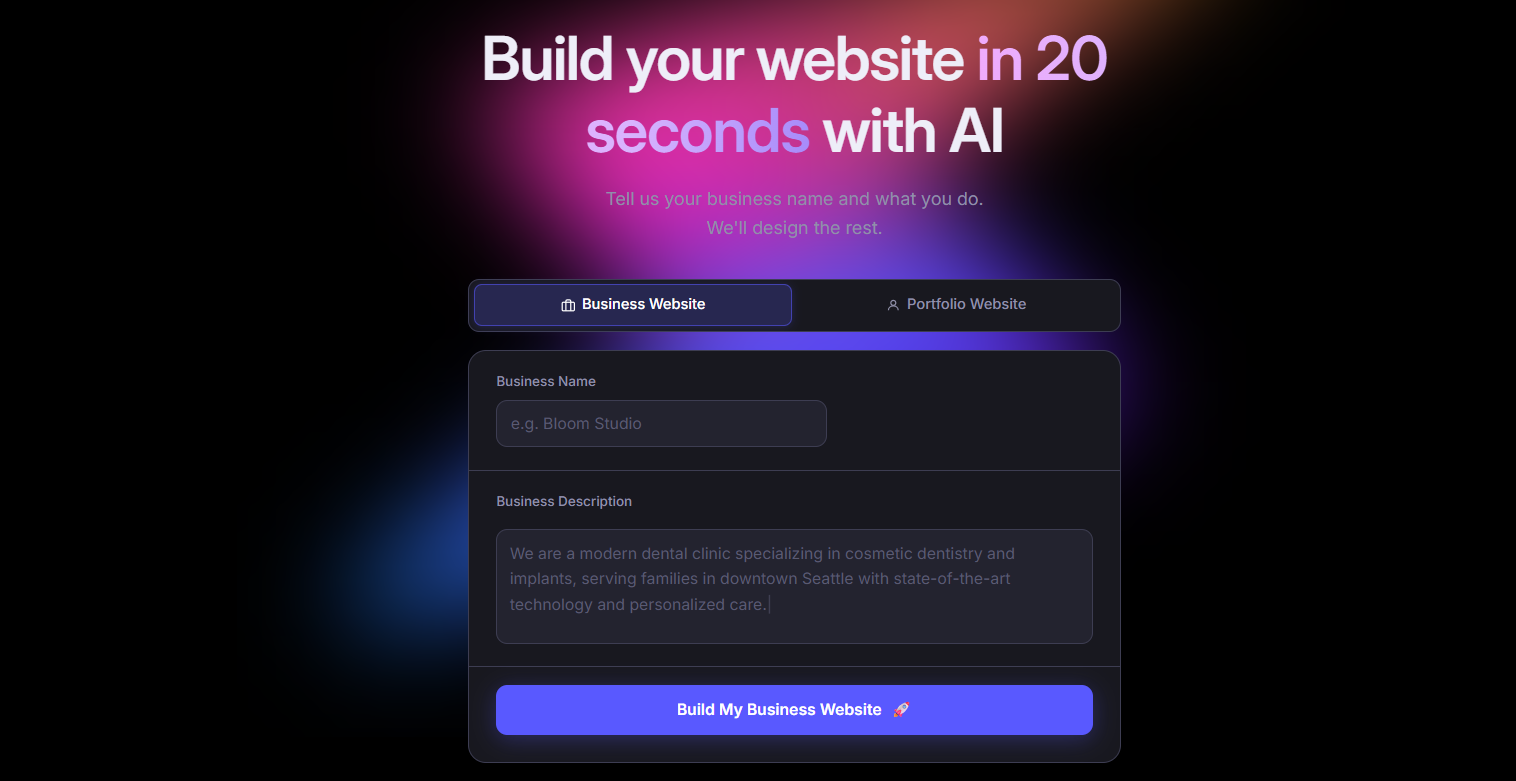
Butternut AI is an AI website builder that generates a complete website, including the structure, layout, and copy, from a short description of your business in about 20 seconds. Where Squarespace asks you to pick a template and then fit your content into it, Butternut AI builds the site around your specific business context from the start, so the foundation is already shaped to your needs. Editing happens directly on the page, which makes refining and iterating considerably faster than working through Squarespace's structured editor.
Key Features
- It includes built-in hosting and one-click publishing, so you don't have to deal with any external setup.
- It connects easily with GA4 for traffic tracking and with payment apps like Stripe, PayPal, and Razorpay.
- It can generate full blog articles from scratch, which is useful if you're trying to build out SEO content over time.
- It allows HTML editing when you need finer control over specific elements.
- It comes with AI agents that can handle social media marketing across Facebook, LinkedIn, and Instagram.
Best For: Founders, marketers, and creators who want to go from idea to live site quickly, without spending time on configuration or hitting design ceilings later.
Pricing
| Plan | Price |
|---|---|
| Starter | $20/mo |
| Pro | $69/mo |
2. Design.com
Design.com is an AI-powered builder that takes a slightly different angle from most website tools. Instead of just generating a website, it produces an entire brand identity at the same time, including matching logos, color palettes, typography, and assets like business cards and email signatures. Compared to Squarespace, where you start with a template and bring your own branding, Design.com aims to give you a cohesive visual identity and a website in one pass, which is helpful if you're starting from scratch and don't have a brand kit yet.

Key Features
- It includes an AI logo generator with customization options for colors, fonts, and layout.
- It comes with an AI background remover for cleaning up product or profile images.
- It produces a matching brand kit with social media templates, business cards, letterheads, and email signatures.
- It includes 50+ design tools for things like curved text and decorative elements.
Best For: Small business owners, freelancers, and entrepreneurs who need a complete brand identity and website at the same time, without hiring a designer.
Pricing
| Plan | Price |
|---|---|
| Starter | $15/mo |
| Value (includes website) | $24/mo |
| Premium | $29/mo |
3. Durable
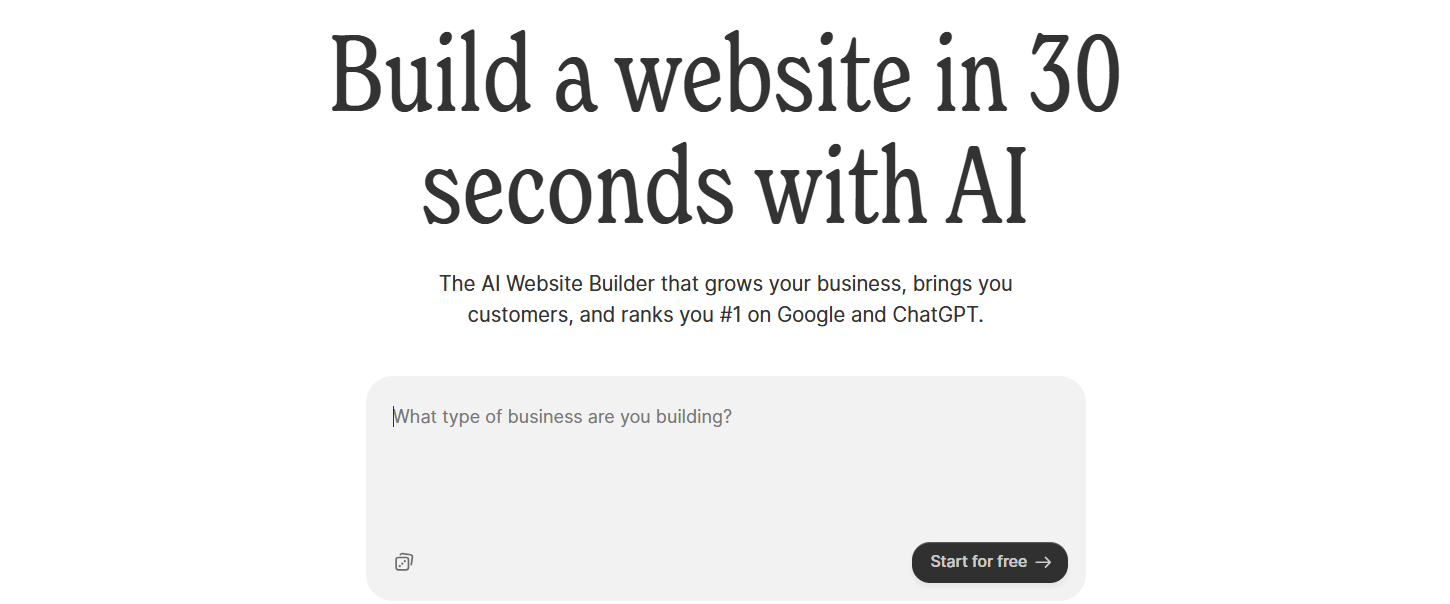
Durable is an AI website builder built specifically for small service-based businesses. It can generate a complete website in under 30 seconds. It also comes bundled with a CRM, invoicing, and lead management tools, all in one place. Squarespace can give you a more polished site and supports a wider range of business types, but if you're a service business that wants to manage your website and your client workflow from a single platform, Durable removes the need to stitch together separate tools.
Key Features
- It includes a built-in CRM for tracking leads and customer information.
- It supports invoice creation and payment tracking directly inside the platform.
- It provides lead capture forms that automatically sync with the CRM.
- It comes with an analytics dashboard for monitoring website activity and customer interactions.
- It offers AI social media marketing tools for promoting your business across multiple channels.
Best For: Solopreneurs and local service businesses (like consultants, contractors, plumbers, or therapists) who want one tool for both their website and basic business operations.
Pricing
| Plan | Price |
|---|---|
| Launch | $25/mo |
| Grow | $99/mo |
4. CodeDesign.ai
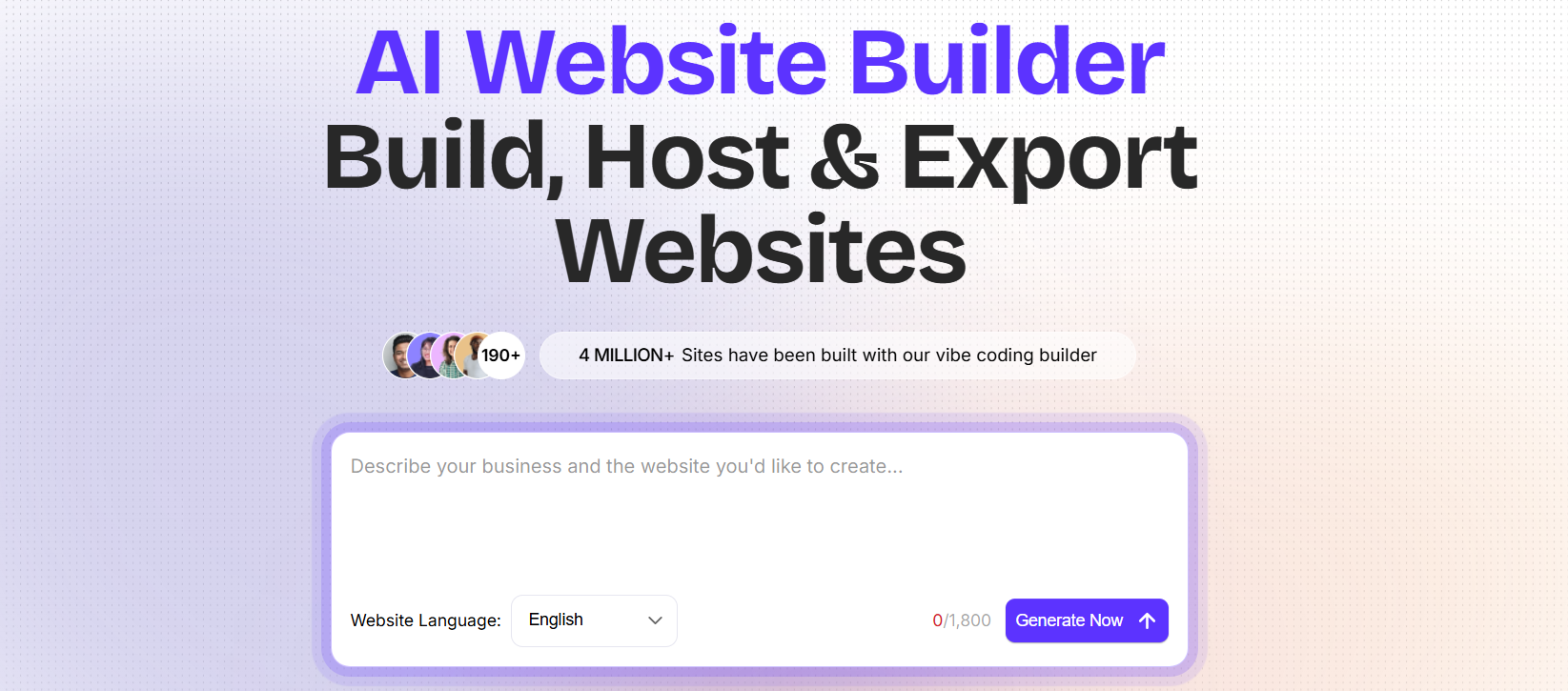
CodeDesign.ai is an AI website builder that generates complete websites from text prompts, with one feature that really sets it apart: you can export the generated site as clean HTML and CSS. That's something most AI builders, including Squarespace, don't allow. Squarespace keeps you fully on its platform with no portability, while CodeDesign.ai gives you the flexibility to host your site wherever you want and customize the code outside the builder if you choose.
Key Features
- It allows full HTML and CSS export, so you can take your site off the platform whenever you want.
- It includes a drag-and-drop editor for tweaking the design after generation.
- It supports connecting your existing custom domain for publishing.
- It comes with SEO tools for managing meta tags, headings, and content structure.
Best For: Developers, freelancers, and agencies who want AI-generated designs as a starting point but need the freedom to export the code and customize it on their own terms.
Pricing
| Plan | Price |
|---|---|
| Individual | $15/mo |
| Growth | $29/mo |
| Agency | $99/mo |
5. 10Web
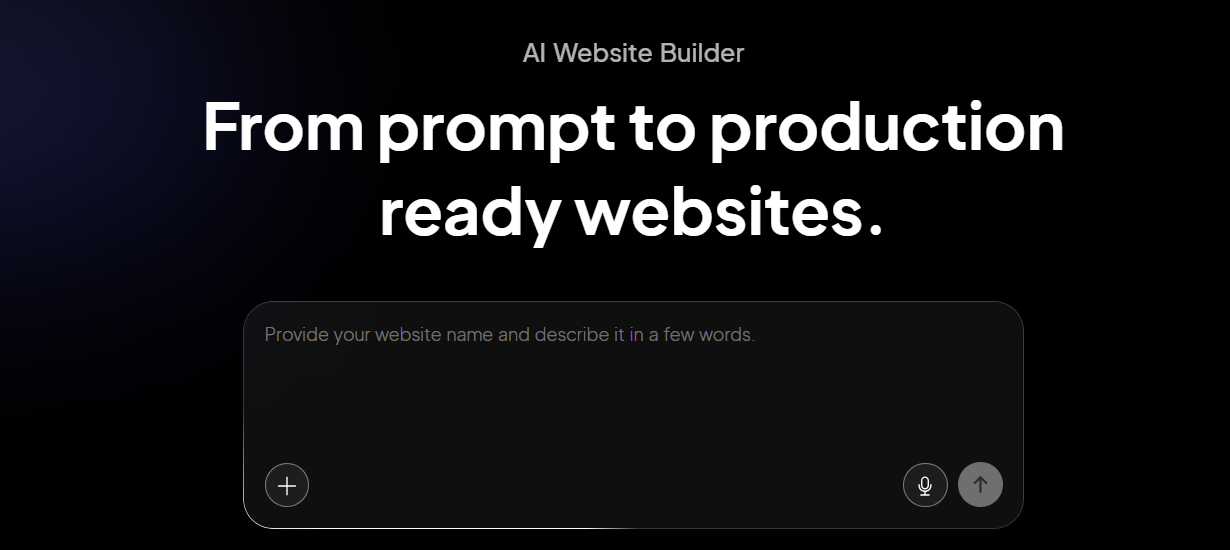
10Web is an AI website builder built on top of WordPress and hosted on Google Cloud. Its agentic AI builder can generate a complete WordPress site from a prompt, and it can even clone an existing site by entering its URL. Compared to Squarespace, 10Web gives you the benefits of AI-powered generation without giving up the WordPress ecosystem.
Key Features
- It generates full WordPress websites from prompts using its agentic AI builder.
- It can clone any existing website's layout by entering the URL, which is useful for inspiration or rebuilds.
- It runs on Google Cloud hosting with a 90+ PageSpeed score guarantee.
- It includes AI SEO tools for meta tags, content structure, and search visibility.
- It uses Elementor as the visual editor, so you can fine-tune the design after generation.
Best For: WordPress users, agencies, and businesses that want AI speed without losing access to the WordPress plugin ecosystem and the portability that comes with it.
Pricing
| Plan | Price |
|---|---|
| AI Starter | $20/mo |
| AI Premium | $30/mo |
| Agency Starter | $48/mo |
| Agency Premium | $120/mo |
6. Hostinger
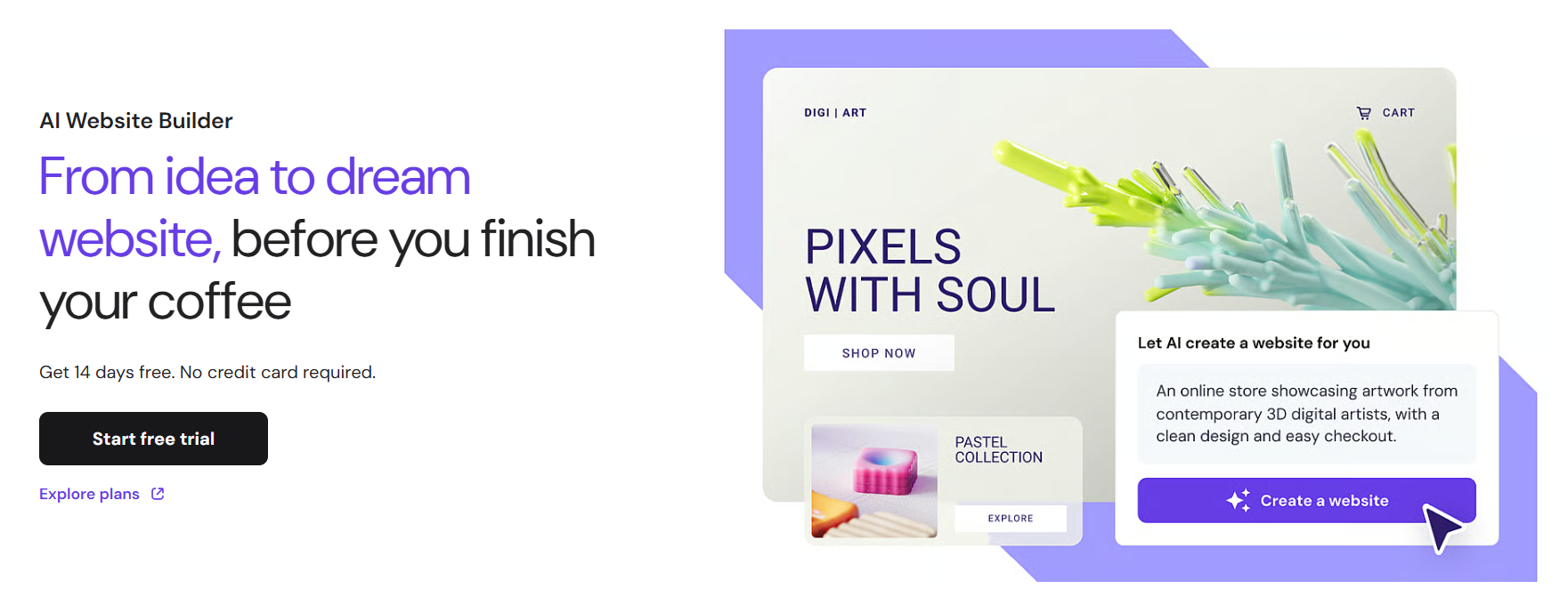
Hostinger is best known as a hosting provider, but Horizons, its AI website builder, has quickly become a strong entry-level option. You describe what you want in plain language and the AI builds a functional React-based site in real time. Compared to Squarespace, Hostinger is significantly more affordable and bundles in hosting, custom domain, SSL, and email under one plan, which makes it a strong pick if you want everything in one place at a lower monthly cost.
Key Features
- It supports text, voice, and image prompts for site generation, which gives you flexibility in how you describe what you want.
- It includes a built-in SEO assistant that auto-generates sitemaps, robots.txt, and meta tags.
- It comes with a free domain and SSL on annual plans.
- It allows you to host multiple websites under a single plan, which is practical for freelancers managing several projects.
- It integrates with Supabase for database and authentication needs on more complex builds.
Best For: Budget-conscious individuals, freelancers, and small business owners who want a capable website builder without paying premium prices.
Pricing
| Plan | Price |
|---|---|
| Explorer | $9.99/mo |
| Starter | $19.99/mo |
| Hobbyist | $55.99/mo |
| Hustler | $99.99/mo |
7. Framer
Framer is a design-first website builder built for users who want detailed control over how their site looks and behaves. It started out as a prototyping tool for designers and has grown into a full publishing platform with a Figma-like canvas, advanced animation tools, and a component-based design system. Where Squarespace gives you polished templates that look good but constrain creative freedom, Framer gives you the kind of design precision that lets you build something that doesn't look like a template at all.

Key Features
- It uses a component-based design system, so elements you build once can be reused and stay consistent across pages.
- It includes built-in animation tools, including scroll effects and page transitions.
- It provides advanced responsive design controls for fine-tuning layouts at every screen size.
- It comes with a built-in CMS for managing content like blogs and portfolios.
- It produces fast static sites served from a global CDN, which helps with both speed and SEO.
Best For: Designers, product teams, and agencies that want maximum creative control over visual design without writing code.
Pricing
| Plan | Price |
|---|---|
| Basic | $15/mo |
| Pro | $45/mo |
| Scale | $100/mo |
8. Webflow
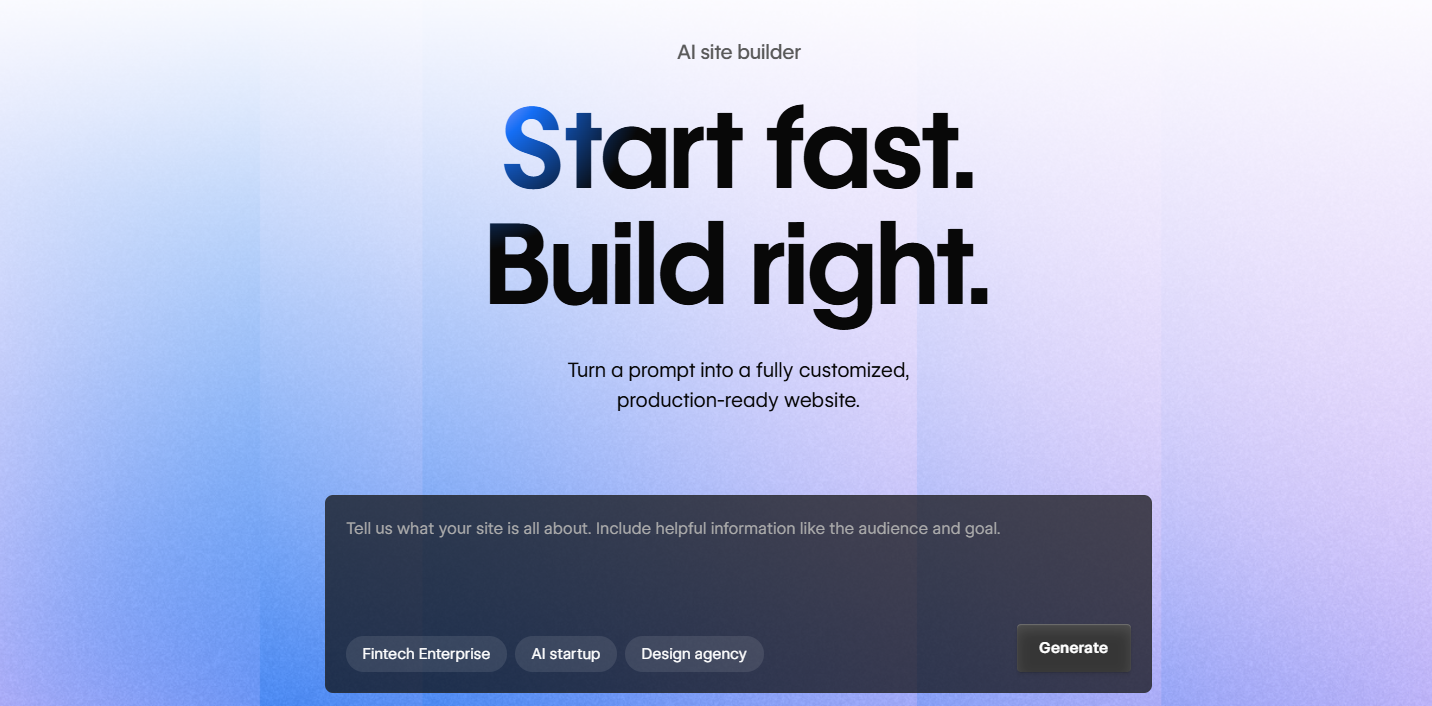
Webflow is a visual development platform that gives you the kind of control over your website that used to require writing custom code. Its interface maps closely to HTML and CSS, which lets you build complex, precisely structured sites visually but with the flexibility of a developer environment. Compared to Squarespace, the learning curve is steeper, but you get a far more powerful CMS, deeper design control, and a platform that can scale with your business without hitting a ceiling.
Key Features
- It provides precise layout control through a CSS box-model system, giving you pixel-level design precision.
- It includes a powerful built-in CMS for managing structured content like blogs, case studies, and portfolios at scale.
- It supports custom interactions and animations triggered by scroll, clicks, and other user actions.
- It allows developers to export clean HTML, CSS, and JavaScript for use outside the platform.
Best For: Designers, developers, and growth-stage teams that need full design control, a scalable CMS, and the ability to build complex, high-performance websites.
Pricing
| Plan | Price |
|---|---|
| Basic | $18/mo |
| CMS | $29/mo |
| Business | $49/mo |
9. Wix
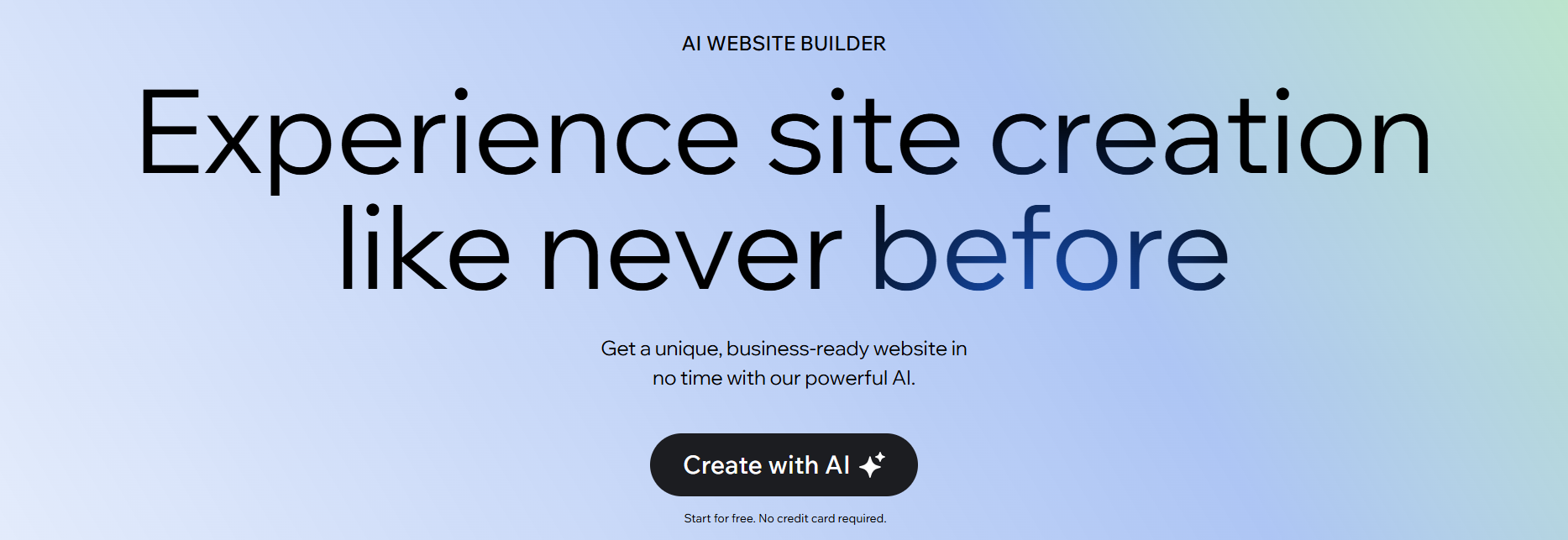
Wix's AI builder (Wix Harmony with Aria) generates complete websites through a conversational chat interface, and its app marketplace is one of the largest in the industry. Compared to Squarespace, Wix is more flexible in terms of integrations and AI features, with a much wider range of templates and apps. Where Squarespace edges ahead on design polish, Wix wins on breadth of functionality and customization options.
Key Features
- It includes Wix Harmony, a conversational AI site builder that walks you through the build through chat.
- It comes with 15+ AI tools covering text, images, blog posts, meta tags, and ad copy generation.
- It offers 900+ customizable templates across nearly every business category.
- It includes built-in eCommerce, booking, and event management features for businesses that need them.
Best For: Small businesses, entrepreneurs, and beginners who want an all-in-one platform with the widest possible range of features and integrations.
Pricing
| Plan | Price |
|---|---|
| Light | $17/mo |
| Core | $29/mo |
| Business | $39/mo |
| Business Elite | $159/mo |
10. GoDaddy
GoDaddy is best known as the world's largest domain registrar, but its AI-powered builder, Airo, has become a fast option for getting online. Airo can generate a complete website, logo, and branded assets in under 30 seconds. Compared to Squarespace, GoDaddy gives up significant design polish and flexibility.

Key Features
- It includes Airo, which generates a website, logo, domain suggestions, email campaigns, and social posts from a single prompt.
- It comes with 100+ mobile-friendly templates designed to get you online quickly.
- It provides a built-in marketing dashboard for tracking email and social performance.
- It includes AI-powered social media scheduling and post generation tools.
- It integrates seamlessly with GoDaddy's domain, hosting, and email services in one account.
Best For: Beginners and small business owners who want a fast path to a live website with everything (domain, hosting, email, marketing) under one roof.
Pricing
| Plan | Price |
|---|---|
| Basic | $9.99/mo |
| Premium | $14.99/mo |
| Commerce | $20.99/mo |
How to Make the Right Choice
Picking the right Squarespace alternative comes down to understanding what's pushing you to switch and what you actually need from your next platform. Here are the main factors worth thinking through before making a decision.
- Design flexibility: Squarespace is strong on polish but rigid on customization. If creative control matters to you, prioritize tools that let you adjust layouts, components, and mobile views directly.
- Editing experience: A great-looking initial build doesn't matter much if updates feel painful. Test how the editor handles ongoing changes, not just the first build.
- Scalability: Pick a platform that can grow with you. Adding pages, a blog, or an online store should feel natural rather than like hitting a wall.
- SEO control: If organic traffic is part of your strategy, look for proper metadata controls, custom URLs, structured content support, and good page speed performance.
- Native features vs. add-ons: Squarespace's listed price often doesn't reflect the real monthly cost once you add email marketing or scheduling. Check upfront which features are bundled and which ones cost extra.
- Long-term cost: The starting price is rarely the full picture. Factor in renewal rates, plan upgrades, and any features that get locked behind higher tiers as you grow.
Our Suggestion
If you want a website builder that gets you from idea to a live, polished site as quickly as possible, without the design rigidity, missing customizations, or the add-on creep that comes with Squarespace, Butternut AI is worth a serious look.
It does most of the upfront work for you. Structure, copy, and basic SEO are all generated based on the context of your business, so you spend your time refining rather than building from a blank template. The editing experience is straightforward and direct, which means iterating on your site doesn't slow you down or require working around the platform.
You can build your website today for free. You only pay when you're happy with the result and ready to take it live.