
Butternut AI Blog
Squarespace vs GoDaddy vs Butternut AI
We tested Squarespace, GoDaddy, and Butternut AI as website builders and here's our honest comparison of all three to help you decide which one is worth your time.
Introduction
If you're trying to pick a website builder and have landed on Squarespace and GoDaddy as your top contenders, you're not alone. Both are well-established names and both have added AI capabilities to their platforms in recent years. But neither was built with AI at the core, and that difference shows up in ways that matter when you're actually trying to get a site live.
We tested all three side by side, including a third builder called Butternut AI, which is an AI-first website builder, so you can see exactly how they stack up before committing to one.
Squarespace vs GoDaddy vs Butternut AI
| Feature | Squarespace | GoDaddy | Butternut AI |
|---|---|---|---|
| Website generation speed | Just over 2 minutes to get to the first editable draft | Around 7 minutes for the first page; each additional page takes 2+ more minutes to build separately | First draft generated in under 20 seconds |
| First draft quality | Polished and professional; minimal animations, decent copy, generic images | Contextual copy and animations; images may not always be on point | Strong across the board; contextual copy, relevant images, intentional animations |
| User experience | Smooth multi-step flow with visual previews as you go | Chat-based generation with irregular updates; editor can feel laggy and technical | Single prompt, no learning curve, everything happens in one place |
| Post-generation customization | Drag-and-drop 'Fluid Engine' for layout; text editing on canvas | Most edits via side chat panel; canvas editing is restrictive | AI-powered edits via chat, tooltip adjustments, or custom HTML |
| Design | Template-driven; strong aesthetics but limited by structure | AI-generated layouts; clean but can feel restrictive | Fully AI-generated; dynamic and tailored to the prompt |
| SEO support | Built-in SEO checklist and manual tag editing | SEO wizard with step-by-step suggestions | Fully automated (meta tags, sitemaps, alt text) |
| AI blog generation | ✅ With keyword research | ||
| AI social media marketing | ✅ Post suggestions | ✅ Automated agents for major platforms | |
| AI chatbot for website | |||
| Custom HTML code | ✅ Premium plans only | ||
| Analytics | |||
| Mobile experience | Auto-responsive | Auto-responsive | Auto-responsive |
| Customer support | 24/7 email and live chat | 24/7 phone and chat | Email, live chat, and 1-on-1 call |
| 1-year free domain | ✅ On annual plans | ❌ Purchased separately | |
| Hosting & SSL | Included | Included | Included |
| Pricing | Personal: $16/mo Business: $23/mo Commerce: $27/mo | Starter: $14.99/mo Professional: $36.99/mo Ultimate: $149.99/mo | Starter: $20/mo Pro: $69/mo |
Squarespace
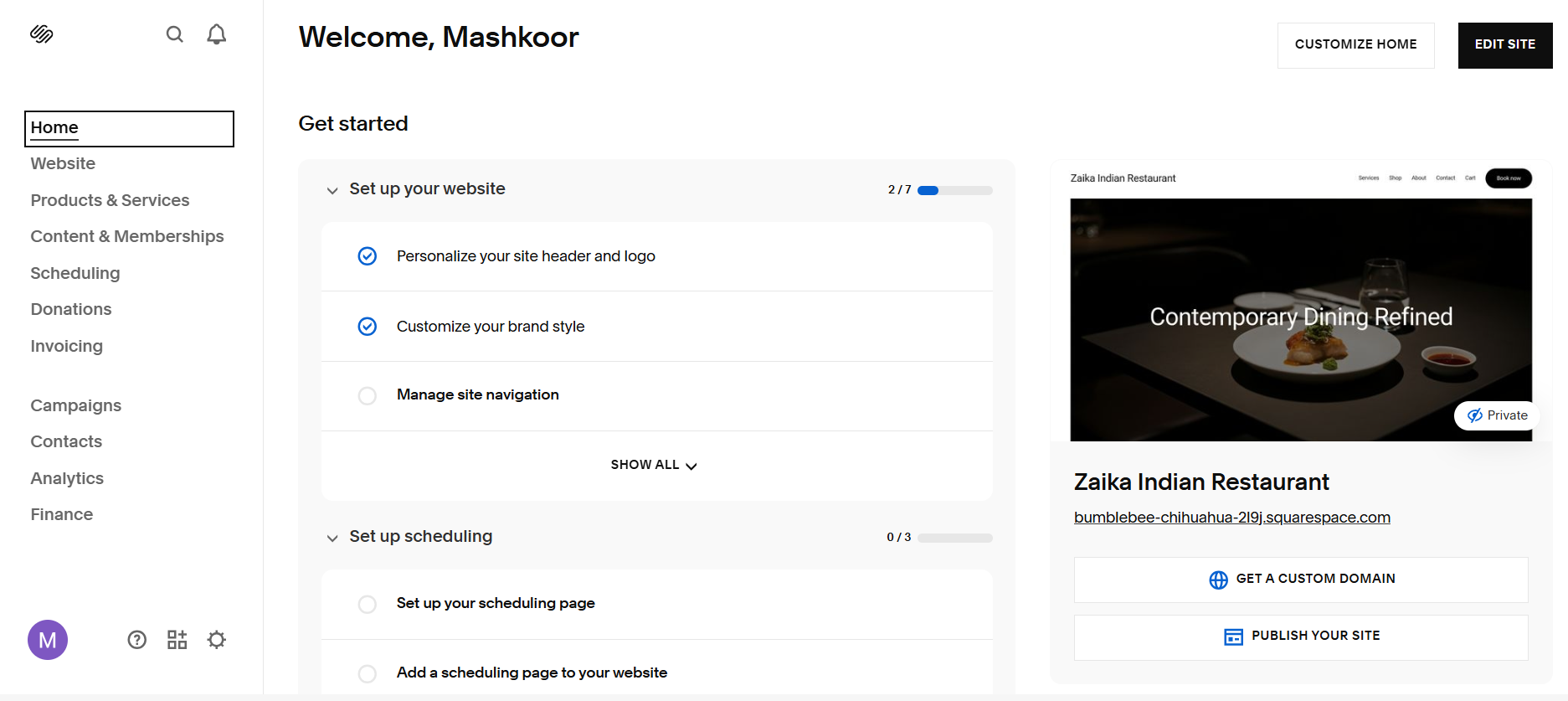
Squarespace walks you through a multi-step onboarding process before the AI starts building. You select your industry, choose your top goals (like selling products or getting appointments), and pick a starting visual style. From there, it generates a first draft in about 2 minutes. It's a smooth experience that makes you feel in control, but the generation time is significantly longer than an AI-native tool like Butternut AI.
The 'Fluid Engine' editor is Squarespace's pride. It's a drag-and-drop system that gives you a lot of freedom to move elements around, but for non-designers, that freedom can be a double-edged sword. It's easy to accidentally break the layout or create something that doesn't look quite right on mobile if you're not careful.
First Draft & Customization
The first draft is polished and professional, as you'd expect from Squarespace. The copy is decent, though it can feel a bit generic compared to more specialized AI builders. Images are clean but often look like stock photography rather than being specifically tailored to your unique business context. Animations are minimal in the initial generation.
Customization is where Squarespace shines for those who want manual control. You can change everything, but you have to do it yourself. While they have added AI text generation to help rewrite sections, the layout and design changes still rely on traditional manual editing.
Features
- World-class design templates and a flexible Fluid Engine editor
- Strong e-commerce features including inventory management and tax tools
- Built-in email marketing and scheduling tools
- Member areas for gated content and subscriptions
Limitations
- No AI blog generation or social media marketing tools
- No AI chatbot for website visitors
- The editor can have a steep learning curve for beginners who just want a site that 'just works'
- SEO requires more manual effort compared to automated AI alternatives
Pricing
| Plan | Price |
|---|---|
| Personal | $16/month |
| Business | $23/month |
| Commerce (Basic) | $27/month |
| Commerce (Advanced) | $49/month |
GoDaddy
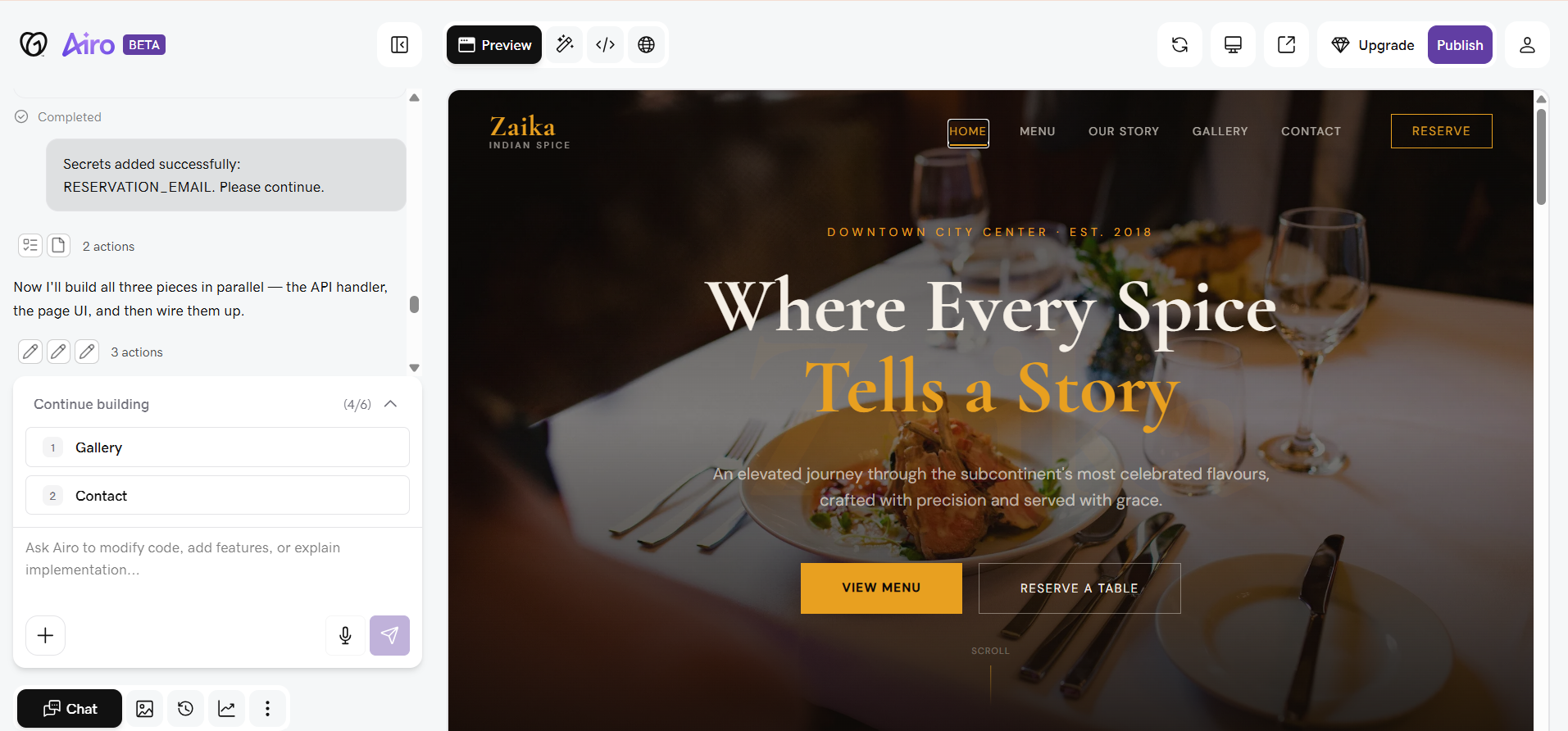
GoDaddy is primarily a domain registrar that has built a website builder on top of its core business. The AI generation process is chat-based, which sounds modern but can feel slow in practice. It takes around 7 minutes to generate the first page, and additional pages don't generate automatically—you have to trigger each one manually, and each takes another 2+ minutes to render. This makes building a 5-page site a 15 to 20-minute commitment of active waiting.
The editing experience is also one of the more restrictive of the three. Most changes happen through a side panel rather than directly on the canvas. This 'hands-off' approach can be frustrating if you want to make quick, precise adjustments to your layout.
First Draft & Customization
The first draft is solid with contextual copy and professional layouts. Animations are included, which gives the site a modern feel. However, the AI-selected images aren't always a perfect match for the business type, and the editor's lag can make correcting these choices feel like a slow process.
Because GoDaddy is part of a larger ecosystem, you get access to other tools like a logo maker and social media post suggestions, but the website builder itself can feel like a secondary focus.
Features
- Deep ecosystem including domain search, logo maker, and app builder
- Built-in email marketing and social media calendar
- Built-in SEO wizard to guide you through optimization
- Simple analytics dashboard
Limitations
- No free domain included with website builder plans
- No AI blog generation
- No AI chatbot for your website
- Slow generation process that requires manual intervention for every new page
Pricing
| Plan | Price |
|---|---|
| Starter | $14.99/month |
| Professional | $36.99/month |
| Ultimate | $149.99/month |
Butternut AI
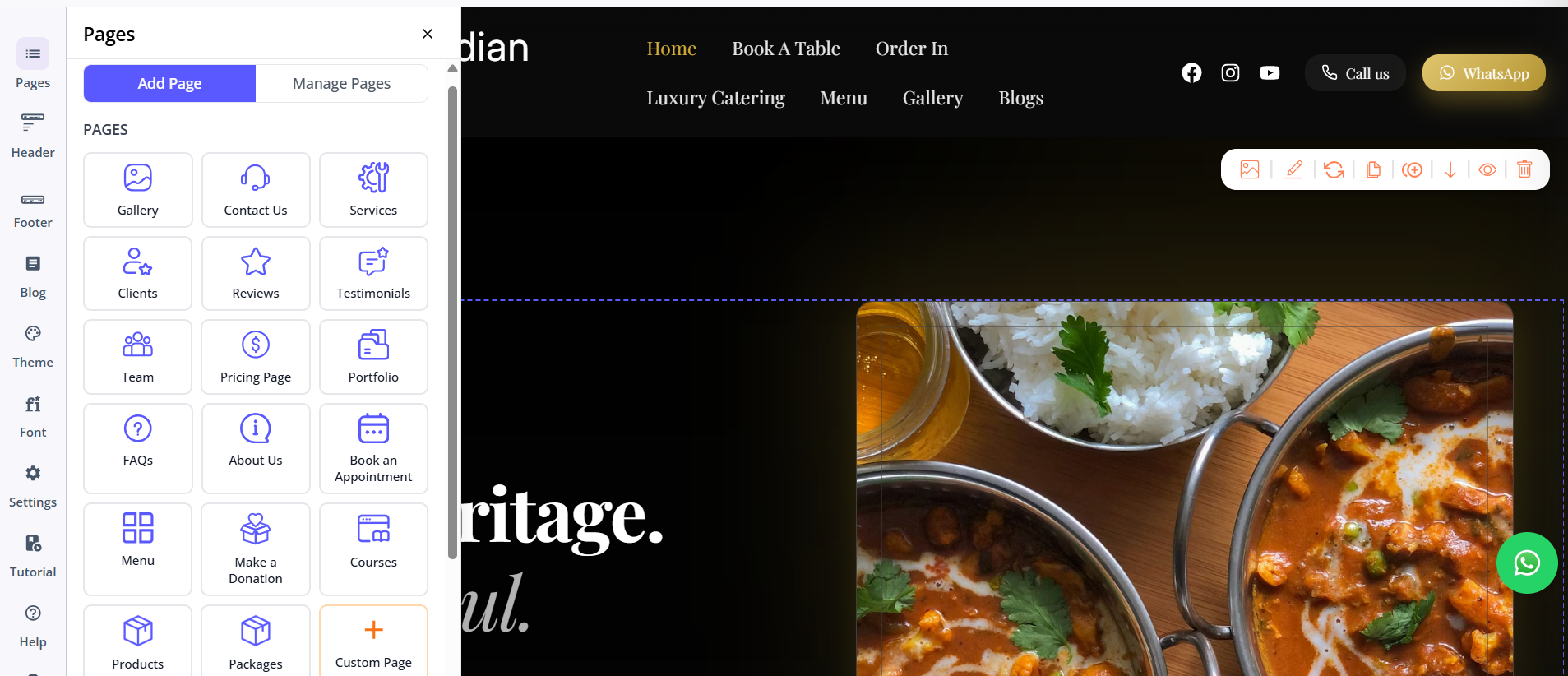
Where Squarespace makes you wait minutes and GoDaddy makes you wait almost half an hour for a full site, Butternut AI gets it done in under 20 seconds. It is built from the ground up for speed. You provide a prompt, and the AI generates the entire site—copy, images, SEO, and animations—instantly.
The editing process is just as fast. You use the AI chat to describe the changes you want, or use on-canvas tooltips for quick adjustments. It's a 'best of both worlds' approach that gives you the speed of AI with the control of a traditional builder.
First Draft & Customization
The first draft is consistently the strongest of the three. The copy is tailored specifically to your business, the images are relevant, and the animations make the site feel finished and high-end immediately. It also handles the 'boring' parts of SEO automatically, so you don't have to spend time editing meta tags and alt text manually.
For those who want to go deeper, Butternut AI allows for custom HTML and script embedding, making it surprisingly capable for such a simple-to-use tool.
Features
- Complete website generation in under 20 seconds
- AI blog builder that finds keywords and writes posts for you
- AI social media agents for Facebook, Instagram, and LinkedIn
- Built-in lead capture and 24/7 AI chatbot
- Automated SEO handled from the start
- Direct HTML and custom script support
Limitations
- Does not have a built-in CRM or invoicing system like Durable or GoDaddy
- Newer platform focused strictly on website building and marketing automation
Pricing
| Plan | Price |
|---|---|
| Starter | $20/month |
| Pro | $69/month |
Which One Should You Choose?
If you are a designer who wants manual control over every pixel and doesn't mind the extra work, Squarespace is a great tool. If you are already using GoDaddy for your domain and want a simple, integrated (if slow) builder, Airo works.
But if you want a professional website that works for you—with automated SEO, blog content, and social media marketing—without the wait or the learning curve, Butternut AI is the superior choice. It's built for business owners who want to spend their time running their business, not building their website.