
Butternut AI Blog
8 Best Trickle Alternatives to Try in 2026
We've compared 8 top AI website builders on features, pricing, and use cases so you can find the right Trickle alternative for yourself.
Introduction
Trickle is an AI-powered website and app builder that lets you describe what you want in plain language and watch it take shape in a visual canvas. For founders and creators who want to move fast and test ideas without hiring developers, the appeal is obvious.
That said, Trickle isn't the right fit for everyone. As you push beyond simple builds, some real friction starts to surface. Let's take a look at some common issues that Trickle users face.
TL;DR
- Best overall alternative: Butternut AI
- Best for budget-conscious builders: Hostinger
- Best design-focused builder: Framer
- Best for eCommerce: Shopify
- Best for full control and scalability: WordPress / Webflow
Why You Might Be Looking For a Trickle Alternative
- Credits run out faster than expected: Every prompt consumes credits, and if you're in an editing loop or experimenting heavily, your monthly allocation can disappear quickly.
- No drag-and-drop editor: All editing is done through the AI chat interface. If you want to move a section, change a font, or adjust spacing precisely, you're relying on prompts rather than direct manipulation, which isn't always efficient.
- Design control is limited: Trickle generates functional sites, but users who care about pixel-level design quality often find the output difficult to refine.
- Vendor lock-in: You can't export your code or move your project to another host. Everything lives in Trickle's ecosystem, which is a real consideration if you're building something long-term.
- Not ideal for pure marketing websites: Trickle is designed with apps in mind. If you just need a clean, fast marketing site or blog, not a functional app, there are simpler and cheaper tools that do this better.
8 Best Trickle Alternatives in 2026
| Tool | SEO | Custom Code / HTML | Blog Generation | Hosting & Domain Support | Website Copy Generation | AI Social Media Marketing Agents | Starting Paid Plan |
|---|---|---|---|---|---|---|---|
| Butternut AI (butternut.ai) | $20/mo | ||||||
| Durable (durable.co) | $25/mo | ||||||
| Design.com (design.com) | $15/mo | ||||||
| GoDaddy (godaddy.com) | $9.99/mo | ||||||
| Hostinger (hostinger.com) | $9.99/mo | ||||||
| Framer (framer.com) | $17/mo | ||||||
| Squarespace (squarespace.com) | $16/mo | ||||||
| Webflow (webflow.com) | $18/mo |
1. Butternut AI
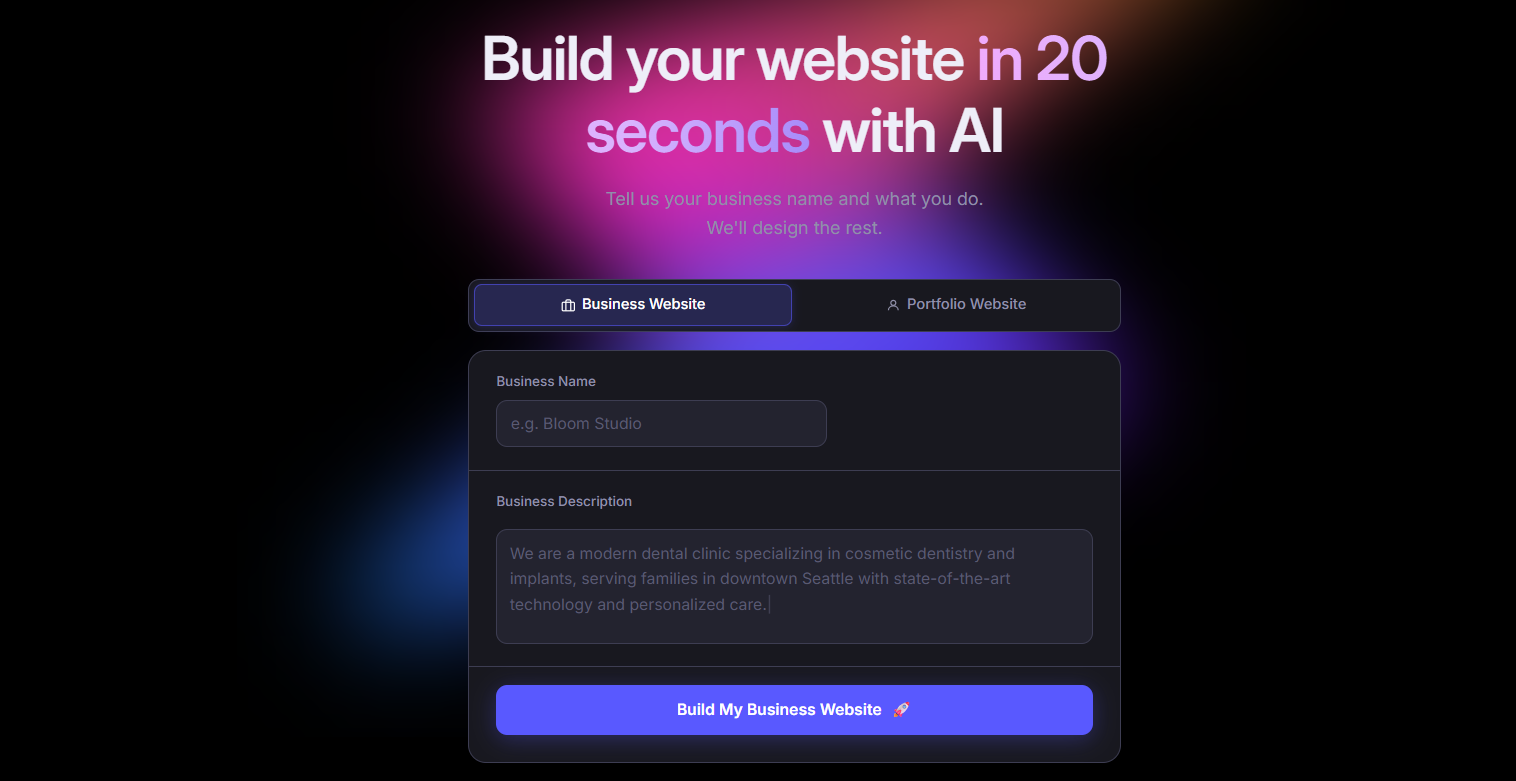
Butternut AI builds your entire website, including your structure, copy, and layout, from a short description of your business, and it does it in under 20 seconds. Unlike Trickle, which is built around a conversational canvas and leans toward app creation, Butternut AI is purpose-built for websites. The editing experience is clean and direct.
It also comes with a built-in blog writer for SEO content, AI social media agents for Facebook, LinkedIn, and Instagram, and payment integrations for Stripe, PayPal, and Razorpay, all without needing third-party add-ons.
- Generates a complete website from a short business description in under 20 seconds.
- One-click publishing with built-in hosting.
- AI blog writer that creates full posts from scratch, useful for building SEO content without extra tools.
- AI social media agents that handle posting across Facebook, LinkedIn, and Instagram.
- HTML editing available for anyone who needs more precise control over specific elements.
- Free plan lets you build and edit websites before paying anything.
Best For: Founders, solopreneurs, and marketers who want to go from idea to a live website quickly, without getting into app-building territory or dealing with credit systems.
Pricing:
| Plan | Price |
|---|---|
| Starter | $20/mo |
| Pro | $69/mo |
2. Durable
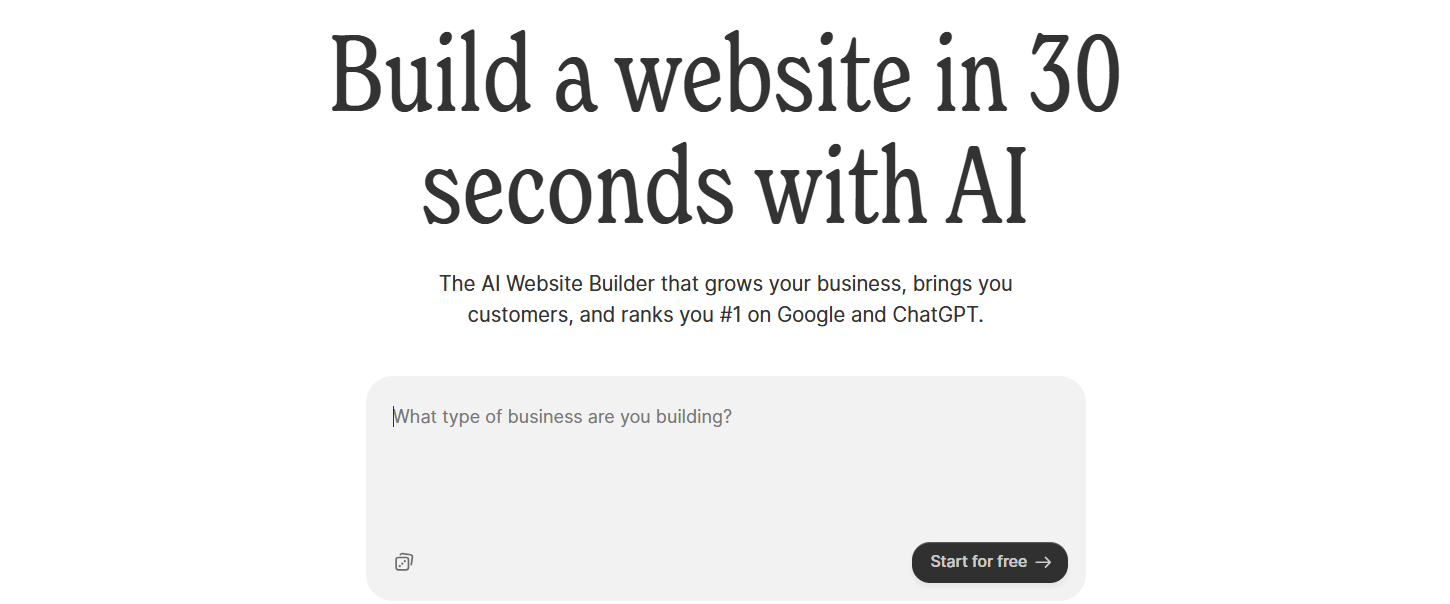
Durable is an AI website builder that targets small service businesses. It generates a website in roughly 30 seconds and bundles in CRM, invoicing, and client management tools alongside it. Most website builders make you piece these things together from separate platforms; Durable puts them in one place.
If your main goal is a professional web presence paired with basic client management and you don't need to build anything technically complex, Durable gets you there faster and with fewer moving parts.
- Built-in CRM for tracking leads and customer data, connected directly to your site.
- Invoice creation and payment tracking without needing a separate accounting tool.
- Lead capture forms that feed automatically into the CRM.
- AI social media marketing tools for promoting your business across multiple channels.
- Analytics dashboard to track website activity and customer interactions.
Best For: Solopreneurs and local service businesses that want a website and basic business management tools in a single subscription, without stitching together multiple platforms.
Pricing:
| Plan | Price |
|---|---|
| Launch | $25/mo |
| Grow | $99/mo |
3. Design.com
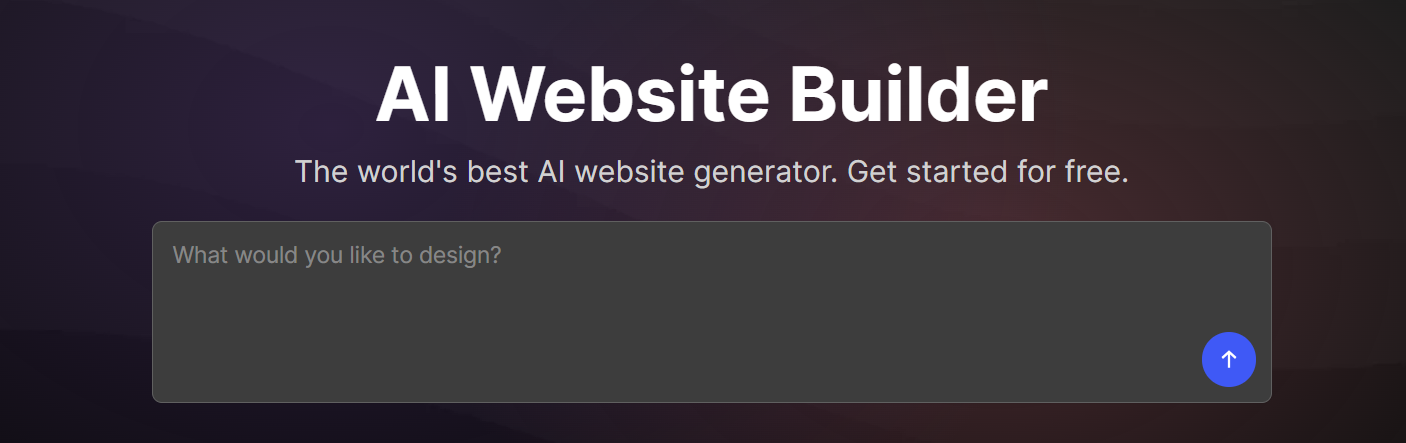
Design.com takes a different angle from most AI builders. Instead of just generating a website, it simultaneously creates your full brand identity, logo, color palette, typography, business cards, social media templates, and email signatures, from a single prompt. Everything comes out visually consistent from day one, which is genuinely useful if you're starting from scratch and don't want to hire a designer.
Trickle gets you a functional product fast, but it doesn't handle brand identity at all. If you're a freelancer or small business owner who needs a website and a cohesive brand look at the same time, Design.com fills a gap.
- Generates multiple unique website and brand concepts simultaneously from a single prompt.
- AI logo generator with options for customization after the initial output.
- Complete brand kit including business cards, social media templates, letterheads, and email signatures.
- 50+ design tools, including curved text and decorative elements for more polished outputs.
- AI background remover for images built directly into the platform.
Best For: Small business owners, freelancers, and entrepreneurs who need a professional website and a complete brand identity at the same time, without hiring a designer.
Pricing:
| Plan | Price |
|---|---|
| Starter | $15/mo |
| Value (includes website) | $24/mo |
| Premium | $29/mo |
4. GoDaddy
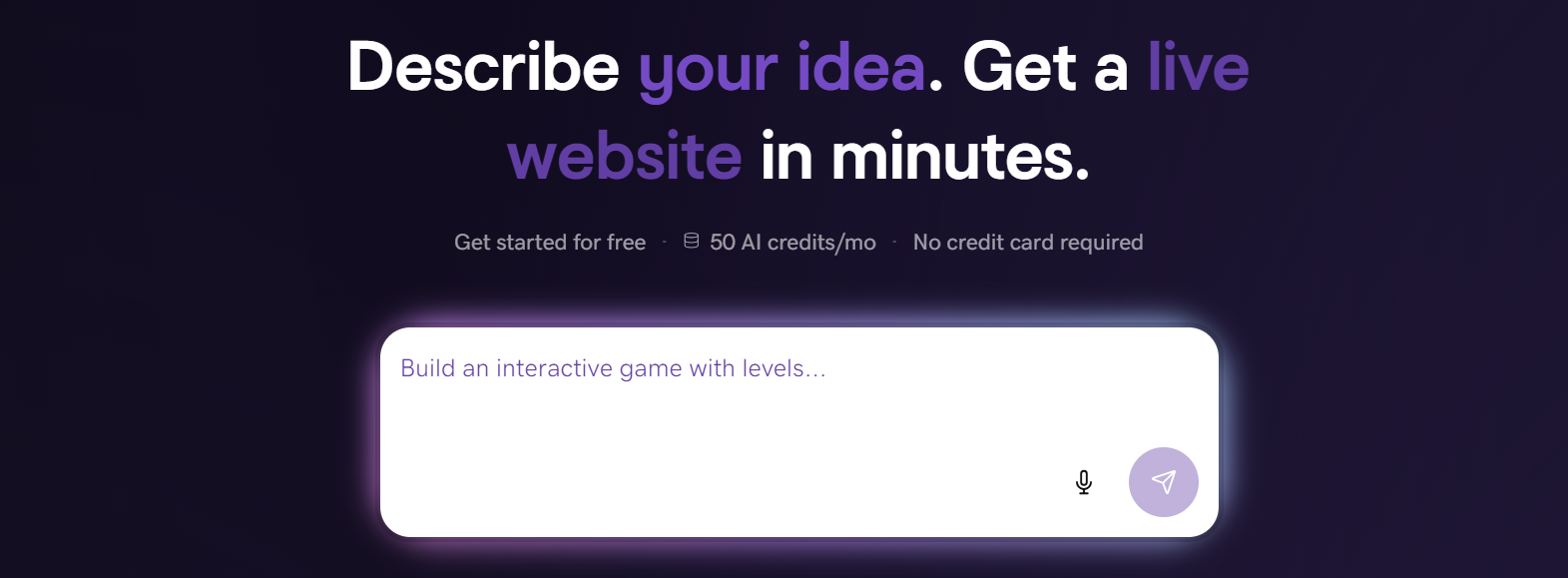
GoDaddy's AI builder, Airo, generates a complete website along with a logo, domain suggestions, email campaigns, and social media posts in under 30 seconds. It's the most straightforward path to a branded web presence if you already use GoDaddy for your domain and want everything under one account.
Unlike Trickle, GoDaddy doesn't try to build web apps or tools. It's purely a website builder for small businesses. The trade-off is that design flexibility is limited and there's no custom code editing.
- Airo generates a website, logo, domain suggestions, email campaigns, and social posts from a short business description.
- 100+ mobile-friendly templates to choose from after the initial AI generation.
- Built-in marketing dashboard for tracking email and social media performance.
- AI-powered social media scheduling and post generation included on all plans.
- SEO tools with Google My Business integration.
- Seamless domain and hosting management.
Best For: Small business owners and beginners who want the fastest possible setup, particularly those already using GoDaddy for their domain.
Pricing:
| Plan | Price |
|---|---|
| Basic | $9.99/mo |
| Premium | $14.99/mo |
| Commerce | $20.99/mo |
5. Hostinger
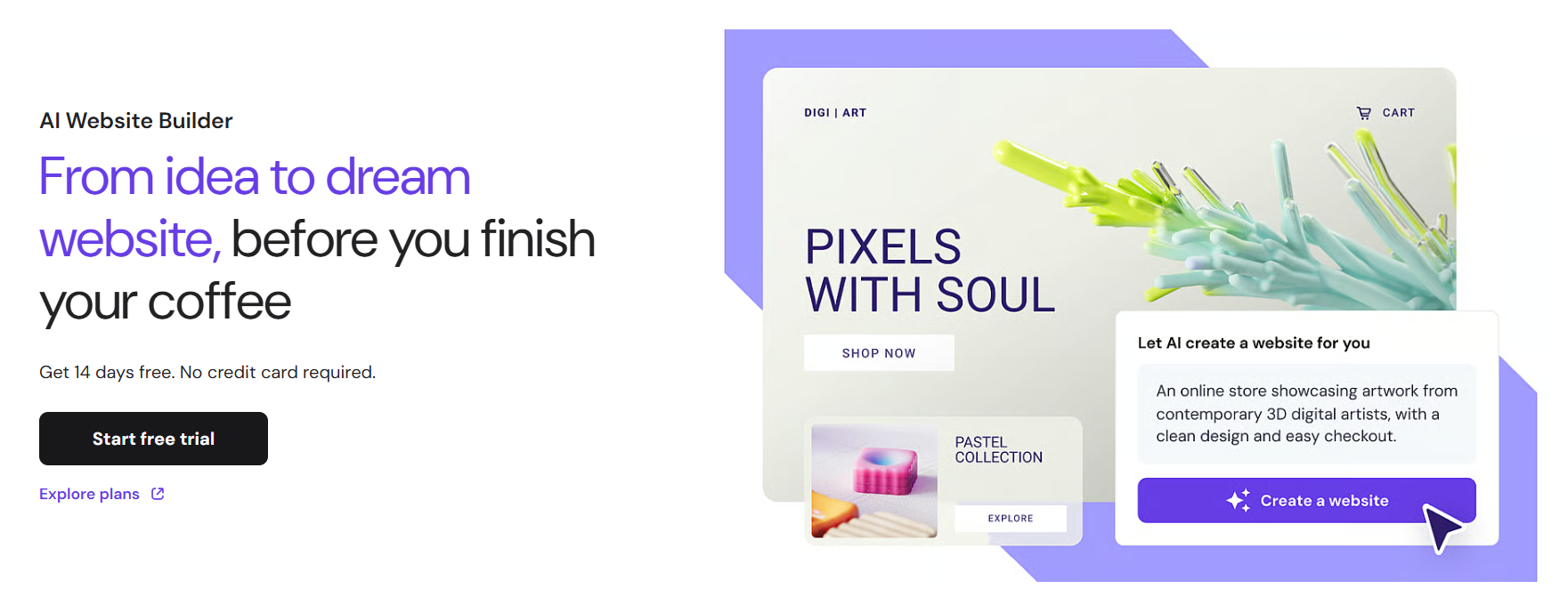
Hostinger Horizons is an AI website and web app builder launched in early 2025 that generates React + Vite applications from plain text, voice, or image prompts. It bundles hosting, SSL, CDN, a free domain for the first year, and a built-in eCommerce engine.
Trickle and Hostinger are both credit-based AI builders with similar positioning, but Hostinger undercuts Trickle significantly on price while including more in the base plan.
- Conversational AI builder that accepts text, voice, and image prompts to generate the site.
- Generates React + Vite applications powered by Gemini and Claude Sonnet models.
- Built-in hosting, SSL, CDN, and a free custom domain included on Starter plans and above.
- One-click deployment with no separate infrastructure setup required.
- Built-in eCommerce with Stripe integration, available from the Starter plan.
- Auto-generates sitemap.xml, robots.txt, and LLMs.txt for SEO from the start.
- Supports 80+ languages, which is useful for businesses with multilingual audiences.
Best For: Budget-conscious founders, solopreneurs, and small businesses that want an AI website builder with solid hosting included, without paying more than necessary.
Pricing:
| Plan | Price |
|---|---|
| Explorer | $9.99/mo |
| Starter | $19.99/mo |
| Hobbyist | $55.99/mo |
| Hustler | $99.99/mo |
6. Framer

Framer started as a prototyping tool for designers and grew into a full publishing platform. Its AI (Wireframer) generates multi-page sites from a prompt, but the real value is what happens after. It gives you pixel-level control, advanced animations, scroll effects, and a component system that keeps every page consistent.
If Trickle felt too limited for precise design work, Framer is built for exactly that. It's not the easiest tool to learn, and it's not trying to be. But for designers, product teams, and agencies that won't compromise on how their site looks or performs, Framer offers a level of creative control that Trickle simply doesn't have.
- Figma-like visual editor with pixel-perfect layout control and a freeform canvas.
- Component-based design system so you can build an element once and reuse it consistently across pages.
- Advanced animation tools including scroll-triggered effects and transitions.
- Built-in CMS for managing blogs, portfolios, and other dynamic content.
- Sites are served via a global CDN and regularly score 90+ on Google Lighthouse.
- Real-time collaboration for design teams working on the same project.
Best For: Designers, product teams, and agencies that prioritize visual quality and want maximum design control without writing code.
Pricing:
| Plan | Price |
|---|---|
| Basic | $15/mo |
| Pro | $45/mo |
| Scale | $100/mo |
| Enterprise | Custom |
7. Squarespace

Squarespace has spent years building a reputation for design quality. Its Blueprint AI walks you through a five-step setup process to generate a site that fits your brand, and the resulting templates are genuinely polished, the kind of output that looks professional out of the box rather than like an obvious AI generation.
Where Squarespace beats Trickle is in design consistency and content presentation. Its editor keeps layouts clean and structured across pages, and the built-in tools for blogging, eCommerce, and email marketing are more developed than what Trickle offers.
- Blueprint AI guides you through a five-step collaborative site generation process.
- 190+ professionally designed templates with strong visual consistency across all pages.
- Built-in blogging with scheduling, category management, and content organization tools.
- Integrated eCommerce on all plans with product catalogs, inventory, and checkout included.
- Beacon AI, a built-in business assistant available around the clock in the dashboard.
- Automatic mobile optimization so you don't have to adjust every page manually.
Best For: Creatives, photographers, consultants, and small businesses where visual branding and professional presentation are the main priority.
Pricing:
| Plan | Price |
|---|---|
| Basic | $16/mo |
| Core | $23/mo |
| Plus | $39/mo |
| Advanced | $99/mo |
8. Webflow
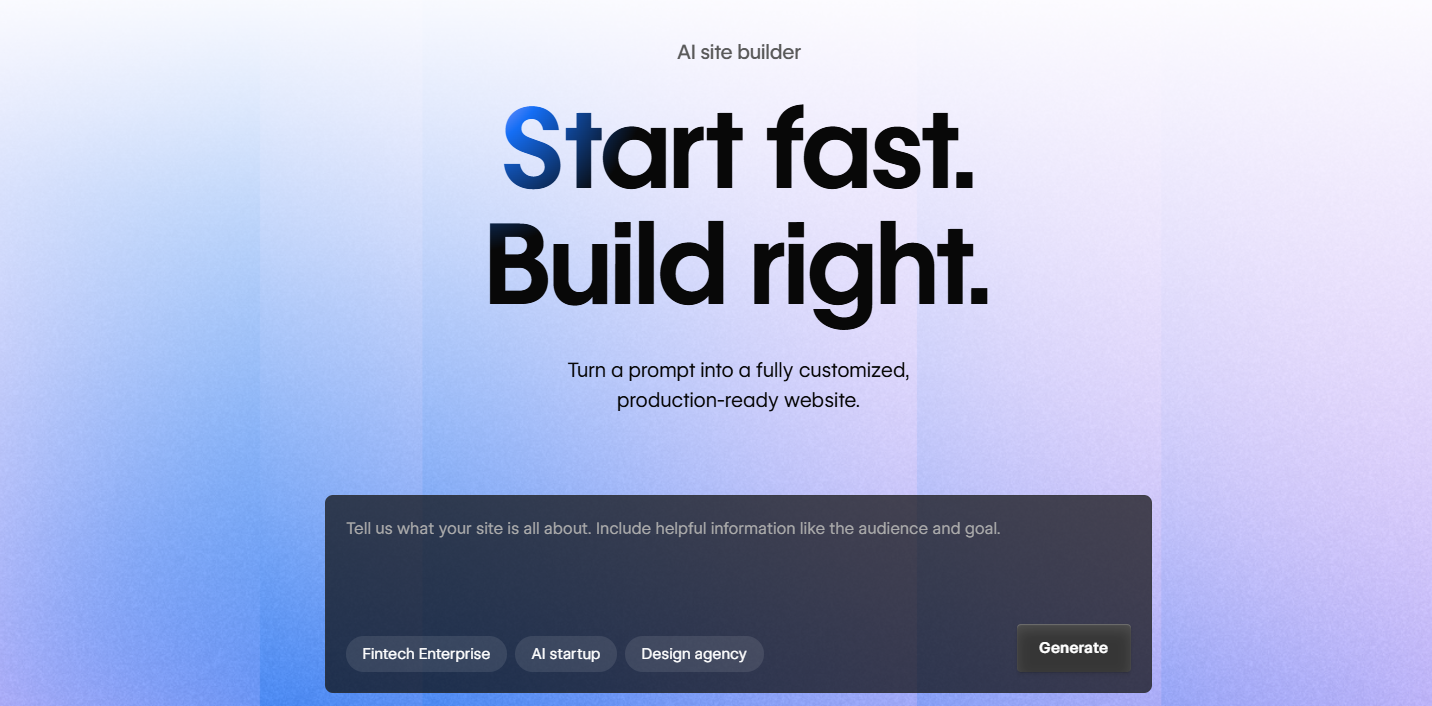
Its AI Site Builder generates complete multi-page websites with a shared design system, and the underlying platform is backed by Cloudflare infrastructure for reliable global performance.
Trickle and Webflow are targeting different users entirely. Trickle is for people who want to describe and deploy. Webflow is for people who want to design and build with precision.
- CSS box-model visual editor with flexbox and grid support so you can design exactly like a developer would, without writing code.
- Powerful built-in CMS for managing structured content like blogs, case studies, and portfolios at scale.
- Advanced scroll animations and custom interactions triggered by user actions.
- Clean, exportable HTML, CSS, and JavaScript.
- Cloudflare-backed global delivery infrastructure for fast load times.
Best For: Designers, developers, and growth-stage teams that need full design control and a scalable content architecture, and have outgrown simpler builders.
Pricing:
| Plan | Price |
|---|---|
| Basic | $18/mo |
| CMS | $29/mo |
| Business | $49/mo |
How to Make the Right Choice
The right Trickle alternative depends on what specifically isn't working for you right now. A few questions worth thinking through before you commit to a new platform:
- What are you actually building? Trickle sits between a website builder and an app builder. If you need a clean marketing site, something like Butternut AI or Squarespace will serve you better.
- How much do you care about design control? Some tools give you AI-generated output that's fast but hard to refine. Others, like Framer and Webflow, let you get into the exact pixels.
- What's the real monthly cost? Starting prices rarely tell the full story. Factor in credit overages, plan upgrades, and any features gated behind higher tiers.
- Do you need to own your site? Most AI builders, including Trickle, lock you into their ecosystem. If long-term portability matters to you, look for tools that offer code export.
Our Suggestion
If most of your frustration with Trickle comes down to unpredictable credits, limited design control, or the fact that it feels over-engineered for a simple website, Butternut AI is the most direct fix.
It's built specifically for websites, not apps. You get a complete site generated from a short description, a straightforward editing experience, built-in hosting, an AI blog writer, social media agents, and payment integrations, all without a credit system that eats into your budget every time you make a tweak. You can build for free and only pay when you're ready to go live.