
Butternut AI Blog
8 Visme AI Portfolio Builder Alternatives to Try in 2026
Looking for a Visme alternative for building your portfolio? We've compared 8 tools on their portfolio-specific capabilities so you can pick the right one.
Introduction
Visme has built a loyal user base among content creators, marketers, and visual storytellers. Its ability to handle presentations, infographics, reports, and portfolio-style websites in one place is genuinely useful, and the live data integration feature, which pulls real-time metrics from Google Sheets or Salesforce directly into your portfolio, is something very few tools offer.
That said, Visme has its share of limitations that become hard to ignore once you're using it seriously for portfolio building. If you're seeing them too, here's a clear breakdown of the best Visme alternatives to consider in 2026.
TL;DR
- Best overall alternative: Butternut AI
- Best for fast, no-effort publishing: Gamma
- Best for designers already in Figma: Figma Make
- Best for all-in-one design work: Canva
- Best for full-stack portfolio apps: Lovable
Why You Might Be Looking for a Visme Alternative
- It's not really built for portfolios: Visme was designed for presentations and infographics first. Using it as a portfolio builder requires significant manual setup, as there are no dedicated case study templates, project process layouts, or portfolio-specific navigation structures out of the box.
- Performance degrades with complex content: Animations and transitions that look great in the editor often break on export.
8 Best Visme Alternatives in 2026
| Tool | Automated SEO | Custom Domain | Resume Parsing | AI Article Gen | Lead Capture | Hosting Included | Starting Price |
|---|---|---|---|---|---|---|---|
| Butternut AI | Yes (free yr 1) | $5/mo | |||||
| Gamma | Yes (Pro+) | $12/mo | |||||
| Canva | Basic | Yes (Pro+) | $15/mo | ||||
| Manus | Yes (paid) | $20/mo | |||||
| Lovable | Basic | Yes (Pro+) | $25/mo | ||||
| Codedesign.ai | Yes (all plans) | $15/mo | |||||
| Figma Make | Basic | Yes (paid) | $20/mo | ||||
| Emergent | Yes (paid) | $20/mo |
1. Butternut AI
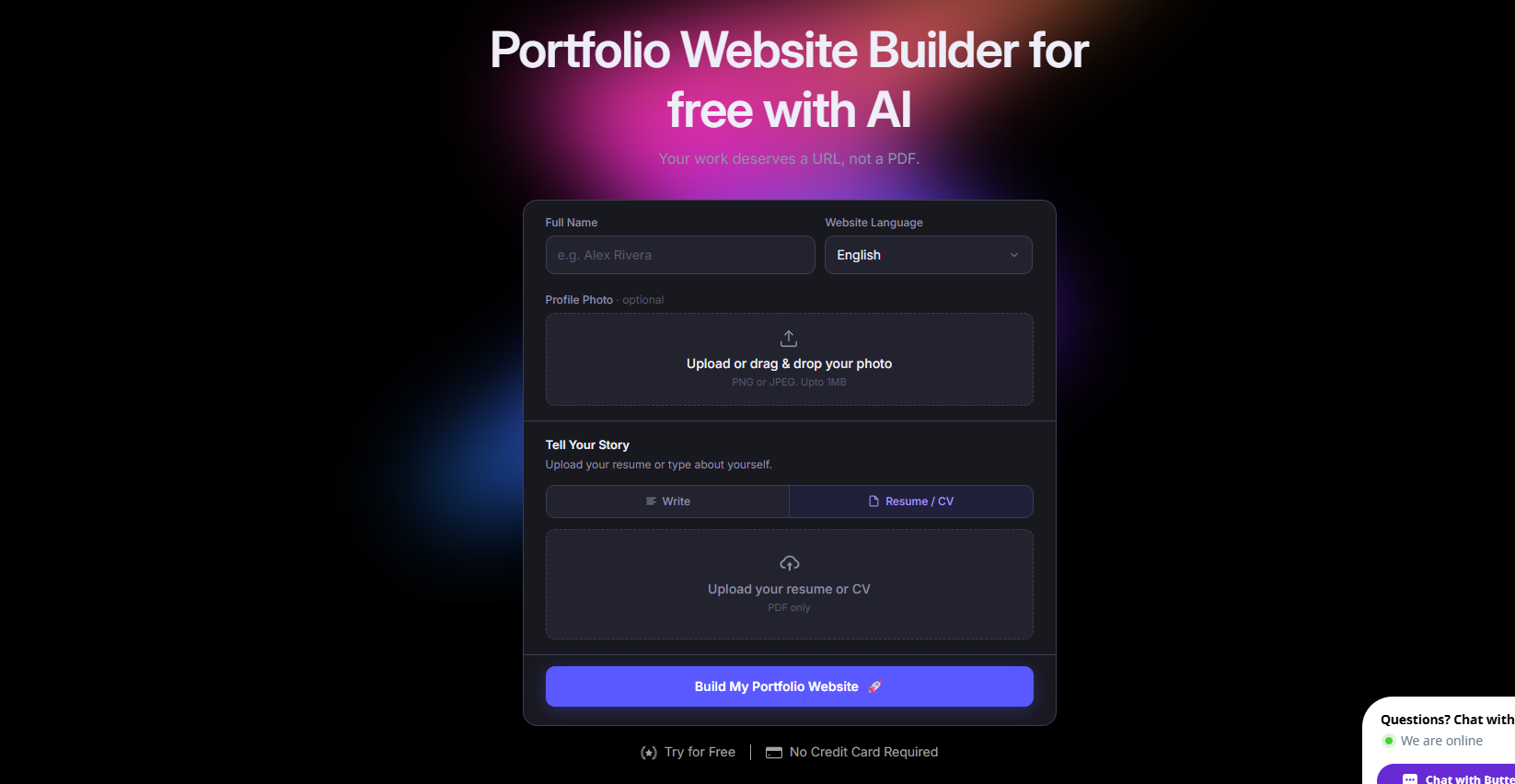
Butternut AI generates a complete portfolio website, including layout, structure, copy, and SEO, from a short text prompt in about 20 seconds. You can import your resume to auto-populate project details, and the built-in AI blog writer makes it straightforward to add case studies or longer write-ups without switching tools. Everything runs on its own hosting with one-click publishing, so there's no separate infrastructure to set up.
Where Visme requires you to build a portfolio piece by piece using presentation-style slides and blocks, Butternut AI generates a purpose-built portfolio site from the start. It also includes social media marketing agents.
- Generates a full portfolio site from a text prompt in about 20 seconds, with structure and copy already tailored to your input.
- Resume import that automatically pulls your work history and projects into the portfolio.
- Built-in AI blog writer for publishing case studies, process breakdowns, or SEO articles directly on your site.
- Automated SEO handling with meta tags, sitemaps, and keyword suggestions all managed for you.
- Free custom domain for 1 year with the pro plan.
Best For: Freelancers, creatives, and founders who want a portfolio that functions like a real website, with SEO, a blog, and hosting, without spending time configuring separate tools.
Pricing:
| Plan | Price |
|---|---|
| Free | Available (build and test, no custom domain) |
| Starter | $5/mo |
| Pro | $12/mo |
2. Gamma
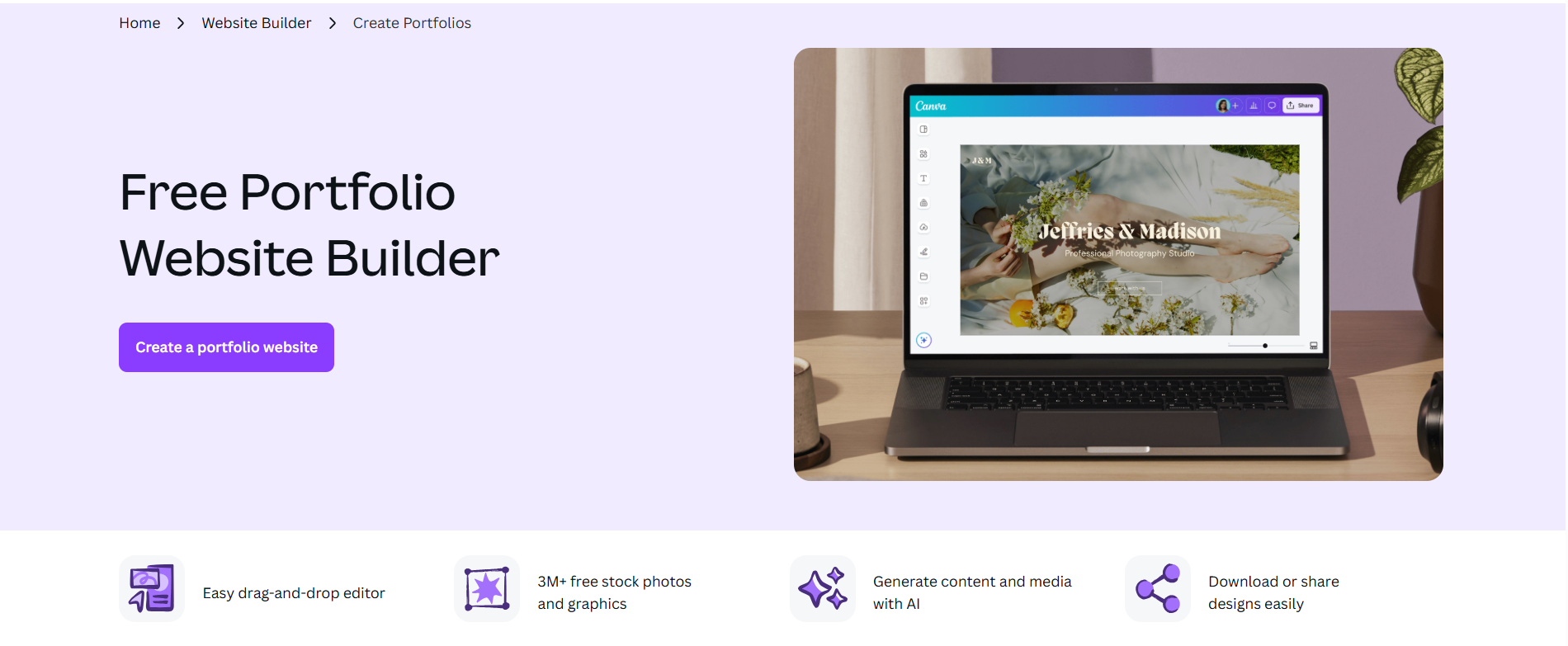
Gamma is an AI platform for creating presentations, documents, and websites from text prompts. For portfolio use, Gamma generates web-native portfolio pages and case study sites that you can publish with a custom domain on paid plans. Compared to Visme, Gamma is considerably faster for publishing.
The card-based web format isn't a traditional portfolio layout, but for designers, consultants, and content creators who want something live quickly, it works well.
- Import from PDF, PPTX, Word, or URL to convert existing work into a portfolio-style page.
- Google Indexing for published sites so your portfolio can appear in search results.
- API access for programmatic portfolio generation, useful if you're managing multiple client portfolios.
Best For: Consultants, marketers, and content creators who need a clean, published portfolio page fast and don't need a complex multi-page site structure.
Pricing:
| Plan | Price |
|---|---|
| Free | $0/month |
| Plus | $12/mo |
| Pro | $25/mo |
| Ultra | $100/mo |
3. Canva Portfolio Builder
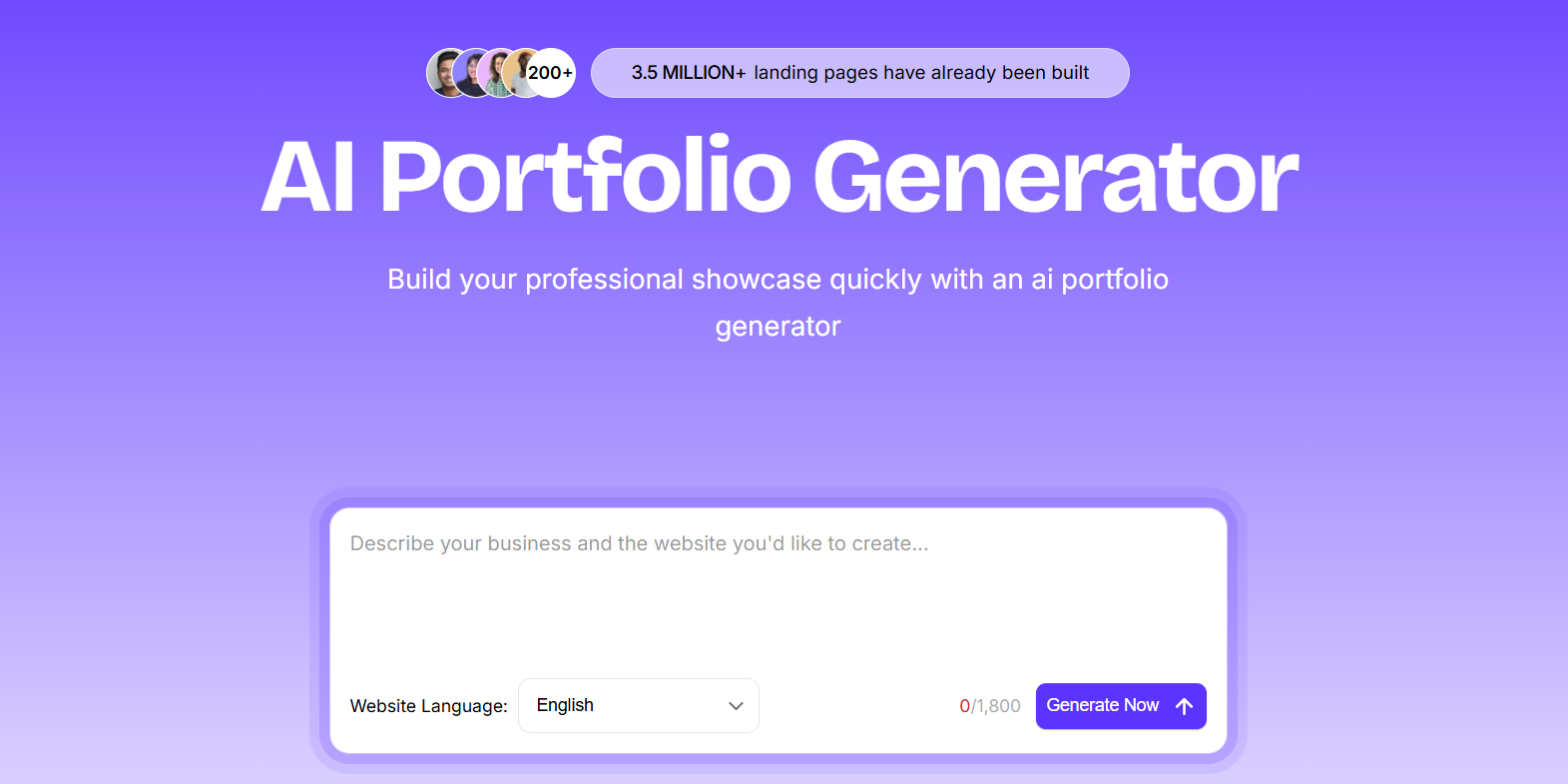
Canva is a widely used design platform, and its Canva Websites feature lets you build and publish a portfolio site directly from the same tool you'd use for social graphics, decks, or brand assets. The Magic Studio AI suite handles image generation, copy, background removal, and layout suggestions without needing a separate tool for each.
Compared to Visme, Canva has far more design assets, with 250,000+ templates versus Visme's library, and a more stable product overall. The tradeoff is that Canva Websites wasn't purpose-built for portfolios either. You won't find dedicated case study templates or project process pages, and there's no analytics or lead tracking built into published sites.
- 250,000+ templates including portfolio layouts, accessible directly from the design canvas.
- Magic Studio AI covering Dream Lab for text-to-image, Magic Write for copy, Magic Eraser, and Background Remover.
- Brand Kit that sets custom fonts, colors, and logos applying consistently across all designs.
- Publish directly as a live website from Canva with no separate hosting setup required.
- 100M+ stock photos, illustrations, and videos included in the asset library.
Best For: Designers, photographers, and marketing professionals who already use Canva for their day-to-day creative work and want to extend it into a portfolio without adopting a separate platform.
Pricing:
| Plan | Price |
|---|---|
| Free | $0/month |
| Pro | $15/mo |
| Teams | $21/user/month (billed monthly) |
| Enterprise | Custom pricing |
4. Manus
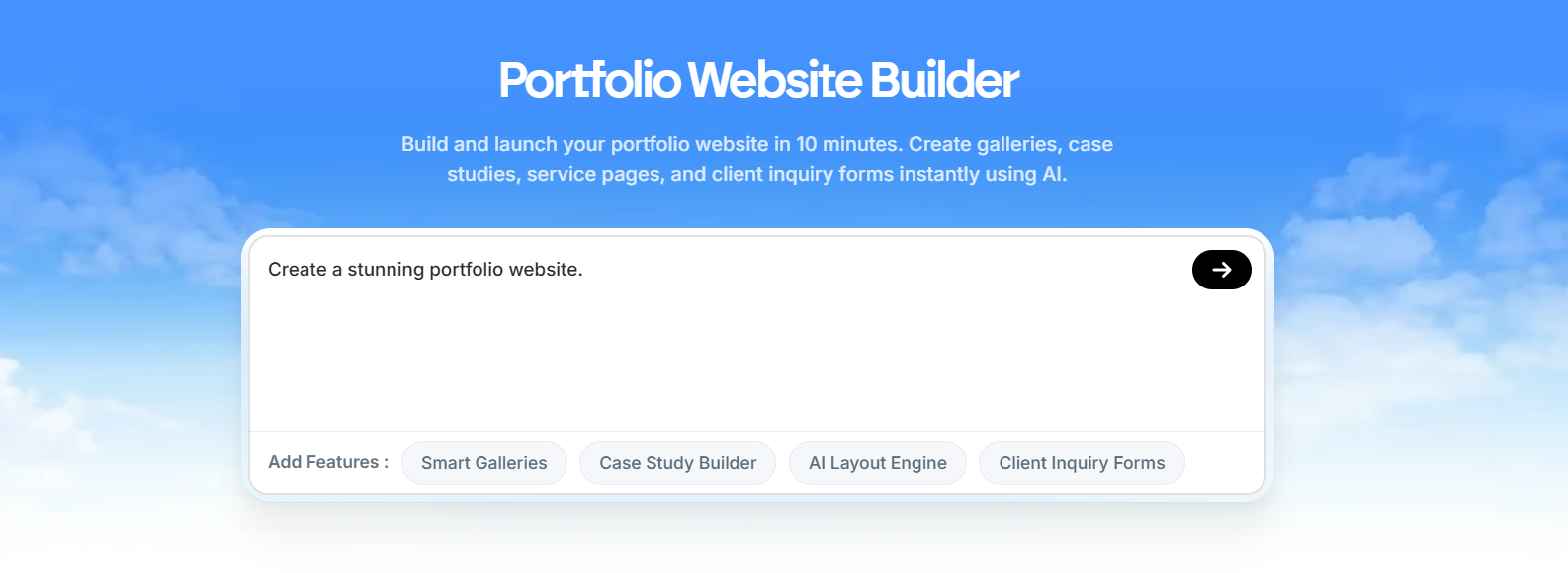
Manus is an autonomous AI agent that builds full-stack portfolio websites from conversational prompts. Unlike most tools on this list, Manus doesn't use templates. It researches design principles and current trends before generating your site, then auto-configures the backend, database, code, and hosting automatically.
Compared to Visme, Manus produces significantly higher-quality output for complex builds and goes well beyond presentation-style pages. The catch is that it's feature-heavy for most portfolio use cases, and the credit-based pricing makes costs unpredictable if you're iterating frequently.
- Full-stack portfolio generation from natural language, with backend, database, authentication, and hosting all auto-configured.
- Conversational AI agent that researches design trends before building rather than pulling from pre-set templates.
- Figma-to-site integration for importing existing designs.
- Stripe payment integration for adding paid services or gated content to your portfolio.
- Integrations with Slack, Gmail, GitHub, and Google Calendar.
Best For: Developers and technical creatives who want a portfolio that behaves like a full web app, with database functionality, authentication, and custom backend logic.
Pricing:
| Plan | Price |
|---|---|
| Free | $0/month (300 daily refresh credits) |
| Standard | $20/mo |
| Customizable | $40/mo |
| Extended | $200/mo |
5. Lovable
Lovable is an AI-powered full-stack web app builder that generates React and TypeScript applications from simple prompts. It integrates with Supabase for databases and authentication, GitHub for version control, and Figma for design imports. With one-click deployment and a 3D viewer for showcasing products or creative work, it handles portfolio use cases that need more than a static page.
The downside is that Lovable is a developer-adjacent tool, so if you need a quick visual portfolio without any technical complexity, you'll hit friction faster than you would with simpler tools on this list.
- Generates full-stack React and TypeScript apps from a text prompt, with Supabase backend included.
- GitHub sync so your code is always exportable and version-controlled.
- 3D viewer for showcasing product designs, architectural work, or interactive creative projects.
- Figma design import that converts components into working code.
- Visual editor for no-code adjustments after the initial AI generation.
Best For: Developers, product designers, and technical freelancers who want a portfolio that doubles as a working web app and want full code ownership from day one.
Pricing:
| Plan | Price |
|---|---|
| Free | $0/month |
| Pro | $25/mo |
| Business | $50/mo |
| Enterprise | Custom pricing |
6. Codedesign.ai
Codedesign.ai is an AI website and portfolio builder that generates responsive portfolio sites from a prompt in seconds. What makes it stand out from most builders is publishing flexibility: you can push your site to Codedesign's own cloud hosting, export it to WordPress via a plugin, or download the full HTML/CSS and React code.
Visme locks you into its own hosting and export formats, while Codedesign gives you three publishing routes and full code export, which is a meaningful difference if you ever want to migrate.
- AI prompt-to-portfolio generation with a drag-and-drop no-code editor for refinements.
- Publish to Codedesign hosting, your custom domain, or export to WordPress, all from the same builder.
- Full HTML/CSS and React code export so you're never locked into the platform.
- Built-in SEO tools on all plans, including meta tags and page optimization guidance.
- AI Magic for generating and rewriting portfolio copy directly within the editor.
- Form data collection with Zapier integration for routing leads to your existing tools.
Best For: Freelancers and agencies who want a portfolio with proper SEO, code portability, and the option to publish to WordPress without rebuilding from scratch.
Pricing:
| Plan | Price |
|---|---|
| Free | Available (up to 2-3 sites, subdomain hosting) |
| Individual | $15/mo |
| Growth | $29/mo |
| Agency | $99/mo |
7. Figma Make
Figma Make is an AI portfolio and website builder built natively into Figma. It generates UI screens and live portfolio sites from text prompts using your existing Figma component libraries, meaning every generated element is already on-brand if your design system is set up. With Figma Sites, you can publish your design as a live website without leaving the Figma environment.
Compared to Visme, Figma Make is purpose-built for designers who are already working in Figma and don't want to export or rebuild their work in a separate tool. It's not for everyone. If you're not comfortable in Figma, the learning curve is steep. But for UI designers and product teams, it's the most seamless path from design to live portfolio.
- AI prompt-to-UI generation that uses your existing Figma component libraries for on-brand output.
- Figma Sites that lets you publish any design as a live portfolio directly from the Figma canvas.
- Interactive prototype creation with clickable elements before you publish.
- Real-time collaboration within the same Figma file, useful for design teams building a shared portfolio.
Best For: UI/UX designers and product teams who already work in Figma and want to publish a portfolio or case study site without leaving their existing design workflow.
Pricing:
| Plan | Price |
|---|---|
| Starter | Free (150 AI credits/day) |
| Professional (Full seat) | $20/mo |
| Dev seat | $12/mo |
| Organization | $55/mo per seat (annual only) |
| Enterprise | $90/mo per seat (annual only) |
8. Emergent
Emergent is an autonomous AI app builder that generates full-stack web and mobile apps from simple prompts.For portfolio use, it offers native mobile app generation, meaning your portfolio can ship as both a web app and a mobile app from a single prompt.
Compared to Visme, Emergent is a much more technical tool. Visme is designed for non-developers, while Emergent is best used by people comfortable with GitHub, databases, and deployment pipelines.
- GitHub integration with private repository support on paid plans.
- Built-in database, authentication, and Stripe payment integration.
- Task forking so you can branch your project before making major changes and revert if needed.
Best For: Developers and technical product builders who want a portfolio that works as both a web app and a mobile app, with real backend infrastructure behind it.
Pricing:
| Plan | Price |
|---|---|
| Free | $0/month (10 credits/month) |
| Standard | $20/mo |
| Pro | $200/mo |
| Team | $300/mo |
How to Choose the Right Visme Alternative
The right pick comes down to what's actually frustrating about Visme for your specific use case. Here are the questions worth asking before you commit to a new platform:
- Do you need a portfolio-first tool or a general design platform?
- How important is code ownership?
- Do you need mobile app support?
- What's your comfort level with technical tools?
- Do you need real-time data integration?
Our Suggestion
If you're switching away from Visme because building a proper portfolio feels like forcing a presentation tool to do a job it wasn't designed for, Butternut AI is the most direct fix.
It generates a complete portfolio site, including structure, copy, SEO, and hosting, from a prompt in about 20 seconds. Resume import means you're not retyping your work history, and the AI blog writer handles case studies or process documentation without a separate tool. There's no per-user pricing, no export limitations, and no watermarks on published sites while you're testing.
You can build and explore for free. You only pay when you're ready to go live with a custom domain.