
Butternut AI Blog
Webflow vs Squarespace vs Butternut AI
Webflow and Squarespace are both associated with beautiful, design-forward websites, but they're built for different audiences. Webflow is a tool for designers who want total control. Squarespace is a polished all-in-one platform with a reputation for great templates and a straightforward editing experience. Butternut AI takes the opposite approach from both — instead of asking you to build, it builds for you.
Introduction
We tested all three to give you an honest picture of what each one is actually like to use, and which type of user each one is genuinely built for.
Webflow vs Squarespace vs Butternut AI
| Feature | Webflow | Squarespace | Butternut AI |
|---|---|---|---|
| Website generation speed | Manual build; no AI generation | Generates a first draft using Blueprint AI | Under 20 seconds |
| First draft quality | Blank canvas or template; full control from the start | Clean, polished template-based draft from Blueprint AI | Strong animations, contextual copy, relevant images |
| User experience | Steep learning curve; designed for designers | Beginner-friendly with a refined editor | One prompt, no learning curve |
| Post-generation customization | Full visual control, no code required | Section-based editor with design panels | AI chat, tooltips, custom HTML |
| Design flexibility | Highest of any visual builder | High within the template system | AI-generated layout |
| SEO | Strong built-in SEO controls | Per-page SEO with AI suggestions, Blueprint AI SEO setup | Fully automated (meta tags, sitemaps, alt text) |
| AI blog generation | ✅ (via Squarespace AI) | ✅ (with topic suggestions) | |
| AI social media marketing | ✅ (via Blueprint AI) | ✅ (Facebook, Instagram, LinkedIn) | |
| AI chatbot for website | |||
| Custom HTML/code | ✅ (code injection on Business+) | ||
| Ecommerce | ✅ (built-in) | ✅ (payment gateway) | |
| Analytics | ✅ (via integrations) | ✅ (built-in + GA integration) | ✅ (GA4 integration) |
| Mobile experience | Full responsive control | Auto-responsive | Auto-responsive |
| Customer support | Help docs and community forums | 24/7 email + live chat | Email, 1-on-1 call & live chat |
| 1-year free domain | ✅ (on annual plans) | ||
| Hosting & SSL | Included | Included | Included |
| Pricing | Basic: $14/month CMS: $23/month Business: $39/month | Basic: $16/month Core: $23/month Plus: $39/month Advanced: $99/month | Starter: $20/month Pro: $69/month |
Webflow
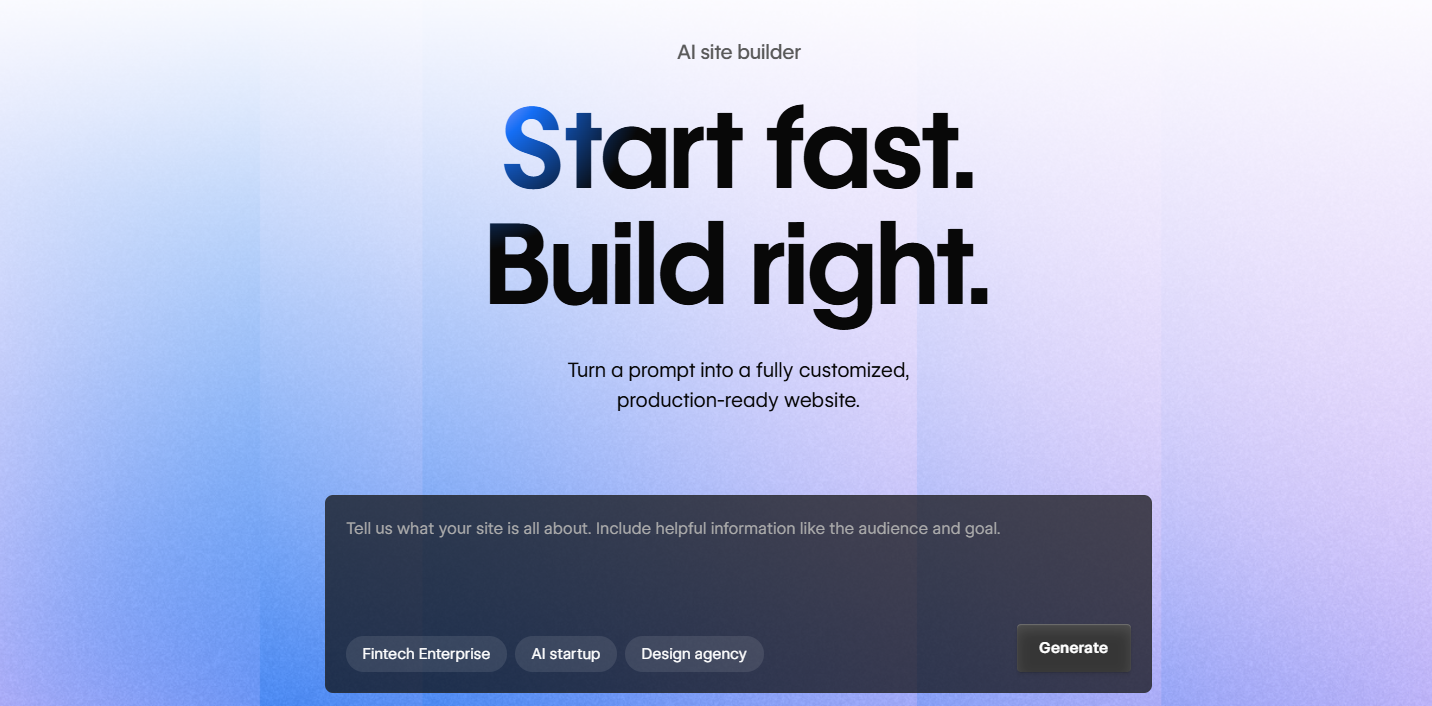
Webflow is a visual website builder built around giving designers total control without requiring them to write code. Every layout decision — spacing, typography, hover states, scroll animations — is made directly in a visual editor, and Webflow translates those decisions into clean semantic HTML and CSS. It's the tool of choice for many design agencies and freelancers who need to build complex, custom websites at a professional level.
First Draft & Customization
Webflow doesn't generate a first draft. You start from a blank canvas or choose from a curated template library. Both routes require meaningful time investment before you have something that looks like your website. The upside is that the end result can be anything you can design. The downside is that achieving that result requires either hours of learning or prior experience with the platform.
Features
- Pixel-precise visual editor with full control over layout, spacing, and typography
- A built-in CMS for managing structured content like blog posts or product listings
- Animation and interaction tools for building scroll effects, transitions, and hover states visually
- Clean code output optimized for SEO and performance
- Logic feature for building no-code workflows and automations connected to external tools
Limitations
- No AI website generation — everything must be built or configured from scratch
- No AI content tools: no blog writer, no social media agents, no chatbot
- Significant learning curve — Webflow University is required reading for most new users
- Not suitable for users who want a fast, low-effort path to a live website
Pricing
| Plan | Price |
|---|---|
| Basic | $14/month |
| CMS | $23/month |
| Business | $39/month |
Squarespace
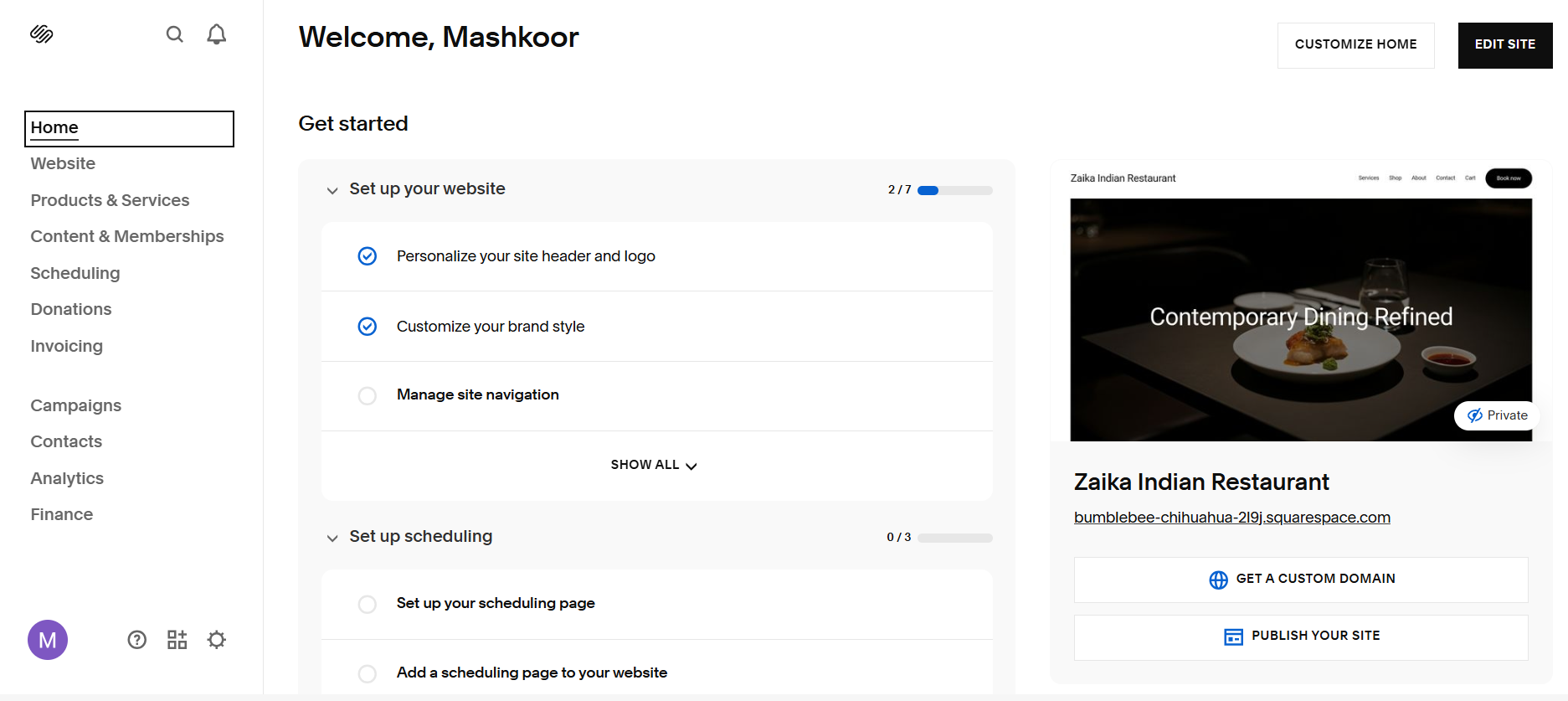
Squarespace has built a strong reputation for design quality and a polished user experience. Its Blueprint AI setup flow takes you through a series of questions about your site's purpose and style, then generates a starting point with fonts, colors, and basic content populated. The editor is section-based and easy to navigate, making it one of the more accessible builders for non-technical users who still want a professional result.
First Draft & Customization
Blueprint AI produces a clean first draft with layout and styling decisions already made. The trade-off is that the copy is still largely placeholder and the images are stock-generic rather than contextually matched to your business. Editing in Squarespace is handled through a section-based editor with design panels on the side — the experience is smooth and well-organized. Adding new sections and rearranging the layout is intuitive.
Features
- Blueprint AI setup that generates a styled starting design based on your answers
- Built-in ecommerce with inventory management, subscriptions, and order tracking
- AI blog generation for creating and publishing written content directly in the platform
- Social media content tools via Blueprint AI for creating posts across platforms
- SEO checklist per page with AI-assisted suggestions for improvement
Limitations
- No AI chatbot for website visitors
- AI-generated first draft still requires significant manual content work before launch
- Code injection is only available on Business and higher plans
- Some users find Squarespace's template system limiting for highly custom layouts
Pricing
| Plan | Price |
|---|---|
| Basic | $16/month |
| Core | $23/month |
| Plus | $39/month |
| Advanced | $99/month |
Butternut AI
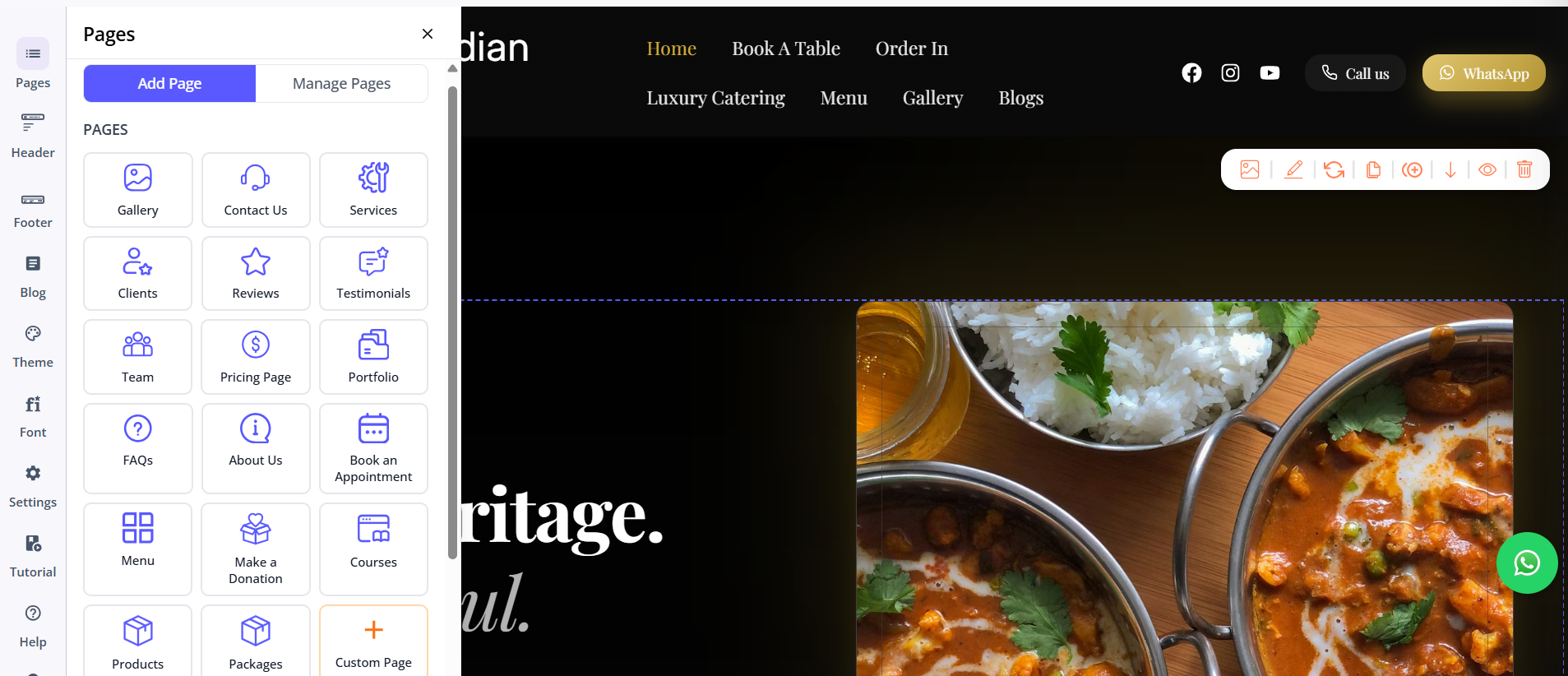
Butternut AI doesn't ask you to pick a template, answer a series of setup questions, or configure anything before you see a website. You type your business name and what you do, and within 20 seconds, your website starts appearing section by section. The copy is written for your specific business, the images are contextually relevant, the layout reflects what type of site you're building, and the animations feel like intentional design rather than defaults.
First Draft & Customization
The gap between the first draft and something you'd be proud to share is smaller with Butternut AI than with either Webflow or Squarespace. You're not replacing placeholder text or swapping generic stock photos — you're refining a site that's already about your business. Customization works through the AI chat, which handles everything from copy rewrites to image regeneration. Tooltips are available for direct edits. Custom HTML is supported.
Features
- AI blog writer with built-in topic and keyword suggestions
- AI social media agents for Facebook, Instagram, and LinkedIn that publish content automatically
- AI chatbot for your website that captures leads and handles visitor questions
- Fully automated SEO: meta tags, sitemaps, alt text — no manual setup required
- AI image generation built directly into the editor
- Payment gateway integration to take payments directly through your site
Limitations
- Less granular design control than Webflow or Squarespace for fine-tuning layouts
- No native email marketing
- Smaller integrations ecosystem compared to either Webflow or Squarespace
Pricing
| Plan | Price |
|---|---|
| Starter | $20/month |
| Pro | $69/month |
Which One Should You Choose?
The right choice here depends heavily on who is doing the building and what the end goal is.
Webflow is for design professionals who need complete creative control and are willing to invest significant time to achieve it. If you're a designer, an agency, or a developer who wants to build something completely custom without writing CSS, Webflow is the most capable visual builder available.
Squarespace is for users who want a polished result with less friction. Blueprint AI simplifies the starting point, the editor is intuitive, and the built-in ecommerce and marketing tools cover a lot of ground without third-party integrations.
Butternut AI is the right call if your priority is speed and quality out of the box. The setup takes under a minute, the first draft is closer to production-ready than anything Webflow or Squarespace generates at that stage, and the built-in AI tools — chatbot, social agents, blog writer — extend the platform well beyond the initial website. There's a free plan to try it with zero commitment.