
Butternut AI Blog
Webflow vs Wix vs Butternut AI
Webflow and Wix are both popular website builders, but they're aimed at very different users. Webflow gives designers complete visual control and is widely used by agencies and freelancers. Wix is built for accessibility — it's one of the most beginner-friendly platforms available, with a large app market and AI features layered on top. Butternut AI takes a third approach: instead of asking you to build or configure anything, it builds the website for you.
Introduction
We tested all three to give you an honest, practical view of what each tool is like to use, what kind of results you can expect, and which one fits which type of user.
Webflow vs Wix vs Butternut AI
| Feature | Webflow | Wix | Butternut AI |
|---|---|---|---|
| Website generation speed | Manual build; no AI generation | 12+ minutes with AI setup flow | Under 20 seconds |
| First draft quality | Blank canvas or template; full designer control | No animations, generic copy, generic images | Strong animations, contextual copy, relevant images |
| User experience | Steep learning curve; for experienced designers | Beginner-friendly but slow AI setup flow | One prompt, no learning curve |
| Post-generation customization | Full visual design control, no code needed | Tooltips or AI chatbot; chatbot can be slow | AI chat, tooltips, custom HTML |
| Design flexibility | Highest of any visual builder | High within template system; manual mobile adjustments | AI-generated layout, limited manual control |
| SEO | Built-in SEO controls, clean code output | Per-page SEO checklist with AI suggestions | Fully automated (meta tags, sitemaps, alt text) |
| AI blog generation | ✅ (with topic suggestions) | ||
| AI social media marketing | ✅ (Facebook, Instagram, LinkedIn) | ||
| AI chatbot for website | |||
| Custom HTML/code | |||
| App ecosystem | Growing marketplace | ✅ (hundreds of apps) | Limited |
| Analytics | ✅ (via integrations) | ✅ (AI-assisted dashboard) | ✅ (GA4 integration) |
| Mobile experience | Full responsive control | Requires manual mobile formatting | Auto-responsive |
| Customer support | Help docs, community forums | AI chatbot support | Email, 1-on-1 call & live chat |
| 1-year free domain | ✅ (on paid plans) | ||
| Hosting & SSL | Included | Included | Included |
| Pricing | Basic: $14/month CMS: $23/month Business: $39/month | Light: $17/month Core: $29/month Business: $39/month Business Elite: $159/month | Starter: $20/month Pro: $69/month |
Webflow
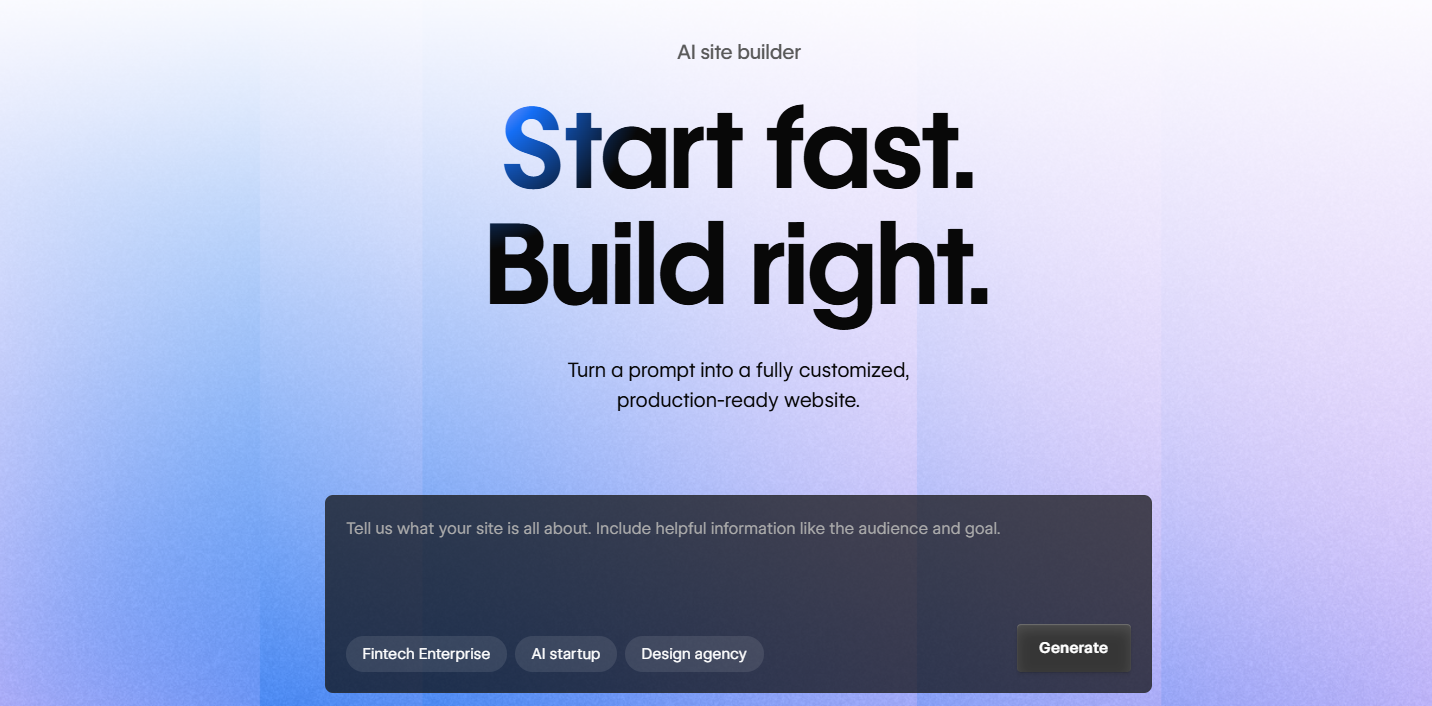
Webflow is a visual website builder that lets designers build production-grade websites without writing code. Every layout, animation, and interaction decision is made visually in the editor, and Webflow translates those decisions into clean, semantic HTML and CSS. It has a large community, a mature template library, and a CMS that can power dynamic content. For design agencies, freelancers, and anyone who builds websites professionally, Webflow is often the default tool.
First Draft & Customization
Webflow doesn't generate a first draft — you start from a blank canvas or a template. Everything is built intentionally, which means the ceiling for what you can achieve is extremely high, but reaching that ceiling requires real investment in learning the platform. For a user who wants a good website fast, Webflow is not the right starting point. For a designer who wants total control and is willing to put in the time, it's the most capable visual builder available.
Features
- Complete visual design control — spacing, layout, typography, and animations all managed visually
- Built-in CMS for structured, dynamic content including blog posts, directories, and portfolios
- Interaction and animation editor for scroll effects, hover states, and page transitions
- Logic automation feature for connecting your site to external tools without code
- Clean, semantic code output that performs well in SEO and accessibility evaluations
Limitations
- No AI website generation
- No AI content tools — no blog writer, social agents, or chatbot
- High learning curve; not suitable for non-technical users or those who want quick setup
- CMS features require a separate paid plan tier
Pricing
| Plan | Price |
|---|---|
| Basic | $14/month |
| CMS | $23/month |
| Business | $39/month |
Wix
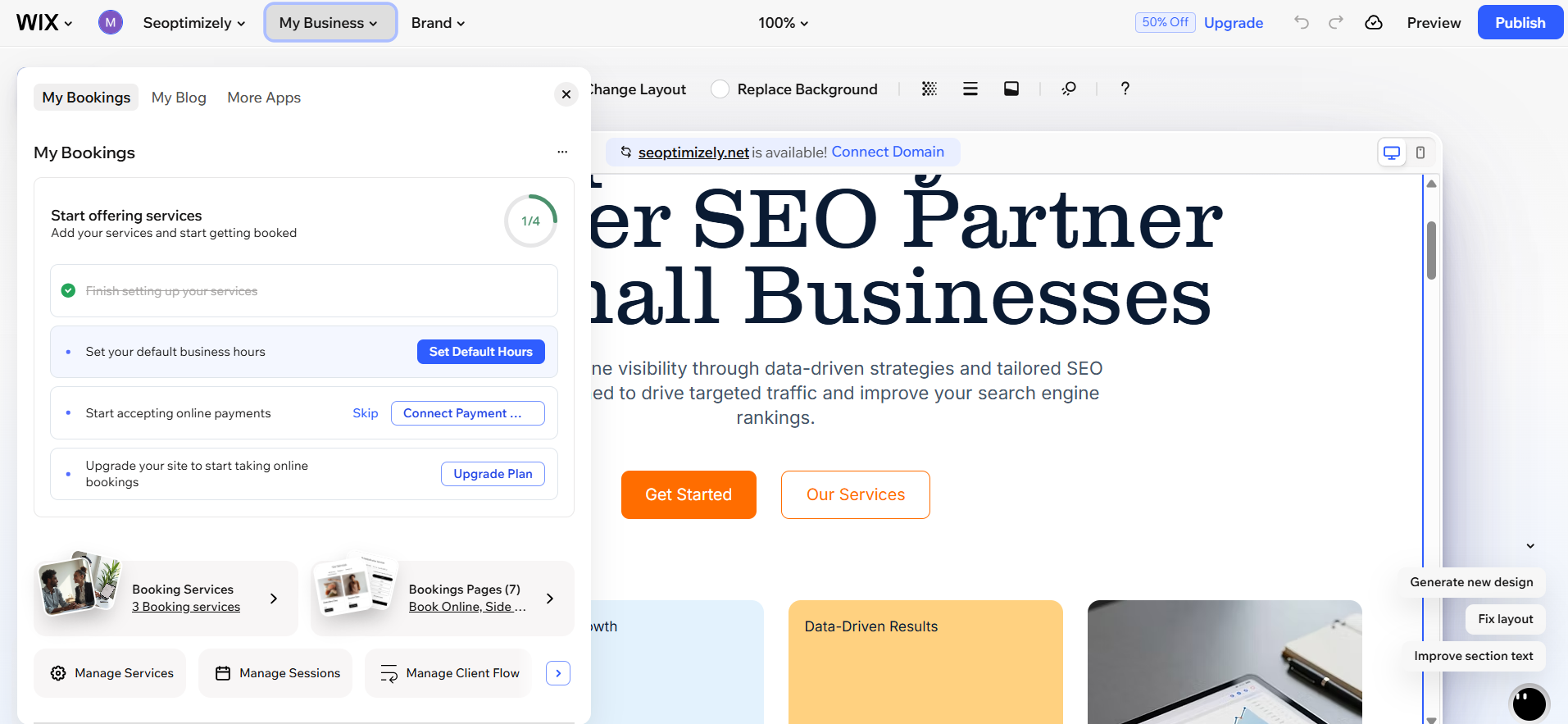
Wix is one of the most widely used website builders in the world, built around accessibility and a rich feature set. Its AI builder starts with a multi-step chatbot that walks you through your website requirements before generating a draft. The process takes longer than most comparable builders — the chatbot conversation alone takes several minutes before generation begins, and the full generation can run over twelve minutes. During this time, the interface is locked and unresponsive to interaction.
First Draft & Customization
The first draft Wix delivers doesn't have animations, the copy is generic rather than contextual, and the images are stock photos that don't strongly relate to the specific business. Post-generation editing is available through tooltips or Wix's AI chatbot, though the chatbot is slow and sometimes responds by explaining how to make a change rather than making it. Mobile formatting requires separate manual adjustments. Wix has a large app market that extends functionality significantly once the base site is set up.
Features
- A large app market with hundreds of integrations for ecommerce, bookings, marketing, and more
- AI blog generation for writing and publishing content directly in the platform
- Kleo, Wix's AI marketing tool, handles social media, SEO, and email from one dashboard
- Per-page SEO checklist with AI-assisted suggestions and an accessibility scanner
- AI-assisted analytics dashboard for plain-language insights into site performance
Limitations
- The AI setup flow is the slowest of the three by a significant margin
- First draft quality is below what comparable AI builders produce
- Mobile formatting requires separate manual work
- The AI chatbot for editing is slow and sometimes suggests you make changes rather than making them itself
Pricing
| Plan | Price |
|---|---|
| Light | $17/month |
| Core | $29/month |
| Business | $39/month |
| Business Elite | $159/month |
Butternut AI
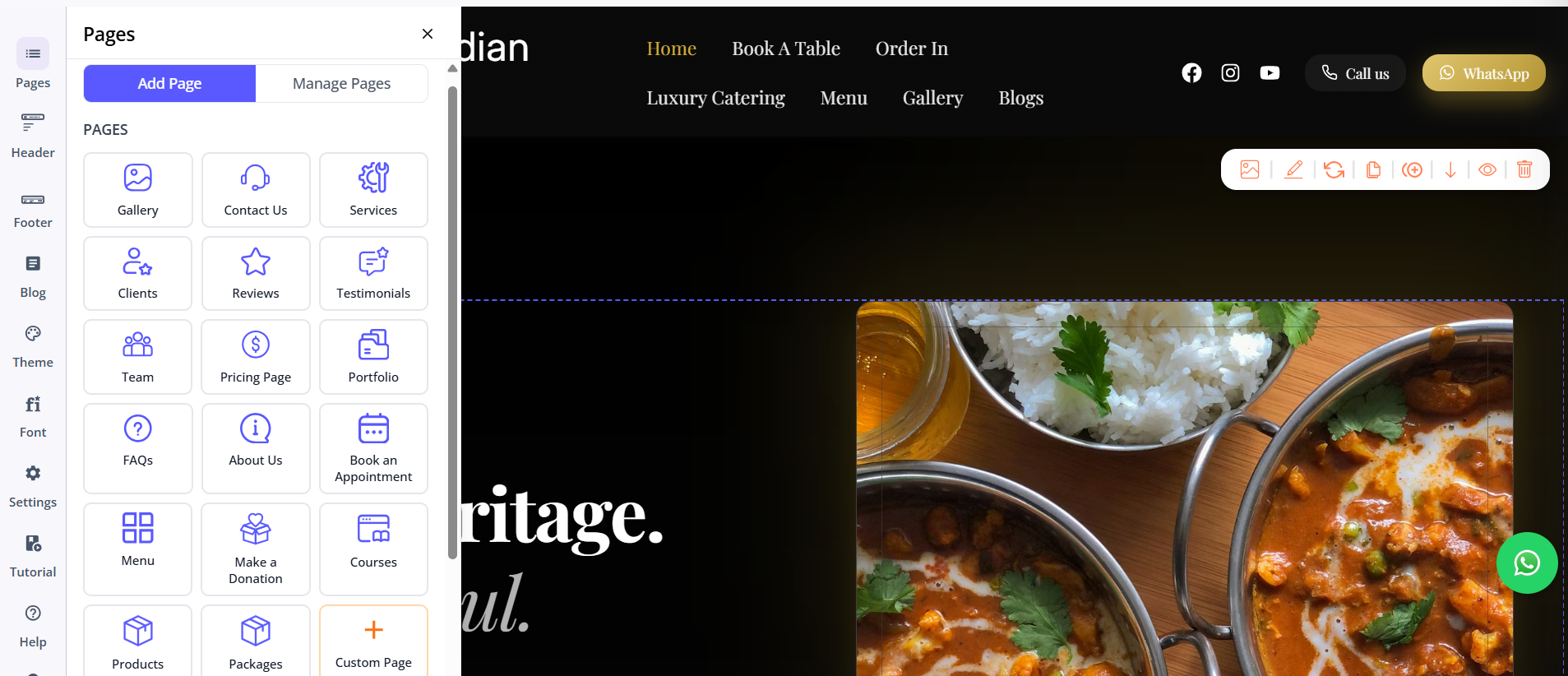
Butternut AI was designed from the ground up around AI, and the difference shows immediately. There's no setup chatbot to sit through, no template library to browse, and no design decisions to make before you see a website. You type your business name and what you do, and within 20 seconds your site starts appearing on screen — section by section — with copy written for your specific business, contextually matched images, and animations that feel like intentional design choices.
First Draft & Customization
The first draft quality is the strongest of the three for users who want a professional result quickly. Where Wix's draft is generic and Webflow has no draft at all, Butternut AI produces something that already reads and looks like your business. The gap between the draft and something you'd publish is the smallest. Customization happens through the AI chat for larger changes and tooltips for targeted edits. Custom HTML is available for precise technical requirements.
Features
- AI blog writer with keyword and topic suggestions based on your industry
- AI social media agents for Facebook, Instagram, and LinkedIn that create and publish automatically
- AI chatbot for your website that handles visitor questions and captures leads
- Fully automated SEO: meta tags, sitemaps, and alt text handled without manual input
- AI image generation built directly into the builder
- Payment gateway integration to accept payments on your site
Limitations
- Less granular visual design control than Webflow
- Smaller app ecosystem than Wix
- No native email marketing
Pricing
| Plan | Price |
|---|---|
| Starter | $20/month |
| Pro | $69/month |
Which One Should You Choose?
These tools serve different users with different priorities.
Webflow is the right choice if you're a designer or work with designers and need complete visual control over the end result. It's the most capable no-code visual builder available, but it requires investment in learning the platform before you can use it effectively.
Wix makes sense if you want a large app ecosystem and granular control over your site's functionality — particularly for ecommerce, booking, or membership features that benefit from Wix's extensive marketplace.
Butternut AI is the right choice if your goal is a professional website with the least amount of time and effort. The setup takes under a minute, the first draft needs less work than anything Wix generates, and the built-in AI tools extend the platform significantly for content marketing and customer engagement. There's a free plan to try, so the cost of starting is just 20 seconds.