
Butternut AI Blog
9 Wix AI Portfolio Generator Alternatives to Try in 2026
We've compared 9 AI portfolio builders so you can find the right alternative to Wix's AI portfolio generator.
Introduction
Wix's AI portfolio generator has a specific pitch. You upload your work, describe your business, and Aria, Wix's AI, builds out a portfolio site with auto-categorized projects, AI-written descriptions, and built-in SEO tracking. It also tracks how your portfolio appears on AI search tools like ChatGPT and Perplexity, which is a genuinely useful feature. For many users, it's a solid starting point. But solid starting point doesn't always mean right fit. Wix's portfolio generator is built on top of a general-purpose website builder, which means it carries some limitations that matter specifically for portfolio use, from how it handles your content to where it can take you as you grow. If you've hit those limits, or just want to compare what else is out there before committing, this breakdown covers the strongest alternatives available right now.
TL;DR
- Best overall alternative: Butternut AI
- Best for designers who want code output: Figma Make
- Best for speed and simplicity: Gamma
- Best for full-stack portfolio apps: Lovable
- Best for design versatility: Canva
- Best budget option: Codedesign.ai
Why You Might Be Looking For A Wix AI Portfolio Generator Alternative
- Template lock-in is a real problem: Once you build on a Wix template, switching to a different one means rebuilding your entire site. For a portfolio that evolves with your work, that's a significant constraint.
- The AI interprets prompts as business sites, not personal portfolios: Wix's AI output deviates towards agency or business-style layouts rather than the kind of clean, personal portfolio look most creatives are after.
- You can't take your site with you: Wix doesn't allow you to export your website. If you outgrow the platform, you start over on a new one.
- Mobile templates need manual work: Wix's portfolio templates don't always adapt cleanly to mobile by default. Getting the mobile version right often means going back in and tweaking layouts manually.
9 Best Wix AI Portfolio Generator Alternatives in 2026
| Tool | Resume Parsing | AI Article Gen | Automated SEO | Hosting Included | Custom Domain | Starting Paid Plan |
|---|---|---|---|---|---|---|
| Butternut AI | Free for 1 yr (paid) | $5/month | ||||
| Manus | Yes (paid) | $20/month | ||||
| Figma Make | Partial | Yes (paid) | Yes (paid) | $20/month | ||
| Gamma | Yes (Pro) | $12/month | ||||
| Canva | Basic | Yes (paid) | $15/month | |||
| Lovable | Basic | Yes (Pro) | $25/month | |||
| Emergent | Yes (paid) | Yes (paid) | $20/month | |||
| Visme | Basic | Yes (Pro) | $29/month | |||
| Codedesign.ai | Yes (all plans) | $15/month | ||||
| Locofy | $40/month |
1. Butternut AI
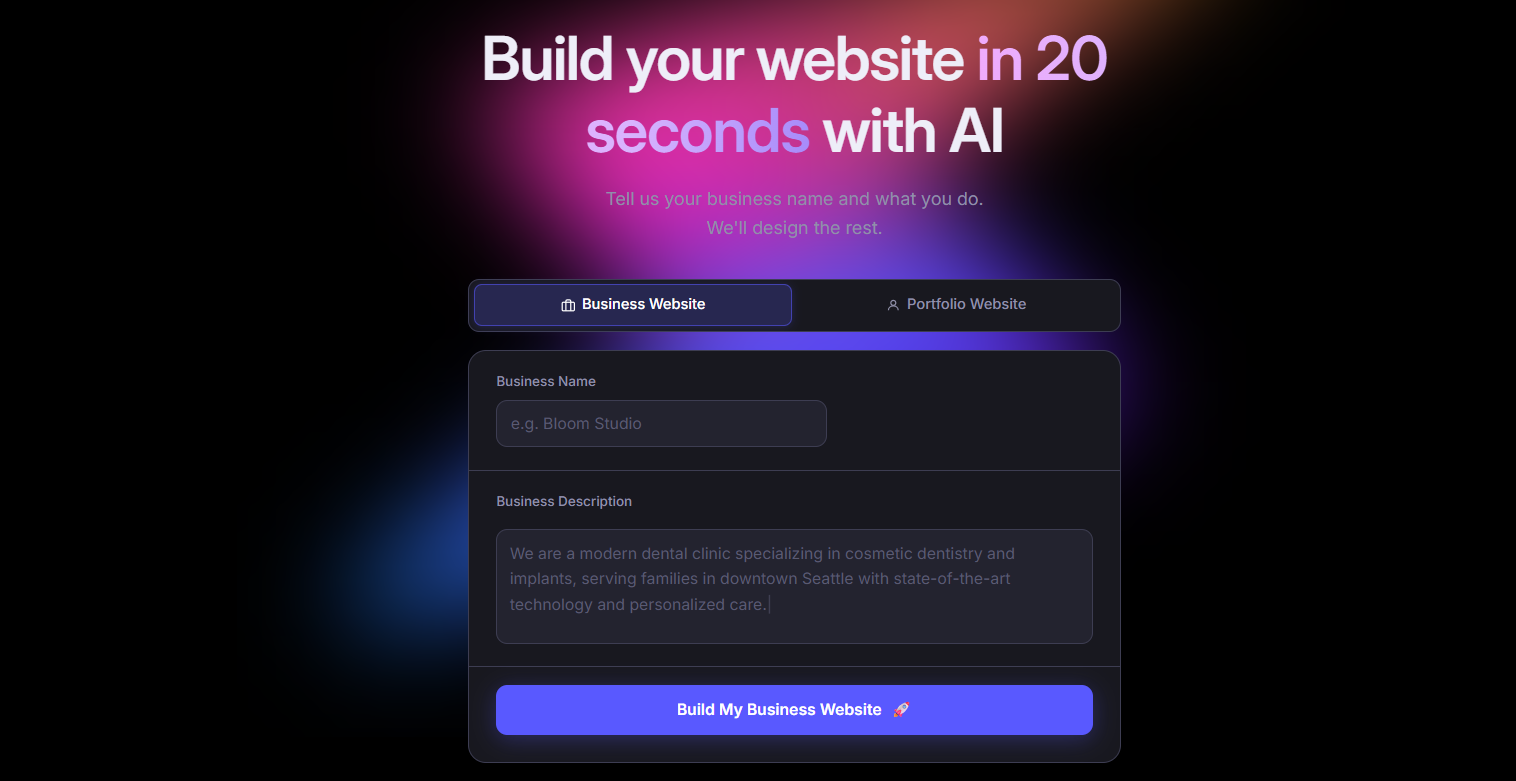
Butternut AI is an AI-native portfolio and website builder that takes a short description of you or your work and produces a complete, multi-page site in roughly 20 seconds. It has a dedicated portfolio builder mode built specifically for creatives, which means output is set up for showcasing work, not just launching a generic business page. You can import from your resume to pre-populate your portfolio, and the built-in AI blog writer lets you add SEO content without starting from a blank page.
Where Butternut AI pulls ahead of Wix's portfolio generator is in how it handles the full workflow. Hosting, SSL, automated SEO, and a free custom domain for the first year are all included on paid plans, with no separate setup required.
- Dedicated AI Portfolio Builder mode designed specifically for showcasing creative work, not just adapting a generic site builder.
- Resume import that auto-populates your portfolio with your experience and projects so you're not filling everything in from scratch.
- AI blog writer that generates full articles, useful for building out content that helps your portfolio rank in search.
- AI chatbot agent trained on your site data, so visitors can ask questions and get relevant answers without you having to set anything up manually.
- Automated SEO that handles meta tags, sitemaps, and keyword guidance without requiring you to dig into settings.
- Social growth agent that generates and schedules content for Facebook, helping you build an audience alongside your portfolio.
Best For: Freelancers, creatives, and independent professionals who want to go from prompt to live portfolio in a single session, without managing hosting, domains, or SEO separately.
| Plan | Price |
|---|---|
| Free | Available (build and test, no custom domain) |
| Starter | $5/month |
| Pro | $12/month |
2. Manus
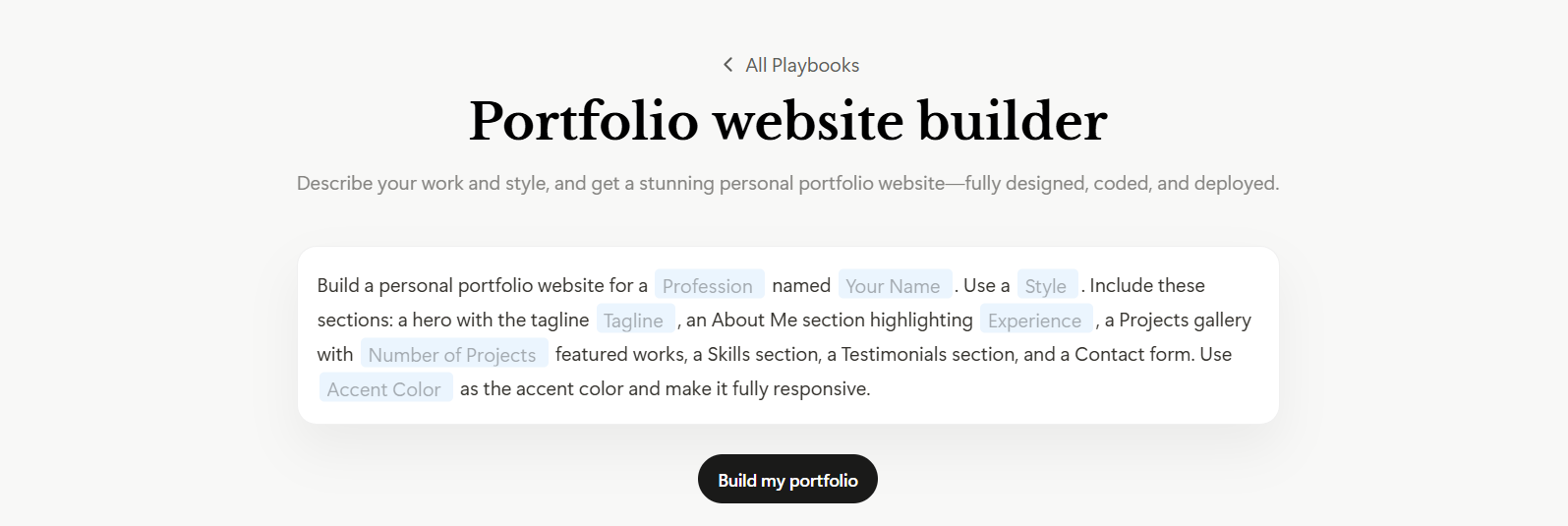
Manus is an autonomous AI agent that builds full-stack portfolio websites from conversational prompts. For portfolio use, it doesn't just generate a static site. It generates backend, database, authentication, and hosting configuration alongside the frontend, all from a single prompt. It also researches design trends before generating output, which results in layouts that tend to look more trending.
- Full-stack portfolio generation that builds frontend, backend, database, and hosting configuration from a single natural language prompt.
- Research-first generation that analyzes design trends and principles before outputting, which tends to produce more polished results.
- Figma-to-site integration so you can import an existing Figma design and Manus converts it to a working portfolio.
- Stripe and payment support built in, useful if your portfolio includes selling services or products.
Best For: Developers and technical creatives who want to build a portfolio that functions as a full web app, with custom logic, a real database, and production-ready infrastructure.
| Plan | Price |
|---|---|
| Free | 300 daily refresh credits, 1 concurrent task |
| Standard | $20/month |
| Customizable | $40/month |
| Extended | $200/month |
3. Figma Make
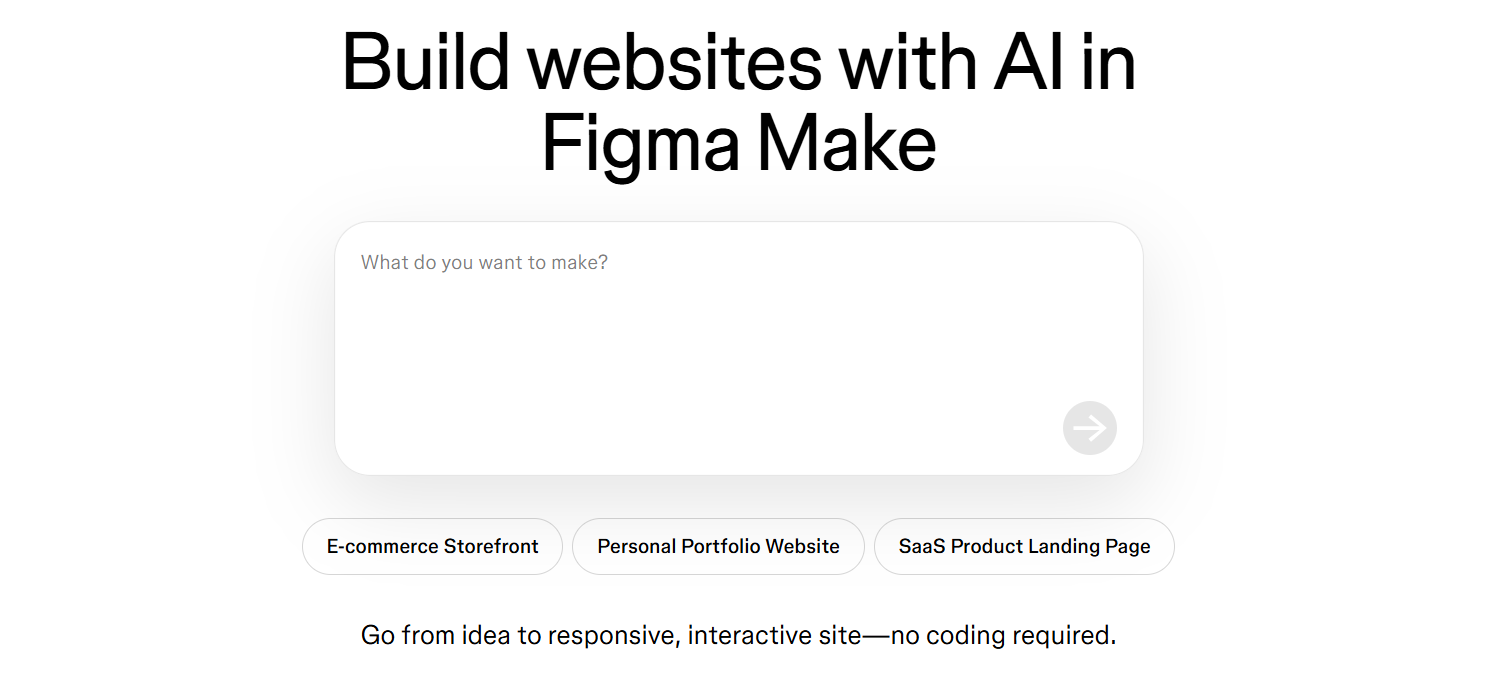
Figma Make is an AI generation feature built directly into Figma that lets designers create portfolio sites and UI screens from text prompts without leaving their existing design workflow. It uses your actual Figma component libraries and brand styles when generating, so output stays on-brand rather than pulling from generic templates.
For designers who already work in Figma, this is the natural portfolio path. Everything you've already built in your Figma workspace can inform what gets generated.
- Component-aware generation that uses your existing Figma component libraries, keeping everything visually consistent.
- Figma Sites publishing so you can publish directly from a Figma file to a live portfolio without exporting or rebuilding in a separate tool.
- Interactive prototypes that generate clickable portfolio previews, useful for UX designers showing process work.
- Supabase integration to connect live data sources and preview real data inside your design and on the published site.
- MCP server support so AI coding tools can read your Figma layouts to generate matching code, useful for designers who collaborate with developers.
Best For: UI/UX designers, product designers, and design teams who want to build and publish their portfolio without leaving Figma or rebuilding their designs in a separate tool.
| Plan | Price |
|---|---|
| Starter | Free (150 AI credits/day) |
| Professional (Full seat) | $20/month |
| Organization | $55/month per seat (annual only) |
| Enterprise | $90/month per seat (annual only) |
4. Gamma

Gamma is an AI platform that generates presentations, documents, and websites from text prompts. For portfolio building specifically, it generates a live, published page in under 60 seconds. You can also import a PDF, Word doc, or existing URL and Gamma transforms it into a portfolio site automatically.
Compared to Wix's portfolio generator, Gamma is faster to get live but more limited in terms of traditional portfolio structure.
- Import from existing content so you can upload a PDF, PPTX, or Word doc, or paste a URL, and Gamma converts it into a formatted portfolio site.
- Google Indexing support so you can opt in to have your published site indexed by Google and rank in search results.
- Custom domains on Pro and above, with Meta Pixel and Google Analytics integration.
- Analytics and integrations with Typeform, Tally, and Calendly for lead capture.
Best For: Consultants, speakers, coaches, and professionals who want a clean, presentable portfolio or personal site live quickly, without a steep setup process.
| Plan | Price |
|---|---|
| Free | $0 (400 AI credits, Gamma branding) |
| Plus | $12/month |
| Pro | $25/month |
| Ultra | $100/month |
5. Canva Portfolio Builder
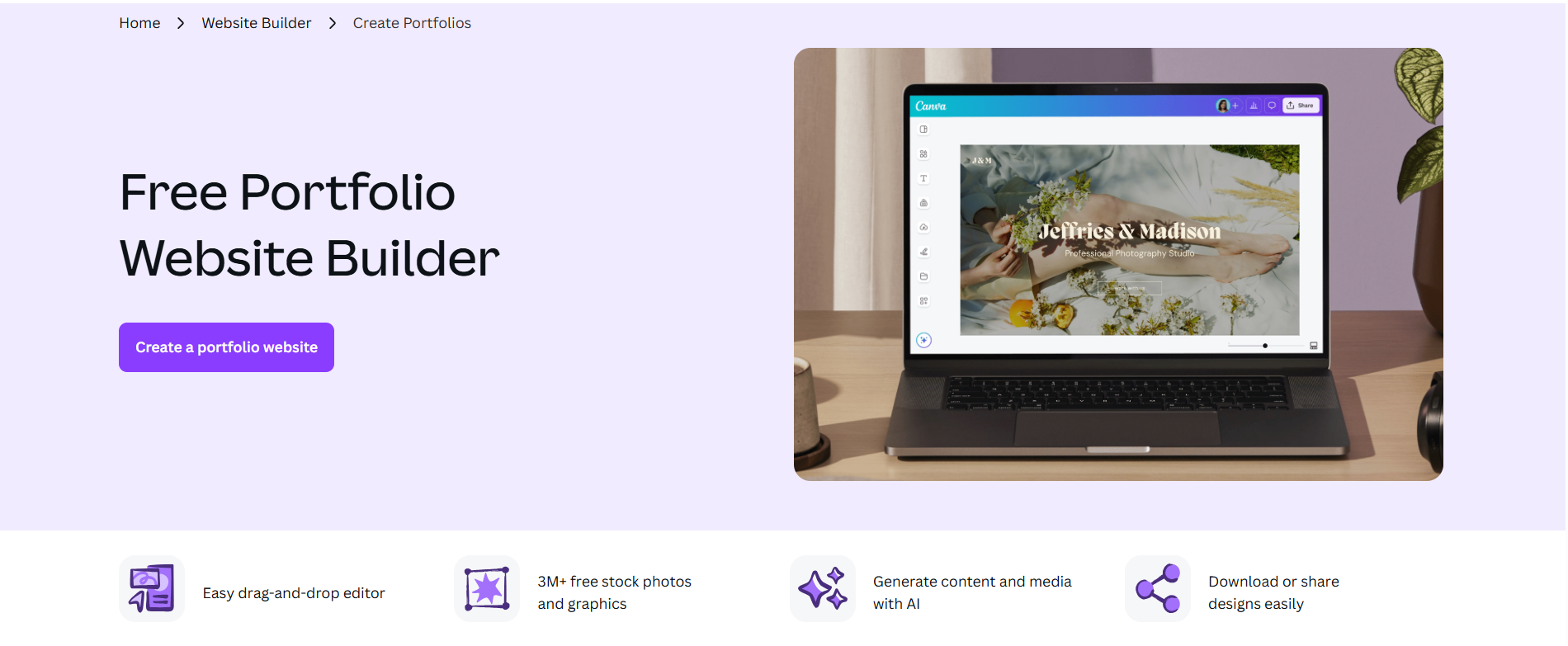
Canva is the most widely used design platform. Canva Websites lets you build and publish a portfolio directly from the same tool you'd use for social media graphics, pitch decks, or client presentations. For portfolio use, the Brand Kit is the most useful feature: you set your fonts, colors, and logo once and they apply consistently across every page.
Where Canva differs from Wix's portfolio generator is in the breadth of what Magic Studio can do. Dream Lab generates images, Magic Write handles copy, and Background Remover and Magic Expand help you prepare work samples without needing a separate editing tool.
- Magic Studio AI suite covering image generation via Dream Lab, copywriting via Magic Write, background removal, and image expansion, all inside the same tool you use for the rest of your design work.
- 250,000+ templates spanning portfolios, presentations, social media, and more, the largest template library in this comparison.
- Brand Kit that applies your custom fonts, colors, and logos across every design automatically.
- Direct website publishing so your Canva design goes live without exporting anything.
- 100M+ stock photos, illustrations, and videos included directly in the editor.
Best For: Photographers, graphic designers, social media managers, and visual creatives who are already working in Canva and want their portfolio to live in the same workspace.
| Plan | Price |
|---|---|
| Free | $0 (250,000+ templates, basic AI tools) |
| Pro | $15/month |
| Teams | $21/user/month (billed monthly) |
| Enterprise | Custom pricing |
6. Lovable
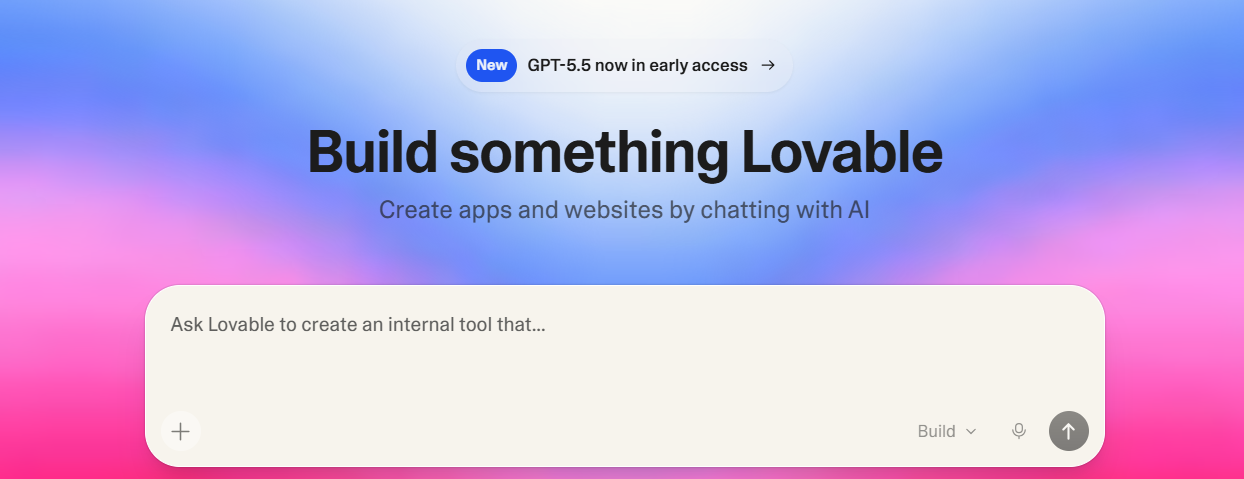
Lovable is a full-stack web app builder that generates React and TypeScript applications from plain language prompts. It integrates with Supabase for database and authentication, GitHub for version control, and deploys to either a Lovable domain or your own custom domain. The result is a portfolio that runs as an actual web application, not a static site assembled from blocks.
For portfolio use, Lovable is most useful if you want to showcase interactive work or need your portfolio to do more than display static case studies. A developer building a portfolio with live project demos, or a product designer who wants to embed working prototypes, will get more out of Lovable than out of Wix's generator.
- Full React and TypeScript generation that builds production-grade frontend code, not just styled HTML, so output is a real codebase.
- Supabase integration for database, authentication, and file storage, automatically configured and useful if your portfolio includes user-facing features.
- GitHub sync on every project so your code is yours to export, modify, and deploy independently.
- Visual editor for post-generation no-code adjustments without touching the code directly.
Best For: Developers, software engineers, and technical product designers who want a portfolio that functions as a working web application, with real backend features and full code ownership.
| Plan | Price |
|---|---|
| Free | $0 (5 credits/day, unlimited public projects) |
| Pro | $25/month |
| Business | $50/month |
| Enterprise | Custom pricing |
7. Emergent

Emergent is an autonomous AI app builder that generates full-stack web and mobile apps from simple prompts. You get a portfolio that works as both a web app and a native mobile app from a single prompt.
Like Lovable, this is a developer-leaning tool. It's not purpose-built for portfolio creation and lacks portfolio-specific templates or case study structures.
- Full-stack web and mobile app generation from a single prompt, the only tool on this list with native mobile output.
- GitHub integration with private repository support on paid plans.
- Built-in database, authentication, and Stripe payment integration.
- Task forking so you can branch your work before making risky changes and roll back easily.
Best For: Developers and engineers who want a portfolio that also functions as a deployable web or mobile app, with full backend capabilities.
| Plan | Price |
|---|---|
| Free | $0 (10 credits/month) |
| Standard | $20/month |
| Pro | $200/month |
| Team | $300/month |
8. Visme
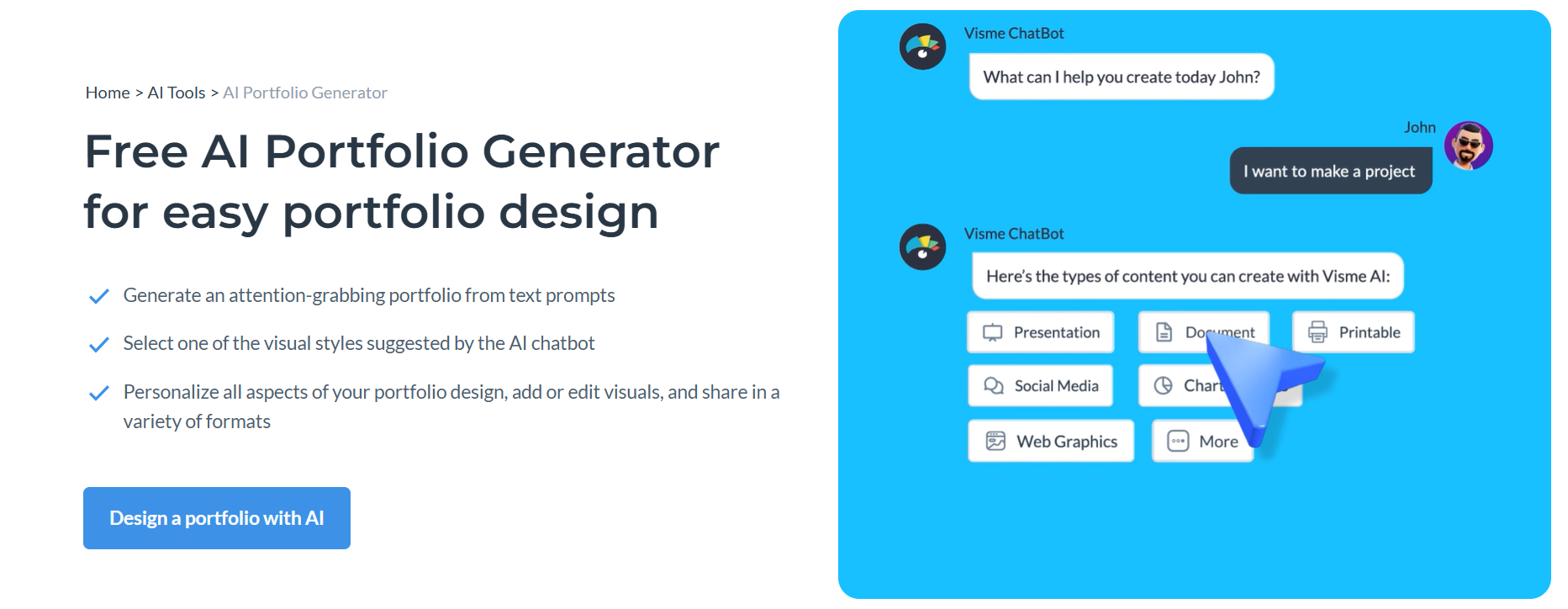
Visme's AI Design Generator creates complete portfolio layouts from prompts in under two minutes, and the Brand Wizard automatically pulls your brand colors, fonts, and logo from any website URL.
The standout feature for portfolio use is live data integration. Visme can pull real-time data from Google Sheets, Salesforce, and HubSpot directly into your portfolio case studies and metrics, so your numbers stay current without manual updates.
- Live data integration that connects Google Sheets, Salesforce, or HubSpot so charts and metrics in your portfolio update automatically.
- Brand Wizard that extracts your brand colors, fonts, and logo from your website URL and applies them across all your designs automatically.
- 16+ chart types including Mekko, waterfall, and Gantt charts, beyond what most portfolio tools support out of the box.
- Presenter Studio for recording screen and voiceover within the platform, useful for portfolio walkthroughs or case study videos.
Best For: Marketing professionals, data analysts, consultants, and anyone whose portfolio needs to demonstrate measurable results with live, auto-updating data.
| Plan | Price |
|---|---|
| Free | $0 (limited projects, JPG downloads only, Visme watermark) |
| Starter | $29/month |
| Pro | $59/month |
| Enterprise | Custom pricing |
9. Codedesign.ai
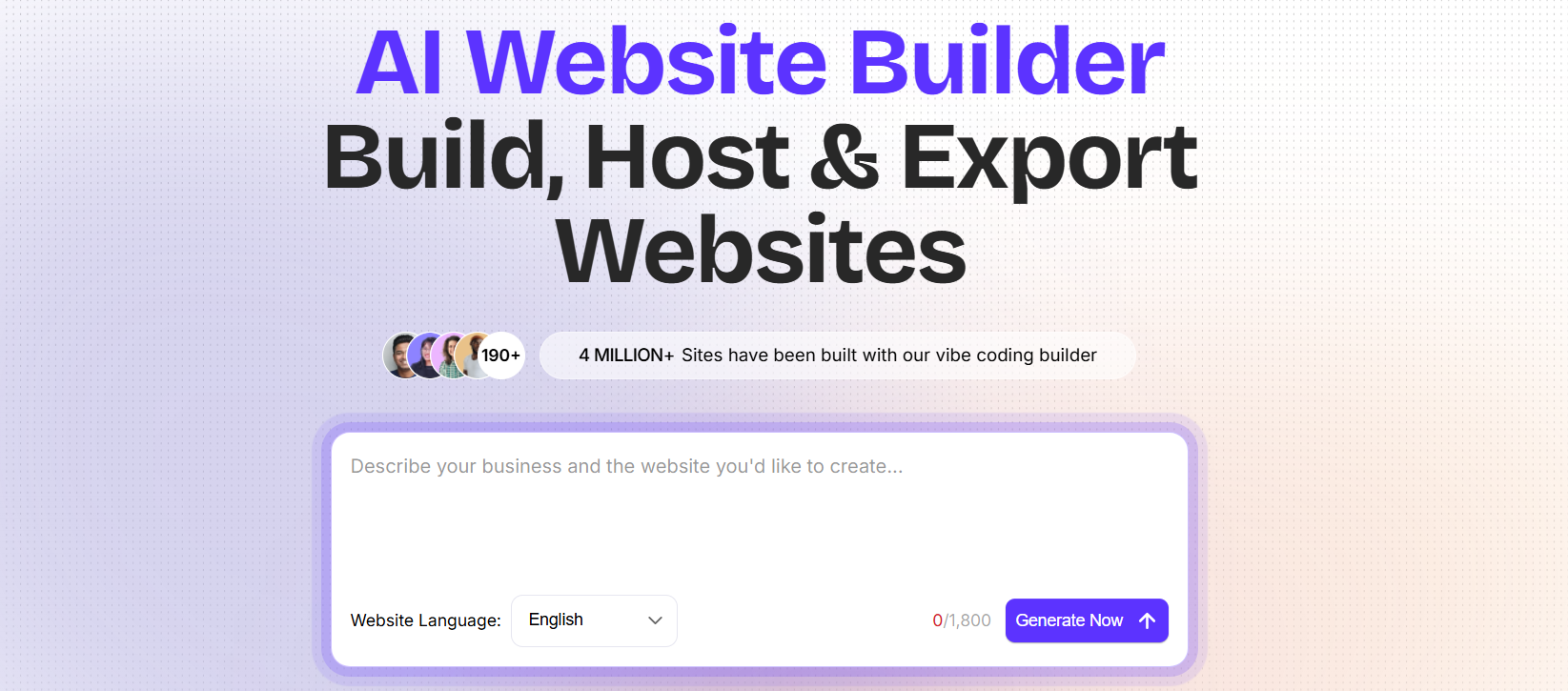
Codedesign.ai is an AI website and portfolio builder that generates clean, responsive portfolios from a prompt and lets you publish to three destinations at once: its own cloud hosting, your custom domain, and WordPress via a plugin. For developers and anyone who wants to avoid vendor lock-in, full HTML/CSS and React code export means you always own your output.
If you already run a WordPress site and want to generate a portfolio section with AI and drop it in, Codedesign.ai is the most direct way to do that.
- Triple publish that pushes your portfolio to Codedesign hosting, your own domain, and WordPress simultaneously from a single click.
- Full HTML/CSS and React code export with no platform lock-in, so you can take your portfolio anywhere.
- AI Magic copy tool for generating and rewriting portfolio copy directly inside the builder without switching tabs.
- 1,000+ templates covering portfolios, SaaS, landing pages, and funnels, broader than most dedicated portfolio tools.
- Zapier integration for connecting form submissions to your CRM, email platform, or any other tool you use.
Best For: Freelancers, developers, and small agencies who want a fast AI-generated portfolio with flexible publishing options and zero platform lock-in.
| Plan | Price |
|---|---|
| Free | Available (up to 2-3 websites, subdomain hosting, 1 custom domain) |
| Individual | $15/month |
| Growth | $29/month |
| Agency | $99/month |
How to Make the Right Choice
The right tool depends on what you actually need your portfolio to do. A few questions worth working through before you decide:
- Who's looking at your portfolio? Recruiters and hiring managers want to scan quickly. Clients and agencies often want to dig into process. The audience shapes what your portfolio needs to prioritize: clarity and speed vs. depth and interactivity.
- How much design control do you need? Tools like Figma Make and Canva give you fine-grained control over layout and visual identity. Tools like Gamma and Butternut AI prioritize speed over customization. Neither is wrong; it depends on how much of the aesthetic is yours to define.
- Do you need hosting and domain management bundled in? Some tools include everything. Others assume you're handling that yourself. Make sure you know what's included before you commit.
Our Suggestion
If your goal is to have a professional portfolio live as quickly as possible, one that's already optimized for search, built around your specific work, and doesn't require you to configure anything separately, Butternut AI is the strongest starting point on this list.
The dedicated portfolio builder mode means output is structured around showcasing work, not just adapting a general-purpose website template. Resume parsing handles the tedious parts of populating it. And because hosting, SEO, and AI tools are all included on paid plans, you're not stitching together three different services to get something live.
You can build and test your portfolio on the free plan today. You only need to upgrade when you're ready to connect a custom domain and take it live.