
Butternut AI Blog
9 WordPress Alternatives to Try in 2026
If you're looking for a WordPress alternative, we've compared the 9 best website builders on features, pricing, and ease of use to help you pick the right one.
Introduction
WordPress powers a huge chunk of the internet, and with good reason. It's open-source, endlessly customizable, and backed by a massive plugin ecosystem that lets you build almost anything you can imagine. If you've made it this far, though, you've likely run into the parts of WordPress that aren't as impressive for some reason and are looking for an alternative platform.
We've put together a clear breakdown of the best WordPress alternatives in 2026. For each tool, we've covered what it does well, where it falls short, and who it's actually built for, so you can pick the one that fits the way you want to work.
TL;DR
- Best overall alternative: Butternut AI
- Best for service businesses: Durable
- Best for budget-conscious users: Hostinger
- Best for design control: Framer
- Best WordPress-based AI builder: 10Web
Why You Might Be Looking For A WordPress Alternative
WordPress is powerful, but the same flexibility that makes it appealing also creates real friction once you actually start running a site on it. A few issues come up again and again.
- You're responsible for everything: WordPress doesn't come with hosting, security, or maintenance built in. You have to set up a host, install themes and plugins, manage updates, and handle backups yourself, which adds up to real ongoing work.
- Plugin conflicts can break your site: Most WordPress sites rely on a stack of third-party plugins, and when one of them updates poorly or conflicts with another, things break and diagnosing the cause can take hours.
- Security: Because WordPress is so widely used, it's a frequent target for attacks. Keeping the core, themes, and plugins patched and secure is a continuous job, and one missed update can leave the site exposed.
- Costs add up quickly: WordPress itself offers a free tier, but hosting, premium themes, paid plugins, security tools, and developer help can stack up to far more than the all-in-one builders advertise upfront.
- Performance depends entirely on your setup: A WordPress site is only as fast as the host, theme, and plugins you choose. Without careful tuning, page speed and Core Web Vitals can suffer, which directly impacts SEO and conversions.
9 Best WordPress Alternatives in 2026
| Tool | SEO | Custom Code / HTML | Blog Generation | Hosting & Domain | Website Copy Gen | AI Social Media | Starting Plan |
|---|---|---|---|---|---|---|---|
| Butternut AI | $20/mo | ||||||
| Design.com | $15/mo | ||||||
| Durable | $25/mo | ||||||
| CodeDesign.ai | $15/mo | ||||||
| 10Web | $20/mo | ||||||
| Hostinger | $9.99/mo | ||||||
| Framer | $15/mo | ||||||
| Wix | $17/mo | ||||||
| Squarespace | $16/mo |
Butternut AI
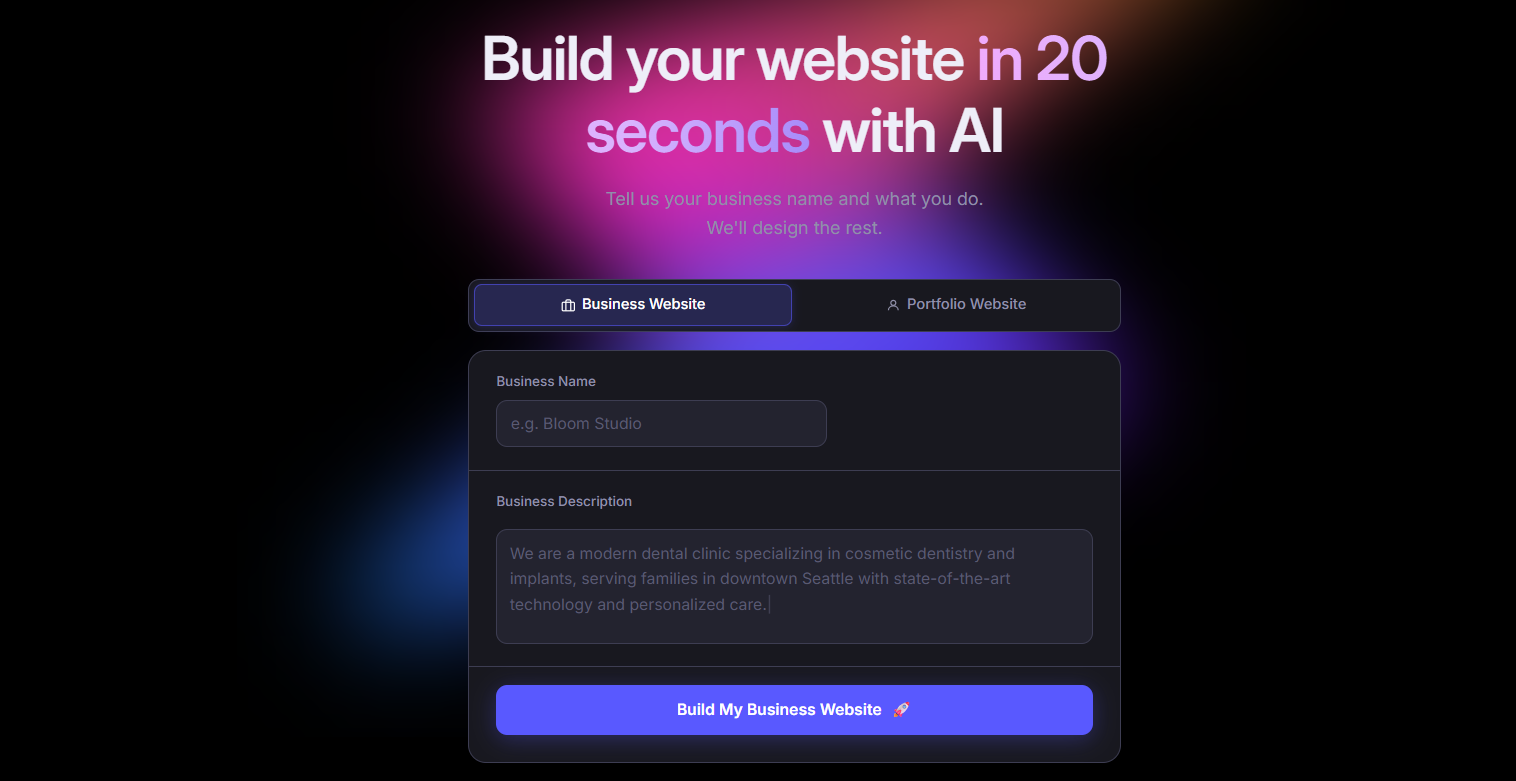
Butternut AI is an AI website builder that generates a complete website, including the structure, layout, and copy, from a short description of your business in 20 seconds. Unlike WordPress, where you start with a blank install and have to choose a theme, configure plugins, and build pages from the ground up, Butternut hands you a tailored starting point built around your business context. Editing happens directly on the page, so iterating on your site is significantly faster than working through the WordPress admin and a separate page builder.
Key Features
- It comes with built-in hosting and lets you publish in one click, so there's no separate host, theme, or plugin setup to deal with.
- It connects easily with GA4 for traffic tracking and payment apps like Stripe, PayPal, and Razorpay.
- It can generate complete blog articles from scratch, which is useful for building out SEO content without writing every post yourself.
- It allows HTML editing when you need deeper control over specific elements.
- It offers AI agents for automating social media marketing across Facebook, LinkedIn, and Instagram.
Best For: Founders, solopreneurs, and marketers who want to skip the maintenance and complexity of WordPress and get a live, functional site without managing hosting, plugins, or updates.
Pricing
| Plan | Price |
|---|---|
| Starter | $20/mo |
| Pro | $69/mo |
Design.com
Design.com is an AI-powered brand and website builder that generates multiple complete website concepts, along with matching logos, color palettes, typography, and brand assets, from a short business name and description. Compared to WordPress, where you typically piece together your branding, themes, and visuals from different sources, Design.com handles your brand identity and your website in a single workflow.
Key Features
- It includes an AI logo generator with customization options.
- It produces a matching brand kit with business cards, social media templates, letterheads, and email signatures.
- It includes 50+ design tools for things like curved text and decorative elements.
- It supports one-click publishing once your site is ready.
Best For: Small business owners, freelancers, and early-stage entrepreneurs who want a complete brand identity and a professional website built together, without coordinating designers, theme files, and plugin settings.
Pricing
| Plan | Price |
|---|---|
| Starter | $15/mo |
| Value (includes website) | $24/mo |
| Premium | $29/mo |
Durable
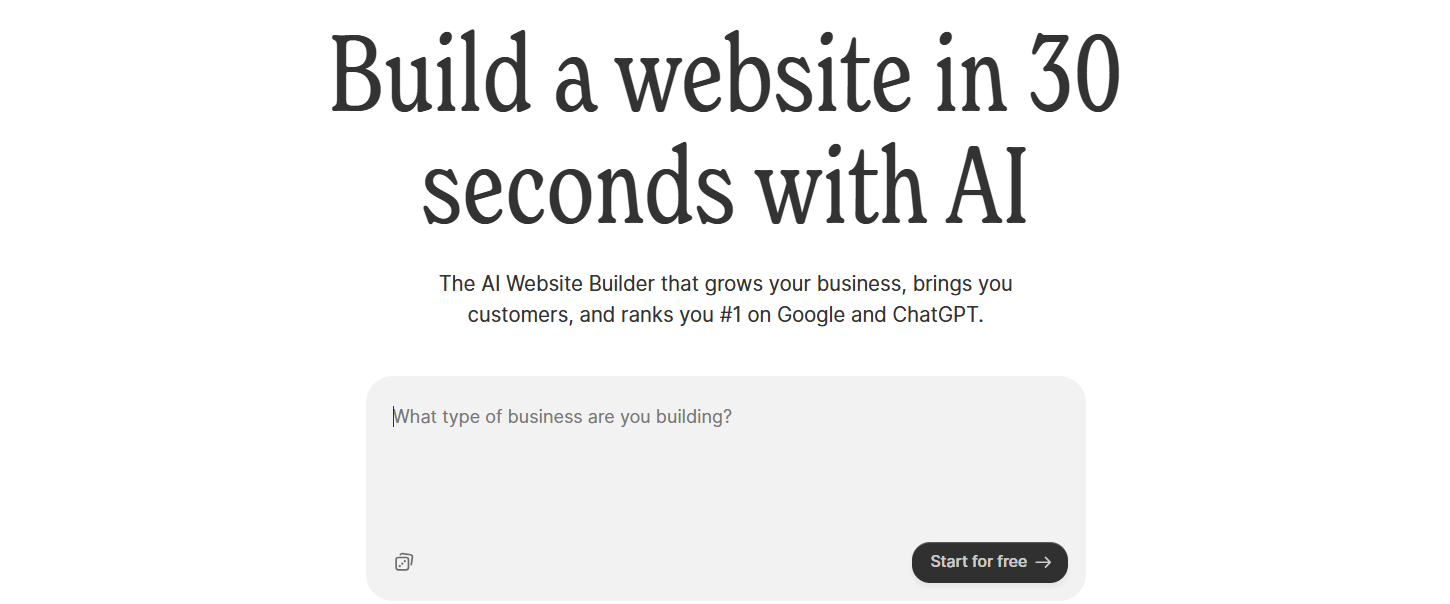
Durable is an AI-powered website builder built specifically for small service-based businesses. Beyond just creating a website, it bundles in business management tools like CRM and invoicing directly into the platform. Compared to WordPress, where you'd typically install separate plugins for forms, CRM, invoicing, and analytics, Durable rolls all of that into a single subscription.
Key Features
- It includes a built-in CRM for managing leads and customer data.
- It supports invoice creation and payment tracking directly within the platform.
- It provides lead capture forms that automatically sync with the CRM.
- It includes analytics dashboards to monitor website activity and customer interactions.
- It offers AI social media marketing tools for promoting your business across multiple channels.
Best For: Solopreneurs and local service businesses (consultants, contractors, therapists, freelancers) who want their website, CRM, and basic operations in one place instead of stitching together a WordPress stack.
Pricing
| Plan | Price |
|---|---|
| Launch | $25/mo |
| Grow | $99/mo |
CodeDesign.ai
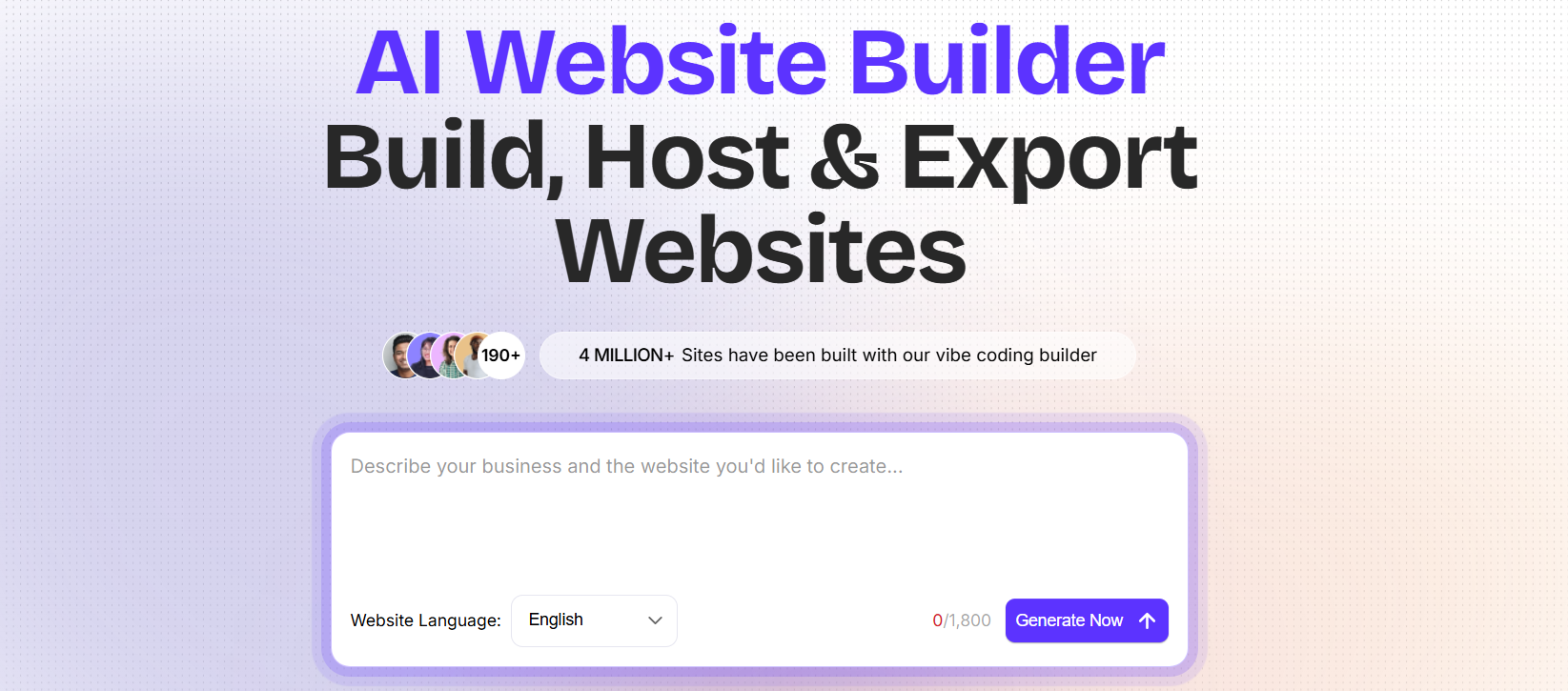
CodeDesign.ai is an AI website builder that generates complete websites from text prompts and lets you export the result as clean HTML and CSS. That export option is unusual in the AI builder space and makes it interesting for anyone who wants AI to handle the heavy lifting of design and copy but doesn't want to be locked into a proprietary platform afterward.
Key Features
- It generates a full website from a text prompt as a starting point.
- It supports full HTML and CSS export, so you can host the site anywhere.
- It includes a drag-and-drop editor for refining the design after generation.
- It allows you to connect a custom domain for publishing.
- It provides SEO tools for meta tags, headings, and content structure.
Best For: Developers, freelancers, and small agencies who want an AI-generated starting point for client sites but need the freedom to export, host, and modify the code outside the builder.
Pricing
| Plan | Price |
|---|---|
| Individual | $15/mo |
| Growth | $29/mo |
| Agency | $99/mo |
10Web
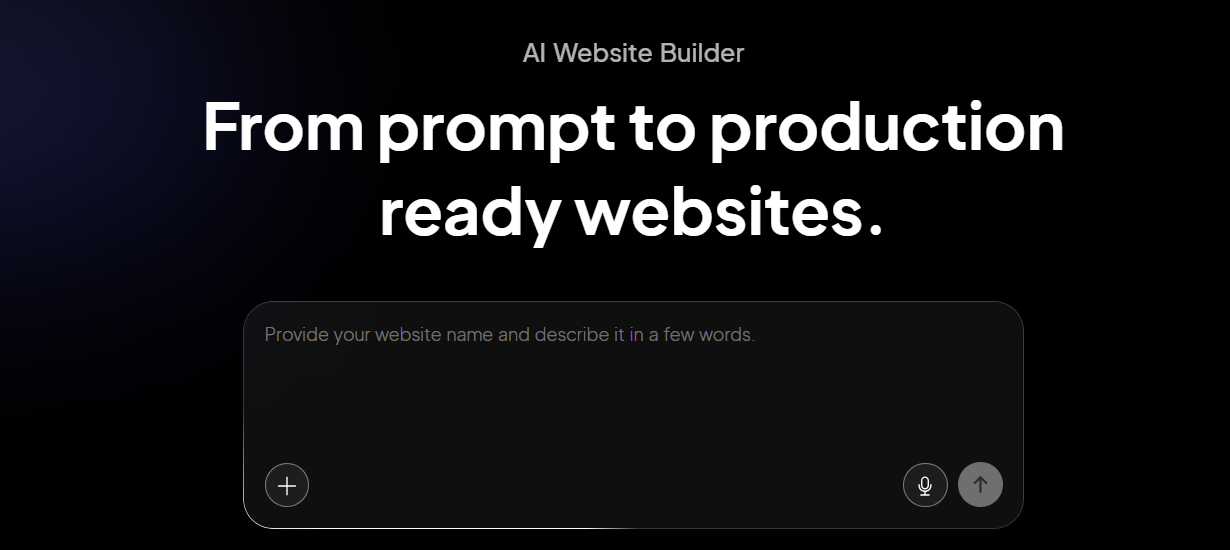
10Web is an AI website builder built on top of WordPress and hosted on Google Cloud. Its AI generates a complete WordPress site from a prompt and can even clone the layout of an existing website by URL. The interesting thing about 10Web is that it doesn't ask you to leave the WordPress ecosystem; it gives you AI-powered speed alongside the 65,000+ plugins that make WordPress appealing.
Key Features
- It can clone the layout of an existing website with only the URL of the website.
- It includes Google Cloud hosting with strong page speed performance out of the box.
- It uses an Elementor-based visual editor for customizing the site after generation.
- It gives you access to the full WordPress plugin library and WooCommerce for eCommerce.
Best For: WordPress users, agencies, and small businesses that want AI to handle the initial setup but still want the flexibility, plugins, and portability of the WordPress ecosystem.
Pricing
| Plan | Price |
|---|---|
| AI Starter (1 site) | $20/mo |
| AI Premium (1 site) | $30/mo |
| Agency Starter (3 sites) | $48/mo |
| Agency Premium (10 sites) | $120/mo |
Hostinger
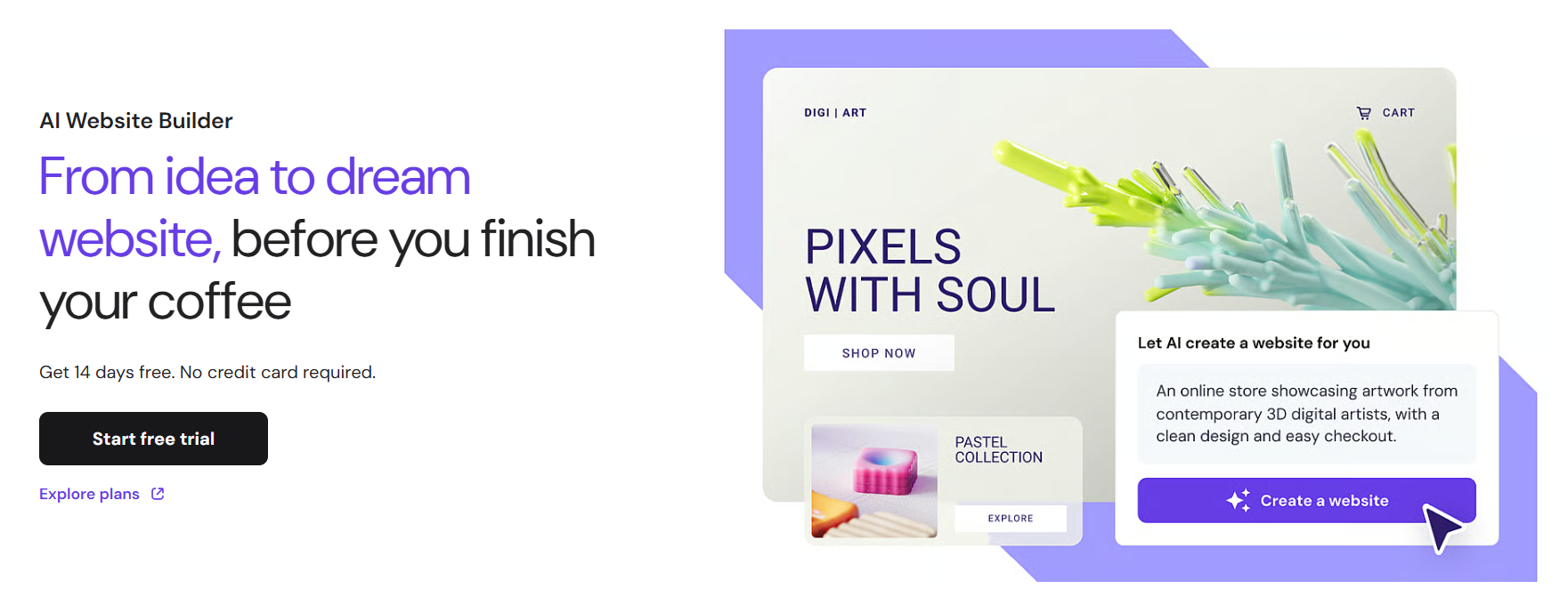
Hostinger is best known as a budget-friendly web host, and Horizons, its AI website builder, has quietly grown into a capable entry-level option. It pairs an AI builder that turns plain-language prompts into a working site with hosting, SSL, a free domain, and built-in eCommerce, all in one plan. Compared to running WordPress, where you'd typically pay separately for hosting, a domain, and at least a few plugins to cover the basics, Hostinger compresses all of that into a single, low monthly cost.
Key Features
- It generates complete websites from text, voice, or image prompts.
- It comes with built-in hosting, SSL, and a free domain on the first year of annual plans.
- It includes a built-in SEO assistant for meta tags, page structure, and search visibility.
- It supports built-in eCommerce with Stripe integration on Starter plans and above.
- It lets you host multiple websites under a single plan, which is useful for freelancers managing several projects.
Best For: Budget-conscious individuals, freelancers, and small businesses who want a working website plus hosting under one roof, without the recurring cost stack of a self-hosted WordPress setup.
Pricing
| Plan | Price |
|---|---|
| Explorer | $9.99/mo |
| Starter | $19.99/mo |
| Hobbyist | $55.99/mo |
| Hustler | $99.99/mo |
Framer

Framer is a design-first website builder built for users who want precise control over how their site looks and behaves. It comes with advanced animation tools, responsive layout controls, and a component-based design system that keeps things consistent across pages. Compared to WordPress, where polished design usually means buying a premium theme and then fighting with it (or hiring a developer), Framer gives you a Figma-like canvas where you can build exactly what you want. It's a strong fit for designers and product teams who don't want to compromise on aesthetics or page performance.
Key Features
- It uses a component-based design system, so elements built once can be reused and kept consistent across multiple pages.
- It includes built-in animation tools for scroll effects and transitions.
- It provides advanced responsive design controls for fine-tuning layouts across all screen sizes.
- It includes a CMS for managing structured content like blogs and case studies.
Best For: Designers, product teams, and agencies that want full creative control without writing code or wrestling with WordPress themes.
Pricing
| Plan | Price |
|---|---|
| Basic | $15/mo |
| Pro | $45/mo |
| Scale | $100/mo |
Wix
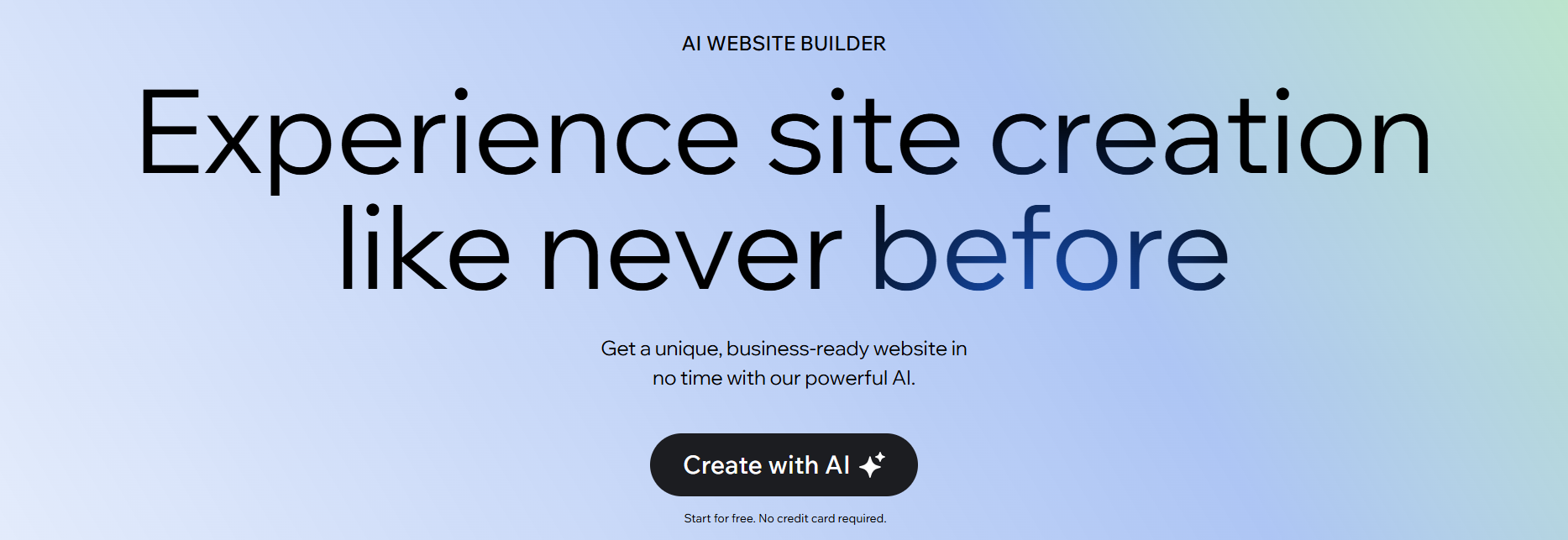
Wix combines a drag-and-drop editor with an AI builder, a large template library, and a marketplace of 800+ apps. Compared to WordPress, Wix takes care of hosting, security, and updates for you, so you spend your time on the site itself rather than on the infrastructure around it. It's a good fit for users who want WordPress-level breadth in features without the WordPress-level maintenance burden.
Key Features
- It includes Wix Harmony, a conversational AI builder that generates a starting site for you.
- It offers 900+ customizable templates across a wide range of industries.
- It has a marketplace of 800+ apps for adding features like booking, scheduling, and reviews.
- It includes built-in eCommerce, events, and membership tools.
- It comes with marketing tools for email campaigns and social media posts.
Best For: Small businesses, beginners, and creators who want a broad feature set, a large app ecosystem, and managed hosting without taking on the operational side of WordPress.
Pricing
| Plan | Price |
|---|---|
| Light | $17/mo |
| Core | $29/mo |
| Business | $39/mo |
| Business Elite | $159/mo |
Squarespace

Squarespace is a website builder known for the quality of its design and the polish of its templates. It's a favorite among creators and small brands that care about visual presentation, and its structured editor keeps layouts looking clean and consistent across pages. Compared to WordPress, you give up some flexibility, but you also avoid the work of finding a good theme, keeping it updated, and having to choose plugins for blogging, email marketing, and eCommerce. Most of that comes built-in with Squarespace.
Key Features:
- It offers a curated library of high-quality, professionally designed templates.
- It includes built-in blogging tools with scheduling, categories, and content management.
- It supports eCommerce with product catalogs, inventory management, and checkout.
- It comes with built-in email marketing tools for creating and managing campaigns.
- It provides detailed analytics for tracking traffic, engagement, and sales.
Best For: Creators, photographers, consultants, and small brands that prioritize strong visual branding and want a managed alternative to building it all themselves on WordPress.
Pricing
| Plan | Price |
|---|---|
| Basic | $16/mo |
| Core | $23/mo |
| Plus | $39/mo |
| Advanced | $99/mo |
How to Make the Right Choice
Picking the right WordPress alternative comes down to understanding what's actually frustrating you about your current setup and what you want your day-to-day to look like instead. A few things that are worth thinking through before committing to a new platform include:
- Maintenance and updates: Decide upfront whether you want a managed platform that handles updates, security, and backups for you, or whether you want to keep that control.
- Design control: Some tools give you pixel-level precision while others trade flexibility for speed and ease of use. Match the tool to how much hands-on design work you actually want to do.
- Where you're heading: Choose a platform that can support where you're going, not just where you are now. Adding pages, a blog, or a store later shouldn't be a blocker.
- SEO and content capabilities: If organic search matters to your business, look for proper metadata controls, custom URLs, and built-in content creation.
- Built-in features vs. integrations: List the features you actually need (eCommerce, CRM, blogging, email, etc.) and check whether they're included or sold separately. The cheapest plan can quickly become expensive once you stack add-ons.
- Total cost over time: The starting price rarely tells the full story. Factor in renewals, upgrades, and any features locked behind higher tiers; for WordPress, factor in hosting, premium themes, plugins, and any developer time.
Our Suggestion
If you want to walk away from the maintenance and complexity of WordPress and get to a live site as quickly as possible, Butternut AI is worth a serious look.
It handles the hard parts upfront. Structure, copy, and basic SEO are all generated based on your business context, so you start by refining a tailored site rather than building one from a blank theme. The editing experience is direct, hosting is built in, and there are no plugins, updates, or hosting panels to babysit afterward.
You can build your website today for free. You only pay when you're happy with the result and ready to take it live.